If you are searching for a Verizon Fios location, you are likely looking to verify service availability at your specific residential or business address or seeking a local retail presence for equipment support. Please note that Verizon Fios is a fiber-optic network; availability is strictly determined by infrastructure deployment at your specific street address, rather than by general storefront locations.
Understanding Fiber-Optic Network Infrastructure in 2026
Verizon Fios utilizes a Fiber-to-the-Premises (FTTP) architecture. Unlike cable internet that relies on aging coaxial copper lines, Fios transmits data via light signals through hair-thin glass strands. As of 2026, the network expansion is highly granular, meaning your neighbor across the street may have access to 2 Gig symmetrical speeds while your specific building may currently be limited by local franchise agreements or physical right-of-way construction constraints.
To determine if your home or office qualifies for the Fios network, you must utilize the official Verizon online address lookup tool. This system queries the Central Office (CO) and the local Optical Line Terminal (OLT) serving your specific neighborhood. Because fiber installation involves deep-trenching or aerial fiber stringing, availability is not based on zip code proximity but rather on the engineering status of your individual utility pole or underground conduit terminal.
Strategic Steps to Verify Serviceability at Your Address
Follow this technical process to confirm if your location is lit for service in 2026:
- Access the official Verizon Fios portal and navigate to the check availability feature.
- Enter your precise street address, including unit or apartment numbers, as these are critical for multi-dwelling unit (MDU) qualification.
- Review the available service tiers, which in 2026 include the 300 Mbps, 500 Mbps, 1 Gig, and 2 Gig symmetrical plans.
- If your address is marked as unavailable, use the Check Eligibility for Fios Expansion form to register your interest, which helps Verizon’s infrastructure planners prioritize areas with high demand for future network builds.
Comparison of Connectivity Options for Your Location
When evaluating your connectivity needs, it is essential to distinguish between Fios, 5G Home Internet, and legacy DSL. The following table illustrates the technical differences you may encounter based on your location’s infrastructure status in 2026.
| Connection Type | Infrastructure Medium | Typical Symmetry | Performance Consistency | Availability Status |
|---|---|---|---|---|
| Verizon Fios | Fiber-Optic Cable | Fully Symmetrical | High (dedicated) | Address Specific |
| 5G Home Internet | mmWave/C-Band Radio | Asymmetrical | Variable | Proximity Based |
| Legacy DSL | Copper Phone Lines | Highly Asymmetrical | Low (distance dependent) | Phasing Out |
| Enterprise Fiber | Dedicated Glass | Fully Symmetrical | Guaranteed SLA | Commercial Only |
Managing Technical Support and Equipment Exchanges
If you have already confirmed your address is a Fios location and you are experiencing hardware issues or require an equipment swap, you do not necessarily need to visit a physical store. In 2026, Verizon has streamlined logistics to prioritize direct-to-door shipping for Optical Network Terminals (ONT) and Fios Routers.
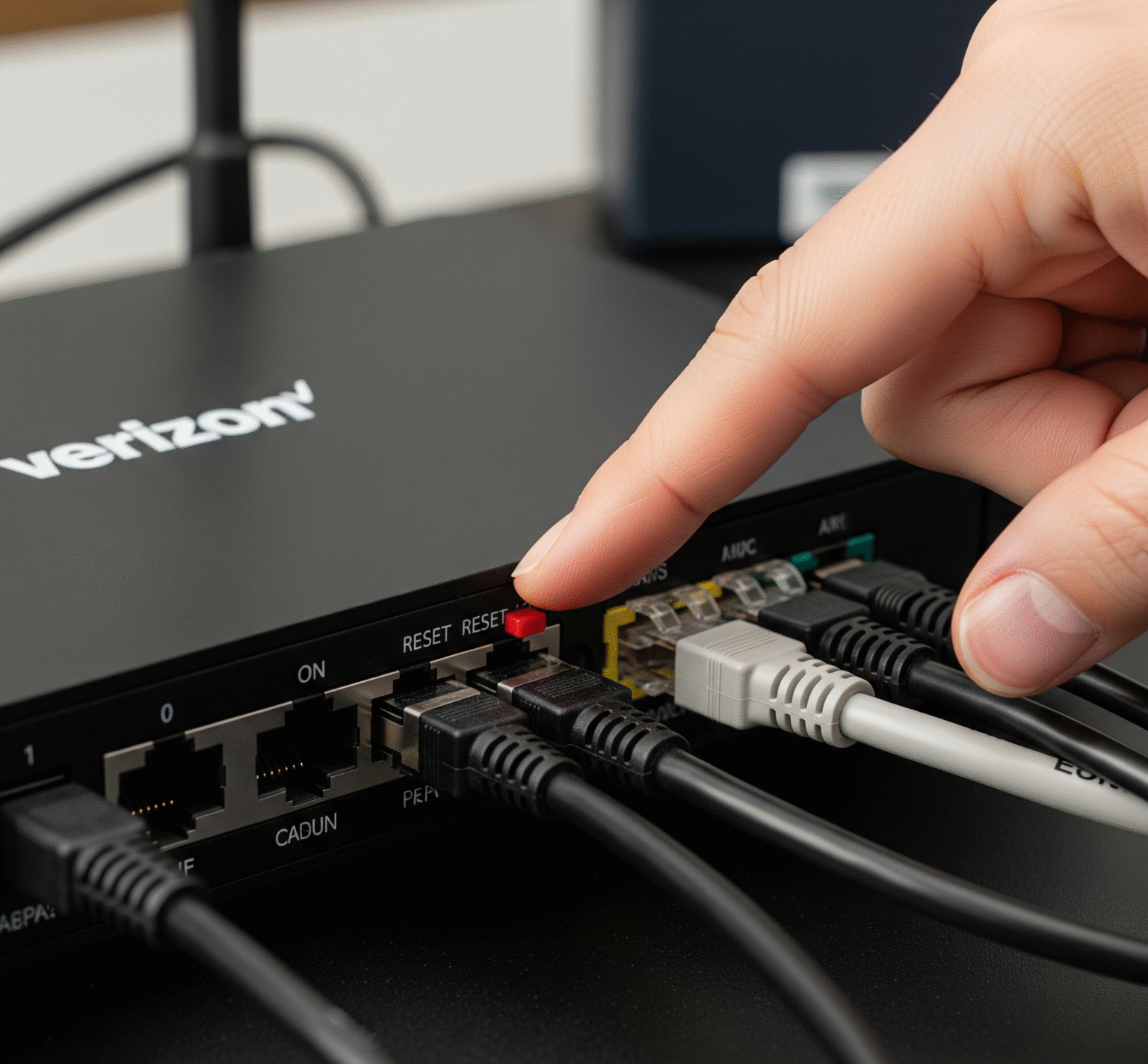
Professional Equipment Handling If you have a damaged or outdated ONT, do not attempt to replace it yourself. This device is the demarcation point where the fiber network meets your internal wiring. Always schedule a technician visit if your ONT indicates a red Fail light or a Data light that does not synchronize. Only an authorized Verizon technician should handle the fiber pigtail connection to prevent laser-related eye injury or signal attenuation caused by dust contamination.
Frequently Asked Questions for 2026 Service Coverage
Can I find a local Verizon store to sign up for Fios? Retail Verizon stores focus primarily on mobile device sales and cellular plans; they generally cannot perform site surveys or check fiber installation status for a specific residence. Always use the online address lookup tool to ensure the most accurate data regarding your physical location's serviceability.
Why does my neighbor have Fios but my home does not? Fios availability is determined by the specific path of fiber optic cables laid in your neighborhood. If your home is served by a different utility loop or has not been included in a recent "fiber-ready" construction cycle, you may be excluded from the service area even if the surrounding homes are fully connected.
Is there a way to request Fios installation for my building? Yes, property owners and managers can submit a request for MDU (Multi-Dwelling Unit) fiber deployment through the Verizon landlord portal. This requires a formal agreement to allow installation crews access to the property's common areas and telecommunications closets.
What should I do if my address is incorrectly listed as "unavailable"? If you believe your area is fiber-ready because your neighbors have service, contact Verizon customer support and request a "Sales Engineering Check." Sometimes the database has outdated information regarding your specific address tag, and a manual review by a site technician can correct the eligibility status.
Optimizing Your Home Network Environment
Once you confirm your location is eligible for Fios, your focus should shift to the internal distribution of that high-bandwidth signal. In 2026, the standard Fios Router supports Wi-Fi 7 technology, which is designed to handle high-density device environments. To maximize your experience:
- Use Cat6a Ethernet cabling for any stationary devices like gaming consoles or home office workstations to ensure you receive the full symmetrical throughput.
- Position your router in a central, elevated location away from metal obstructions or other radio-frequency interference sources.
- Utilize Verizon’s Wi-Fi Extender nodes if you are in a large home, ensuring they are connected via MoCA or Ethernet backhaul rather than relying solely on wireless mesh backhaul for the highest possible reliability.
If you are a new customer or moving to a new location, initiate your service order at least two weeks prior to your move-in date. This allows sufficient time for any required exterior line work or interior fiber jack installation that may be necessary at your specific address.