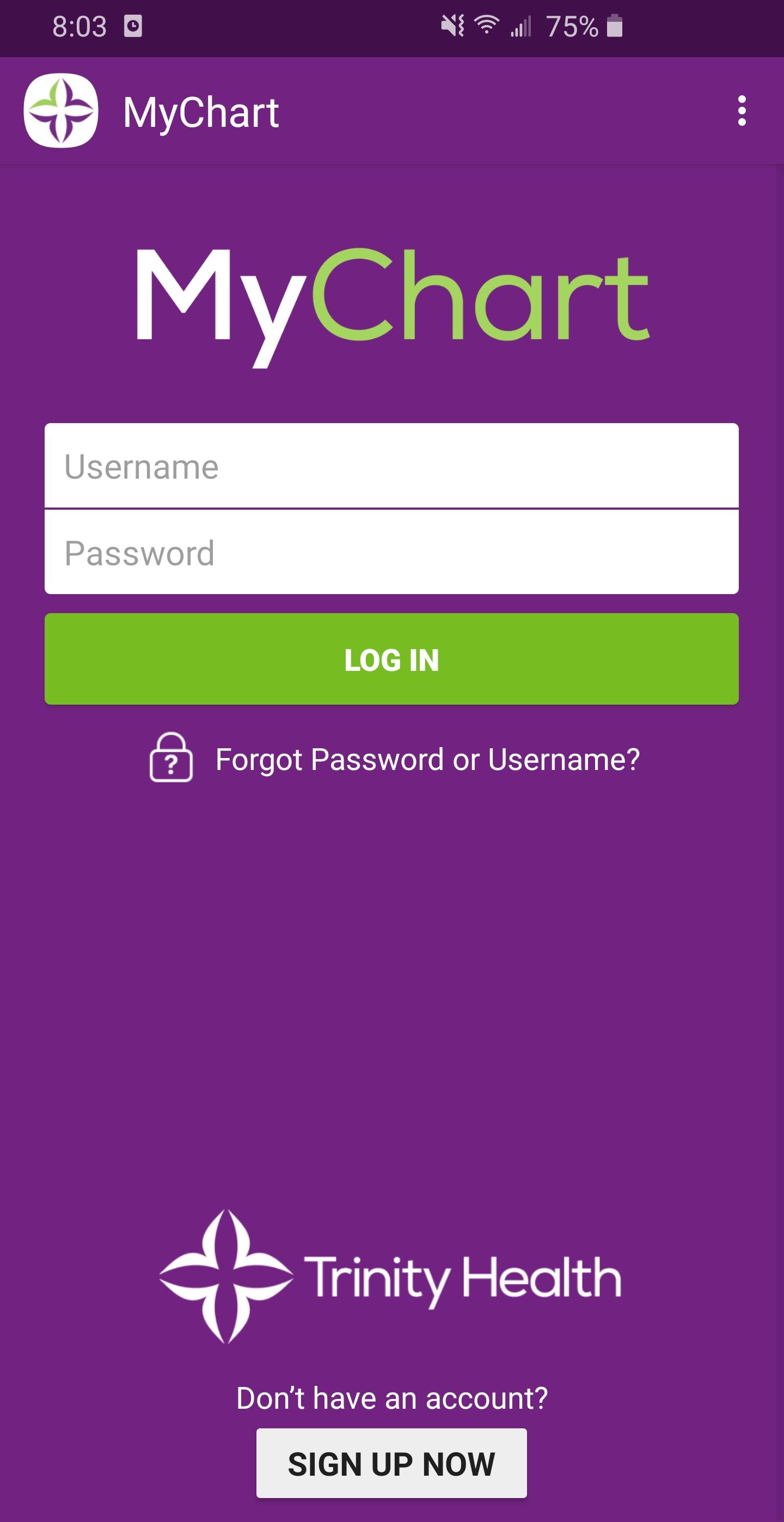
Trinity Health Workday functions as the centralized human capital management portal for one of the largest Catholic health care delivery systems operating across the United States. Spanning numerous states, acute care hospitals, home health agencies, and long-term care facilities, Trinity Health utilizes Workday to streamline workforce management, human resources operations, payroll administration, and benefits enrollment for hundreds of thousands of healthcare professionals. Navigating this enterprise platform effectively is critical for clinical staff, administrative personnel, and management teams to ensure regulatory compliance, maintain licensure records, and manage daily workforce logistics.
Core Architecture and Functional Modules of Trinity Health Workday
The Trinity Health Workday deployment integrates multiple enterprise resource planning functions into a single cloud-native interface. For a healthcare system of this magnitude, maintaining real-time visibility into staff credentials, shift differentials, and compensation structures is mandatory to satisfy Joint Commission standards and CMS guidelines.
The platform is partitioned into distinct functional modules designed to serve different operational needs across the health system:
- Human Resources (Core HR): Manages employee lifecycle events, organizational hierarchies, position tracking, and personal data updates.
- Talent and Performance Management: Facilitates annual performance evaluations, goal setting, continuing education tracking, and internal mobility or job applications.
- Time and Absence: Tracks worked hours, overtime calculations, paid time off (PTO) accruals, sick leave, and shift swap requests.
- Payroll and Compensation: Provides secure access to historical paystubs, W-2 tax forms, direct deposit routing configurations, and tax withholding adjustments.
- Benefits Administration: Handles annual open enrollment elections, life event modifications, and coverage summaries for medical, dental, vision, and retirement plans.
Secure Access Protocols and Authentication Requirements
Logging into the Trinity Health Workday environment requires adherence to stringent cybersecurity protocols mandated by healthcare data privacy regulations, including HIPAA. Because the portal contains sensitive personally identifiable information and banking details, unauthorized access attempts are rigorously monitored by the organization's information security infrastructure.
To establish a secure session, users must navigate through approved authentication gateways. Depending on whether an employee is accessing the system from an internal workstation within a Trinity Health facility or externally from a personal device, the login sequence shifts to accommodate varying threat models.
Authentication Pathways and Security Standards
Multi-Factor Authentication Mandate All external connections to the Trinity Health Workday portal require Multi-Factor Authentication (MFA). Employees must register an approved hardware token, authenticator application, or receive a push notification/SMS verification code to complete the sign-in process. Shared credentials or bypassed MFA verifications are strictly prohibited under system security policies.
Managing Payroll, Tax Documents, and Direct Deposit
One of the most frequent operational uses of the Workday portal involves financial management. Healthcare professionals working varied shifts, on-call schedules, or floating across different departments rely on the system for financial transparency.
Employees can access detailed pay statements that break down base hourly wages, shift differentials, weekend premiums, on-call pay, and overtime calculations. Ensuring that direct deposit allocations are current prevents payroll processing delays.
Step-by-Step Guide to Updating Direct Deposit Information
- Log into your Trinity Health Workday account using your enterprise credentials and complete the required multi-factor authentication challenge.
- Navigate to the Pay application icon located on your personalized home dashboard.
- Select Payment Elections under the actions menu to view your existing bank account routing configurations.
- Click on Add or Edit to input new routing numbers and account numbers for checking or savings accounts.
- Assign the distribution percentage or designate the account as the primary depository for remaining net pay balances.
- Upload any required verification documents, such as a voided check or bank confirmation letter, if prompted by institutional finance policies.
- Submit the changes and authorize the transaction using your Workday account password or secondary authentication prompt.
Benefits Enrollment and Total Rewards Management
Trinity Health offers a comprehensive Total Rewards package designed to support the physical, emotional, and financial wellbeing of its workforce. The Workday portal serves as the exclusive digital storefront for reviewing and electing these benefits during annual open enrollment periods or following qualifying life events such as marriage, birth of a child, or adoption.
The system provides side-by-side plan comparisons, premium cost calculators, and coverage details for medical networks, pharmacy benefits, flexible spending accounts (FSA), health savings accounts (HSA), and supplemental insurance offerings.
Comparison of Plan Administration Tiers in Workday
| Feature / Benefit Type | Standard PPO Plan | High-Deductible Health Plan (HDHP) | Managed Care / HMO Option |
|---|---|---|---|
| Network Structure | Broad Tiered Provider Network | Broad Tiered Provider Network | Exclusive Trinity Health & Partner Provider Network |
| Deductible Level | Moderate In-Network Deductible | Higher Annual IRS-Compliant Deductible | Low or Zero Deductible with Copays |
| HSA Eligibility | Ineligible for Employer-Funded HSA | Fully Eligible for Tax-Advantaged HSA Contributions | Ineligible for HSA; FSA Options Available |
| Primary Care Requirement | Not Required, but Recommended | Not Required, but Recommended | Mandatory Designated Primary Care Physician (PCP) |
Tracking Credentials, Certifications, and Continuing Education
In the healthcare industry, maintaining active licensure, certifications, and compliance credentials is non-negotiable. Trinity Health Workday integrates credential tracking directly with human resources and scheduling software to prevent out-of-compliance personnel from being scheduled for clinical shifts.
Clinical and administrative staff must proactively upload verification documents for nursing licenses, medical board certifications, Basic Life Support (BLS), Advanced Cardiovascular Life Support (ACLS), and mandatory annual compliance modules.
- License Expiration Alerts: Workday triggers automated email notifications 90, 60, and 30 days prior to any professional license or certification expiration date.
- Internal Training Integration: Links directly to learning management systems where staff can complete assigned compliance modules and safety training.
- Manager Visibility: Department managers and clinical directors maintain dashboard visibility into unit-wide credential compliance to satisfy regulatory audits.
Troubleshooting Common Workday Access and Technical Issues
Technical hurdles can occasionally disrupt access to scheduling, pay records, or benefit details. Understanding the standard troubleshooting pathways minimizes operational friction and reduces reliance on help desk intervention.
Common Technical Errors and Resolution Strategies
- Locked Account / Forgotten Password: If an account becomes locked due to consecutive failed login attempts, users must utilize the self-service password reset utility linked on the primary login page. Enterprise help desks cannot manually unlock accounts without verifying identity through secure protocol.
- Browser Compatibility Issues: Workday operates best on modern, updated web browsers such as Google Chrome, Microsoft Edge, or Mozilla Safari. Clearing browser cache and cookies frequently resolves infinite loading loops or display formatting errors.
- Mobile Application Sync Errors: When using the Workday mobile application on smartphones or tablets, ensure the app version is updated to the latest release published in the Apple App Store or Google Play Store. Re-authenticating your organizational tenant tenant ID is often necessary following security credential updates.
Frequently Asked Questions
How do I log into Trinity Health Workday for the first time?
First-time users must obtain their enterprise network credentials and temporary password from the Trinity Health IT service desk or human resources onboarding coordinator. Navigate to the official organization login portal, enter your unique username and temporary password, and follow the prompts to configure your multi-factor authentication device.
Where can I find my W-2 tax form in Workday?
Navigate to the Pay application from your main dashboard, select Tax Documents under the view menu, and opt-in to electronic delivery or download available historical PDF statements for filing purposes. Electronic consent must be active prior to the annual generation deadline.
How do I update my home address or emergency contact details?
Select the Personal Information application on your Workday home screen, click on Personal or Contact Information, and select the edit pencil icon next to the field you wish to modify. Changes submitted through self-service update downstream payroll and benefits databases automatically.
Can I access Trinity Health Workday outside of the secure hospital network?
Yes, external access is fully supported via web browsers or the official mobile application, provided you successfully complete the mandatory multi-factor authentication verification challenge.
Who should I contact if my payroll hours or shift differentials are incorrect?
You should first review your timecard entries in the Time and Absence module to ensure punches were recorded accurately. If a discrepancy persists, contact your departmental timekeeper, unit manager, or human resources payroll representative immediately for adjustment.
How do I submit a request for Paid Time Off (PTO)?
Access the Time and Absence application, select Request Absence on the calendar interface, highlight the specific dates required, select the appropriate absence type (e.g., Vacation, Sick, Personal), and submit the request for manager approval.
Call to Action: For ongoing technical assistance, password resets, or system navigation support, reach out to the Trinity Health Enterprise IT Service Desk or consult your facility's local human resources department during standard business hours.