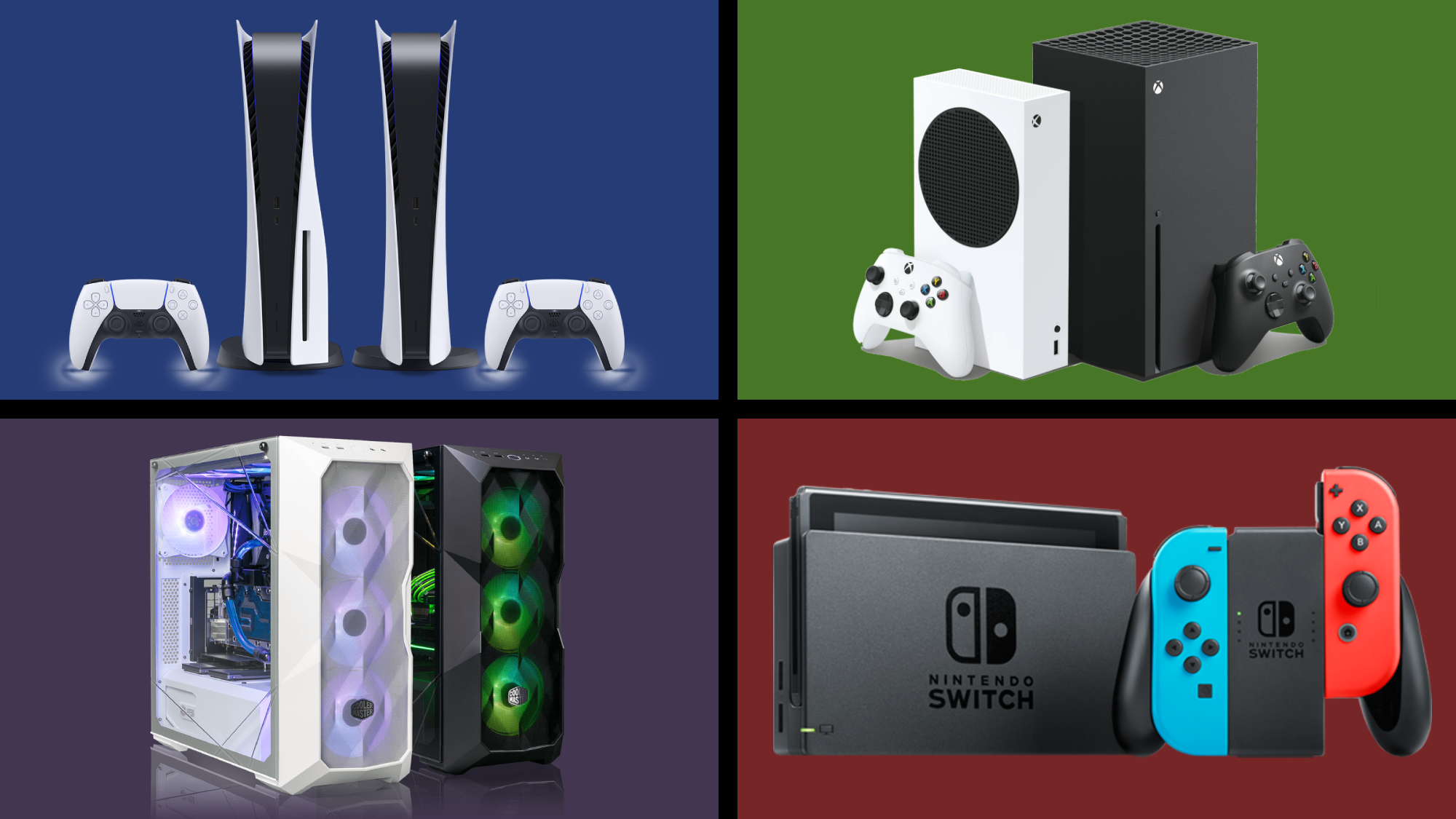
The question of whether PC and PS5 users can engage in multiplayer sessions together is no longer a matter of technical impossibility but one of developer implementation and platform architecture. As of 2026, the gaming landscape has shifted toward a unified ecosystem where cross-play is the industry standard for competitive and cooperative titles, though specific limitations remain based on the game engine and developer infrastructure.
Understanding the Technical Architecture of Cross-Play in 2026
The ability for a PlayStation 5 console to communicate with a Windows-based PC relies on centralized server architecture. When you play a game that supports cross-play, your platform (PS5 or PC) does not connect directly to the other player’s machine. Instead, both devices connect to a third-party server—often hosted by the game publisher (such as Epic Games, Activision, or Ubisoft)—which acts as the bridge.
In 2026, most major developers utilize account-linking systems, such as Epic Online Services or proprietary cross-progression accounts. This allows your unique player ID to transcend the closed ecosystem of the PlayStation Network and interact with the open ecosystem of PC clients like Steam, the Epic Games Store, or the Xbox app for PC.
Factors Determining Cross-Platform Compatibility
Not every game supports cross-play. The decision to implement this feature rests entirely on the game developers. Before assuming you can play with a friend on another platform, verify the following conditions:
- Developer Implementation: The publisher must have built cross-play functionality into the game code. It is not a feature inherent to the PS5 or PC hardware themselves.
- Version Parity: Both the PC version and the PS5 version must be updated to the same patch level. If a developer releases a hotfix for PC that has not yet passed certification for Sony’s network, cross-play may be temporarily disabled.
- Third-Party Accounts: Many cross-platform titles require you to sign in to a developer-specific account (e.g., an EA account or a Bungie ID). Without linking this to your PSN and PC client accounts, the matchmaking system may fail to recognize your friend.
- Input-Based Matchmaking: In highly competitive shooters, developers often separate lobbies based on control schemes. You might be able to play with a PC friend, but the game may force you into a controller-only lobby to maintain balance.
Comparative Overview of Platform Interoperability
The following table outlines how different gaming categories handle cross-platform interactions as of the 2026 development standards.
| Feature Category | Cross-Play Status | Technical Requirement |
|---|---|---|
| Competitive FPS | Common (Often input-restricted) | Unified account login required |
| MMORPGs | Standard | Server-wide population pooling |
| Sports Simulations | Universal | Publisher-owned server infrastructure |
| Fighting Games | Emerging Standard | Rollback netcode synchronization |
| Local Split-Screen | Rarely Supported | Same-platform local hardware |
How to Enable Cross-Play on Your Systems
If you have confirmed that your chosen game supports cross-play, follow these standardized steps to ensure a seamless connection.
- Activate In-Game Settings: Navigate to the "Social" or "Network" tab within the game’s settings menu. Look for a toggle labeled "Cross-Play" and ensure it is set to "On."
- Link Your Accounts: Visit the game’s official website on a browser to link your PlayStation Network account and your PC platform account (e.g., your Steam ID) to a central master account.
- Search via Unique Identifiers: Do not attempt to add your friend through the PlayStation "Friends" list if they are on PC. Use the in-game social menu to search for their unique Display Name or Developer ID.
- Confirm Cross-Progression: While cross-play allows for shared sessions, verify if the game supports "Cross-Progression," which ensures your unlocked items and stats persist regardless of which machine you use.
Technical Challenges and Performance Disparities
While cross-play creates a wider player base, it introduces technical nuances that users must manage to remain competitive. PC players often have the advantage of higher frame rates, lower input latency, and adjustable field-of-view (FOV) settings.
The PS5, while powerful, is optimized for a fixed 60 or 120 FPS target, depending on the performance mode selected in the system settings. When playing against PC users who may be pushing 240Hz, PS5 players might experience a slight disadvantage in twitch-reaction scenarios. To mitigate this, many developers in 2026 include "Platform-Specific" filters that allow PS5 players to turn off cross-play entirely, restricting their matchmaking pool to console players only.
Addressing Common Troubleshooting Scenarios
If you encounter persistent issues while trying to join a friend on another platform, consider these diagnostic steps:
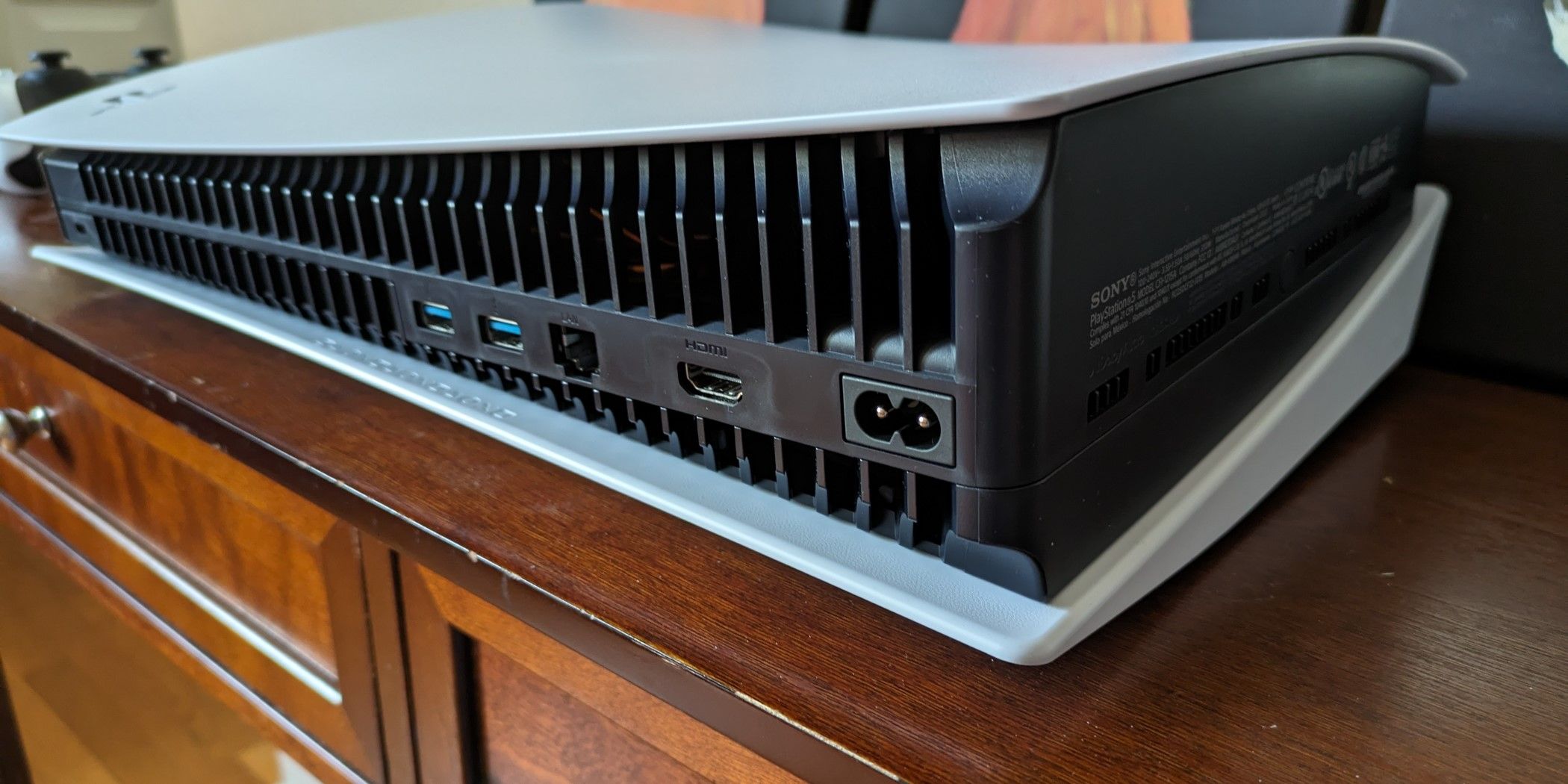
Network Address Translation (NAT) Type Ensure your console or PC has an Open or Type 2 NAT setting. Strict or Type 3 NAT can prevent the handshake required between cross-platform services, leading to "Connection Failed" errors even if the game natively supports cross-play.
Version Mismatch Errors Always manually check for updates on the PS5 home screen by selecting the game and pressing the Options button. On PC, ensure your game launcher is not set to offline mode, as this will prevent the sync required for matchmaking.
Frequently Asked Questions
Is cross-play enabled by default on the PS5? Most titles have cross-play enabled by default, but you should always verify this in the game's network settings menu. If you are having trouble connecting, checking this setting is the first logical step.
Does cross-play cost extra money? No, the feature itself is a component of the software and carries no additional fees from Sony or PC storefronts. However, certain online games may still require a PlayStation Plus subscription for the PS5 user to access multiplayer features.
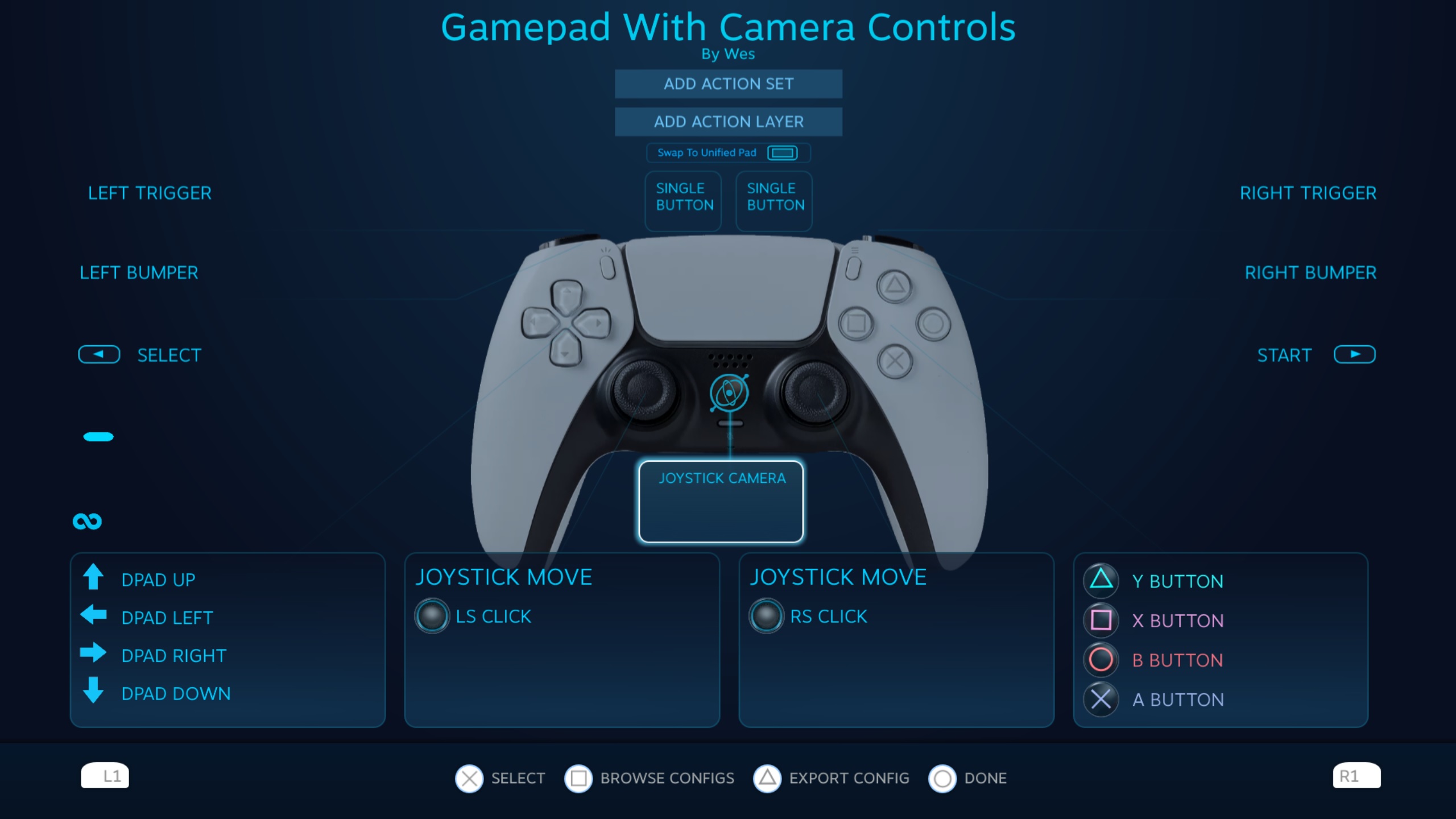
Can I use a keyboard and mouse on PS5 to play against PC users? Many modern titles now offer native keyboard and mouse support on PS5. If the game recognizes your peripherals, you can often play with a setup identical to a PC user, though this depends entirely on individual game support.
Do all games support cross-play in 2026? No. While it is the industry standard for multiplayer-focused games, many single-player titles with minor online components do not support cross-play. Always check the official game store page under the "Features" section.
What happens if my PC friend is on a different store? As long as the game uses a third-party account system (like an Activision or EA account) to manage friends, it does not matter if your friend is on Steam, Epic, or the Windows Store. The cross-play happens at the game-server level, not the storefront level.
Final Recommendations for Seamless Connectivity
To ensure the best experience when coordinating gaming sessions between PS5 and PC, prioritize titles that utilize account-based friend systems rather than platform-native ones. By maintaining updated system software and high-speed, stable internet connections, you can eliminate the majority of latency-related frustrations. Always check the developer’s patch notes for 2026 to stay informed about potential maintenance windows that might temporarily affect cross-platform matchmaking. Start by synchronizing your developer-linked accounts today to unlock the full potential of your gaming library.