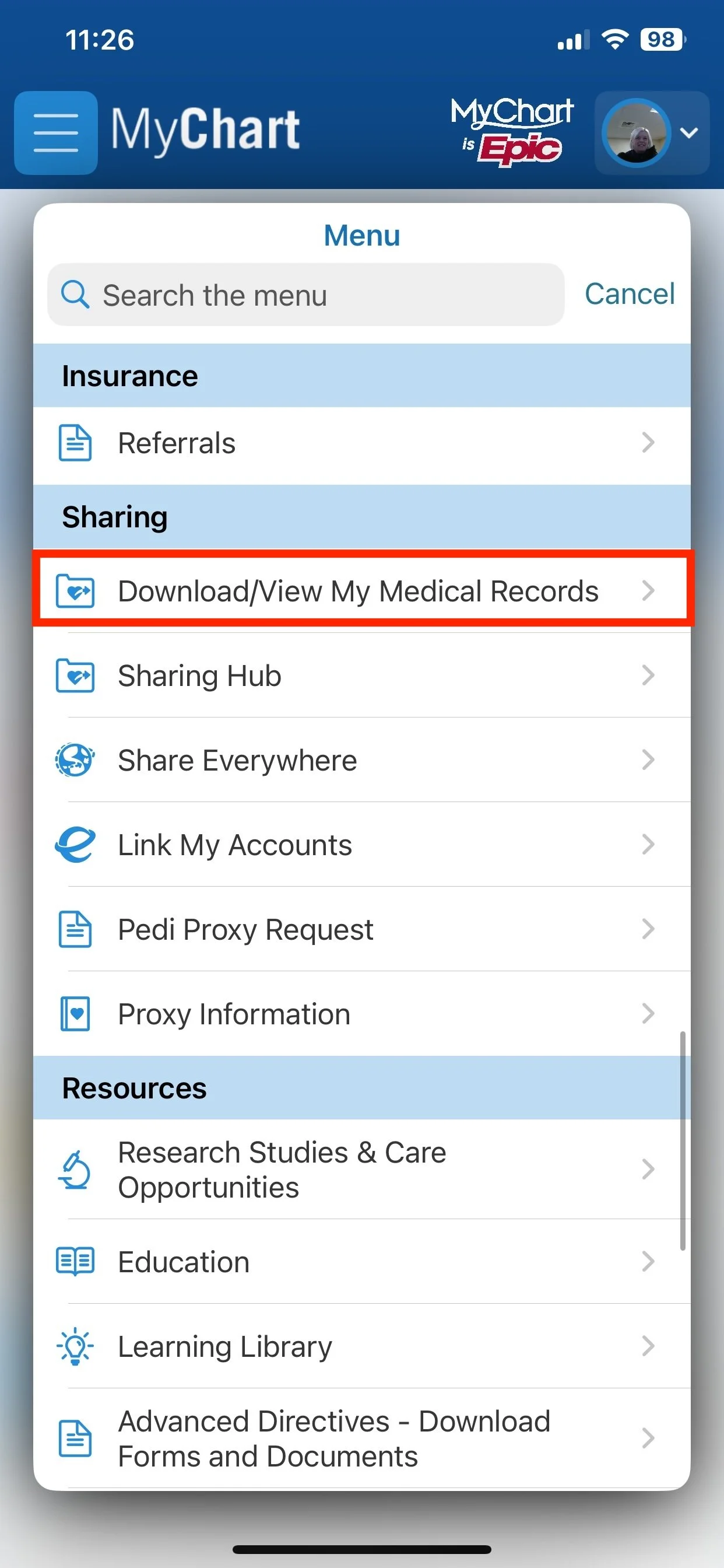
Note: This guide focuses specifically on the Methodist MyChart patient portal systems used across major Methodist healthcare networks to manage appointments, view test results, and communicate with clinical care teams.
Navigating modern healthcare requires efficient digital tools, and the Methodist MyChart portal serves as the centralized hub for patients managing their health records. As of 2026, healthcare systems operated by various regional Methodist entities—such as Houston Methodist, Nebraska Medicine (Methodist Health System), and Methodist Le Bonheur Healthcare—utilize customized instances of the Epic-powered MyChart platform. Understanding how to set up, navigate, and troubleshoot your account ensures uninterrupted access to your electronic health records (EHR), telehealth appointments, and secure messaging with physicians.
Core Features and Technical Capabilities of Methodist MyChart
The MyChart interface provides patients with direct access to comprehensive medical data compiled across outpatient clinics, emergency departments, and inpatient stays. Built upon the Epic MyChart framework, the platform meets rigorous Health Insurance Portability and Accountability Act (HIPAA) security standards while offering advanced interoperability features.
Patients logging into their Methodist MyChart account can utilize a wide array of functional modules designed to streamline clinical workflows.
- Clinical Results Management: View laboratory tests, pathology reports, and diagnostic imaging results (such as X-rays, MRIs, and CT scans) often within hours of physician review.
- Appointment Scheduling and Management: Book, reschedule, or cancel primary care and specialty visits, as well as check-in online prior to arrival to reduce wait times.
- Direct Physician Communication: Send secure non-urgent messages to your care team, request prescription renewals, and update your medication list.
- Billing and Financial Clearance: Review itemized statements, set up payment plans, estimate out-of-pocket costs, and pay medical bills securely.
- Proxy Access Management: Oversee the health records of pediatric dependents or aging family members through linked accounts with authorized permission levels.
Step-by-Step Registration and Activation Guide
Creating a Methodist MyChart account is a straightforward process, though the exact entry point depends on your specific regional healthcare provider network (e.g., Houston Methodist vs. Nebraska Methodist).
Account Security Best Practice: Always ensure you are navigating to the official web address or mobile application associated with your specific local Methodist network. Beware of phishing emails attempting to mimic healthcare login portals.
- Obtain an Activation Code: When you check in for an appointment at a Methodist facility, your after-visit summary or registration paperwork will typically include a MyChart activation code. If you do not have a code, you can sign up online by verifying your identity using matching demographic data from your medical record.
- Navigate to the Official Portal: Open your web browser and go to the official Methodist MyChart login page for your region, or download the MyChart app from the Apple App Store or Google Play Store and search for your specific Methodist healthcare organization.
- Initiate Sign-Up: Click or tap the "Sign Up Now" button.
- Enter Credentials: Input your activation code, your date of birth, and your social security number or zip code as prompted by the identity verification system.
- Establish Account Security: Create a unique username and a strong, complex password containing a combination of uppercase letters, lowercase letters, numbers, and symbols. Set up multi-factor authentication (MFA) via SMS text message or email verification to secure your health data against unauthorized access.
Comparison of Methodist MyChart Regional Implementations
Because different regional systems operate independently under the "Methodist" name, backend configurations, billing interfaces, and third-party insurance integrations can vary. The table below outlines key functional differences across primary regional networks utilizing MyChart in 2026.
| Regional Network System | Primary Geographic Focus | Mobile App Identification | Insurance Integration Notes |
|---|---|---|---|
| Houston Methodist | Greater Houston, Texas | Houston Methodist MyChart | Compatible with most commercial networks, Medicare Advantage plans, and select local HMOs requiring assigned PCPs. |
| Nebraska Methodist Health System | Omaha, Nebraska & Western Iowa | Methodist MyChart (Nebraska) | Fully integrated regional network supporting local Blue Cross Blue Shield, UnitedHealthcare, and Medicare/Medicaid plans. |
| Methodist Le Bonheur Healthcare | Memphis, Tennessee | MyChart - Methodist Le Bonheur | Aligned with mid-South regional commercial payers, TennCare, and standard Medicare architectures. |
Technical Troubleshooting and Common Access Hurdles
Technical friction can occasionally disrupt access to your health portal. Knowing how to resolve common login errors saves time and prevents unnecessary calls to IT support desks.
- Forgotten Usernames or Passwords: Utilize the automated "Forgot Username" or "Forgot Password" recovery links on the login screen. You will need access to the email address or mobile phone number on file to receive a secure password reset token.
- Account Lockouts: Multiple failed login attempts will temporarily lock your account for security purposes. If locked out, wait 20 minutes for an automatic reset or contact the dedicated Methodist MyChart patient support help desk listed on your regional portal's homepage.
- Missing Test Results or Notes: If a specific lab result or physician note is missing, remember that certain sensitive diagnostic findings may be subject to a state-mandated or clinical holding period before appearing in the patient-facing portal.
- Browser Compatibility Issues: Ensure your web browser (Google Chrome, Apple Safari, Mozilla Firefox, or Microsoft Edge) is updated to its latest version. Clearing browser cache and cookies can frequently resolve persistent loading failures or script errors.
Frequently Asked Questions About Methodist MyChart
How do I link multiple family member accounts to my single MyChart login?
You can request proxy access through the "Sharing" or "Family Access" tab within your MyChart portal, or by filling out a formal proxy consent form at your next clinic visit. Once approved by the clinical administration team, you can toggle between your account and your dependents' accounts from a single dropdown menu.
Are all of my historical medical records visible in the MyChart app?
Most records generated within the past several years are fully accessible, though archived paper records from older legacy systems may require a formal medical records request submitted directly to the Methodist Health Information Management (HIM) department.
Can I use Methodist MyChart to schedule appointments with specialists outside the network?
No, MyChart is an isolated platform restricted to providers and clinical facilities operating within that specific regional Methodist healthcare network and its approved affiliated partners.
What should I do if I experience a medical emergency while trying to message my doctor?
Never use MyChart messaging for urgent or life-threatening medical conditions. If you are experiencing a medical emergency, call 911 immediately or go to the nearest hospital emergency department.
Is there a fee to download and use the Methodist MyChart mobile application?
The MyChart application and all standard patient portal features are completely free to download and use for all established patients of the healthcare system.
Optimizing Your Healthcare Journey
Mastering the features of your Methodist MyChart portal empowers you to take an active role in your clinical care. By keeping your contact information updated, checking test results proactively, and utilizing secure messaging for non-urgent inquiries, you establish a seamless connection with your healthcare providers. For personalized assistance regarding account setup or clinical inquiries, contact your specific Methodist healthcare facility's patient access center directly.