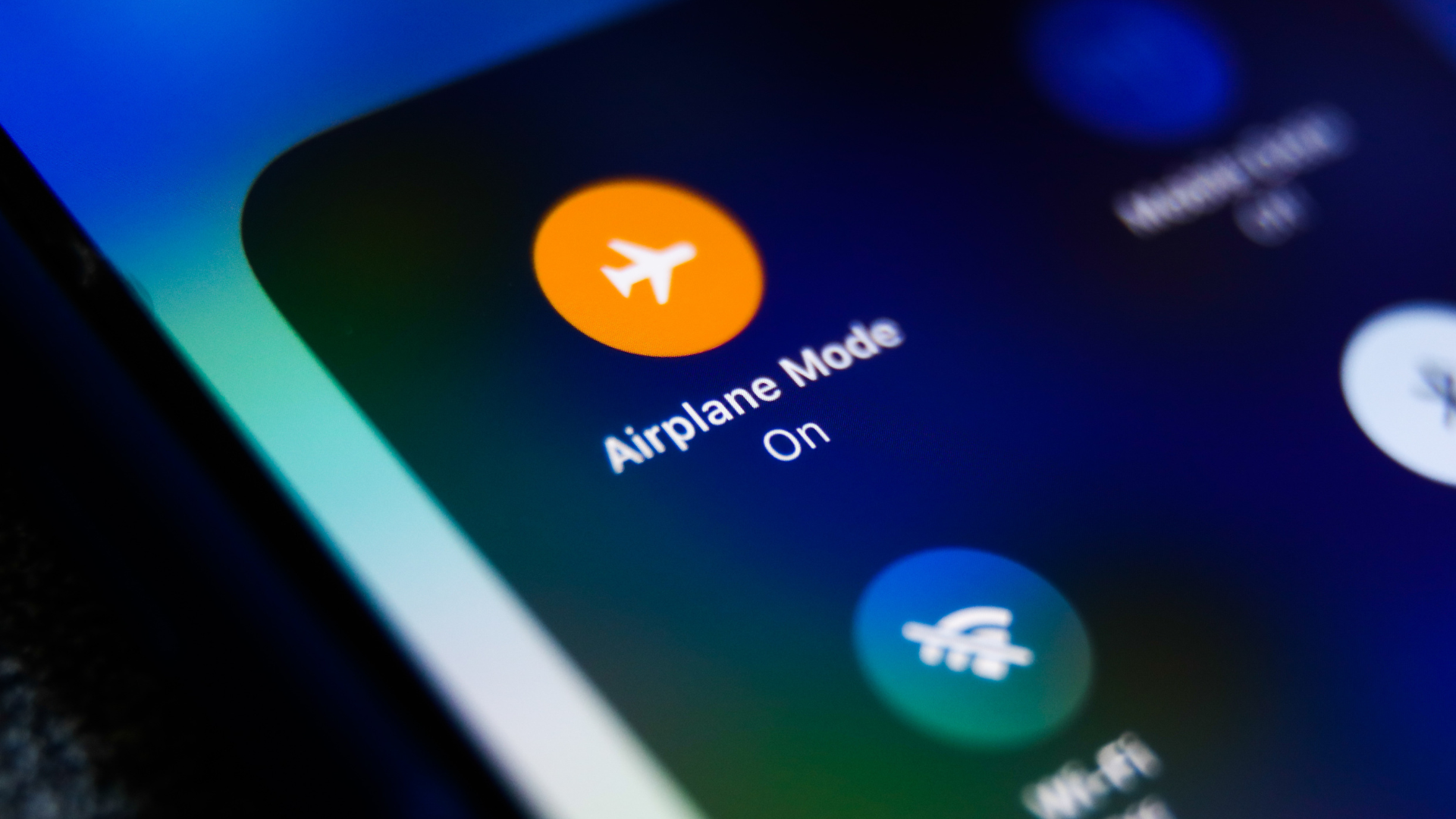
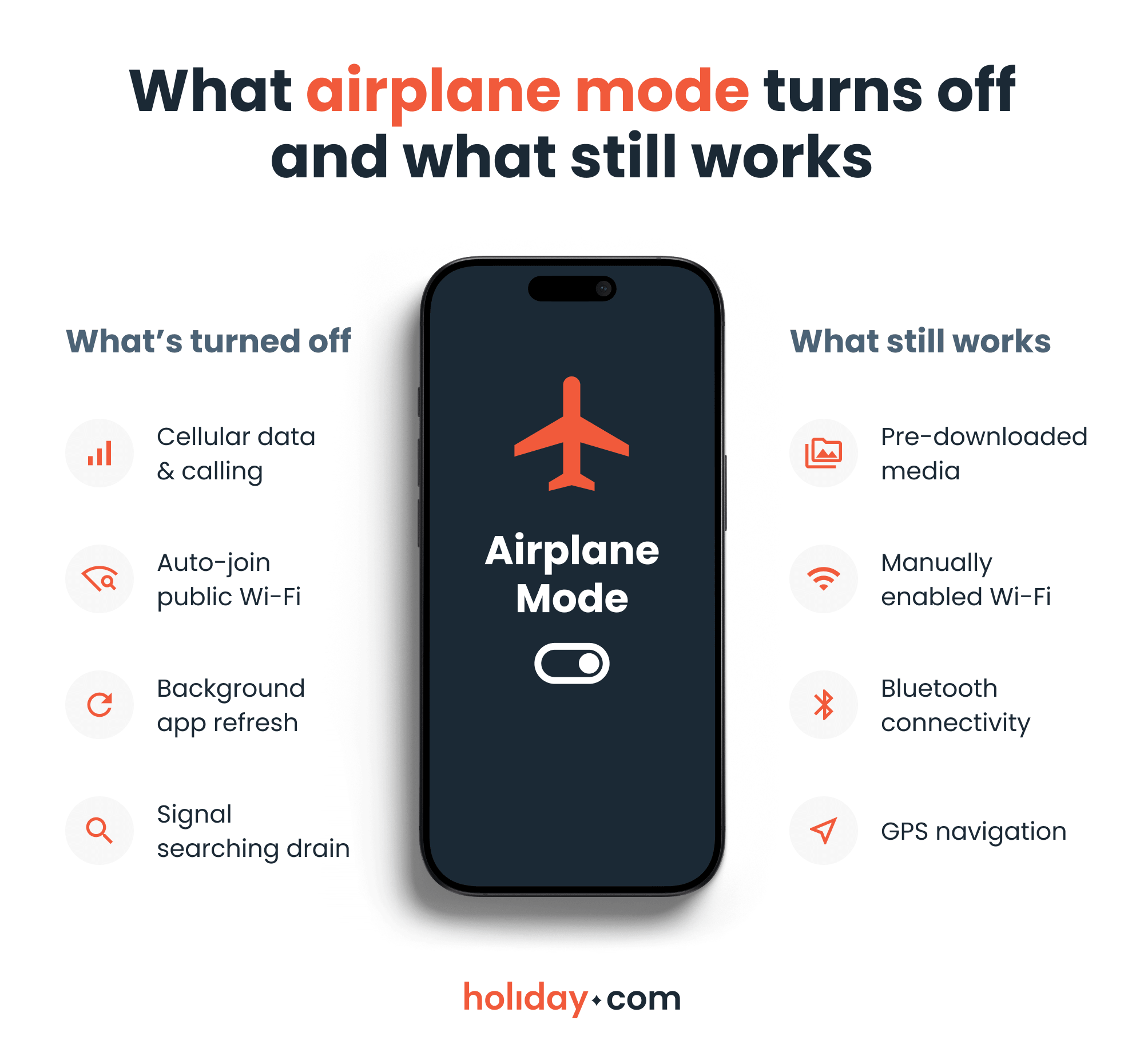
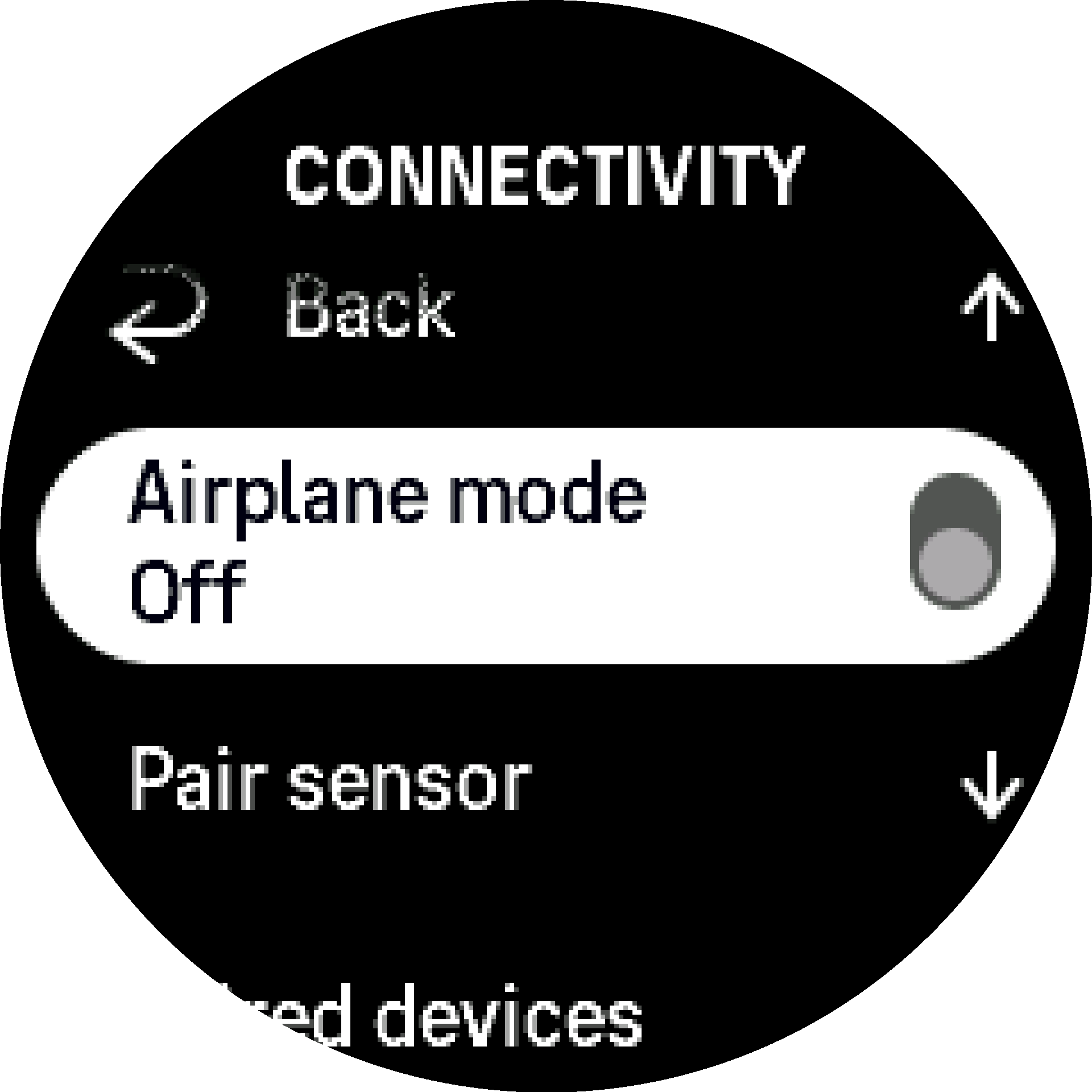
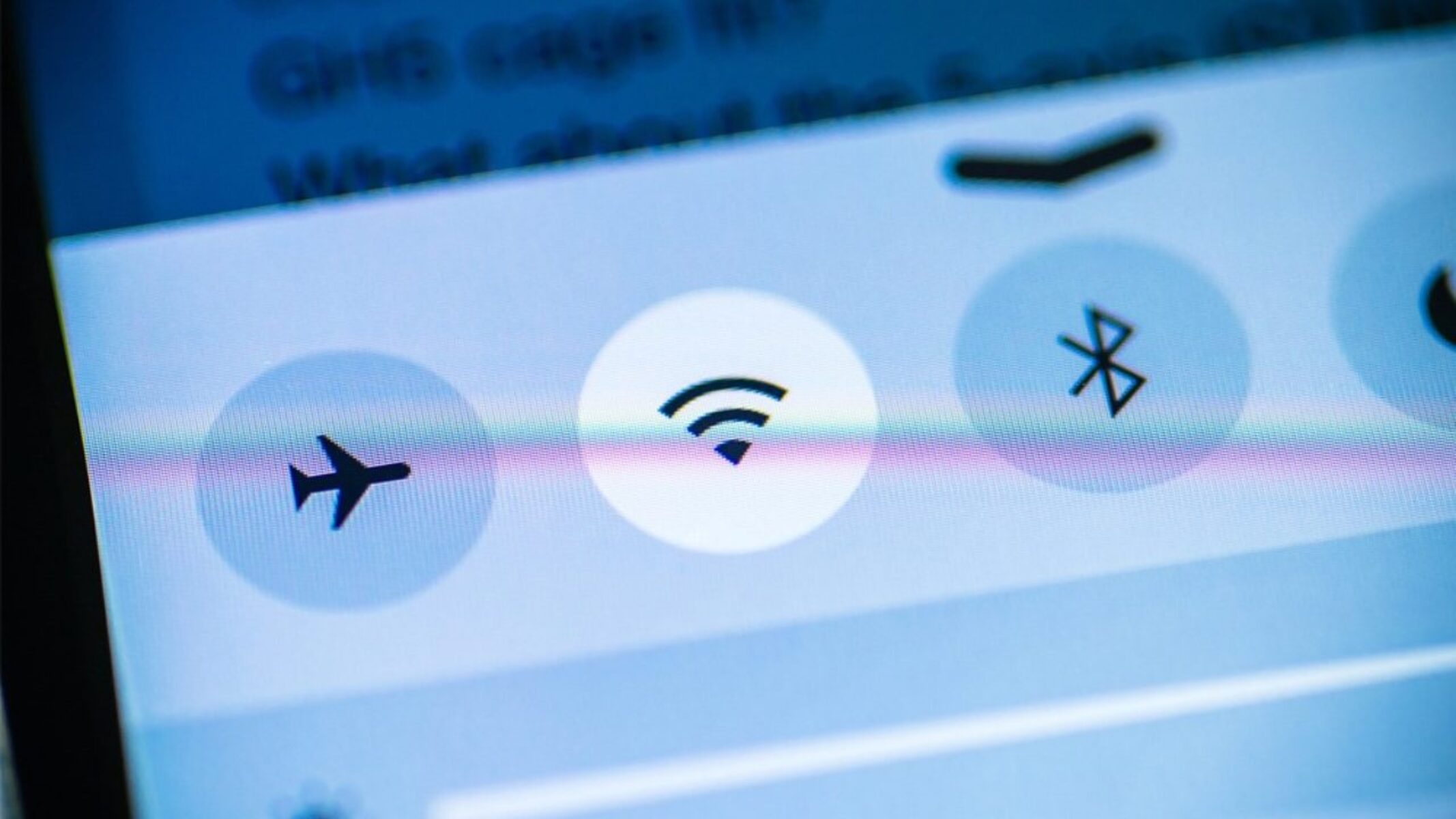
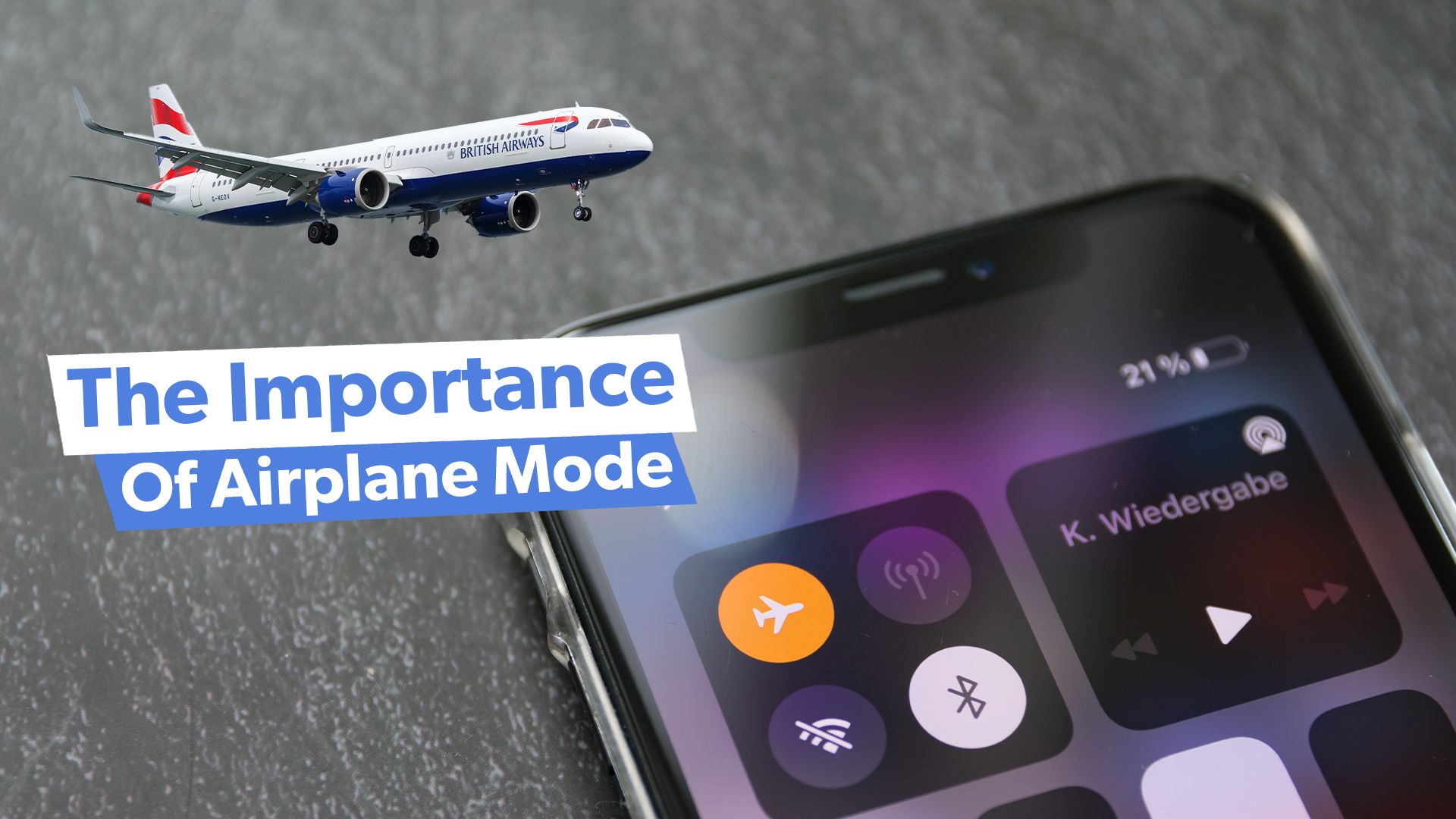
Airplane mode is a built-in device setting that temporarily suspends all radio frequency transmissions, including cellular, Wi-Fi, Bluetooth, and GPS signals. Enabling this feature isolates the device from wireless networks, ensuring compliance with aviation safety regulations while simultaneously conserving battery life and eliminating signal interference during sensitive operations.
Defining Airplane Mode and Its Core Mechanisms
At its core, airplane mode acts as a master software switch that severs a smartphone, tablet, or laptop's connection to the outside world by disabling its onboard transceivers. Modern mobile devices rely on multiple discrete radio modules to function—specifically, cellular modems for voice and data, Wi-Fi chips for local networks, Bluetooth adapters for accessory pairing, and satellite navigation receivers for location tracking. When a user toggles airplane mode on, the operating system commands these hardware components to halt transmission and reception.
The historical context of this feature dates back to the early widespread adoption of digital cellular networks in commercial aviation. Regulators such as the Federal Aviation Administration (FAA) and the European Union Aviation Safety Agency (EASA) grew concerned that the frequencies utilized by cellular phones could interfere with sensitive aircraft navigation and communication systems. Although early mobile networks operated on frequencies closer to aviation bands, modern devices use entirely different spectra. Nevertheless, regulatory bodies maintained precautionary restrictions to prevent network saturation of ground-based cellular towers caused by fast-moving aircraft connecting to multiple towers simultaneously.
Beyond aviation compliance, the underlying mechanism offers significant auxiliary benefits. Because the power amplifier stage of a cellular transceiver consumes a substantial amount of electrical current—especially when searching for distant cell towers or maintaining a weak link—disabling these radios immediately reduces battery drain. Furthermore, operating system architectures have evolved to allow selective overrides. Users can manually re-enable Wi-Fi or Bluetooth after activating airplane mode, accommodating modern in-flight internet services and wireless headphone usage without compromising regulatory adherence.
Regulatory Compliance and Aviation Safety Standards
Navigating the intersection of consumer electronics and commercial flight requires understanding the regulatory framework established by global aviation authorities. The FAA relaxed its strict blanket bans in 2013, allowing airlines to permit the use of portable electronic devices (PEDs) during all phases of flight, provided the carrier verified that its aircraft navigation and communication systems were not susceptible to harmful electromagnetic interference. Consequently, airlines determine their own specific policies regarding device usage, typically instructing passengers to enable airplane mode during taxi, takeoff, and landing, while permitting Wi-Fi connectivity once the aircraft reaches cruising altitude.
The technical rationale behind these mandates centers on electromagnetic compatibility (EMC). Unshielded or poorly filtered electronic devices can emit spurious emissions—unintentional radio frequency energy that falls outside their designated operating bands. If these emissions align with the frequencies used by an aircraft's Instrument Landing System (ILS) or Very High Frequency (VHF) omnidirectional range (VOR) receivers, they can introduce static, data corruption, or navigational errors into the flight deck instrumentation. While rare, safety-critical systems demand a zero-tolerance approach to potential interference sources.
International flights introduce additional layers of regulatory oversight, as compliance standards vary across jurisdictions governed by organizations like the International Civil Aviation Organization (ICAO). Passengers must adhere to the instructions of cabin crew and the specific carrier's operational guidelines, which supersede general device capabilities. Failure to comply with crew instructions regarding device operation during critical phases of flight can violate federal aviation laws in numerous jurisdictions, emphasizing the practical importance of understanding how airplane mode interacts with local transit regulations.
Technical Specifications and Signal Isolation Profiles
Enabling airplane mode alters a device's communication profile by systematically shutting down specific hardware subsystems. Understanding which services are disabled helps users troubleshoot connectivity issues and verify that their devices comply with operational requirements. The following matrix outlines the standard operational status of major connectivity features across standard mobile operating systems when airplane mode is engaged.
| Connectivity Feature | Standard Status in Airplane Mode | Manual Override Availability | Primary Hardware Component |
|---|---|---|---|
| Cellular Voice & Data | Disabled | No (Fully isolated) | Cellular Baseband Modem |
| Wi-Fi Local Networking | Disabled | Yes (Can be turned back on) | WLAN Controller Chip |
| Bluetooth Peripherals | Disabled | Yes (Can be turned back on) | Bluetooth Transceiver |
| GPS / GNSS Location | Disabled | Yes (On select operating systems) | Satellite Navigation Receiver |
| Near Field Communication | Disabled | Varies by Device Manufacturer | NFC Controller Chip |
As indicated in the operational profile, the primary cellular modem is universally disabled to prevent transmissions toward terrestrial cell sites. However, operating systems handle secondary radios with varying degrees of autonomy. For instance, if a user turns on Wi-Fi while airplane mode remains active, the device remembers this preference; subsequent activations of airplane mode may retain Wi-Fi connectivity based on user configuration settings.
From a hardware standpoint, modern system-on-chip (SoC) architectures integrate these radio functions into discrete silicon blocks. Power management integrated circuits (PMICs) completely cut off the supply voltage to the power amplifiers of cellular radios during airplane mode activation. This hardware-level isolation guarantees that even if software bugs occur within the application layer, the physical transmission pipeline remains dormant, preserving absolute compliance with interference mitigation standards.
Secondary Benefits: Power Conservation and Performance Optimization
While originally engineered for aviation safety, airplane mode serves as a valuable utility tool for daily device management, power conservation, and digital well-being. When a mobile device struggles to maintain a connection—such as in remote rural areas, deep underground structures, or commercial buildings with heavy concrete and steel reinforcement—its internal modem automatically increases transmission power to search for a signal. This continuous high-power polling drains batteries rapidly and generates perceptible thermal output. Engaging airplane mode halts this cycle instantly, preserving battery life until stable coverage is accessible.
| Use Case Scenario | Operational Benefit | Implementation Steps |
|---|---|---|
| Rapid Battery Charging | Eliminates background network polling, accelerating charge cycles. | Enable airplane mode before connecting to a power source. |
| Cellular Dead Zone Recovery | Forces the modem to reset its network registration handshake upon deactivation. | Toggle on for 10 seconds, then turn off to refresh signal search. |
| Uninterrupted Focus | Blocks incoming phone calls, SMS messages, and data notifications. | Activate mode manually or schedule via focus profiles. |
| International Roaming Guard | Prevents accidental cellular data usage and expensive roaming charges abroad. | Keep active continuously and utilize local Wi-Fi networks only. |
Beyond thermal and power management, airplane mode acts as an effective troubleshooting mechanism for stubborn network connectivity glitches. Mobile operating systems occasionally experience software handoff failures between cellular towers or local access points, resulting in "no service" states or frozen data streams. Toggling airplane mode on and off forces the device to dump its current radio resource control (RRC) state, clear temporary routing caches, and initiate a clean handshake with the nearest available cell tower or router.
Common Misconceptions and Edge Cases
A prevalent misconception regarding airplane mode is that it entirely eliminates all electronic emissions, rendering a device entirely inert. In reality, modern smartphones execute background diagnostic routines and maintain low-power real-time clocks even when wireless transceivers are turned off. Furthermore, certain jurisdictions or security protocols mandate complete device power-downs during high-security audits or sensitive takeoffs, as software-level switches do not satisfy physical security verification standards.
Another technical nuance involves location services. While older mobile operating systems universally severed GPS functionality alongside cellular data, modern software platforms often permit assisted GPS (A-GPS) or direct satellite tracking to function independently if the user manually re-enables location modules or if hardware designs decouple the GNSS receiver from the baseband modem. Users relying on airplane mode for absolute privacy or strict electromagnetic silence must verify that secondary radios have not been manually re-engaged.
Finally, travelers frequently misunderstand how airplane mode interacts with international roaming charges. While keeping the feature active prevents background data synchronization, SMS delivery, and incoming calls—thereby avoiding unexpected carrier fees—it also prevents emergency network handshakes in regions where local laws require open cellular access for emergency services. Travelers should balance cost containment strategies with local emergency communication requirements when navigating foreign telecommunications networks.
Troubleshooting Connectivity After Deactivation
- Wait up to sixty seconds after disabling airplane mode to allow the baseband modem to re-initialize and scan local frequency bands.
- Check the status bar indicators to confirm that both cellular signal bars and data symbols (such as 4G, 5G, or LTE) have successfully returned.
- Toggle the device's Wi-Fi and Bluetooth switches manually if local accessories or wireless routers fail to reconnect automatically.
- Perform a full device restart if the cellular modem remains unresponsive or displays persistent "No Service" or "Searching" errors.
- Verify that the device's date and time settings are synchronized automatically, as missing network time synchronization can disrupt secure SSL/TLS web traffic after prolonged isolation.
Frequently Asked Questions
Can I use Wi-Fi and Bluetooth while airplane mode is turned on?
Yes, modern operating systems allow users to manually re-enable Wi-Fi and Bluetooth after activating airplane mode. This functionality supports in-flight wireless internet access and the use of wireless audio accessories without violating aviation safety protocols that restrict cellular transmissions.
Does airplane mode stop GPS tracking?
Airplane mode generally disables assisted GPS and cellular-based location tracking because it shuts down the baseband modem. However, some hardware configurations allow standalone satellite navigation receivers to continue functioning, meaning absolute location privacy requires turning off location services directly in device settings.
Why does my phone charge faster in airplane mode?
A phone charges faster in airplane mode because disabling cellular, Wi-Fi, and Bluetooth radios eliminates continuous background power consumption and network polling. This reduction in electrical load allows the battery to accept charge current more efficiently without generating excess thermal energy.
Will my alarm still go off in airplane mode?
Yes, device alarms operate independently of network connectivity and radio transceivers. The internal real-time clock and operating system scheduling daemon will trigger configured alarms regardless of whether airplane mode is active.
How does airplane mode fix a dropped cellular signal?
Airplane mode forces the device's baseband modem to cycle its power state and clear corrupted network routing tables. When deactivated, the modem initiates a fresh network registration request, often locking onto a stronger or less congested cell tower nearby.
Optimizing Device Connectivity and Power Management
To maximize the utility of your mobile device during travel or daily operation, integrate airplane mode into your routine power management strategy. When entering areas with degraded cellular coverage or preparing for air travel, engage the feature proactively to protect battery health and prevent erratic modem behavior. Verify that essential secondary services like local Wi-Fi are restored manually only when permitted by regulatory guidelines and carrier terms.