Effective address forms are structured digital interfaces designed to collect, validate, and store location data from users for shipping, billing, or identity verification. To maximize conversion and data integrity in 2026, address forms must utilize predictive autocomplete, support global formatting variations, and provide real-time validation to eliminate delivery failures and reduce user friction.
The address form is often the final hurdle in a digital transaction. Despite its ubiquity, it remains one of the most common points of "form abandonment" and data error. In the high-velocity digital economy of 2026, where automated logistics and drone deliveries rely on hyper-accurate coordinates, the traditional multi-field static form has evolved into a dynamic, AI-supported interaction. This guide explores the technical and design requirements for building address forms that satisfy both demanding users and rigorous data systems.
The Structural Elements of Modern Address Forms
A standard address form in 2026 consists of several core components, but their arrangement and behavior determine the success of the user experience. The primary objective is to balance the need for granular data (for database storage) with the user’s desire for speed.
Logical Field Sequencing
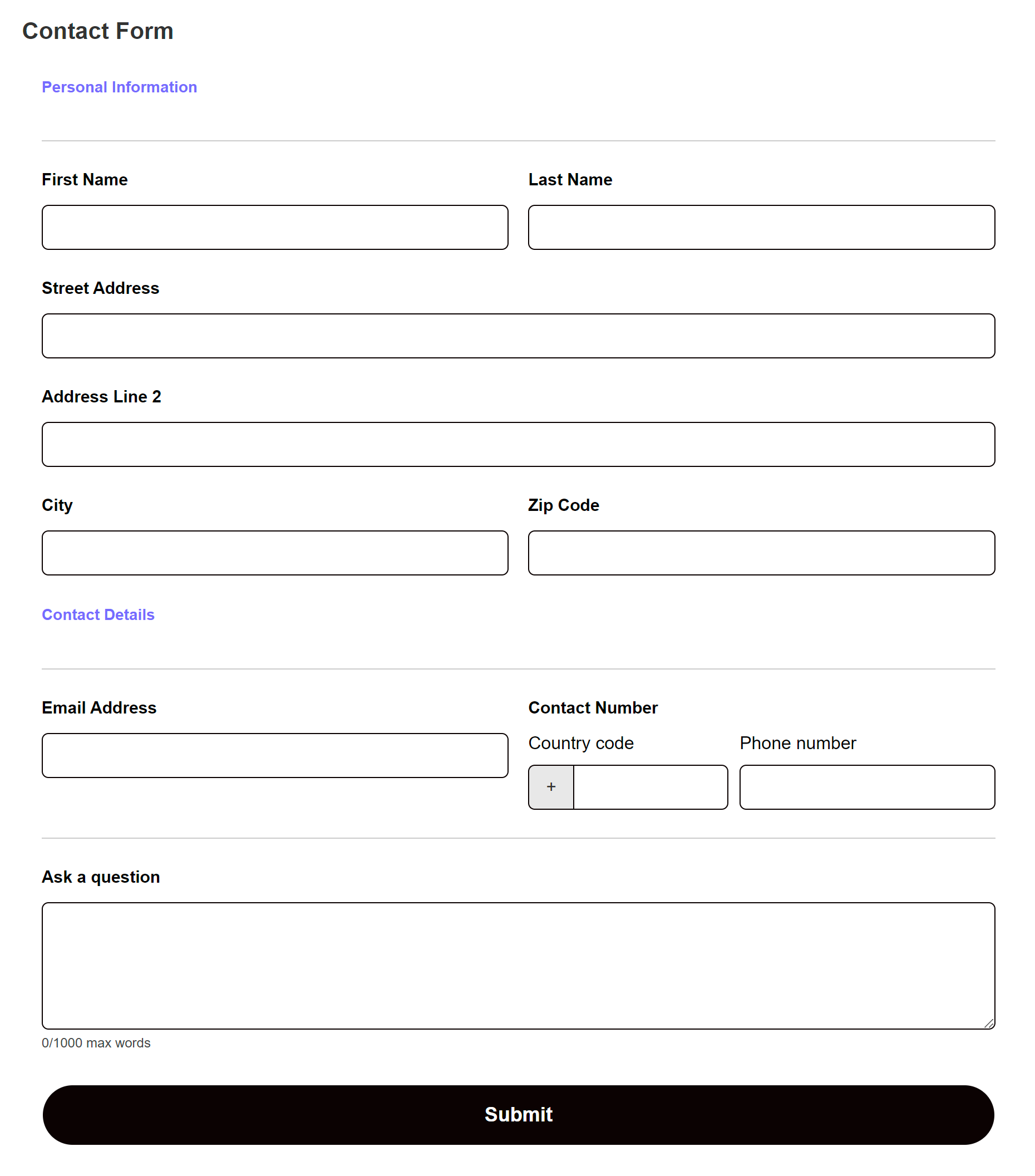
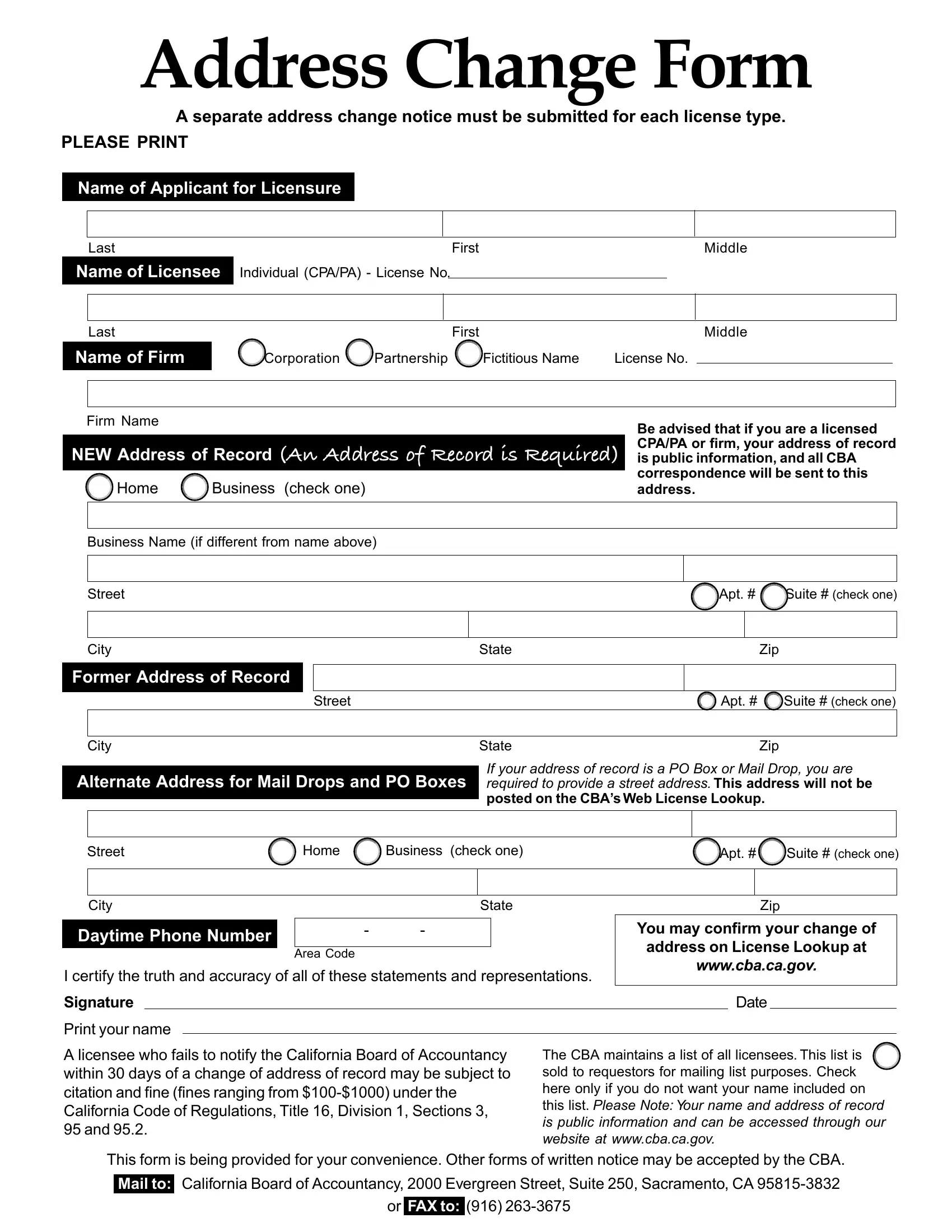
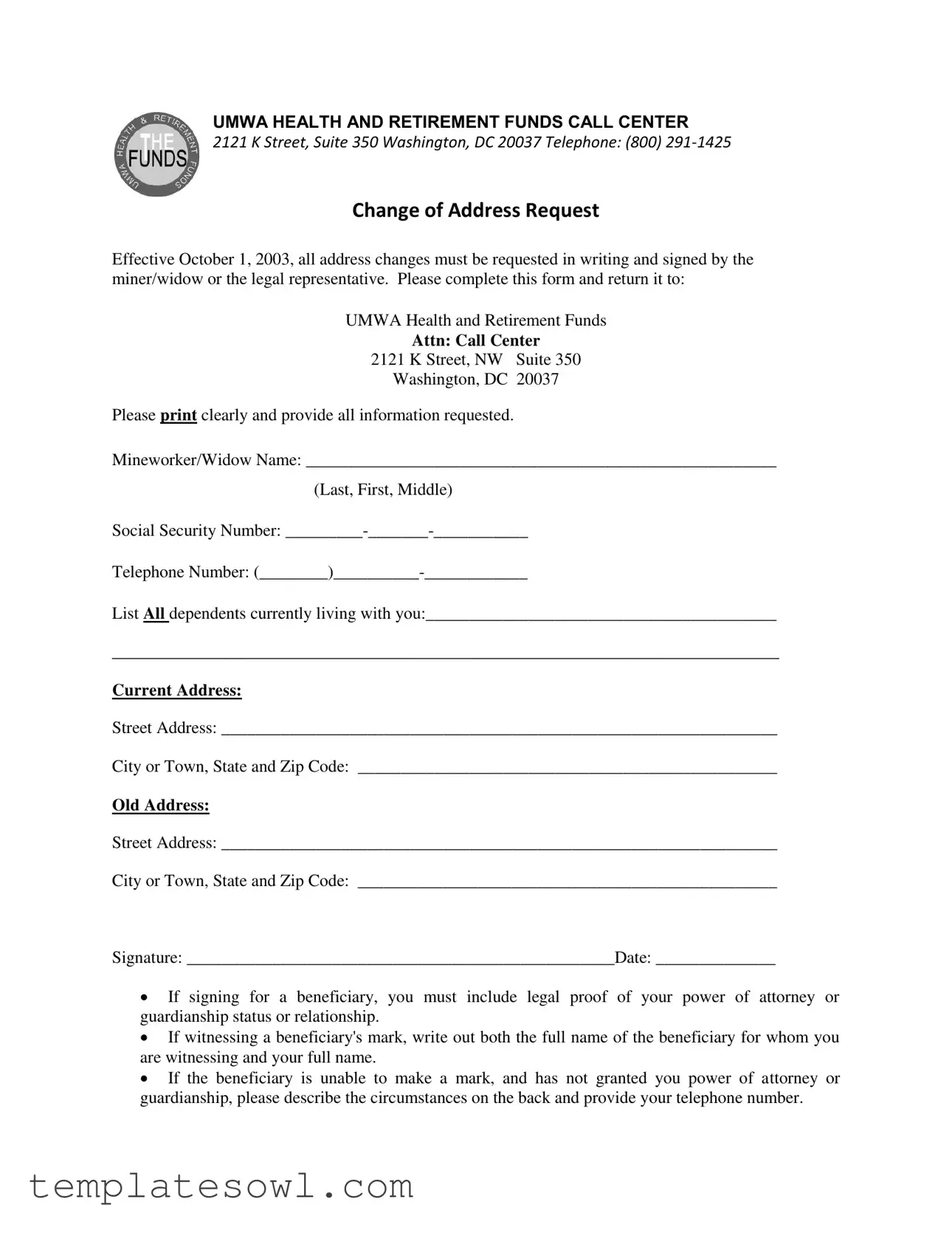
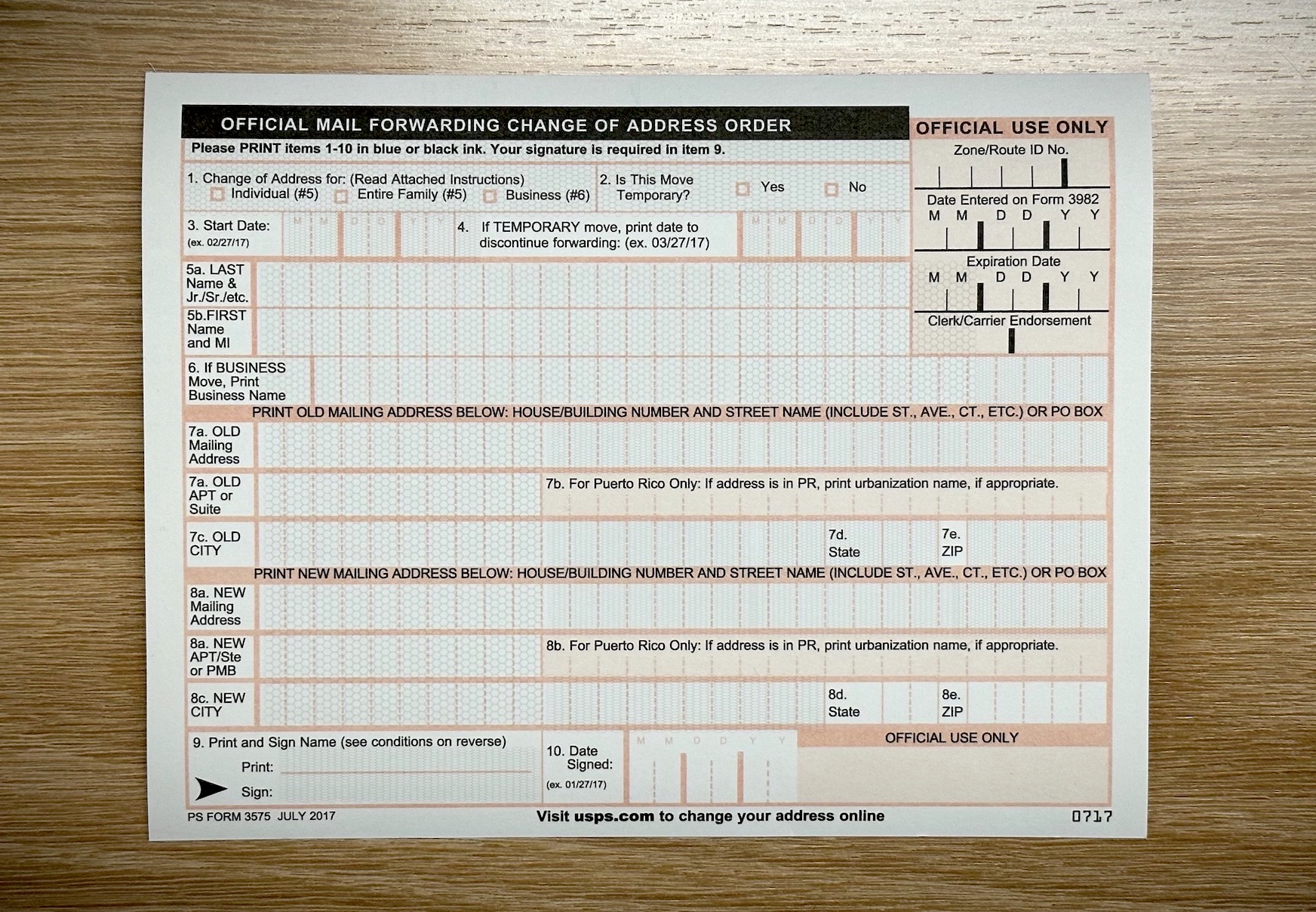
The order in which fields appear should follow the mental model of the user’s specific region. For North American audiences, this typically starts with the street address, followed by the apartment or suite number, city, state, and zip code. However, a global-first approach often starts with the Country selector. By placing the country field at the top, the form can dynamically reconfigure the remaining fields to match that nation's specific postal requirements, such as changing "Zip Code" to "Postcode" or "State" to "Province."
Semantic HTML and Accessibility
For developers, using proper semantic HTML is non-negotiable. Each input should use the appropriate type and autocomplete attributes. Using autocomplete="shipping street-address" or autocomplete="billing postal-code" allows browsers and password managers to accurately pre-fill data. Furthermore, in 2026, accessibility compliance (WCAG 2.2 and beyond) requires that every field has a clearly associated element, ensuring that screen readers can navigate the form without ambiguity.
The Role of "Address Line 2"
One of the most debated elements of address forms is the secondary address line. While often used for apartment, suite, or floor numbers, many users find it confusing. Best practices now suggest keeping this field optional and, in many cases, hidden behind a "Add Apartment/Suite" link to reduce visual clutter for those who do not live in multi-unit buildings. This reduces the cognitive load on the user and streamlines the visual flow of the form.
Implementing Address Autocomplete and Verification
As of 2026, manual entry is increasingly viewed as a fallback rather than the primary method of data collection. Address autocomplete—powered by APIs such as Google Places, Loqate, or Smarty—is the industry standard for reducing keystrokes and ensuring data accuracy.
The Benefits of Predictive Type-Ahead
When a user begins typing their street number, an autocomplete function queries a global database of verified addresses and presents a list of matches. Selecting a verified address instantly populates all other fields (City, State, Zip, Country). This serves two purposes:
- User Convenience: It can reduce the time spent on the address section by up to 80%, which is critical for mobile conversion rates.
- Data Integrity: It ensures the address actually exists in the real world. This prevents "fat-finger" errors, such as typing "123 Main Streeet" instead of "123 Main Street," which can lead to expensive shipping returns and customer dissatisfaction.
Server-Side vs. Client-Side Validation
While client-side validation provides immediate feedback (e.g., highlighting a missing field in red), server-side validation is the final gatekeeper. In 2026, many organizations use Address Verification Services (AVS) that check the input against official postal records, such as the USPS Coding Accuracy Support System (CASS). If a user provides an address that is "near-miss" (e.g., missing a directional like "North" or "South"), the system should prompt the user with the "suggested" official version rather than simply rejecting the input.
Internationalization (i18n) and Global Variability
Designing an address form that works exclusively for the United States is a significant risk for any business with a global presence. Postal formats vary drastically across borders, and a rigid form can alienate international customers.
Handling Diverse Postal Codes
While US Zip codes are five or nine digits, UK postcodes are alphanumeric (e.g., SW1A 1AA), and some countries, like Ireland, use a unique Eircode system. A common mistake is to restrict the "Postal Code" field to numeric input only. In 2026, the input should be flexible or, ideally, adapt its validation logic based on the selected country.
Provincial and Regional Differences
Not every country uses "States." Italy uses provinces, the UK uses counties, and Japan uses prefectures. A high-performance address form replaces the "State" label with the localized term once the country is selected. Furthermore, some countries do not use postal codes at all. In these instances, the postal code field must be made non-mandatory to prevent users from being blocked from completing their transaction.
Addressing Names and Honored Titles
Cultural sensitivity also extends to how names are collected. While not strictly part of the physical location, the "Recipient Name" is part of the address form. Some cultures place the family name first, while others use multiple middle names. Using a single "Full Name" field rather than separate "First Name" and "Last Name" fields is often more inclusive and easier to process globally.
UX Design Principles for Higher Conversion
In the competitive landscape of 2026, the difference between a completed sale and a bounced session often comes down to the "friction" of the form.
Inline Validation and Error Messaging
Waiting until the user clicks "Submit" to show errors is an outdated practice. Modern forms use inline validation, providing a green checkmark or a helpful error message the moment a user leaves an input field (the onBlur event). Error messages should be descriptive; instead of saying "Invalid Input," the form should say "Please enter a 5-digit Zip Code."
Mobile-First Constraints
With over 70% of web traffic occurring on mobile devices in 2026, address forms must be optimized for touch. This includes:
- Touch Targets: Ensuring buttons and input fields are at least 44x44 pixels to prevent accidental clicks.
- Keyboard Adaptation: Using the
inputmode="numeric"attribute for postal code and phone number fields to automatically trigger the number pad on mobile devices. - Eliminating Distractions: Removing unnecessary headers, footers, or sidebars during the checkout process to keep the focus on the form.
The "Manual Entry" Fallback
While autocomplete is powerful, it is not infallible. New developments or rural locations might not yet be in the database. Every address form must include a "Enter address manually" link. This empowers the user to override the system if the API fails to find their specific location, preventing a "dead-end" user experience.
Technical Comparison of Address Validation Providers
Choosing the right service provider is essential for maintaining a balance between cost and data accuracy.
| Provider | Primary Strength | Coverage | Best For |
|---|---|---|---|
| Google Places API | Massive global database of POIs | Global (200+ countries) | Consumer-facing retail and maps |
| Loqate (GBG) | Precise international formatting | Global | Enterprise-grade global logistics |
| Smarty | US/International postal accuracy | Global (Strong US Focus) | High-volume shipping and CASS |
| Mapbox | Custom UI and visual integration | Global | High-performance mobile apps |
| PostGrid | Integrated direct mail workflows | North America / UK | Marketing and physical mailers |
Security and Privacy Considerations
In 2026, the collection of address data is subject to stringent privacy regulations, including the updated GDPR in Europe and various state-level privacy acts in the US. Address data is considered Personally Identifiable Information (PII) and must be handled with care.
Data Encryption and Storage
All address data must be encrypted in transit using TLS 1.3 or higher. When stored in databases, it should be encrypted at rest. Furthermore, organizations should implement "Data Minimization" policies—only asking for the address if it is strictly necessary for the service being provided.
Fraud Prevention
Address forms are a common target for "carding" bots—automated scripts that test stolen credit card numbers by attempting small purchases. Implementing rate limiting on address form submissions and using invisible CAPTCHAs (like reCAPTCHA v3) can help mitigate these attacks without degrading the experience for legitimate users. In 2026, many systems also perform a "billing address match" (AVS) to verify that the address provided matches the one on file with the credit card issuer.
Common Mistakes to Avoid in Address Form Design
Even with advanced technology, simple design flaws can ruin the efficiency of an address form.
- Strict Formatting for Phone Numbers: Do not force users to use a specific format (e.g.,
(555) 555-5555). Allow the system to strip non-numeric characters on the backend so the user can type in whatever way is natural to them. - Making Every Field Mandatory: Fields like "Address Line 2" or "Company Name" should almost always be optional.
- Defaulting to a Specific Country: Unless your business only operates in one country, do not default the country selector to the US. Use IP-based geolocation to guess the user's country, but allow them to change it easily.
- Poor Error Visibility: If a user submits a form with an error, the page should automatically scroll to the first error so they don't have to hunt for what went wrong.
Practical Recommendation for Implementation
To build a high-performing address form in 2026, start with a mobile-first, single-column layout. Prioritize the integration of a reliable autocomplete API to minimize user effort. Ensure your backend architecture can handle global variability by using a flexible data schema that doesn't strictly enforce "State" or "Zip" requirements for all regions.
Finally, conduct regular A/B testing on your form. Even minor changes, such as the wording of a label or the placement of an "Optional" tag, can have measurable impacts on your completion rates. By treating the address form as a dynamic tool for user success rather than a static data collection point, you can improve customer satisfaction and operational efficiency.
Frequently Asked Questions
Why is my address form rejecting valid international addresses?
This usually happens due to rigid validation rules. Many forms are hard-coded to expect US-style Zip codes or specific state abbreviations. To fix this, ensure your validation logic is "country-aware," adjusting the required fields and character patterns based on the country selected by the user.
Should I use a single-line address field or multiple fields?
A single-line search field is superior for the initial entry because it allows for autocomplete. However, once an address is selected, you should display the individual fields (Street, City, Zip) to the user. This allows them to verify the information and make small adjustments, such as adding a specific apartment number that might not be in the autocomplete database.
How does "Address Line 2" impact shipping accuracy?
While Address Line 2 is intended for sub-unit details like "Suite 4B," many users accidentally put critical information there that shipping carriers might overlook if the label printing software isn't configured correctly. Use clear microcopy (e.g., "Apt, Suite, Unit, etc.") to guide the user on what belongs in that field.
Is it necessary to verify addresses in real-time?
Yes. Real-time verification at the point of entry is significantly cheaper than dealing with returned packages or correcting data in a CRM later. It provides the user with immediate confidence that their order will arrive at the correct location.
How do I handle users who don't have a traditional street address?
In many parts of the world, or in rural areas, traditional street addresses do not exist. In 2026, some forms are integrating with "digital address" systems or allowing users to drop a pin on a map to generate geographic coordinates (latitude/longitude), which can then be used by modern logistics providers.