Navigating the complexities of digital access restoration requires a precise understanding of Sony Interactive Entertainment protocols. This comprehensive manual details the exact processes, security verifications, and modern troubleshooting standards required for PlayStation Network account recovery in 2026.
Understanding PlayStation Account Compromise and Access Loss
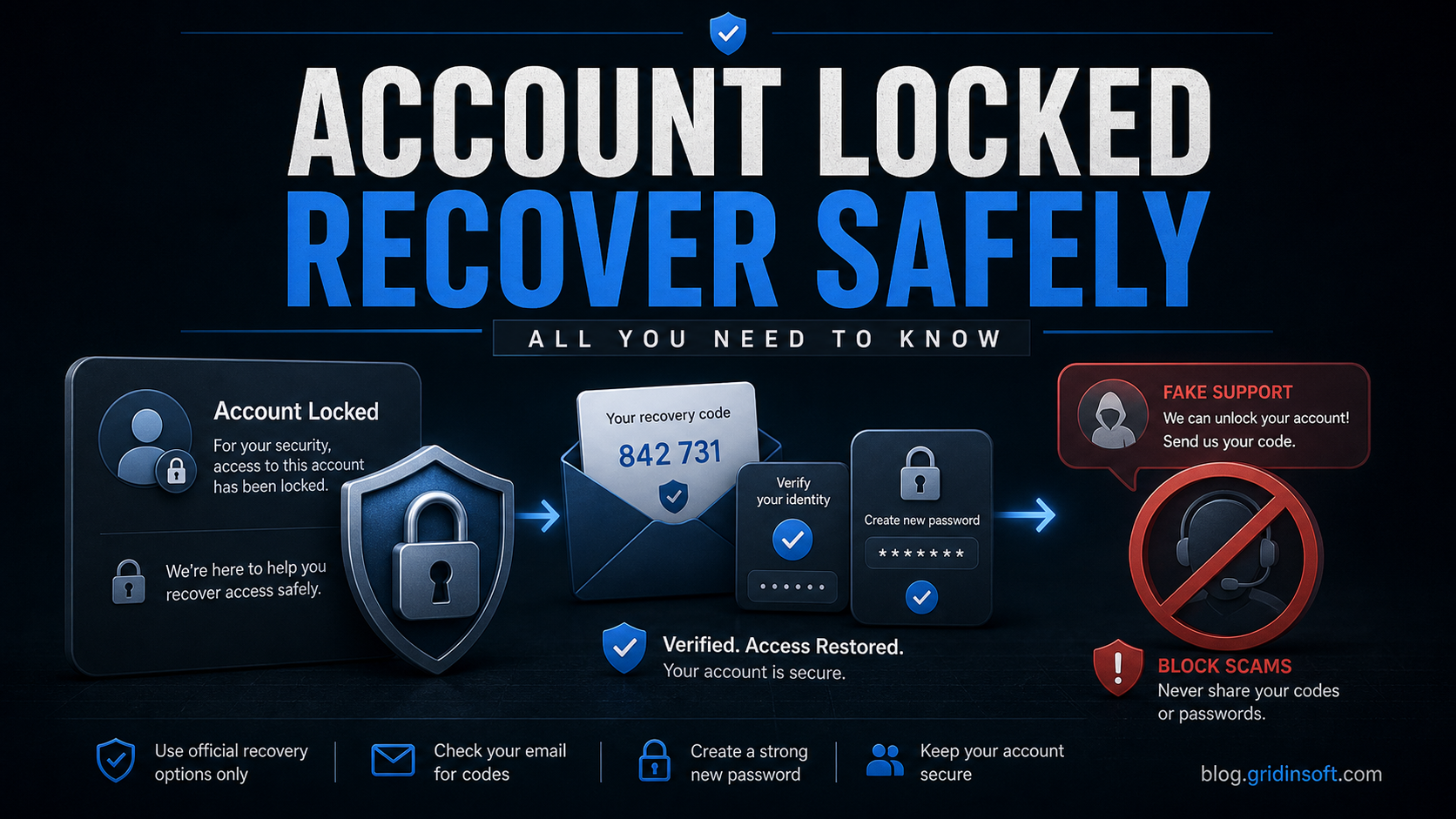
Losing access to a PlayStation Network profile typically stems from forgotten credentials, credential stuffing attacks, or unauthorized changes made by malicious actors. In 2026, Sony enforces strict multi-layered security verification frameworks to protect user assets, digital game libraries, and linked payment methods.
When an account is compromised or locked, immediate action is required to prevent unauthorized transactions and secure personal data. Recognizing the warning signs—such as unexpected sign-out notifications, password reset confirmation emails you did not trigger, or unauthorized charges on linked payment instruments—allows users to initiate recovery before permanent damage occurs.
Common Vectors of Account Loss
- Phishing Campaigns: Fraudulent communications mimicking Sony support designed to capture sign-in IDs and passwords.
- Credential Reuse: Utilizing identical passwords across compromised third-party websites, allowing bad actors to test those credentials on the PlayStation Network.
- Two-Step Verification Bypass: Exploiting backup codes or social engineering customer support agents to disable 2-Step Verification (2SV).
- Forgotten Sign-In Credentials: Loss of access to the primary email address associated with the Sony account.
Official 2026 Step-by-Step Account Recovery Workflows
Executing a successful recovery depends on whether you have retained access to your primary email address and whether Two-Step Verification is active on your profile. The modern recovery landscape prioritizes automated self-service portals over direct human intervention via live chat or telephone support.
Scenario 1: Recovering via Registered Email Address
- Navigate to the official PlayStation Account Management sign-in page via a secure browser.
- Click the troubleshooting link labeled "Trouble signing in?" located beneath the primary login fields.
- Select the option to reset your password and enter the email address linked to your PlayStation Network profile.
- Check your inbox for the automated verification link sent by Sony Interactive Entertainment.
- Click the secure link, input your date of birth for secondary identity validation, and create a robust, alphanumeric new password.
Scenario 2: Recovering When Email Access is Lost
If unauthorized actors have changed your sign-in ID or you no longer possess access to your email inbox, automated password resets will fail. You must engage the digital support assistant or submit a formal security inquiry.
Critical Verification Requirements: When contacting Sony Support without email access, you must provide specific historical identifiers. Be prepared to submit your Online ID, the serial number of the console originally used to activate the account as primary, recent transaction receipt numbers, and the last four digits of any credit card historically linked to the digital wallet.
Comparative Analysis of Recovery Methods and Security Levels
Choosing the correct recovery path depends on your current security setup and access level. The following matrix outlines the efficacy, time investment, and validation requirements for each recovery pathway.
| Recovery Method | Primary Prerequisite | Average Resolution Time | Security Verification Level | Risk of Denial |
|---|---|---|---|---|
| Automated Email Reset | Access to registered email | Instant (2-5 minutes) | Moderate (Email ownership) | Low |
| SMS Backup Code Recovery | Active mobile number on file | Instant (5-10 minutes) | High (Device possession) | Low |
| Support-Assisted Recovery | Console Serial Number + Receipts | 24 to 72 Hours | Maximum (Manual audit) | Moderate |
| Social Engineering Appeal | None (Compromised state) | Rejected | Zero | Critical (Permanent lock) |
Advanced Technical Troubleshooting and Hardware Validation
When standard recovery pathways fail due to error codes or system locks, technical workarounds and hardware verification protocols become necessary. Modern PlayStation consoles—including the PlayStation 5 ecosystem—bind digital licenses to specific console hardware IDs (Console Sharing and Offline Play settings).
Resolving Persistent Sign-In Errors
- Error WS-37397-9: This network-level block indicates your public IP address has been flagged for suspicious activity or rate-limiting. To resolve this, restart your home router to obtain a fresh dynamic IP address from your Internet Service Provider.
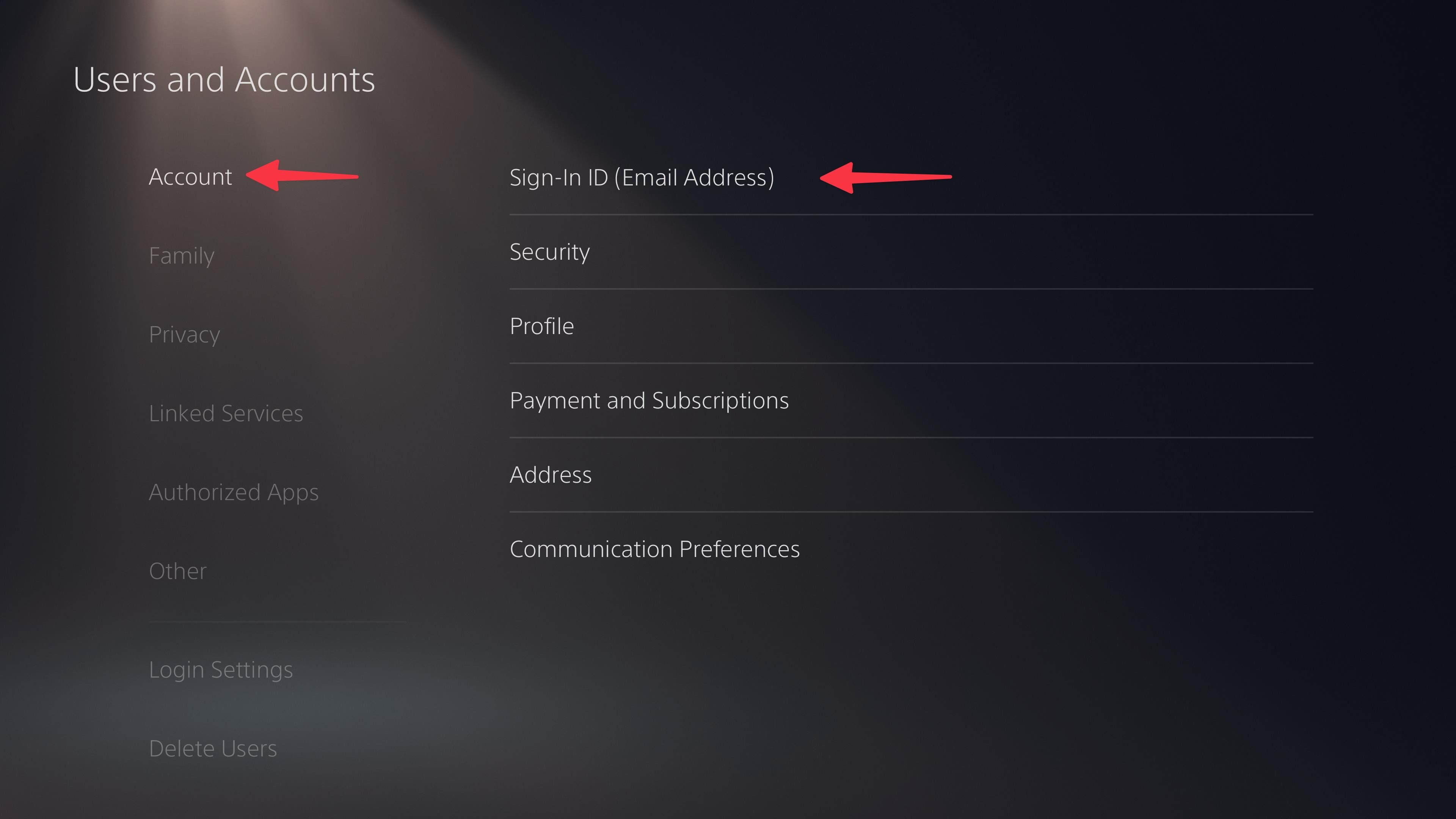
- Error CE-117743-6: Relates to license restoration failures. Navigate to Users and Accounts, select Other, and click Restore Licenses once account access is regained.
- Clearing Browser Cache Conflicts: When attempting web-based recovery, stubborn cookie loops can prevent password reset forms from submitting. Always execute recovery workflows in an Incognito or Private browsing window.
Preventive Security Measures for PlayStation Users
Securing your restored account against future compromise requires adopting industry-standard defense-in-depth practices. Once access is regained, immediate hardening of your profile settings is mandatory.
- Enable Passkeys or Authenticator Apps: Move beyond SMS-based 2SV by utilizing robust authenticator applications (such as Google Authenticator or Autopass solutions) or hardware-backed passkeys.
- Store Backup Codes Securely: Upon enabling 2-Step Verification, generate and print your 10 backup codes. Store them in a physical, off-site location rather than a digital note on your phone.
- Require Password at Checkout: Navigate to your account billing settings and enforce a mandatory password prompt for every digital purchase made through the PlayStation Store.
- Monitor Device Management: Periodically inspect the list of active consoles linked to your account via Account Management and remotely sign out any unfamiliar hardware.
Frequently Asked Questions
Can I recover my PlayStation account without knowing my date of birth?
Recovering an account without knowing the exact date of birth registered on the profile is extremely difficult, as Sony Support relies heavily on this metric to verify ownership. If you entered a false date of birth upon account creation, you may be required to provide physical purchase receipts and console serial numbers to prove identity.
What should I do if unauthorized purchases were made after my account was hacked?
Immediately contact your financial institution or credit card issuer to dispute fraudulent charges while simultaneously submitting a support ticket to PlayStation Support. Do not initiate a chargeback before contacting Sony, as unsolicited chargebacks frequently result in an automated permanent ban of the PlayStation Network account.
How long does it take for PlayStation Support to reply to a manual recovery request?
Manual recovery tickets submitted through official support channels typically receive an initial response within 24 to 48 hours. Complex cases involving disputed ownership or missing transaction data may require up to 5 business days for a complete security audit.
Can games purchased on a compromised account be transferred to a new profile?
No. Digital game licenses, trophies, in-game currency, and PlayStation Plus subscription time are permanently tied to the specific PlayStation Network Online ID and cannot be transferred between separate user accounts.
Is it possible to recover a permanently banned PlayStation account?
Permanent bans issued due to severe Violations of the PlayStation Network Terms of Service and User Agreement are final and cannot be overturned through standard account recovery procedures. Recovery processes are strictly reserved for compromised, locked, or inaccessible accounts, not moderated or banned profiles.
Secure Your Digital Assets Today
Restoring access to your gaming profile safeguards years of digital investments, trophies, and community connections. Initiate your recovery securely through official channels, verify your credentials, and implement advanced multi-factor authentication immediately to protect your digital footprint against future unauthorized access.