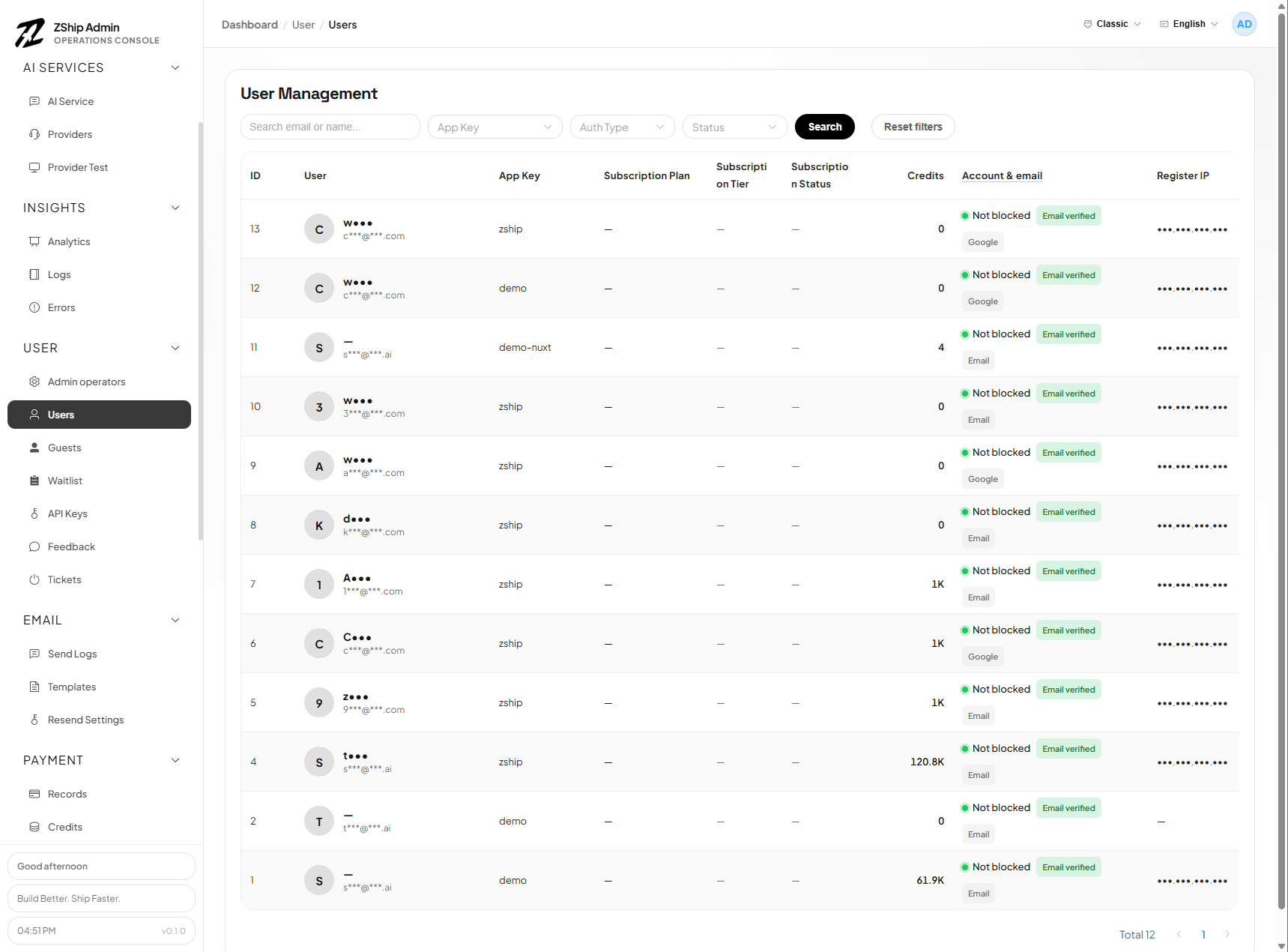
The Team3 Admin portal serves as the centralized command center for organizations utilizing the Team3 Enterprise Productivity Suite, a leading platform for cross-functional project management and real-time collaborative engineering. In the 2026 landscape, effective administration of this environment requires more than just user provisioning; it demands a deep understanding of AI-integrated resource allocation, quantum-resistant security protocols, and hyper-automated workflow logic. This guide focuses specifically on the administrative framework of the Team3 platform and its governance for large-scale enterprise deployments.
The Architecture of Team3 Admin in 2026
The current iteration of the Team3 Admin interface has moved beyond the traditional dashboard concept into a "Heuristic Oversight Module." For administrators, this means the platform now provides predictive analytics regarding team burnout, project bottlenecks, and budget slippage before they manifest in the production environment. The architecture is built upon a modular framework, allowing IT leads to toggle features based on specific departmental needs—from heavy-duty software development lifecycles to agile marketing operations.
At its core, the 2026 Team3 Admin console is divided into four primary pillars:
- Identity and Access Management (IAM): Managing the flow of users through biometric SSO and zero-trust architecture.
- The Logic Engine: A no-code environment where admins define the "if-this-then-that" rules for global project movements.
- Data Sovereignty and Compliance: Ensuring that all collaborative data adheres to the 2026 Global Data Privacy Accord (GDPA) and regional residency requirements.
- Resource Orchestration: Monitoring the compute and human capital costs associated with various workspace activities.
Enterprise Security and User Governance
Security within Team3 Admin has shifted significantly in 2026. With the rise of sophisticated social engineering and automated breach attempts, the platform has standardized on "Contextual Authentication." This means the Admin portal analyzes the location, device health, and even typing cadence of a user before granting high-level administrative permissions.
Mandatory Security Standards for 2026
Zero-Trust Implementation Administrators must enforce a policy where no user is trusted by default, even if they are on the corporate VPN. Every request for document access or task modification must be verified through the Team3 Identity Token.
Quantum-Safe Encryption As of the 2026 Q1 update, all data at rest within the Team3 Admin database is encrypted using Post-Quantum Cryptography (PQC). This ensures that archived project data remains secure against future decryption technologies.
Automated Offboarding The 2026 Admin API allows for instantaneous offboarding. When a user is removed from the corporate HR system, Team3 Admin automatically revokes all active session tokens, reassigns pending tasks to a designated supervisor, and wipes local cache on managed devices.
Comparison of Team3 Admin vs. Leading Competitors (2026 Market Data)
Choosing the right administrative backend depends on the scale of your operations. Below is a technical comparison of Team3 Admin against other industry-leading platforms as of mid-2026.
| Feature | Team3 Admin (2026) | Jira Enterprise | Monday.com Pro | ClickUp 5.0 |
|---|---|---|---|---|
| Primary AI Model | Team3 Neural v4 | Atlassian Intelligence | Monday AI | ClickUp Brain |
| Max User Capacity | Unlimited (Clustered) | 150,000 | 50,000 | 100,000 |
| Governance Depth | Granular (Field Level) | High (Issue Level) | Moderate (Board Level) | High (Task Level) |
| 2026 Compliance | GDPA, SOC3, HIPAA II | SOC2, GDPR | GDPR, ISO 27001 | SOC2, GDPR |
| Real-time Sync Latency | < 15ms | < 45ms | < 60ms | < 40ms |
| Native ERP Integration | SAP, Oracle, MS Dynamics | SAP (via Plugin) | Basic | Intermediate |
Mastering the Team3 Logic Engine: A Step-by-Step Configuration
One of the most powerful features available to a Team3 Admin is the Logic Engine. This tool allows for the automation of complex multi-departmental handoffs without requiring manual intervention from project managers.
- Access the Logic Studio: Navigate to the "Automations" tab in the left-hand sidebar of the Team3 Admin console.
- Define the Trigger Entity: Select whether the automation starts with a task change, a calendar event, or an external API call from a tool like Salesforce or GitHub.
- Set Conditional Logic: Use the "2026 Heuristic Filter" to set conditions. For example, "If a project is 20% over budget AND the deadline is within 48 hours, escalate to the Senior VP."
- Determine the Action Path: Choose the outcome. This can range from sending an encrypted notification to a specific Slack channel to automatically reallocating budget from a low-priority workspace.
- Validation and Deployment: Run the "Simulation Mode." This feature, introduced in 2026, allows admins to see the ripple effects of an automation across 10,000 hypothetical tasks before the rule goes live in the production environment.
Troubleshooting Common Administrative Hurdles
Even with the advancements of 2026, administrators may encounter technical friction. Here are the most frequent issues and their professional-grade remedies:
- Synchronization Desync across Global Nodes: If teams in Singapore and London see different versions of a task, the Admin must trigger a "Global State Refresh" from the Data Management tab. This forces a reconciliation of the distributed ledger that manages Team3's state.
- API Rate Limiting for Third-Party Integrations: When connecting custom 2026 AI agents to Team3, you may hit the Tier 1 rate limit. Admins should navigate to the Developer Portal within Team3 Admin and upgrade to "Burst Mode" to accommodate high-volume data ingestion.
- Permission Inheritance Conflicts: If a user cannot access a sub-workspace despite having parent permissions, check the "Explicit Deny" logs. In Team3, a specific "Deny" rule always overrides an "Allow" rule, a standard security posture in 2026.
Strategic Resource Allocation and Fiscal Governance
In 2026, the Team3 Admin's role has expanded into financial operations (FinOps). The platform now provides a "Compute and Capital" dashboard. This view allows administrators to see the direct cost of collaborative activity. For instance, high-intensity 3D rendering tasks or large-scale AI training sessions initiated within a Team3 workspace are tracked in real-time.
Professional Tip: Set up "Hard Quotas" for departments. By establishing a compute ceiling, the Team3 Admin prevents "Shadow IT" projects from ballooning the organization's monthly SaaS invoice.
Pros and Cons of the 2026 Team3 Admin Framework
The Pros:
- Unmatched Scalability: The 2026 backend can handle millions of concurrent tasks across thousands of global workspaces without performance degradation.
- Predictive Governance: The AI-driven insights allow admins to be proactive rather than reactive, identifying team friction points before they impact delivery.
- Native Interoperability: Team3 Admin provides one of the most robust sets of native connectors for 2026-era ERP and CRM systems.
The Cons:
- High Learning Curve: The depth of the Logic Engine requires specialized training; a standard IT generalist may find the 2026 features overwhelming.
- Premium Pricing: While powerful, the "Enterprise Gold" tier required for these advanced admin features is significantly more expensive than entry-level competitors.
- Hardware Requirements: The administrative console itself is resource-heavy, often requiring high-spec workstations for the best 3D visualization of data flows.
Frequently Asked Questions (FAQ)
What is the maximum number of users a Team3 Admin can manage in 2026?
The 2026 Team3 Enterprise architecture supports an unlimited number of users through its elastic clustering technology. While individual workspaces are typically optimized for 5,000 members, the administrative overhead allows for global management of over 1,000,000 identities across a single organization.
Does Team3 Admin support 2026 regional data residency requirements?
Yes, Team3 Admin includes a "Geofencing Module" that allows administrators to specify exactly which regional data centers store specific project files. This ensures full compliance with the localized laws of the EU, North America, and the Pan-Asian tech zones.
How does the 2026 AI Assistant help with Team3 Administration?
The AI Assistant, known as "AdminCore," can perform bulk actions via natural language commands. An admin can simply type "Reassign all of Sarah's overdue tasks to the backup manager and notify the stakeholders," and the system will execute the logic across all relevant workspaces.
Is multi-factor authentication (MFA) mandatory in the 2026 version?
Yes, the Team3 Admin portal requires mandatory MFA. By default, it uses the Team3 Mobile Authenticator which utilizes 2026-standard biometric verification (facial and iris scanning) to prevent unauthorized access to the core configuration settings.
Can I export administrative logs for external audits?
Absolutely. Team3 Admin provides a "Compliance Export" feature that generates immutable, time-stamped logs of every administrative action. These logs are compatible with major 2026 auditing software and can be automatically pushed to secure S3-compatible storage buckets.
Moving Forward with Team3 Admin
As we move through 2026, the role of the Team3 Admin will continue to evolve from a technical gatekeeper to a strategic partner in organizational efficiency. By mastering the Logic Engine, enforcing zero-trust security, and utilizing predictive resource analytics, you can ensure that your team's collaborative environment remains both productive and secure. The future of work is not just about the tools we use, but how we govern the digital spaces where that work happens.
For those looking to deepen their expertise, it is highly recommended to complete the "2026 Team3 Certified Administrator" (T3CA) program, which covers the latest updates in quantum-safe security and heuristic workflow design. Stay ahead of the curve by regularly reviewing the "System Health" reports generated by the AdminCore AI to keep your enterprise environment running at peak performance.