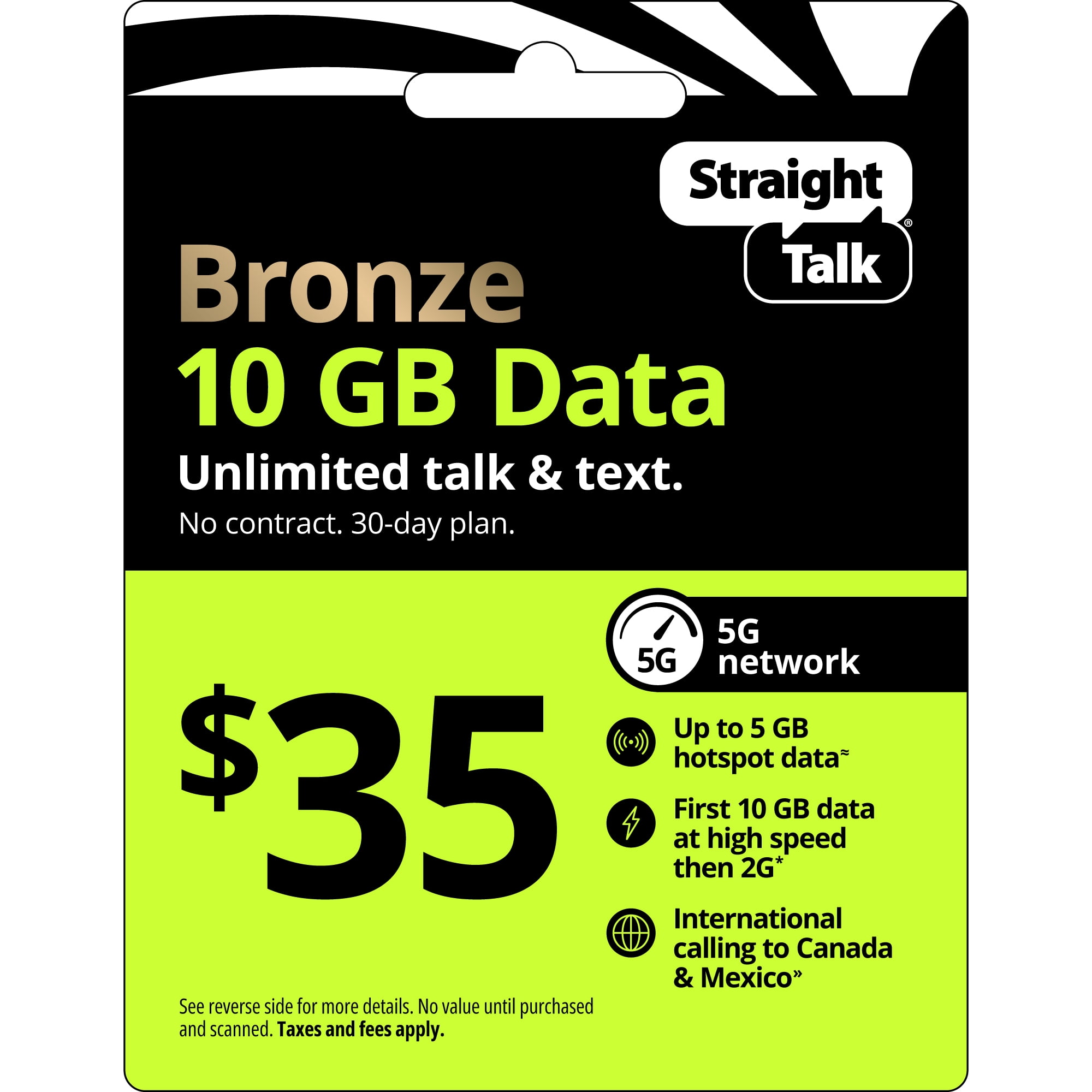
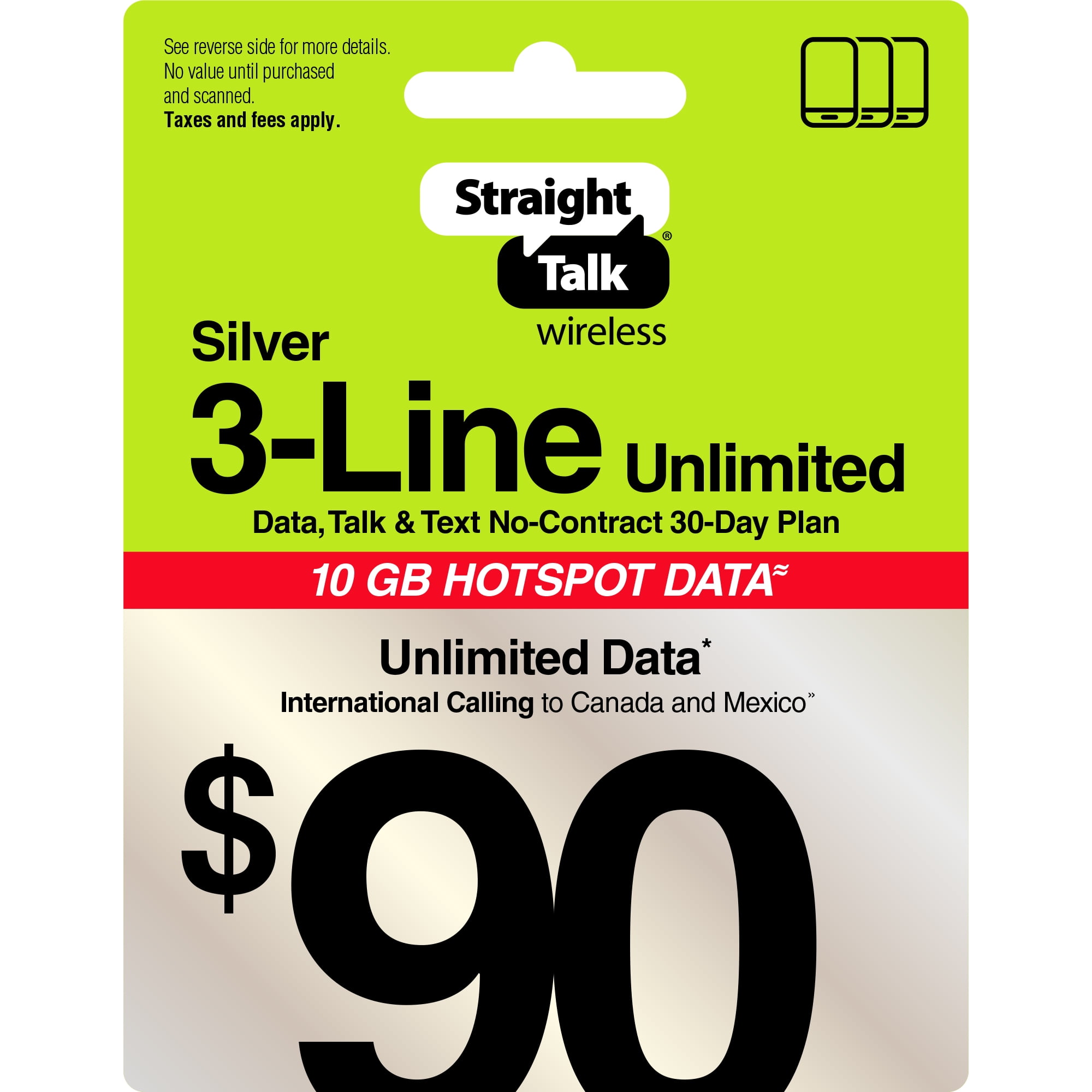
As of 2026, Straight Talk Wireless continues to operate as a prominent mobile virtual network operator (MVNO) utilizing the extensive infrastructure of Verizon’s national network. When you reach the capacity limits of your base monthly plan, the 10GB data add-on serves as a critical bridge to maintain connectivity without necessitating a full plan upgrade or incurring service termination for the remainder of your billing cycle. Understanding how these data buckets function, their expiration terms, and the technical requirements for activation is essential for maintaining consistent mobile performance throughout the 2026 service year.
Technical Mechanics of the Straight Talk Data Add-On Structure
The 10GB data add-on is categorized as a "service add-on" rather than a monthly service plan. From a technical standpoint, this means the data does not reset or refresh based on your standard monthly bill date. Instead, it acts as a supplementary reservoir of high-speed data that is consumed only after your primary plan’s high-speed allotment has been exhausted or throttled.
In 2026, the network architecture prioritizes your base plan’s data first. Once the "soft cap" of your base plan is hit—usually characterized by a reduction in throughput speeds—the 10GB add-on is automatically tapped to restore 5G or 4G LTE speeds. It is important to note that these add-ons are carrier-provisioned, meaning the entitlement is pushed directly to your SIM profile via the home subscriber server (HSS) once payment is processed and the transaction is cleared through the Straight Talk billing gateway.
Financial and Operational Guidelines for 2026
Purchasing a data add-on is a tactical financial decision for heavy data users who do not wish to commit to a more expensive recurring monthly tier. Before purchasing, verify your current account status, as add-ons are generally non-refundable once the data bucket is activated on your line.
Operational Status Policy
Service Continuity Requirement: Your primary service plan must remain in an active, non-suspended state to utilize the 10GB add-on. If your primary plan reaches its expiration date and is not renewed, the add-on data may become inaccessible regardless of the remaining balance in your secondary bucket.
Comparative Overview of Plan Supplement Options
The following table provides a breakdown of how the 10GB add-on compares to standard service adjustments within the Straight Talk ecosystem for 2026.
| Feature | 10GB Data Add-On | Monthly Plan Upgrade |
|---|---|---|
| Duration | Non-expiring until used | 30-Day Cycle |
| Primary Utility | Short-term surge capacity | Long-term usage scaling |
| Data Reset | Does not reset | Resets every 30 days |
| Cost Efficiency | High for occasional spikes | High for consistent usage |
| Activation | Instant upon payment | Validated on next cycle |
Step-by-Step Activation and Troubleshooting Procedures
If your data speeds have slowed, you should first confirm that you have exhausted your primary plan's high-speed allotment by checking your dashboard via the official app or website. If your allotment is depleted, follow these steps to purchase and provision the 10GB add-on.
- Authentication: Log into your account using your verified email and password. Ensure you are accessing the official portal to avoid phishing attempts.
- Dashboard Navigation: Navigate to the "Manage Lines" section of your profile.
- Add-On Selection: Locate the "Add Data" option. Select the 10GB data pack.
- Transaction Processing: Choose your payment method. The system will process the payment in real-time.
- Provisioning: Once the transaction is successful, restart your device. This forces the phone to re-register with the Verizon towers and clears any residual network throttling flags from your subscriber profile.
If the data does not appear to activate after a device restart, verify the "Network Settings" on your phone. Ensure that "Data Roaming" is toggled correctly and that your APN (Access Point Name) settings are correctly configured for the current 2026 network requirements. Resetting your network settings—not a full factory reset—can often resolve synchronization errors between the device and the carrier's provisioning server.
Factors Influencing Data Consumption and Network Quality
In 2026, mobile data consumption is significantly influenced by high-definition streaming, cloud-based backup services, and background application updates. If you find yourself consistently needing to purchase 10GB add-ons, your device configuration might be the primary culprit.
- High-Definition Streaming: Media platforms default to higher bitrates when high-speed data is available. Adjusting your streaming settings to "Data Saver" or "Standard Definition" can extend your base plan’s longevity, negating the need for the 10GB add-on.
- Background Sync: Services such as Google Photos or iCloud often sync large media files over cellular data if not restricted to Wi-Fi. Check your system settings to ensure that automatic syncing is disabled for cellular networks.
- Network Priority: Straight Talk operates on Verizon’s network. During peak congestion periods in urban environments, your data speeds may fluctuate. An add-on provides the data volume, but it does not alter the underlying network priority level assigned to MVNO traffic compared to premium post-paid accounts.
Frequently Asked Questions
Does the 10GB add-on carry over to the next month if I do not use it all? Yes, the 10GB add-on does not have a fixed expiration date and will persist on your account until the data is fully consumed, provided your primary service plan remains active. This makes it a highly flexible option for users with fluctuating monthly data needs.
Can I purchase multiple 10GB add-ons at once? Yes, you can stack multiple add-ons. If you anticipate a high-usage month, such as during travel or remote work, you can purchase multiple 10GB increments, and they will aggregate into a single total pool of available data on your account.
Will the add-on work if my primary plan is currently expired? No, the add-on is a supplement to an active plan. If your primary service has lapsed, you must renew your main monthly plan first before the data add-on becomes functional for your device.
Are there any device restrictions for using this add-on? As long as your device is compatible with the 2026 Straight Talk/Verizon network requirements and is correctly registered, there are no specific hardware restrictions. Both 5G-enabled and 4G-only devices can utilize the add-on, provided they are not blacklisted.
How do I check the remaining balance of my add-on? You can check your remaining data balance by texting "USAGE" to 611611. This service provides an automated, near-real-time update on both your remaining primary plan data and any additional data buckets currently associated with your account.
To maintain optimal connectivity throughout 2026, regularly monitor your data consumption patterns via the 611611 text service and ensure your device settings are optimized to prioritize Wi-Fi usage for large background tasks. Should you experience consistent service gaps, consider reviewing your monthly base plan to determine if a permanent upgrade would be more cost-effective than recurring add-on purchases.