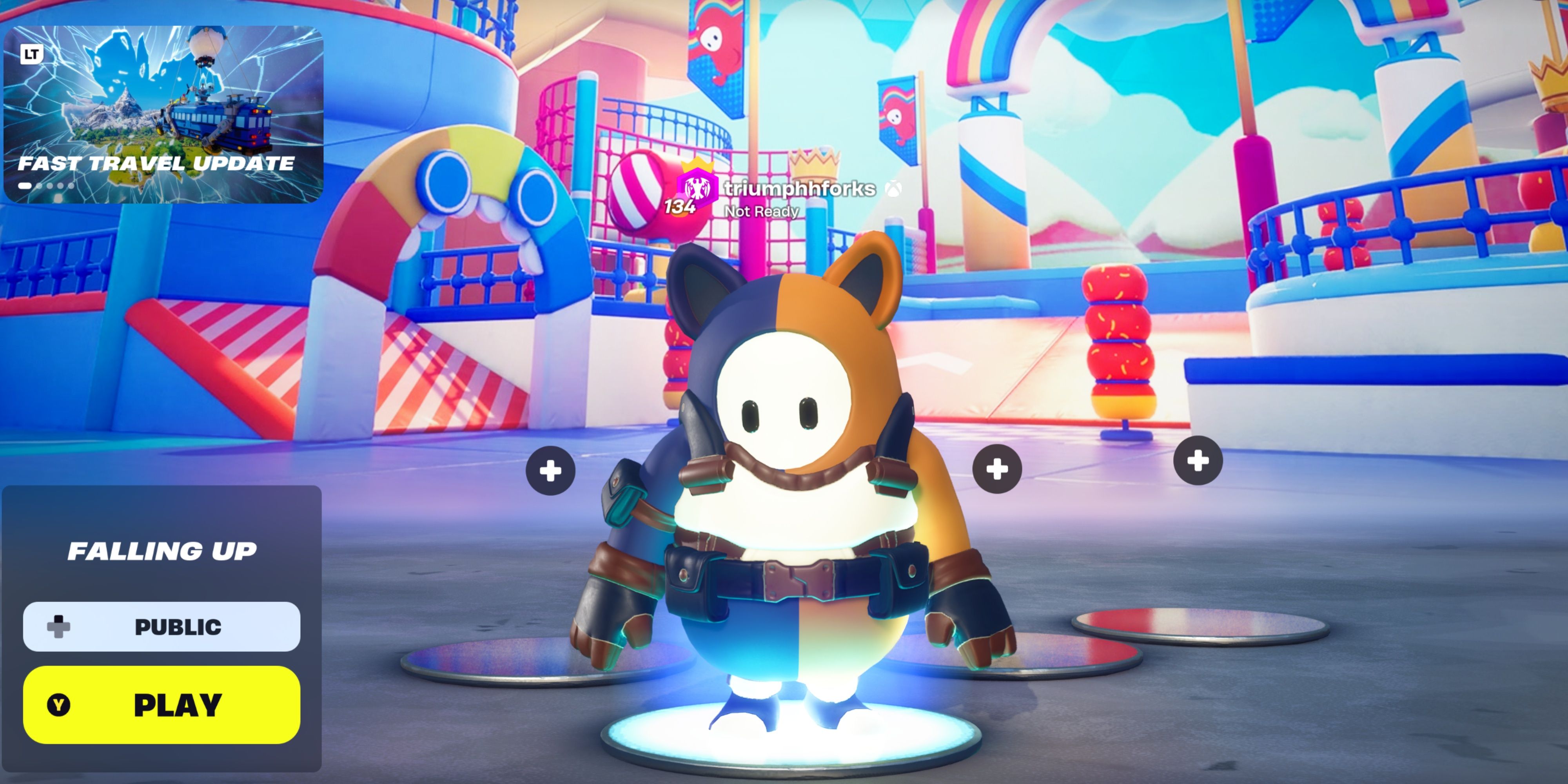
Performing a phrase in Fall Guys is accomplished by using the Quick Chat wheel. During a match, press and hold the designated Quick Chat button—typically Right on the D-pad for controllers or T for keyboards—then use the directional stick or mouse to select your desired phrase and release the button to broadcast it.
Since its launch, Fall Guys has evolved from a simple physics-based obstacle course into a complex social platform. As we navigate the game's landscape in 2026, communication has become more than just a way to taunt opponents; it is now a vital tool for coordination, especially in the ever-expanding library of Creative Construction maps and complex team-based Rounds. Understanding the distinction between "phrases" and "emotes" is the first step toward mastering the social dynamics of the Blunderdome.
Understanding the Difference: Phrases vs. Emotes
New players often confuse phrases with emotes, but they serve two distinct purposes in the game's ecosystem. A phrase (part of the Quick Chat system) displays a text bubble and a corresponding icon above your Bean’s head. These are designed for rapid communication and tactical instructions, such as "Follow Me!" or "Wait!"
An emote, conversely, is a physical animation your Bean performs, such as a dance, a wave, or a theatrical bow. While emotes are excellent for celebrations or "friendly" interactions at the finish line, phrases are the primary method for non-verbal strategy. As of 2026, the Quick Chat system has been expanded to include several categories:
- Tactical: Commands used for gameplay coordination.
- Social: Standard greetings and sportsmanship expressions.
- Reaction: Expressions of surprise, joy, or frustration.
Step-by-Step Guide to Performing Phrases
To perform a phrase effectively, you must understand the input requirements for your specific hardware. The Quick Chat wheel is a "hold and release" mechanic, meaning the menu stays open only as long as the primary button is depressed.
On Game Consoles (PlayStation, Xbox, Nintendo Switch)
The default mapping for phrases on almost all modern controllers is the Right Directional Button (D-pad).
- Hold the Right D-pad button. A circular menu will appear on your screen featuring your equipped phrases.
- Move the Right Analog Stick toward the phrase you wish to use.
- Release the D-pad button. Your Bean will instantly display the selected phrase in a speech bubble.
On PC (Keyboard and Mouse)
The PC version offers more flexibility but defaults to the T key for the Quick Chat wheel.
- Press and hold the T key. The wheel will appear in the center of the UI.
- Move your mouse cursor toward the segment containing your chosen phrase.
- Release the T key. If you have remapped your keys, ensure you check the "Communication" section of the Keyboard Settings menu to identify your specific binding.
Customizing Your Phrase Wheel in the Locker
You are not restricted to the default set of phrases. As you progress through the Fame Pass or purchase items from the Daily Shop, you will unlock new ways to communicate. To change which phrases are available during a match, you must visit the Locker from the main menu.
Within the Locker, navigate to the "Social" or "Customization" tab. Here, you will see slots for both Emotes and Phrases. Selecting a Phrase slot will open your entire collection of unlocked text callouts. In the 2026 version of Fall Guys, players have access to multiple pages on the Quick Chat wheel, allowing for a broader range of expressions than in previous years. It is highly recommended to group your phrases logically—place tactical commands like "Help!" and "Over Here!" on the first page, and social greetings like "Good Luck!" on the secondary pages.
Platform-Specific Default Controls for Phrases
The following table outlines the default control schemes across all supported platforms in 2026. Use this to verify your settings if you are playing on a new device.
| Platform | Primary Action Button | Selection Tool | Confirmation Action |
|---|---|---|---|
| PlayStation 4/5 | D-pad Right | Right Analog Stick | Release D-pad |
| Xbox Series X/S / One | D-pad Right | Right Analog Stick | Release D-pad |
| Nintendo Switch | D-pad Right | Right Analog Stick | Release D-pad |
| PC (Keyboard) | T key | Mouse Movement | Release T key |
| Mobile (Touch) | Chat Icon (On-screen) | Swipe Direction | Lift Finger |
Tactical Use of Phrases in Gameplay
While phrases are fun for social interaction, they are essential for success in high-level play, particularly in "Invisibeans" or complex "Pixel Painters" rounds. Using the right phrase at the right time can be the difference between a Gold Medal and elimination.
Coordination in Team Rounds
In rounds like "Egg Siege" or "Power Trip," use the "Defend!" or "Attack!" phrases to direct teammates who may not be using voice chat. Because Fall Guys is a global game with players speaking dozens of languages, the Quick Chat system automatically translates your selected phrase into the local language of every other player in the lobby. This makes the "Phrase" system the most effective way to communicate across language barriers.
Navigating Creative Construction Maps
With the 2026 focus on user-generated content via the Creative Mode, many maps feature "co-op" puzzles. If you find a hidden path or a switch that needs to be triggered, using the "Over Here!" phrase is the standard etiquette for guiding your fellow Beans. This fosters a sense of community and ensures that more players reach the finish line, which often results in higher Kudos rewards for the entire lobby.
Troubleshooting Phrase Issues
Occasionally, you may find that your phrases are not appearing or the menu is unresponsive. This is usually due to one of three common issues:
- Communication Restrictions: Check your account settings. If you are playing on a "Limited Account" (common for younger players), Quick Chat may be restricted to "Tactical Only" or disabled entirely to ensure online safety. These settings can be managed via the Epic Games Account portal.
- Input Conflicts: If you have customized your controller mapping, the Quick Chat wheel may conflict with other actions like "Grab" or "Dive." Ensure that the "Communication Wheel" binding does not overlap with essential movement keys.
- UI Glitches: In rare cases, the UI may disappear during a match. This is often fixed by toggling the "Show Player Names" button or restarting the game client to clear the cache.
Can I Type Custom Phrases?
Fall Guys does not feature a free-type text chat during matches. This is a deliberate design choice by Mediatonic to maintain the game’s family-friendly atmosphere and prevent toxic behavior. You are limited to the pre-set phrases provided in the game's library. However, the variety of these phrases has significantly increased, covering almost every necessary interaction for competitive play.
Why Can't I See My Friend's Phrases?
If you can see your own speech bubbles but not those of your friends, check your Social Settings in the Options menu. There is a toggle for "Display Quick Chat Bubbles." Ensure this is set to "On." Furthermore, if a player has been reported for spamming, their phrases may be temporarily muted by the game's automated moderation system.
Maximizing Your Social Presence
To truly stand out in the Blunderdome, coordinate your phrases with your outfit and emotes. In 2026, many "Legendary" tier outfits come with unique "Signature Phrases" that feature special fonts or colors in the speech bubble. Using these can signal to other players that you are an experienced veteran, often leading them to follow your lead in difficult rounds.
The most successful Beans are those who use phrases to build morale. A simple "Good Luck!" at the start of a Final Round or a "Well Played!" after a tough loss goes a long way in maintaining the positive spirit that defines Fall Guys.
How do I unlock more phrases?
New phrases are primarily obtained through the Fame Pass. As you earn experience points by playing shows, you will reach tiers that reward "Quick Chat Packs." Additionally, the "Kudos Store" often features rotating phrases that can be purchased with the currency earned through daily challenges, making it possible to expand your vocabulary without spending real money.
Is there a limit to how many phrases I can use?
While there is no hard limit on the number of times you can use a phrase, there is an anti-spam cooldown. If you trigger the Quick Chat wheel more than three times in rapid succession, your ability to send phrases will be disabled for approximately five seconds. This prevents players from obscuring the screen with speech bubbles and disrupting the gameplay of others.
Can I use phrases while jumping or diving?
Yes, you can initiate a phrase mid-air. This is particularly useful in "jump-club" style rounds where you may want to signal a strategy while constantly moving. However, be careful, as opening the menu can be distracting and may cause you to miss a crucial jump or timing.
Do phrases work in the lobby?
Phrases are currently restricted to active gameplay and the "Winner's Circle" screen. In the pre-game lobby, you are limited to using Emotes. The developers have indicated that a "Lobby Chat" feature using the phrase wheel may be added in future updates to help squads coordinate their next Show selection.
Recommended Next Steps for New Players
To improve your communication skills in Fall Guys, start by entering the "Customs" mode or a "Solo Show" to practice the "hold and release" motion of the Quick Chat wheel without the pressure of a high-stakes team game. Familiarize yourself with the location of "Yes," "No," and "Follow Me" on your wheel, as these are the most frequently used tools for survival. Once you are comfortable, try remapping your communication key to a button that allows you to keep your thumbs on the movement sticks, such as a paddle on a pro controller or a side button on a gaming mouse.