Navigating digital billing frameworks, store cards, and revolving credit lines requires exact procedural knowledge to safeguard financial assets. When users search to pay my Amazon account balance, they are typically managing transactions across Amazon Store Cards, Amazon Secured Cards, Amazon Prime Visa accounts, or standard retail payment methods. As of 2026, financial infrastructure supporting these accounts has evolved to include automated biometric verifications, real-time ledger updates, and enhanced anti-fraud checks managed by partner institutions like Synchrony Bank and JPMorgan Chase.
Managing your Amazon financial obligations effectively demands an understanding of portal navigation, payment timing, interest capitalization windows, and security protocols. This comprehensive manual details authorized payment pathways, technical troubleshooting protocols, and strategic ledger management for your Amazon financial accounts.
Authorized Payment Pathways for Amazon Credit and Store Accounts
Amazon divides its branded financial instruments into distinct portfolios, primarily managed through Synchrony Bank (for the Amazon Store Card and Amazon Secured Card) and JPMorgan Chase (for the Amazon Prime Visa and Amazon Visa). Knowing which institution manages your specific line dictates your payment portal destination, routing parameters, and posting speeds.
- Synchrony Bank Portal: Dedicated to the standard Amazon Store Card and the Amazon Secured Card. Payments made through the native Synchrony portal post within two to four hours if executed before the daily cutoff time, usually 5:00 PM EST.
- JPMorgan Chase Dashboard: Dedicated to the Amazon Prime Visa and Amazon Visa signature cards. Payments integrate directly with standard Chase online banking ecosystems, enabling instant internal transfers if you hold a Chase checking or savings account.
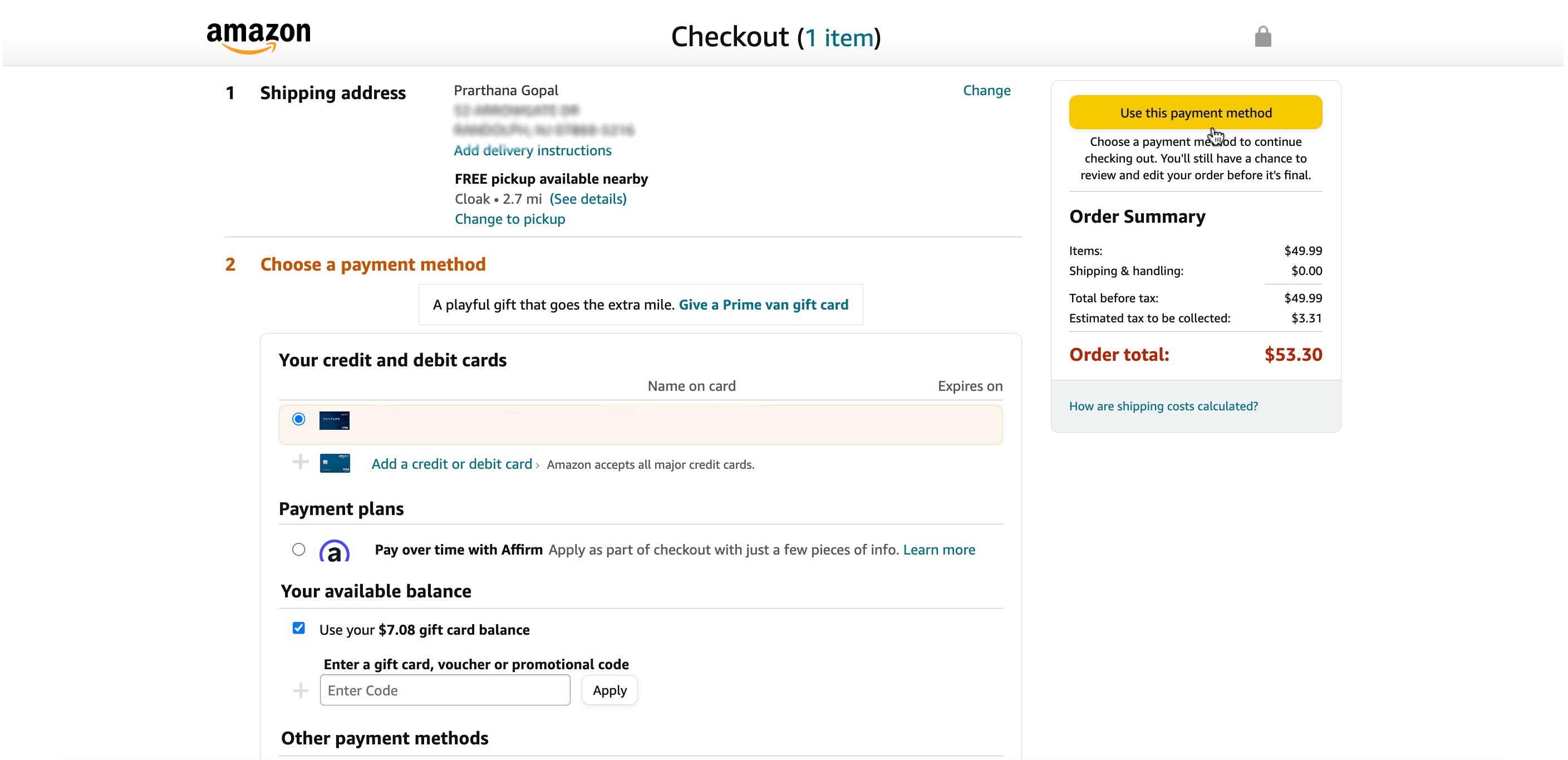
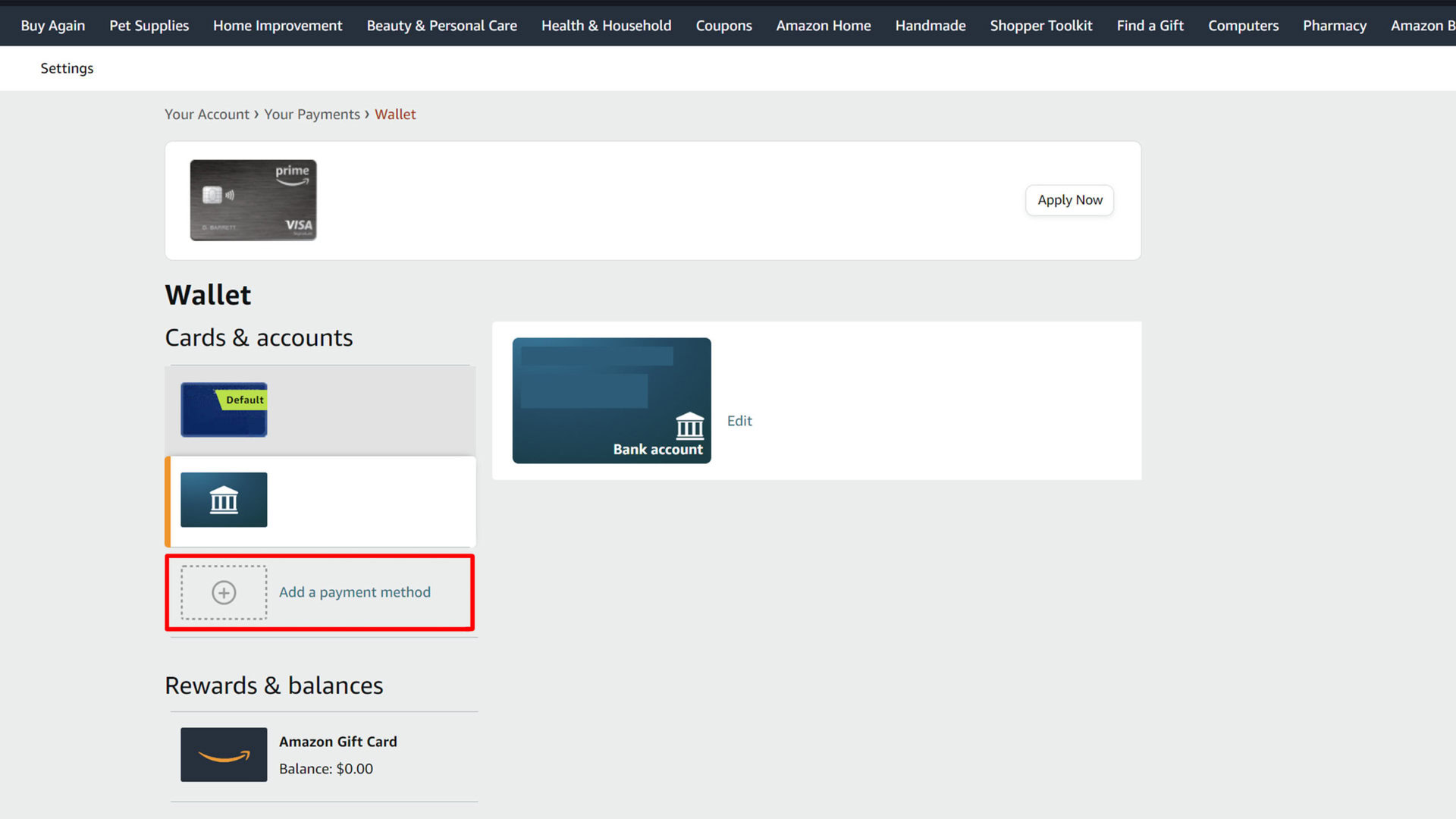
- Amazon Native Account Hub: The unified Your Payments dashboard within Amazon.com allows users to attach external bank accounts, debit cards, and digital wallets to disburse balances directly without logging into secondary banking applications.
Step-by-Step Guide to Executing Payments Safely
Executing a frictionless payment requires methodical navigation through multi-factor authentication checkpoints. Follow this structured workflow to settle your balance securely without incurring accidental late fees or interest penalties.
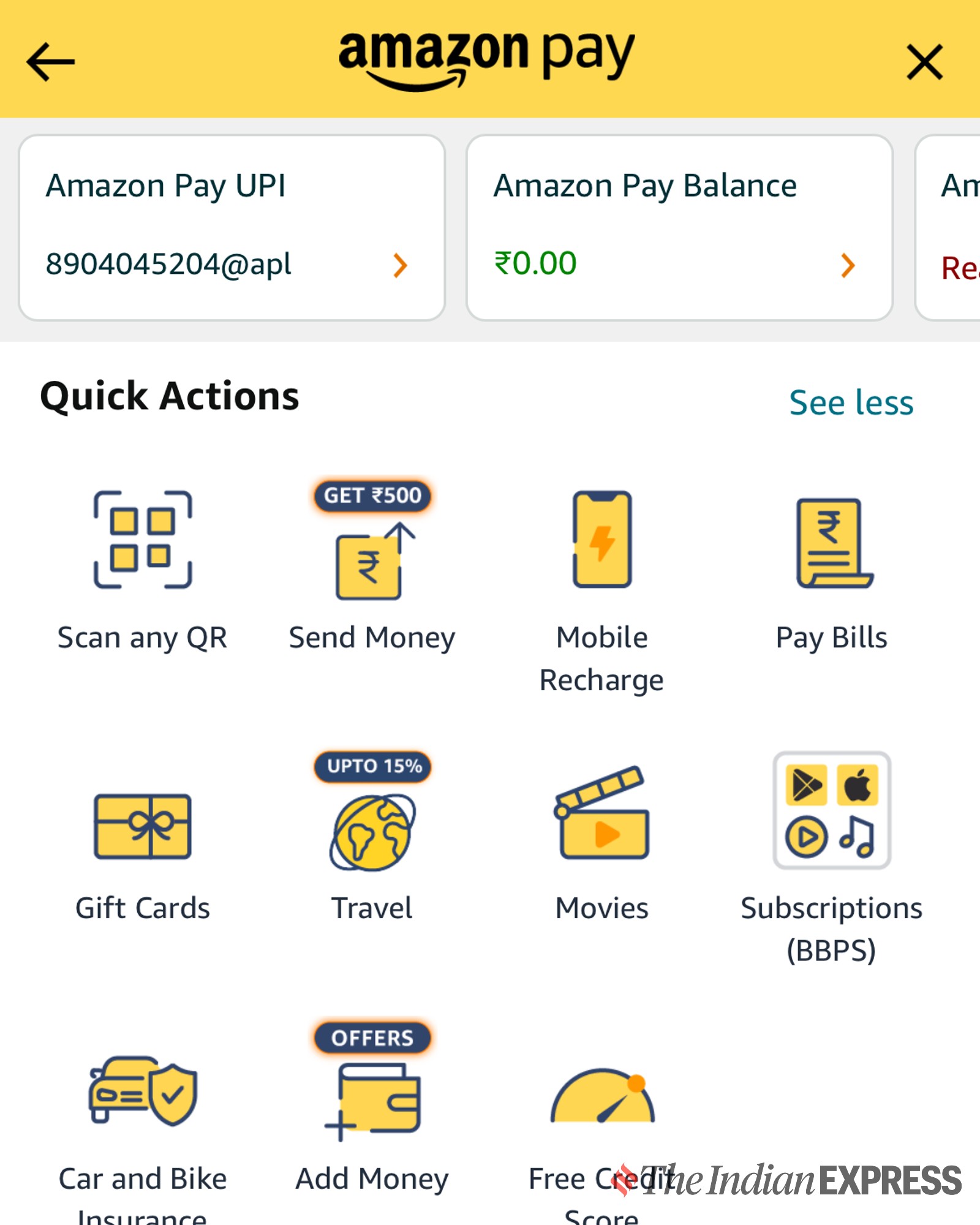
- Navigate directly to the official financial institution portal or launch the verified Amazon mobile application. Avoid clicking unverified links found in unsolicited emails or text messages regarding past-due notices.
- Log into your account using hardware-bound passkeys, authenticator app codes, or SMS multi-factor authentication to satisfy 2026 financial security standards.
- Access the financial dashboard by selecting Your Account, followed by Your Payments or the specific credit card management tab corresponding to your card issuer.
- Verify your current statement balance, minimum payment due, and available credit limit. Pay close attention to the payment due date and the promotional financing expiration date if you utilize equal pay or special financing offers.
- Select your pre-configured payment source, such as a verified checking account utilizing routing and account numbers, or a valid debit card.
- Input the exact payment amount. Choose between the minimum payment, statement balance, or total current balance to optimize your credit utilization ratio.
- Confirm the transaction details and submit. Record the confirmation number generated by the system for your financial records.
Comparison of Amazon Payment Methods and Processing Specs
Evaluating the performance metrics of different payment avenues helps optimize cash flow and prevents costly processing delays. The matrix below highlights key operational parameters for the primary Amazon payment channels.
| Payment Method | Issuing Partner | Standard Processing Time | Associated Fees | Primary Portal Access |
|---|---|---|---|---|
| Amazon Store Card | Synchrony Bank | 2 - 4 Hours (Same Day) | $0 Standard (Late fees up to $41) | synchronycredit.com/amazon |
| Amazon Prime Visa | JPMorgan Chase | Instant (Chase-to-Chase) or 1-2 Days | $0 Standard | chase.com/amazon |
| Amazon Secured Card | Synchrony Bank | 2 - 4 Hours (Same Day) | $0 Standard | synchronycredit.com/amazon |
| Standard Debit/Bank | Amazon Native | 1 - 3 Business Days | $0 Standard | amazon.com/gp/payments |
Security Protocols and Fraud Prevention Strategies
Digital payment ecosystems are frequent targets for phishing campaigns and credential stuffing attacks. Protecting your financial data requires strict adherence to institutional security guidelines.
Official Domain Verification: Always verify that your browser displays HTTPS and the exact domain of the issuing bank before inputting banking credentials. Synchrony and Chase will never ask for your full Social Security Number or password via unencrypted chat or phone calls.
- Enable Push Notifications: Configure real-time alerts within your banking and Amazon applications to notify you immediately when a payment posts, a charge occurs, or your statement becomes available.
- Avoid Public Wi-Fi Networks: Refuse to access financial portals or submit payment instructions while connected to unsecured public hotspots unless utilizing a trusted, enterprise-grade Virtual Private Network (VPN).
- Monitor Credit Utilization: Keep your revolving utilization below 30 percent of your total limit across your Amazon lines to maintain optimal credit scoring metrics as evaluated by major bureaus.
Troubleshooting Common Payment Failures
Encountering a rejected payment or processing error can disrupt your financial schedule. Review these diagnostic steps to resolve common friction points quickly.
- Insufficient Funds and Bank Holds: Ensure your linked checking account holds cleared funds. Temporary authorization holds from recent purchases can cause Automated Clearing House (ACH) rejections.
- Routing Number Errors: If paying via a new bank account, double-check your nine-digit ABA routing number and account number. Typo errors result in automated return fees from your financial institution.
- Browser Cache Corruption: Clear your browser cookies or switch to an incognito window if the payment button fails to respond or loops back to the login screen.
- Over-Limit Blocks: If your account balance exceeds your assigned credit limit, standard automated payments may freeze until you manually pay down the over-limit portion via phone or priority wire.
Frequently Asked Questions
How can I pay my Amazon Store Card balance immediately?
You can pay your Amazon Store Card immediately by logging into the Synchrony Bank online portal, selecting your card account, and initiating an electronic funds transfer using a verified debit card or bank routing details. Payments made this way typically reflect on your ledger within a few hours.
What happens if I miss my Amazon credit payment due date?
Missing your payment due date can result in a late fee of up to $41, the revocation of promotional 0% interest financing terms, and potential negative reporting to major credit bureaus if the delinquency exceeds 30 days.
Can I pay my Amazon bill over the phone?
Yes, you can execute automated or representative-assisted phone payments by calling the customer service number printed on the back of your Amazon credit card or via the Synchrony and Chase customer support directories.
Why is my bank account not linking to my Amazon payment profile?
Bank accounts often fail to link if the name on your Amazon account does not match the legal name on your bank account, or if your bank requires manual micro-deposit verification before authorizing external ACH debits.
How do I stop automatic payments on my Amazon account?
To cancel recurring automated payments, navigate to your card issuer's billing settings portal or your Amazon Your Payments dashboard, locate the Auto-Pay or Recurring Payments configuration menu, and select disable or delete payment source.
Are there any fees for making extra payments on my Amazon accounts?
No, financial institutions do not charge prepayment penalties or transaction fees for making multiple extra payments or paying your balance in full before the statement closing date.
Maximizing Financial Health Through Account Management
Maintaining active oversight of your Amazon financial obligations ensures your purchasing power remains intact while protecting your credit history from inadvertent delinquencies. By utilizing official banking portals, practicing strict digital hygiene, and monitoring your billing cycles, you can manage your Amazon accounts with absolute efficiency and security.