Navy Federal Credit Union continues to lead the financial industry in 2026 by integrating advanced biometric security and instantaneous digital provisioning for its global membership base. Whether you have received a new flagship credit card, a replacement debit card, or a specialized military rewards card, the activation process via navyfederal.org/activate is the critical first step in securing your financial assets and enabling full account functionality. This guide provides the technical specifications and procedural steps required to activate your card and optimize your account settings for the 2026 fiscal year.
The primary intent of this guide is to facilitate the secure activation of Navy Federal Credit Union (NFCU) debit, credit, and prepaid cards. While some users may confuse this with general naval operational activations, this article focuses exclusively on the financial services provided by the Navy Federal Credit Union to its members in the 2026 service year.
The State of Navy Federal Digital Banking in 2026
As of 2026, Navy Federal has transitioned nearly all member services to a mobile-first architecture, emphasizing the "Digital First" initiative. This means that while physical cards are still issued for redundancy and international travel, the "digital twin" of your card is often available for use in your mobile wallet seconds after your application is approved. However, physical card activation remains mandatory to enable the EMV Next-Gen chips and contactless hardware embedded in the plastic.
The 2026 security landscape requires Navy Federal to employ Multi-Factor Authentication (MFA) and AI-driven behavioral analytics during the activation process. This ensures that even if a card is intercepted in the mail, it cannot be activated without the primary account holder’s authenticated mobile device or biometric signature. Members are encouraged to keep their contact information updated to avoid delays in receiving one-time passcodes (OTP) during the activation sequence.
Primary Methods for Navy Federal Card Activation
Navy Federal provides three primary channels for card activation in 2026. Each method is designed to be accessible whether you are stationed stateside, deployed overseas, or managing your finances from home.
1. Activation via the Navy Federal Mobile App
The Mobile App remains the most efficient method for activation. In 2026, the app features integrated NFC (Near Field Communication) scanning, allowing you to activate a card simply by tapping it against your smartphone.
- Log in to the Navy Federal Mobile App using your biometric credentials (Face ID, Fingerprint, or Iris Scan).
- Navigate to the "Cards" tab located in the bottom navigation menu.
- Select the card marked "Pending Activation."
- Choose "Activate Card." You may be prompted to tap the card against the back of your phone or manually enter the 3-digit CVV code from the back of the card.
- Set or confirm your Personal Identification Number (PIN).
- Receive the confirmation message and immediate access to digital wallet provisioning.
2. Online Activation via NavyFederal.org
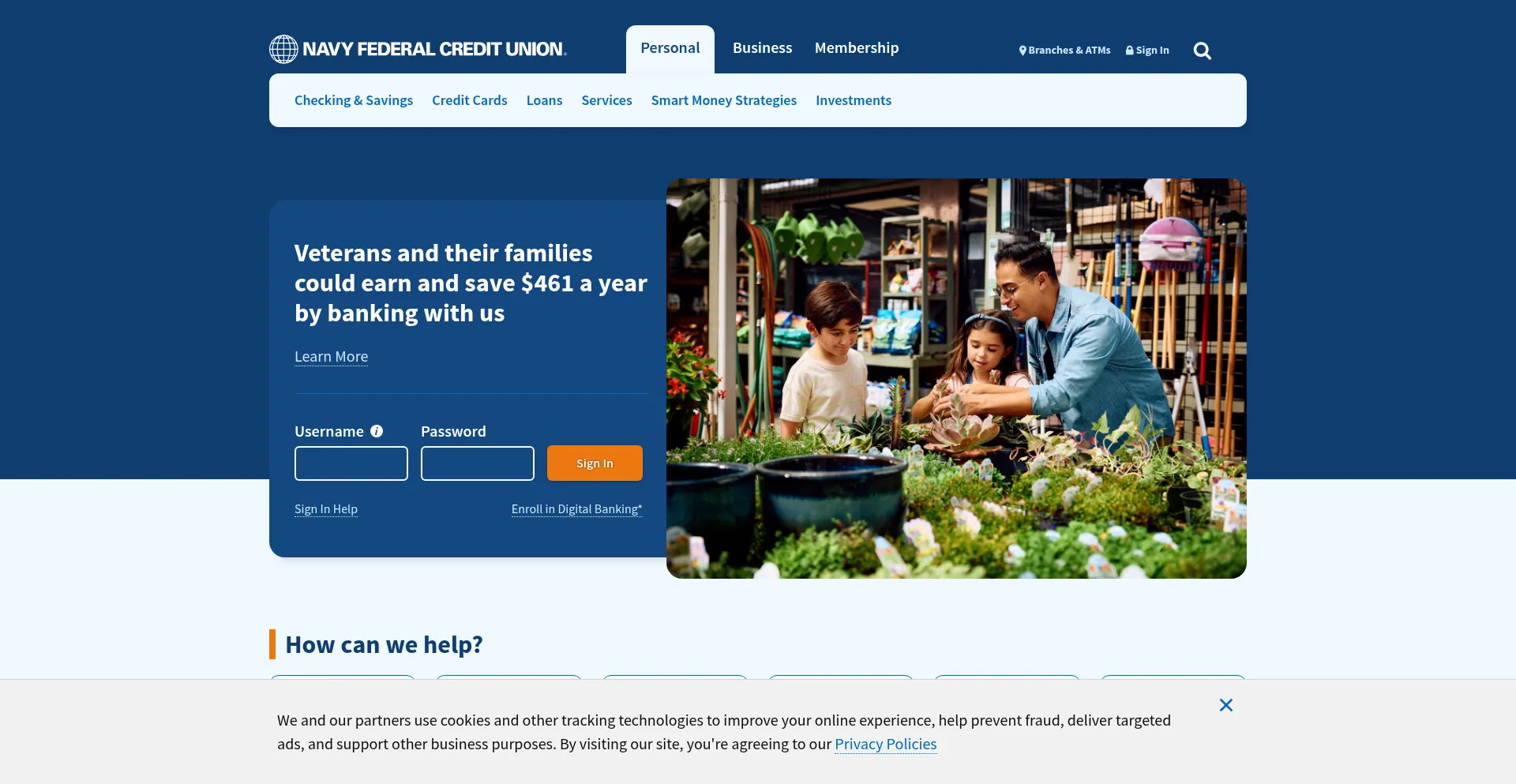
For members who prefer a desktop experience or are using secure terminals on base, the web portal offers a robust activation interface.
- Visit the official Navy Federal website and navigate to the "Activate" section or search for "navy federal org activate."
- Sign in to Online Banking with your Access Number and Password.
- You will be required to pass a 2026-standard security check, which involves an OTP sent to your registered mobile device or a hardware security key.
- Go to "Account Services" and select "Card Management."
- Locate the specific card and click "Activate."
- Enter the required card details, including the expiration date and CVV.
3. Telephone Activation and IVR Systems
For members in areas with low data connectivity or those who prefer traditional methods, the Interactive Voice Response (IVR) system is available 24/7.
- Call the dedicated activation line at 1-888-842-6328 (Stateside) or the international collect line listed on the back of your card.
- Follow the automated prompts to verify your identity. You will likely need to provide the last four digits of your Social Security Number and your zip code.
- Enter the full 16-digit card number when prompted.
- Wait for the verbal confirmation that the card is active before hanging up.
Comparison of 2026 Activation Methods
To help you choose the best method for your current situation, the following table compares the speed, security, and requirements for each activation channel.
| Feature | Mobile App (v10.x) | Online Banking Portal | Phone/IVR System |
|---|---|---|---|
| Speed | Instantaneous | 1-2 Minutes | 3-5 Minutes |
| Security Level | Highest (Biometric + Device Binding) | High (MFA Required) | Standard (Identity Verification) |
| Offline Access | No (Requires Data/Wi-Fi) | No (Requires Internet) | Yes (Cellular/Satellite Voice) |
| PIN Setup | Digital Entry | Digital Entry | Keypad Entry |
| Digital Wallet Integration | Automatic One-Tap | Manual Setup Required | Manual Setup Required |
| International Support | Global (Requires VPN in some regions) | Global | Global (Collect Calls Accepted) |
Security Protocols and Fraud Prevention for 2026
In 2026, Navy Federal utilizes Quantum-Resistant Encryption for all data transmissions during the activation process. However, the "human element" remains the most common vulnerability. Members must adhere to the following security standards to protect their accounts:
Official Verification Requirements
Navy Federal will never ask for your full Social Security Number, your Online Banking password, or your One-Time Passcode over an unsolicited phone call or text message. If you receive a call claiming to be from the Navy Federal Fraud Department asking you to "activate" a card by giving them a code, hang up immediately. Only use the official app or the phone numbers listed on the official Navy Federal website.
Digital Tokenization Standards
When you activate your card in 2026, the system automatically generates a unique digital token for your mobile wallet. This token replaces your actual card number during transactions at retailers. This ensures that even if a merchant's database is breached, your physical card number remains secure and does not need to be re-issued.
Troubleshooting Common Activation Issues
Occasionally, members may encounter hurdles during the "navy federal org activate" process. Below are the technical solutions for the most frequent issues reported in 2026.
Issue: Card Not Appearing in the App If your new card does not appear in the "Cards" section of the app, ensure you are running the latest version of the Navy Federal Mobile App (check the App Store or Google Play for updates). If the app is current, the card may not have been "shipped" in the system yet. Wait 24 hours after receiving the physical card before attempting manual entry.
Issue: Multi-Factor Authentication (MFA) Failures In 2026, NFCU relies heavily on "Trusted Devices." If you are trying to activate a card from a new phone or while traveling in a high-risk geographic region, the system may block the OTP. To resolve this, log in via a known "Trusted Device" or call the member service line to perform a manual identity verification.
Issue: Address Mismatch Errors The activation system compares the zip code you enter with the primary residence on file. If you have recently moved (Permanent Change of Station - PCS), ensure your address is updated in the "Profile" section of Online Banking before attempting to activate your new card.
Post-Activation Checklist for 2026
Once your card is active, there are several steps you should take to ensure your financial workflow is optimized for the current year:
- Enable Push Notifications: In the app settings, turn on "Real-Time Transaction Alerts." In 2026, these alerts can distinguish between physical swipes, online purchases, and recurring subscriptions.
- Update Digital Wallets: Ensure your new card is set as the "Default" card in Apple Pay, Google Pay, or Samsung Pay.
- Review Spending Limits: NFCU allows you to set daily spending and ATM withdrawal limits directly through the app. This is an excellent secondary defense against unauthorized use.
- Check Rewards Selection: For credit cards like the More Rewards or Flagship, ensure your rewards categories are correctly selected to maximize point accumulation for 2026.
- Set Travel Notices: If you are deploying or traveling, use the "Travel Notice" feature in the app. The 2026 AI system is better at recognizing travel patterns, but manual notices are still recommended for OCONUS (Outside Continental United States) travel.
Frequently Asked Questions
How long do I have to activate my Navy Federal card once it arrives?
You should activate your card within 30 days of receipt. If a card remains unactivated for more than 60 days, Navy Federal may proactively freeze the account or the card as a security precaution, requiring you to call member services to re-authorize the issuance.
Can I activate my Navy Federal card before it arrives in the mail?
Yes, in 2026, Navy Federal allows "Digital Activation" for most credit card accounts. Once approved, you can often add the card to your mobile wallet through the app before the physical card arrives. However, the physical card itself will still need a "final" activation once it is in your possession to enable the physical chip.
Why is the system asking for a 2026-specific security code?
Security codes in 2026 are often dynamic. If the system asks for a "Security Code," it is referring to either the CVV on the back of the card or the 6-digit One-Time Passcode (OTP) sent to your verified mobile number to prove you are the authorized user.
What should I do if I find a card that was previously lost but now I have a replacement?
Once a replacement card has been activated, any previous cards associated with that account number are permanently deactivated and cannot be "re-activated." You should destroy the old card by shredding it, ensuring the EMV chip is destroyed.
Is the navyfederal.org/activate site the only way to activate online?
While navyfederal.org/activate is the direct URL, you can also navigate to the activation screen by logging into your general account at navyfederal.org and selecting the "Card Management" suite. Always ensure the URL begins with "https://" and shows the padlock icon to verify a secure connection.
Final Expert Insights for NFCU Members
Activating your card through navy federal org activate is more than just a procedural necessity; it is your gateway to the most secure banking features available in 2026. By utilizing the mobile app for activation, you gain access to immediate digital provisioning and the full suite of AI-driven fraud protections. Always remember to keep your mobile device software updated and never share your activation codes with anyone. If you suspect any fraudulent activity or if your card does not arrive within 7-10 business days of your request, contact Navy Federal immediately to secure your membership and assets.