Synthesizer V, commonly referred to as SynthV, has evolved significantly by 2026. While the software is world-renowned for its hyper-realistic singing synthesis, the "talk" functionality is a specialized application that bridges the gap between musical phrasing and phonetic speech delivery. This guide explores the technical methodologies required to utilize Dreamtonics SynthV Studio for spoken word synthesis, moving beyond melodic constraints into the realm of rhythmic speech production.
Understanding the Phonetic Engine for Speech Synthesis
SynthV operates on a sophisticated latent diffusion model that interprets input phonemes rather than standard text-to-speech (TTS) engines used in AI voice assistants. To make a voicebank "talk," you must manipulate the transition between phonetic segments to mimic human prosody. Standard TTS engines prioritize legibility, whereas SynthV prioritizes fluid transitions, which you must manually constrain to simulate speech.
The core challenge in 2026 is that SynthV is designed for pitch-dependent output. To make it talk, you must treat the speech as a monotone or narrowly modulated melody. By stripping the MIDI note data of musical intervals, you create a baseline for speech.
Configuring Your Project for Spoken Word Delivery
To achieve high-quality spoken output, your project file must be set up with specific parameters that disable vibrato and minimize pitch-bending artifacts that sound artificial in a non-musical context.
- Set your BPM to a static value that reflects the desired pace of the speech.
- Utilize the Note Properties panel to lock the pitch deviation to near-zero.
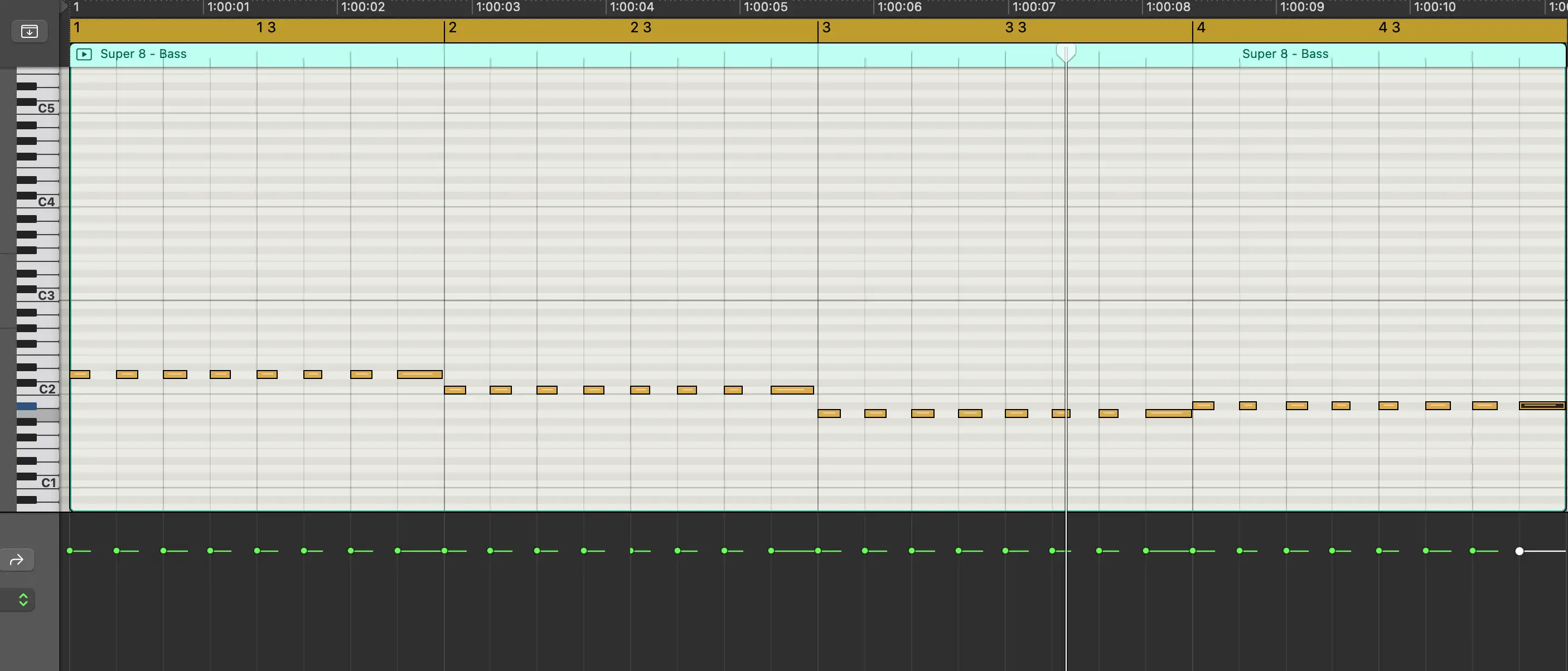
- Apply a flat pitch curve across the piano roll, ensuring the voice stays within the natural speaking range of the specific voicebank chosen.
- Adjust the breathiness and tension parameters in the AI Retakes panel to ensure the voice sounds authentic rather than synthesized.
Advanced Phoneme Manipulation and Timing
The secret to making SynthV sound human when speaking lies in the manual adjustment of phoneme durations. In 2026, the updated SynthV editor allows for granular control over the phoneme duration window.
- Consonant-Vowel Transitions: Expand the duration of sibilant consonants like s, sh, and f to create natural airflow.
- Micro-Pauses: Insert tiny, un-noted gaps between words to simulate the natural inhalation or cognitive processing time humans use during speech.
- Velocity Control: Use lower note velocities for trailing words to mimic the natural decay of human breath volume.
Comparison of SynthV Voicebanks for Spoken Performance
Not all voicebanks are created equal for spoken synthesis. Some are designed for aggressive vocaloid-style singing, while others are optimized for soft, realistic, or narrative styles.
| Voicebank Character | Best Use Case for Speech | Pros | Cons |
|---|---|---|---|
| Kevin | Professional Narration | Extremely clear enunciation | Requires heavy tuning for emotion |
| Solaria | Dramatic Monologue | High emotional range | Excessively rich vibrato by default |
| Asterian | Deep, Formal Speech | Natural low-frequency resonance | Can sound muffled if not EQ'd |
| Saros | Casual Conversational | Modern, bright, and airy | Susceptible to breathy artifacts |
Implementing Prosody and Emotional Inflection
To avoid the "robot" effect, you must manually draw the pitch curves. Even in speech, humans do not speak in a perfect monotone. By using the parameter editor to slightly raise pitch at the end of questions and lower it at the end of declarative statements, you provide the listener with essential social cues.
Pro Tip for Natural Inflection Analyzing Speech Patterns. Study real-world podcasts or audiobook narrators. Note that humans rarely hold a note at a constant frequency. Use the pitch draw tool to create a slight "sag" in frequency toward the end of long words. This indicates a natural drop in subglottal pressure, which is a hallmark of human speech that SynthV often skips by default.
Troubleshooting Common Speech Synthesis Errors
If your output sounds "choppy" or "glitchy," it is often due to the software trying to resolve pitch transitions that don't exist in speech.
- Sibilance Issues: If the "S" sounds are too harsh, use an external de-esser plugin in your DAW rather than trying to fix it within the SynthV environment.
- Rhythmic Stuttering: Ensure that your notes are perfectly quantized to the grid if you are aiming for a rhythmic, rhythmic speech pattern (like hip-hop vocals).
- Vocal Fry: If the voice sounds gravelly, reduce the "Tension" parameter. Tension often maps to vocal fold compression; high tension creates a strained, screaming sound, whereas low tension yields a relaxed, conversational tone.
Frequently Asked Questions for SynthV Users
Can I use any SynthV voice for speech? Yes, but the quality varies. Voicebanks with clear, realistic training data like Kevin or Solaria generally perform better for speech synthesis than stylized, experimental voicebanks.
Is it faster to use dedicated TTS software? For pure utilitarian speech, yes. Dedicated AI TTS models are faster, but SynthV offers unparalleled control over the "acting" performance, making it superior for creative audiobooks or character-driven dialogue.
Do I need a high-end CPU for real-time speech rendering? In 2026, SynthV is highly optimized, but complex AI retakes require a modern CPU with high single-core clock speeds. Ensure you have at least 16GB of RAM to manage long-form speech tracks without stuttering during playback.
How do I make the speech sound like a specific accent? You must manually adjust the phonemes in the lyrics input field. By swapping standard English phonemes for those found in specific regional dialects, you can effectively alter the perceived origin of the voicebank.
Integrating SynthV Output into Your Production Workflow
Once you have generated your spoken audio in SynthV, you should render the file as a high-fidelity WAV file (32-bit float). Importing this into a professional Digital Audio Workstation (DAW) allows for the application of post-processing, such as compression and dynamic EQ, which are necessary to place the "synthesized voice" into a mix that sounds professional and integrated. Avoid using internal SynthV effects for final mastering; use your DAW's high-quality VST suite to treat the voice as if it were a recorded human performance.
Mastering the art of spoken synthesis in SynthV is an iterative process that requires moving beyond the software's musical roots. By treating the piano roll as a canvas for phonemes and the pitch curve as a map of human emotion, you can create spoken performances that remain indistinguishable from professional voice acting in 2026. Start by experimenting with short, simple sentences, gradually increasing complexity as you become more familiar with how specific voicebanks respond to your phonetic manipulations.