Creating a Capital One account provides users with centralized access to credit card management, high-yield savings products, and automated banking tools. As of 2026, Capital One has refined its digital onboarding process to prioritize security through multi-factor authentication (MFA) and biometric integration, making the transition from a new applicant to an active account holder seamless. This guide outlines the precise technical steps and security prerequisites required to successfully establish and maintain your financial profile.
Prerequisites for Account Creation and Identity Verification
Before initiating the registration process, ensure you have the necessary documentation to satisfy Capital One’s Know Your Customer (KYC) and Anti-Money Laundering (AML) regulatory requirements. Financial institutions in 2026 operate under strict federal guidelines necessitating clear identity verification to prevent fraud and financial exploitation.
- Social Security Number (SSN) or Individual Taxpayer Identification Number (ITIN).
- A valid, government-issued photo identification (Driver’s License, State ID, or Passport).
- A residential physical address (PO Boxes are generally not accepted for primary account residency status).
- A verifiable U.S. mobile phone number for real-time authentication codes.
- A personal email address that is not shared with other account holders.
Ensure that the information you provide matches exactly with the records held by credit bureaus and the Social Security Administration. Discrepancies in address history or name spelling often trigger manual review processes, which can delay your account activation by several business days.
Technical Step-by-Step Account Setup Procedure
To successfully make a Capital One account, follow this structured workflow. It is recommended to perform these steps on a private, secure network rather than public Wi-Fi to protect your sensitive financial data.
- Navigate to the official Capital One website via your preferred browser or download the latest version of the Capital One mobile app from an authorized storefront.
- Select the Enroll or Sign Up option prominently displayed on the landing page.
- Input your core personal identifiers, including your full legal name, date of birth, and tax identification number.
- Provide your financial contact details. You will need to link a valid U.S. bank account if you are applying for a checking or savings product to facilitate your initial funding deposit.
- Review the digital disclosures regarding electronic communication, privacy policies, and the 2026 updated terms of service.
- Complete the identity verification step, which may involve a soft pull on your credit report. This does not impact your credit score but verifies your identity against established financial history.
- Set up your digital login credentials. Utilize a unique, complex password—ideally a passphrase of at least 16 characters—and enable biometrics (Face ID or Fingerprint) if the app prompts you.
Comparison of Account Types and Digital Management Features
Capital One offers various financial products that require different management strategies. Understanding the utility of each helps in selecting the right product for your 2026 financial goals.
| Account Type | Primary Benefit | 2026 Digital Access Level | Fee Structure |
|---|---|---|---|
| 360 Checking | No overdraft fees | Full Mobile/Desktop | Fee-Free |
| 360 Performance Savings | High-yield interest | Full Mobile/Desktop | No monthly fees |
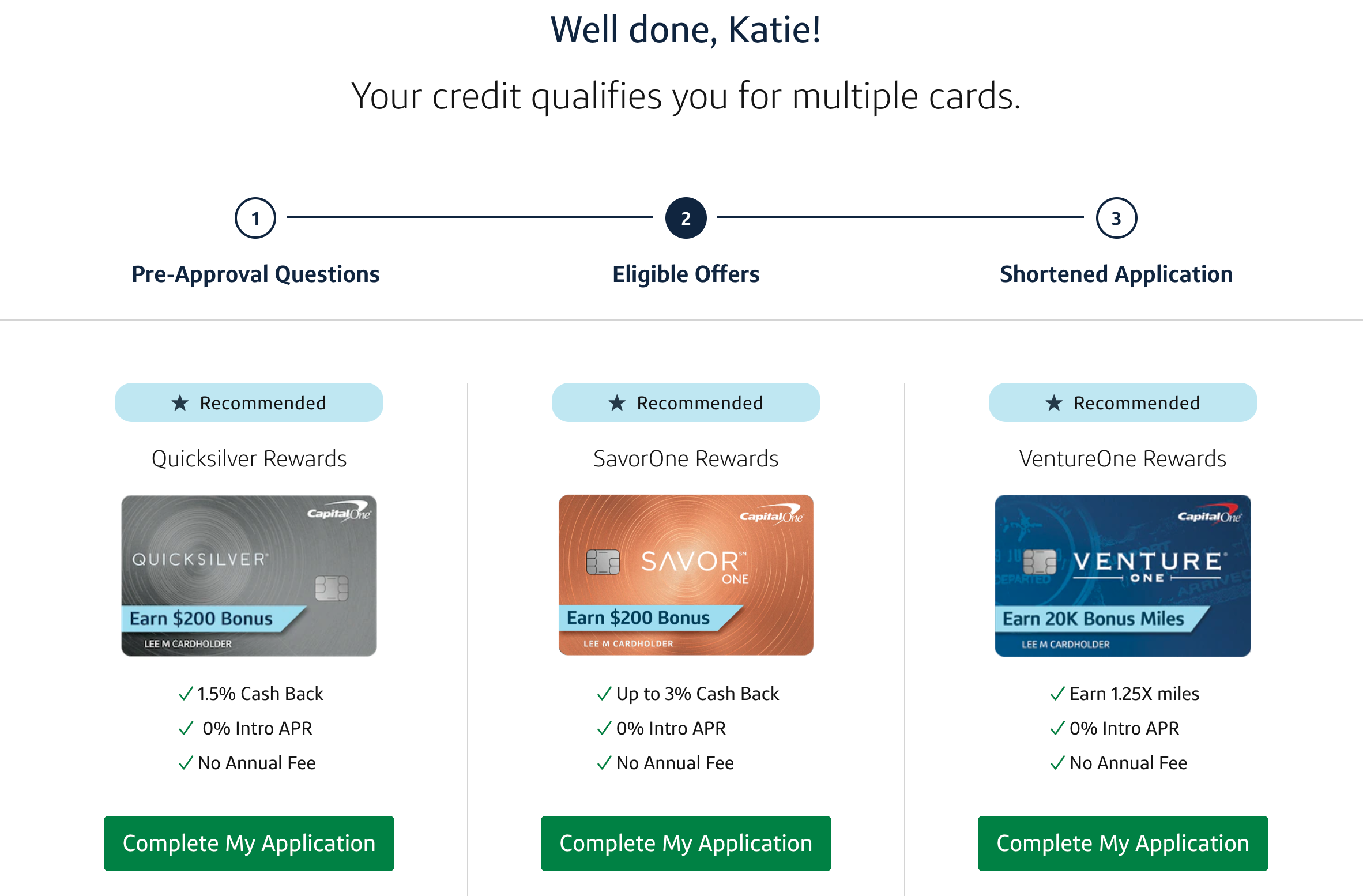
| Credit Cards | Rewards & Credit Building | Full Mobile/Desktop | Varies by card |
| Auto Finance | Loan tracking/payoff | Limited (Loan focused) | N/A |
Strengthening Account Security in 2026
Digital security threats have evolved significantly by 2026. Beyond simple passwords, you must employ layered defense mechanisms to ensure your Capital One account remains protected from unauthorized access.
Mandatory Security Protocols
Enable Multi-Factor Authentication Always utilize an authenticator app or hardware token rather than relying solely on SMS-based codes, which are susceptible to SIM-swapping attacks. Ensure your secondary email recovery address is equally protected with its own robust authentication layer.
Biometric Verification Leverage the hardware-level encryption provided by your smartphone. When using the Capital One app, biometrics provide a more secure and convenient alternative to re-entering long passwords, while maintaining high-assurance identity verification.
Regular Activity Audits Log in at least once per week to review your transaction history. Capital One’s 2026 interface allows for real-time push notifications for every transaction. Enable these to receive immediate alerts regarding card usage, which is your first line of defense against unrecognized charges.
Troubleshooting Common Registration Errors
Users occasionally encounter hurdles during the registration process. Identifying these early can prevent unnecessary frustration and support calls.
- Identity Verification Failures: If the system cannot verify your identity, it is often due to a frozen credit report. Temporarily unfreeze your credit with major bureaus before attempting the application again.
- Browser Incompatibility: Ensure your browser is updated to the latest 2026 standards. If using a VPN, consider disabling it during the initial setup as security filters may flag masked IP addresses as potentially malicious.
- Document Rejection: Ensure all scanned images of your ID are clear, well-lit, and show all four corners of the document. Blurred images are the leading cause of manual review delays.
Frequently Asked Questions
Can I make a Capital One account without a credit check? Yes, applying for a 360 Checking or Savings account typically does not result in a hard inquiry on your credit report. However, Capital One may perform a soft check for identity verification purposes.
Is it safe to use the Capital One mobile app in 2026? The app utilizes AES-256 bit encryption and hardware-backed biometric security, meeting the current industry standards for banking safety. Ensure you only download the app from the official Google Play Store or Apple App Store.
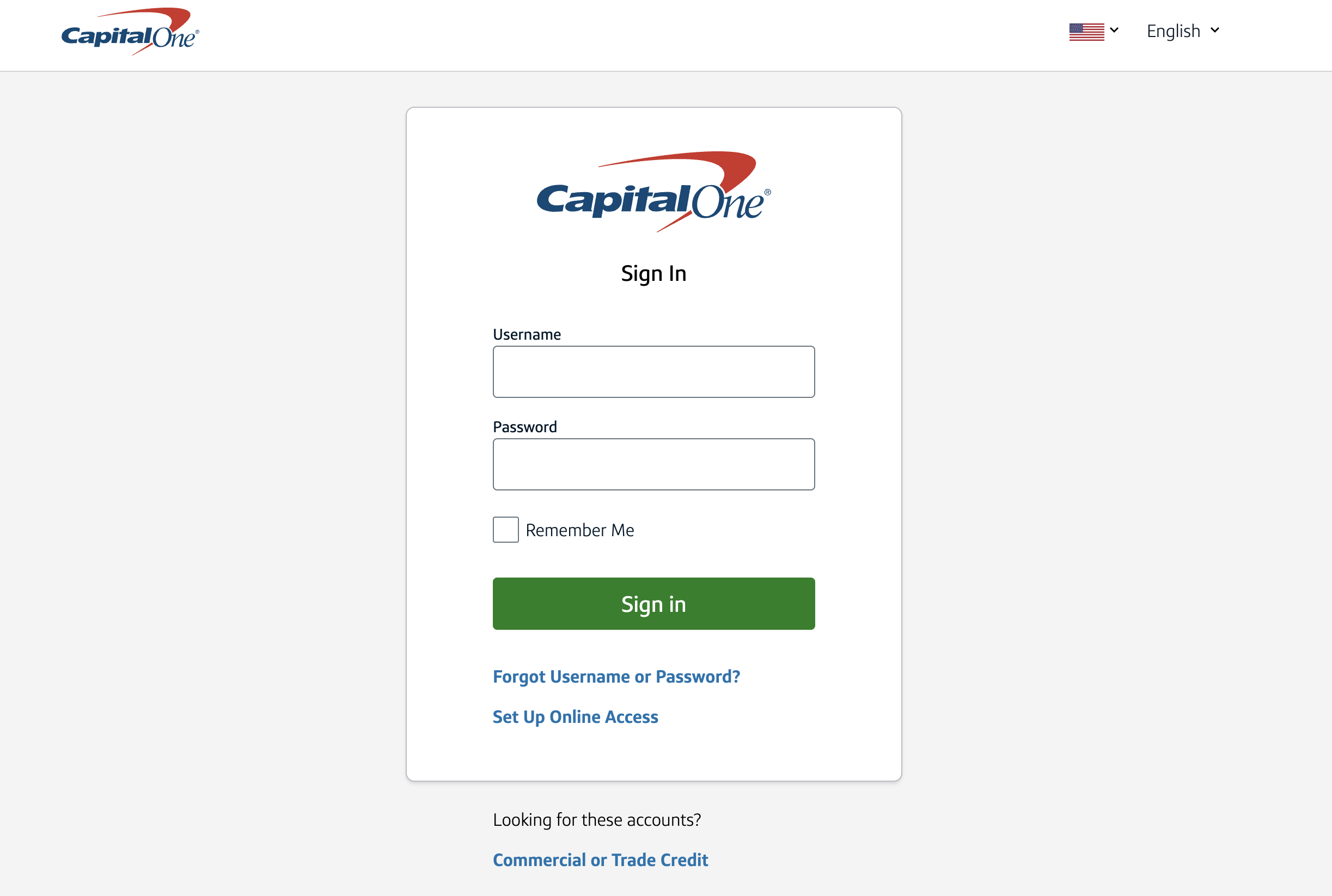
How do I recover access if I am locked out of my account? Use the Forgot Username or Password link on the login screen. You will be prompted to verify your identity through your registered mobile number or email before you can reset your credentials.
Can I manage multiple accounts under one login? Yes, Capital One’s dashboard is designed to aggregate your credit cards, savings, and checking accounts into a single view, allowing you to move money and monitor balances efficiently.
Do I need to visit a branch to finalize my account? In 2026, almost all Capital One accounts can be opened and managed entirely digitally. While Capital One Cafes exist for in-person support and financial coaching, they are not strictly required for standard account maintenance.
Strategic Financial Management
Once your account is established, prioritize the automation of your financial life. Use the 2026 dashboard tools to set up recurring transfers between your checking and savings accounts. By automating your savings, you remove the emotional burden of manual budgeting. Furthermore, actively manage your credit card utilization ratios by monitoring your spending through the app’s categorization tools, which provide a bird's-eye view of your monthly cash flow. If you encounter any discrepancies or suspicious activity, use the "Lock Card" feature available in the app to immediately suspend transactions while you coordinate with the 24/7 fraud resolution team.