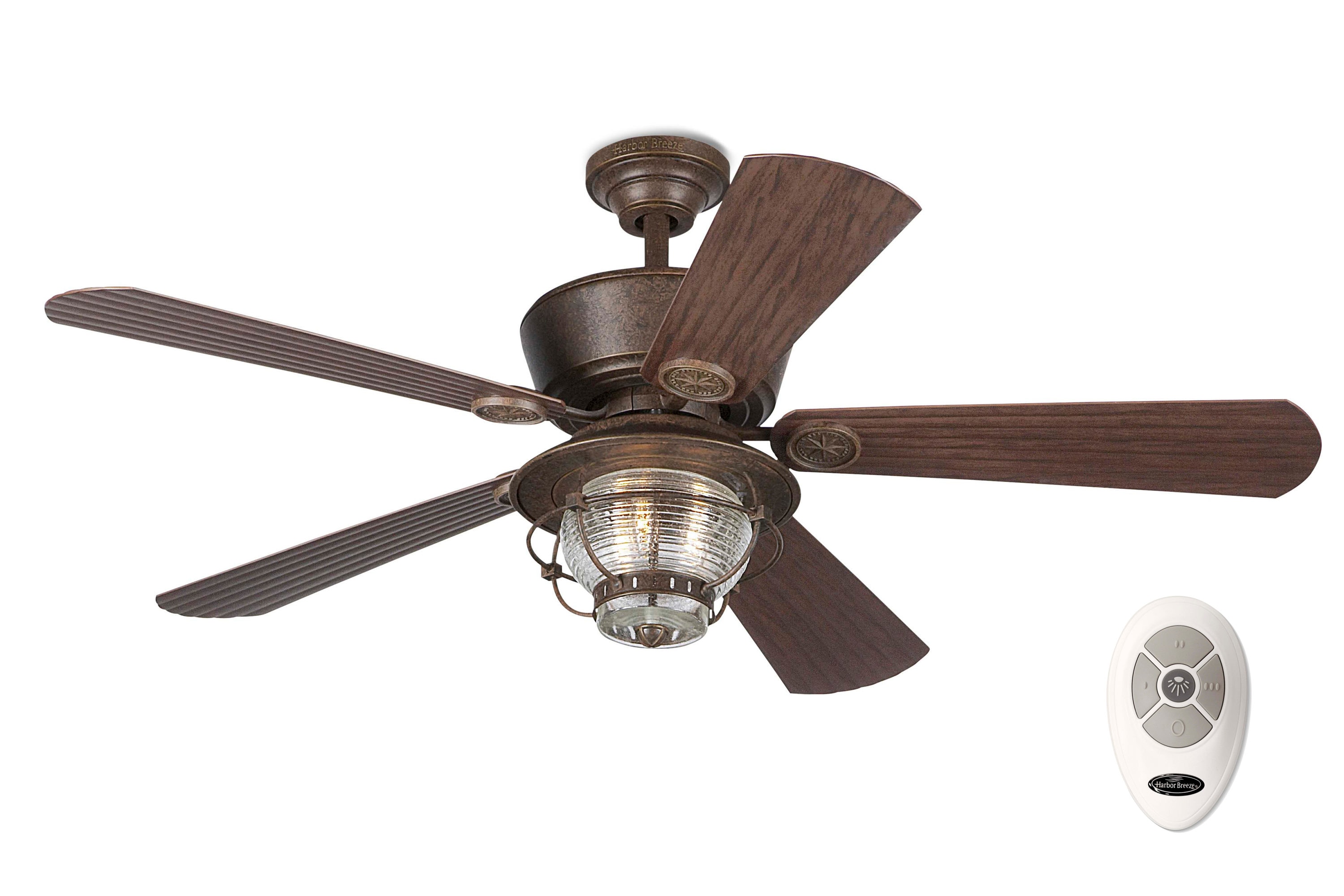
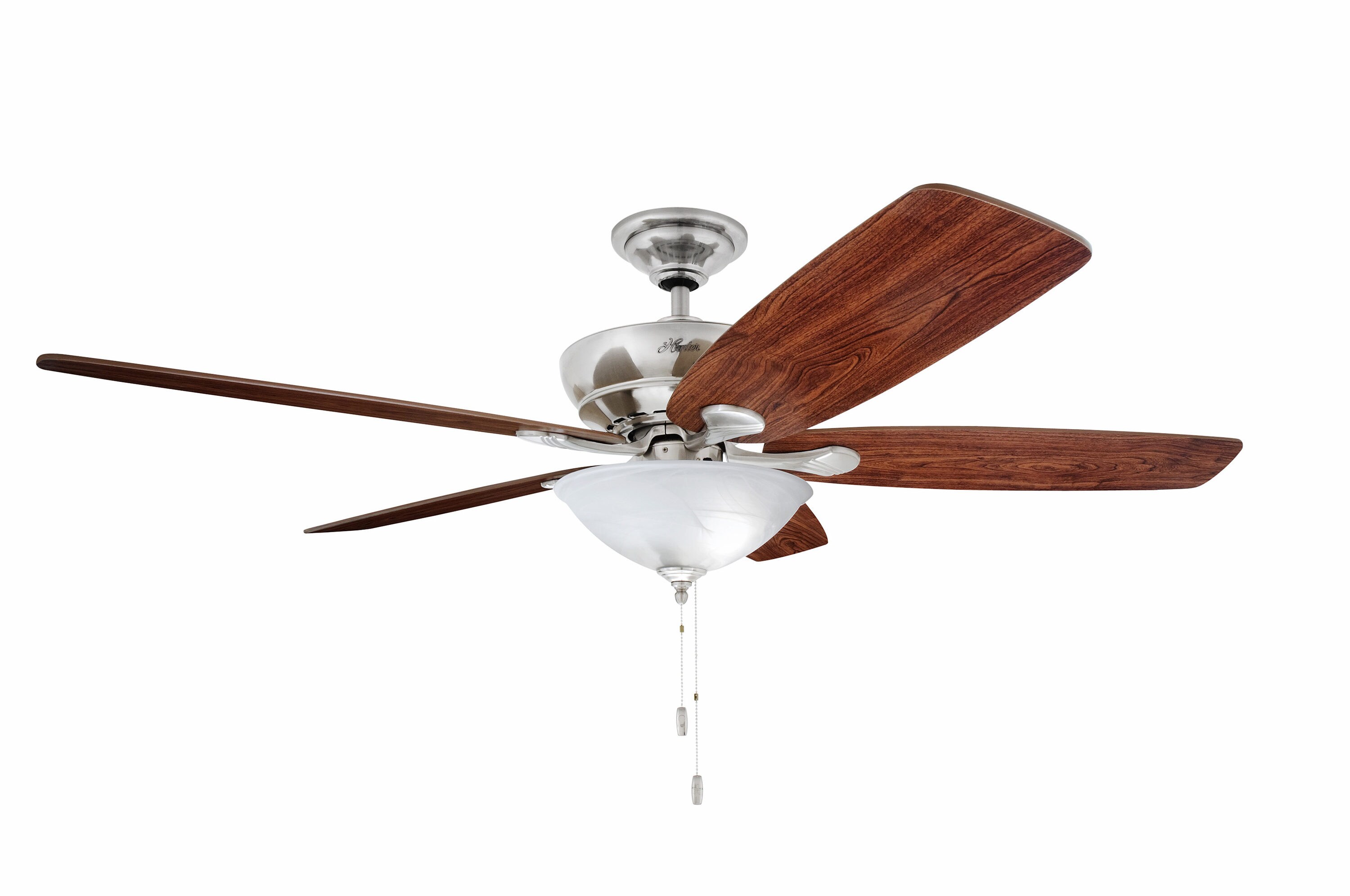
Harbor Breeze fans are the exclusive house brand of ceiling fans for Lowe’s Home Improvement, offering a wide array of interior and exterior cooling solutions. Known for balancing aesthetic variety with affordability, these fans cater to homeowners seeking reliable airflow, integrated lighting, and modern features like DC motors and smart home compatibility.
Understanding the Harbor Breeze Brand and Manufacturing
Harbor Breeze is not an independent manufacturer but a private-label brand owned by Lowe’s. Since its inception, the brand has been designed to provide a mid-tier alternative to premium brands like Hunter or Casablanca. Most Harbor Breeze products are manufactured by third-party companies, primarily Litex Industries, which handles the engineering and production logistics. This relationship is crucial for consumers to understand because when seeking technical support or specific replacement parts, documentation often refers back to Litex's manufacturing standards.
In the 2026 market, Harbor Breeze has solidified its position by focusing on "value-added" engineering. This means that while the price point remains accessible, the fans often include features that were previously reserved for high-end models, such as integrated LED arrays, moisture-rated finishes for coastal environments, and high-efficiency motors. The brand serves a diverse demographic, from DIY renovators looking for a quick bedroom update to contractors installing uniform fixtures in new residential developments.
The appeal of Harbor Breeze lies in its distribution. Because they are sold through a major national retailer, availability is consistent, and the return or exchange process is streamlined compared to boutique brands. However, because they are mass-produced, it is essential for buyers to verify the specific model's specifications to ensure they are getting the performance levels required for their specific room size and ceiling height.
Key Features and Technological Innovations in 2026
As of 2026, Harbor Breeze has integrated several technological advancements to keep pace with energy regulations and consumer demand for "smarter" homes. The shift from traditional AC motors to brushless DC motors is one of the most significant changes. DC motors are not only quieter but also consume up to 70% less electricity than their predecessors. This efficiency is a primary driver for the brand's high Energy Star ratings across its modern product lines.
Smart Home Integration
Many newer Harbor Breeze models now feature built-in Wi-Fi or Bluetooth connectivity, allowing them to integrate directly with platforms like Amazon Alexa, Google Home, and Apple Home. This eliminates the need for a physical remote or a wall switch in many scenarios. Users can set schedules, adjust fan speeds based on room temperature sensors, or dim the lighting through voice commands or smartphone apps.
Quick-Install Technology
Recognizing that a large portion of their customer base consists of DIYers, Harbor Breeze utilizes "Easy-Install" features. This often includes pre-installed mounting brackets, twist-and-lock glass globes, and plug-and-play wiring harnesses. These innovations reduce the average installation time by approximately 25% to 50%, making them a preferred choice for those who are not professional electricians.
Weather-Resistant Ratings
Harbor Breeze categorizes its fans into Dry, Damp, and Wet ratings. By 2026, their outdoor line has expanded significantly. "Wet-rated" fans are designed with sealed motor housings and stainless steel hardware to prevent rust and electrical shorts even when exposed to direct rain, making them ideal for pergolas and exposed decks.
Harbor Breeze Model Comparison and Specifications
Selecting the right fan requires comparing blade span, airflow (measured in Cubic Feet per Minute or CFM), and lighting capabilities. The following table highlights popular configurations typical of the Harbor Breeze lineup.
| Model Series | Blade Span | Recommended Room Size | CFM (High Speed) | Best Use Case |
|---|---|---|---|---|
| Mazon | 44-inch | Small Rooms (up to 100 sq. ft.) | 4,500 | Modern/Compact Spaces |
| Beach Creek | 52-inch | Medium/Large (up to 400 sq. ft.) | 5,200 | Coastal/Farmhouse Decor |
| Armitage | 52-inch | Large Rooms | 4,800 | Budget-Friendly/Rental |
| Hydra | 70-inch | Great Rooms (400+ sq. ft.) | 8,000+ | Large Open Concepts |
| Kingsbury | 60-inch | Large/Outdoor | 6,500 | Traditional/Porches |
Note: CFM values are estimates based on standard 2026 testing protocols. Always check the specific packaging for the most accurate data regarding the individual model.
Installation Requirements and Safety Guidelines
Installing a Harbor Breeze fan is a manageable task for most homeowners, but it requires strict adherence to electrical safety standards. Before beginning, ensure the power is turned off at the circuit breaker—not just the wall switch.
- Ceiling Box Verification: The most common mistake is mounting a fan to a standard plastic light fixture box. Ceiling fans require a UL-listed "Fan-Rated" outlet box capable of supporting at least 35 to 70 lbs, depending on the fan's weight and the vibration generated during operation. If your existing box is not fan-rated, you must replace it with a heavy-duty metal box braced between ceiling joists.
- Clearance Standards: For safety and optimal airflow, the fan blades must be at least 7 feet above the floor. For higher ceilings, using a downrod is recommended to bring the fan to an optimal height of 8 or 9 feet. Additionally, blades should have at least 18 inches of clearance from walls or other obstructions to prevent the "buffeting" effect, which causes wobbling.
- Wiring Color Codes: Most Harbor Breeze fans follow standard US wiring: Black (Hot/Fan), Blue (Hot/Light), White (Neutral), and Green or Bare Copper (Ground). If your wall switch only has one "hot" wire but you want to control the fan and light separately, you will need to use the included remote control receiver to manage the signals.
- Blade Balancing: If the fan wobbles after installation, use the balancing kit usually provided in the box. This involves placing a small clip on the edge of a blade to identify which one is out of alignment, then applying a permanent adhesive weight to the center of that blade.
Troubleshooting Common Harbor Breeze Issues
Despite their reliability, Harbor Breeze fans can encounter issues related to remote connectivity, motor noise, or lighting failures. Most of these can be resolved without replacing the entire unit.
Remote Control Syncing
If your remote stops working, the first step is to check the batteries. If that fails, the remote may need to be re-paired with the receiver. Most Harbor Breeze remotes use "learning mode." To reset, turn off the power at the wall switch for 30 seconds, turn it back on, and within 30 seconds, press and hold the "HI" and "LO" buttons (or the "Setup" button inside the battery compartment) until the light kit flashes or the fan beeps.
Humming or Buzzing Noises
A humming sound is often electrical rather than mechanical. If you are using a wall-mounted dimmer switch that was not designed for a ceiling fan, it can cause the motor to hum. Ceiling fans require specific "Step" controllers or standard On/Off switches. If the noise is mechanical, ensure all screws on the blade irons and the motor housing are tightened, as even a slightly loose screw can create a resonant vibration.
Light Kit Failures
Modern Harbor Breeze fans typically use integrated LED boards rather than traditional bulbs. While these are rated for tens of thousands of hours, a power surge can damage the LED driver. If the light fails but the fan still spins, the issue is likely the driver or the connection between the light kit and the motor wiring harness. Check for loose "quick-connect" plugs inside the switch housing.
Maintenance and Long-Term Care
To extend the life of a Harbor Breeze fan, regular maintenance is required. Dust accumulation on the blades is the leading cause of motor strain and wobbling. At least twice a year, wipe the blades with a microfiber cloth dampened with mild soapy water. Avoid using harsh chemicals that could strip the finish or damage the blade material, which is often MDF (Medium Density Fiberboard) or plywood with a veneer.
Seasonal adjustment is another critical maintenance step. Most Harbor Breeze fans feature a manual or remote-controlled reverse switch. In the summer, the fan should spin counter-clockwise to create a "wind chill" effect by pushing air downward. In the winter, the fan should spin clockwise at a low speed to pull cool air up and push the warm air trapped at the ceiling back down into the living space. This simple adjustment can reduce heating and cooling costs by up to 10% to 15%.
Finally, check the mounting hardware annually. The constant vibration of a spinning motor can slowly loosen the screws holding the fan to the ceiling box or the blades to the motor. A quick five-minute inspection once a year can prevent "fan drift" and ensure the unit remains whisper-quiet.
Frequently Asked Questions
Where can I find the model number for my Harbor Breeze fan?
The model number is usually located on a small silver or white sticker on top of the motor housing. To see it, you may need a ladder and a flashlight. This number is essential for ordering replacement parts, such as new glass globes or remote receivers, through Lowe’s or the manufacturer, Litex Industries.
Can I use a universal remote with a Harbor Breeze fan?
Yes, most Harbor Breeze fans are compatible with universal ceiling fan remote kits. However, if your fan has an integrated DC motor, you must use a remote specifically designed for DC motors, as the control signals are different from standard AC motors. Always ensure the receiver unit can fit within the fan’s canopy at the ceiling.
Why is my fan shaking even after I tightened the screws?
Shaking or wobbling is usually caused by unbalanced blades rather than loose screws. Even a milligram of difference in weight between blades can cause a wobble at high speeds. Use a blade balancing kit to identify the "light" blade and apply the included weights. Also, verify that the outlet box in the ceiling is a "Fan-Rated" box and is securely fastened to the framing of the house.
Are Harbor Breeze fans suitable for coastal areas?
Only if they are specifically labeled as "Damp-rated" or "Wet-rated." For coastal porches or gazebos, you should look for models with a "Wet" rating and "Salt-Spray" resistant finishes. Standard indoor fans will quickly corrode and the blades may droop due to the high humidity and salt content in the air.
How do I replace the LED light in a Harbor Breeze fan?
If your fan has an integrated LED disk rather than standard sockets, you cannot simply change a bulb. You will need to order a replacement LED PCB (Printed Circuit Board) module. These are typically held in by two or three screws and connected via a simple wire harness. Contact Lowe’s customer service with your model number to find the correct replacement module.
Strategic Selection for Your Home
When choosing a Harbor Breeze fan in 2026, prioritize the motor type and the specific needs of the room. For bedrooms, the silence and gradual speed control of a DC motor are invaluable. For high-traffic living areas or kitchens, look for models with high CFM ratings and easy-to-clean finishes like brushed nickel or matte black.
Before purchasing, measure your room dimensions and ceiling height. A fan that is too small will fail to circulate air effectively, while one that is too large can create an overwhelming "wind tunnel" effect. By matching the fan’s scale and technical specifications to your environment, you ensure that your Harbor Breeze investment provides both comfort and energy efficiency for years to come. For the best results, always verify that your home's electrical infrastructure is ready for the specific requirements of modern smart fans.