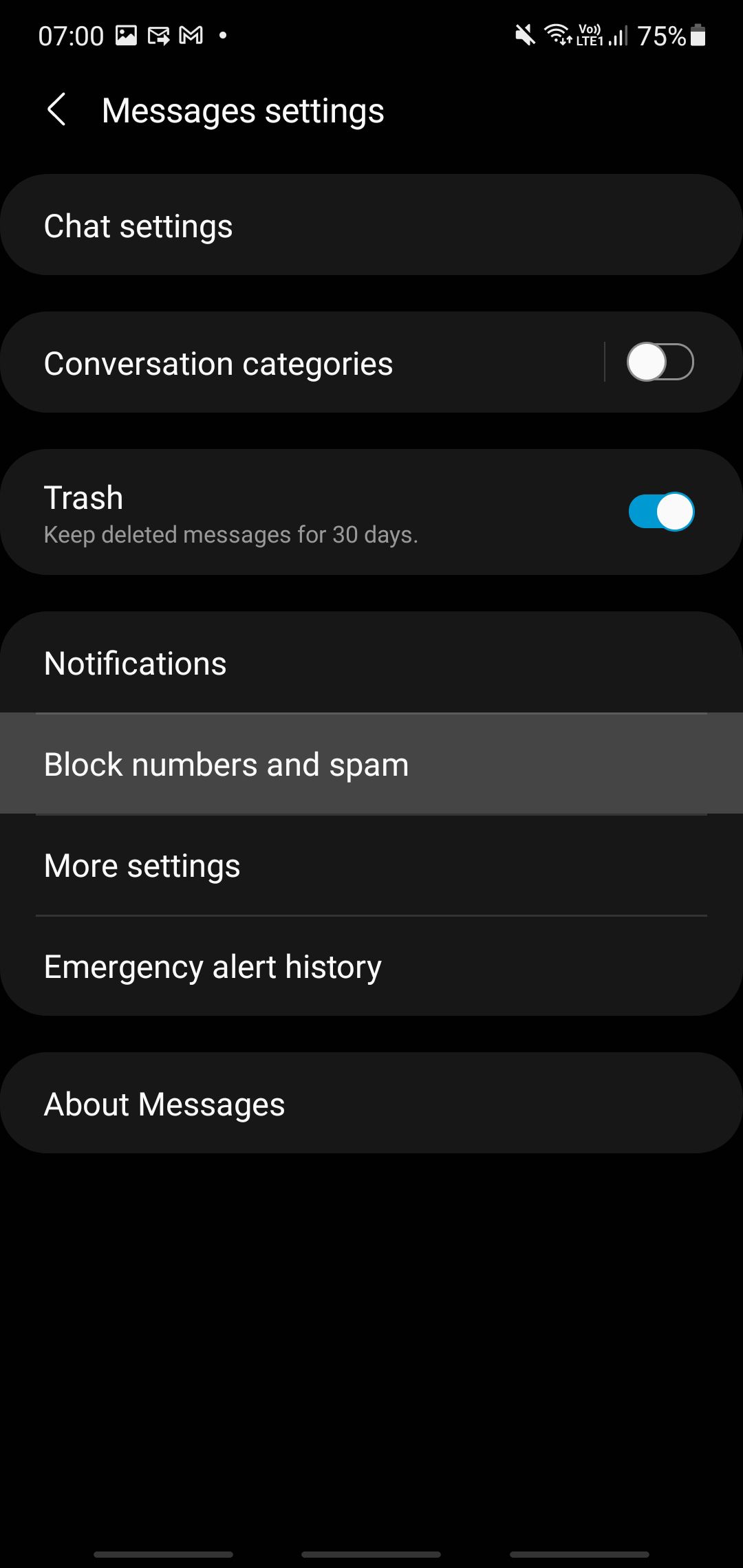
Note: This guide focuses strictly on the technical mechanisms, device security implications, and diagnostic steps associated with simulated, fabricated, or deceptive "blocked message" notifications on modern mobile operating systems.
The digital communication landscape in 2026 relies on complex cryptographic protocols, carrier-side filtering, and Advanced Messaging Extensions (RCS and iMessage). Amid these architectures, users frequently encounter ambiguous interface notifications or intentionally manipulated text strings designed to mimic blocked communication statuses. Whether investigating a prank, analyzing a social engineering attempt, or troubleshooting an actual delivery failure on iOS or Android, understanding how mobile operating systems handle blocked contacts is essential. False notification text can indicate a spoofed text message, a localized carrier glitch, or a deliberate attempt by a malicious actor to manipulate interpersonal communication.
Anatomy of Modern Mobile Blocking Protocols
Modern smartphones do not natively generate explicit "Your message was blocked by the recipient" notification strings when an outgoing text encounters a block. Instead, ecosystem architectures prioritize user privacy by maintaining symmetric ambiguity.
When a user blocks a contact on Apple's iMessage or Google Messages, the platform intentionally suppresses delivery receipts. An iMessage sent to a blocking contact simply remains in a state of perpetual blue bubble status without flipping to "Delivered," while SMS/RCS fallbacks behave identically to standard transmissions from the sender's perspective.
Because official operating systems avoid broadcasting explicit block confirmations, any standalone text message or pop-up notification explicitly stating "Your message has been blocked" or containing specific error strings typically points to alternative phenomena:
- Carrier Gateway Rejections: Automated notifications generated by network operators when an SMS fails due to routing errors, spam filtering, or expired validity periods.
- Third-Party Application Overlays: Notifications injected by unsecured messaging apps, parental control suites, or customized user interfaces with non-standard alert designs.
- Social Engineering and Pranks: Manually crafted text strings sent from spoofed numbers or virtual burner applications designed to deceive the recipient into believing communication restrictions exist.
- Network-Level Firewalls: Enterprise or carrier-level filtering tools that block outbound messages containing specific triggered keywords or flagged links, returning a system delivery failure notice.
Technical Comparison of Real Delivery Failures Versus Fabricated Notifications
Differentiating between authentic network failure notifications and fabricated alert text requires analyzing the underlying transport layer, delivery status indicators, and operating system behavior. The following matrix outlines the fundamental differences.
| Feature / Indicator | Authentic Network Delivery Failure | Fabricated "Blocked Message" Text | Real Blocked Contact Status |
|---|---|---|---|
| Origin Source | Carrier SMSC (Short Message Service Center) or system daemon. | Third-party app, prank application, or spoofed number. | iOS/Android operating system privacy routing layer. |
| Visual Presentation | Standard system error banner (e.g., "Not Delivered" with a red exclamation point). | Custom text message body or non-native push notification pop-up. | Normal sending interface (Blue/Green bubble) with no delivery receipt update. |
| Actionable Triggers | Outage, insufficient funds, invalid short code, or carrier restriction. | Intentional deception, phishing links, or social engineering tactics. | Recipient explicitly toggled the "Block this Caller" setting. |
| Diagnostic Verification | Verified via carrier account logs or airplane mode toggling. | Traced via sender ID analysis and message header inspection. | Confirmed by attempting alternative communication channels (e.g., phone call routing directly to voicemail). |
Step-by-Step Diagnostic Framework for Investigating Message Delivery Issues
When confronting unexpected delivery notifications or suspected fake message alerts, users must follow a systematic troubleshooting workflow to verify device integrity and network status.
- Inspect the Interface and Source: Determine whether the notification originates from the native operating system messaging framework or appears as an incoming text message body within a chat thread. Native alerts appear as system banners, whereas fabricated messages appear as conversational text.
- Verify Network and Carrier Connectivity: Toggle Airplane Mode on and off to force a fresh handshake with the local cellular tower. Check cellular signal strength and verify that active roaming or account billing issues are not interfering with SMS/RCS gateways.
- Test Alternate Communication Vectors: Attempt to place a standard voice call to the contact in question. If the call immediately routes to voicemail after a single ring or silent drop, a legitimate communication barrier or block may exist at the carrier or device level.
- Examine Device Security and Permissions: Review installed third-party applications with notification access. Malicious or poorly configured apps can inject overlay windows mimicking system notifications to drive user engagement or harvest credentials.
- Review Operating System Updates: Ensure the device is running the latest stable build of iOS or Android for 2026, as security patches continuously refine how messaging engines handle spam filtering and delivery feedback loops.
Security Implications and Social Engineering Risks
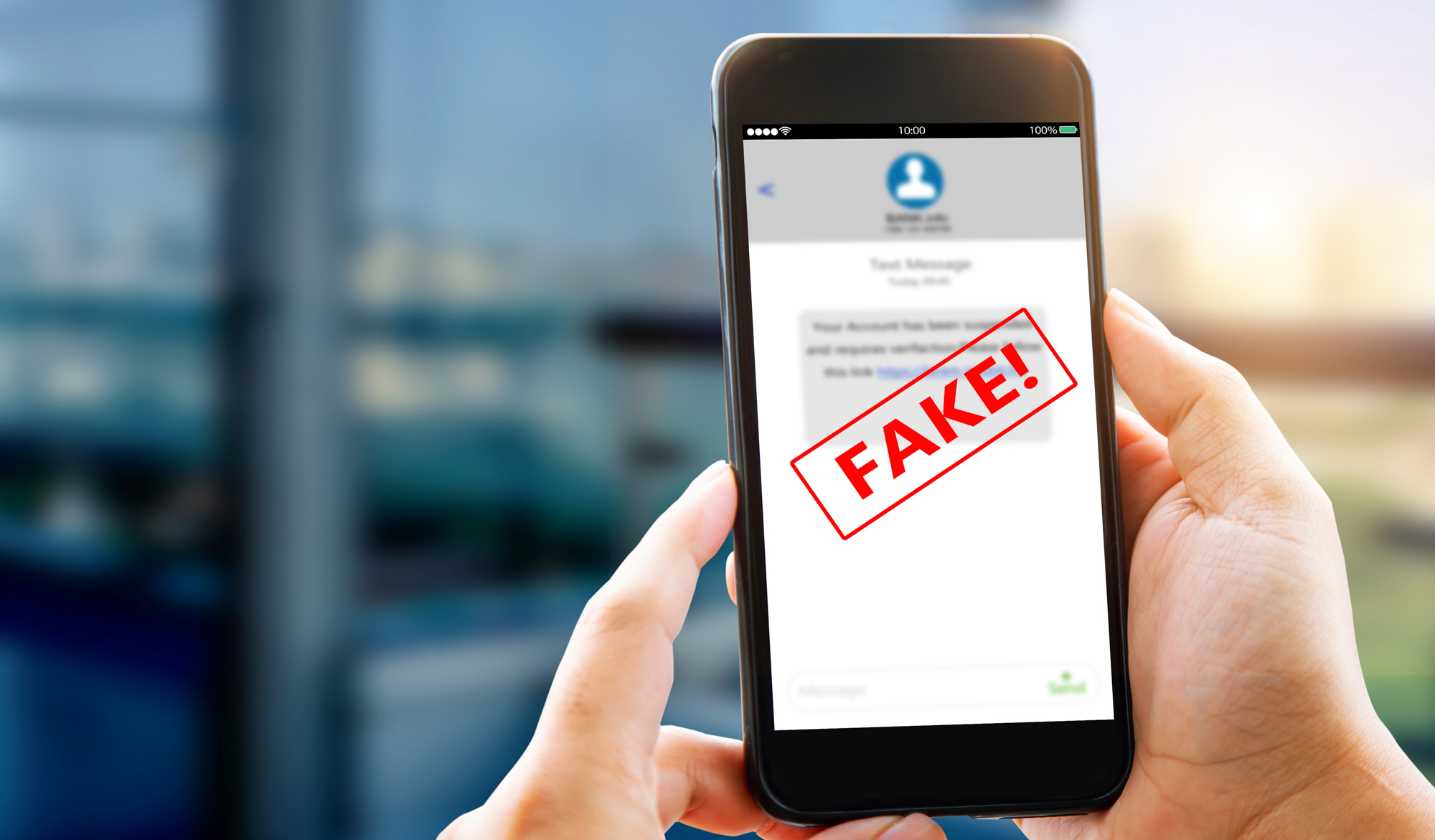
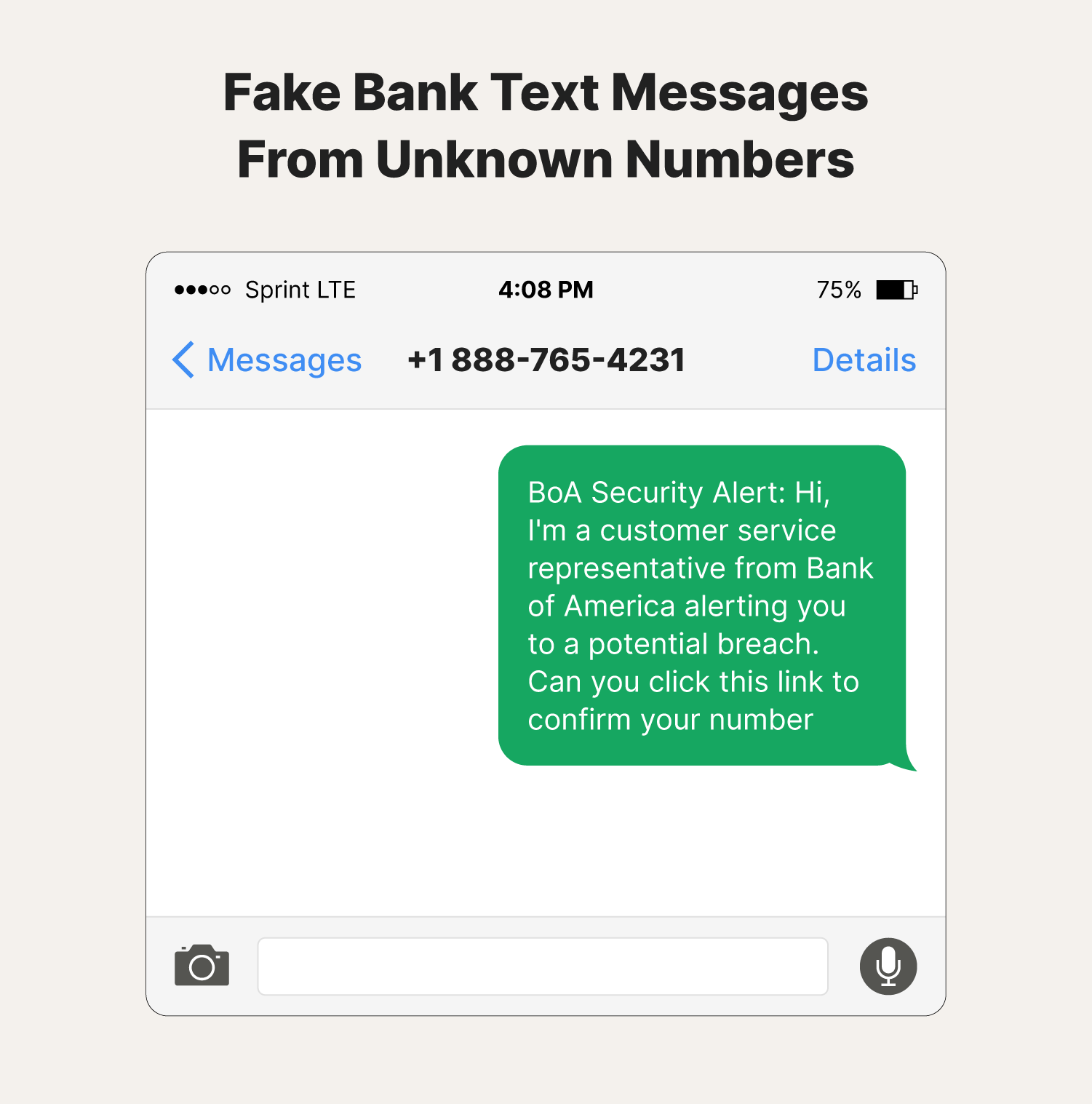
Fabricated blocked message notifications are frequently leveraged in phishing campaigns and social engineering attacks. Malicious actors utilize SMS spoofing tools to generate deceptive alerts containing urgent instructions, such as clicking a malicious hyperlink to "restore messaging privileges" or "verify account identity."
Security analysts note that these deceptive texts exploit psychological triggers—specifically curiosity, anxiety, and social friction. Mobile users are encouraged to maintain vigilance by avoiding interactions with unverified links embedded within error notifications. Authentic carriers and operating system vendors never require users to authenticate credentials or download third-party utilities via an SMS error prompt.
Frequently Asked Questions
What does a real blocked message look like on an iPhone or Android device?
Official operating systems do not display a "blocked" notification; instead, iMessages simply fail to show a "Delivered" receipt, and standard texts send normally without generating any error response. Any explicit message stating a block has occurred is typically a system error, third-party alert, or spoofed text.
Can a carrier block text messages without notifying the sender?
Yes, mobile network operators frequently filter or drop spam, phishing attempts, or commercial blasts at the gateway level without returning an explicit delivery failure notification to the sending device. This prevents automated scripts from mapping out active subscriber lists.
How can I verify if someone has actually blocked my number?
The most reliable indicators include a phone call routing directly to voicemail without normal ring cadence, combined with persistent lack of delivery receipts on messaging platforms over an extended period. However, these signs can also indicate a dead battery, device replacement, or "Do Not Disturb" mode.
Are applications that promise to show who blocked you legitimate?
No, third-party applications claiming to reveal blocked communication statuses are universally unreliable and often violate consumer privacy policies. These apps frequently serve as adware, data harvesters, or vectors for mobile malware.
What should I do if I receive a suspicious text claiming my messages are blocked?
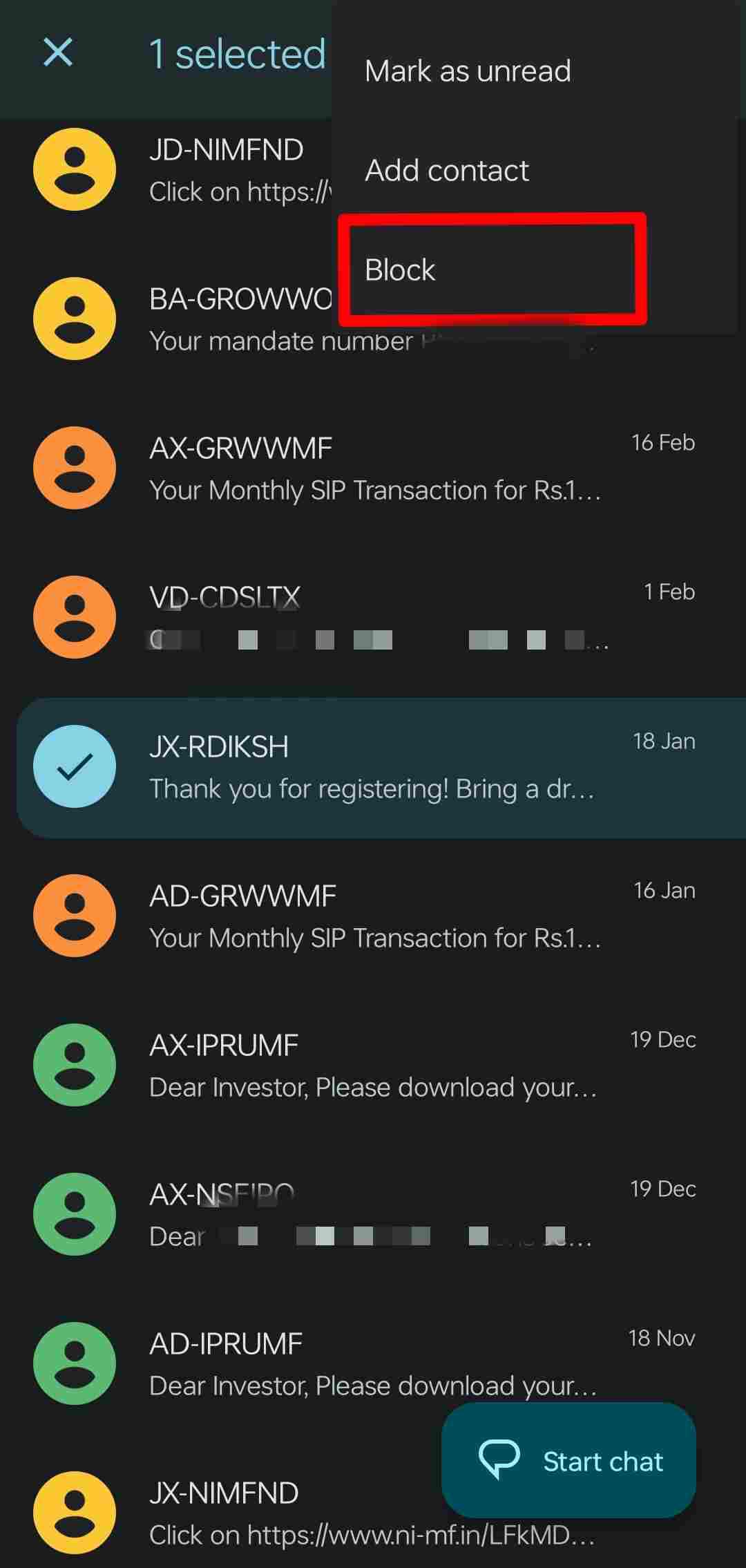
Do not click any enclosed links, avoid replying to the sender, and block the originating number immediately. If the notification appears to originate from your cellular provider, contact customer support through their official, verified application or website.