The process for managing and verifying Department of Motor Vehicles (DMV) appointments in California has undergone a significant digital transformation as of 2026. Under the California "Digital First" initiative, the state has streamlined its legacy systems into a unified cloud-based infrastructure. If you are searching for "dmv view appointment ca," you are likely looking to confirm a scheduled time, reschedule a visit, or verify which documents are required for an upcoming in-person service.
This guide focuses exclusively on the official California DMV portal (dmv.ca.gov) and the integrated MyDMV digital ecosystem. While third-party service providers exist, they cannot directly access the state’s secure scheduling database. Always ensure you are interacting with a .gov domain to protect your Personal Identifiable Information (PII).
Accessing the MyDMV Virtual Command Center in 2026
In 2026, the primary method to view an appointment is through the MyDMV Virtual Command Center. This portal utilizes Identity Assurance Level 2 (IAL2) standards, ensuring that only the authorized individual can view or modify sensitive appointment data.
To view your appointment, you must navigate to the "Appointments" module within the dashboard. Unlike previous years where a simple confirmation number sufficed, the 2026 system cross-references your mobile Driver’s License (mDL) or state-issued digital ID for enhanced security. If you scheduled your appointment as a "Guest," you will need the specific alphanumeric confirmation code sent to your verified email or SMS at the time of booking.
Mandatory Verification Requirements
To access the "View Appointment" feature, the system now requires at least two of the following data points:
- Confirmation Number: The 8 to 10-digit code provided during initial scheduling.
- Verified Contact Method: The exact email address or mobile number used during the request.
- Digital Identity Token: A biometric handshake via the CA DMV Mobile Wallet app.
Step-by-Step Guide to Viewing Your Appointment
If you have already scheduled a visit for a REAL ID finalization, a commercial driving test, or a complex title transfer, follow these steps to retrieve your details.
- Navigate to the Official Portal: Access the California DMV homepage and select the "Appointments" icon. In 2026, this is located in the top-right "Quick Actions" menu.
- Select "Manage Existing Appointment": Avoid the "New Appointment" flow. Choosing "Manage" or "View" will prompt the secure login screen.
- Input Identification Credentials: Enter your confirmation number. If you have lost this number, select "Recover Appointment" which will require a Social Security Number (SSN) fragment and birthdate verification.
- Review the Digital Check-in QR Code: Once the appointment is displayed, the system generates a dynamic QR code. This code is valid only for the 30-minute window surrounding your appointment time and is required for the contactless kiosk check-in at the field office.
- Verify Document Readiness: The "View Appointment" screen now includes a "Document Status" bar. Ensure all uploaded digital copies (Proof of Residency, Identity, etc.) show a green "Verified" status to avoid being turned away at the door.
2026 California DMV Service Channel Comparison
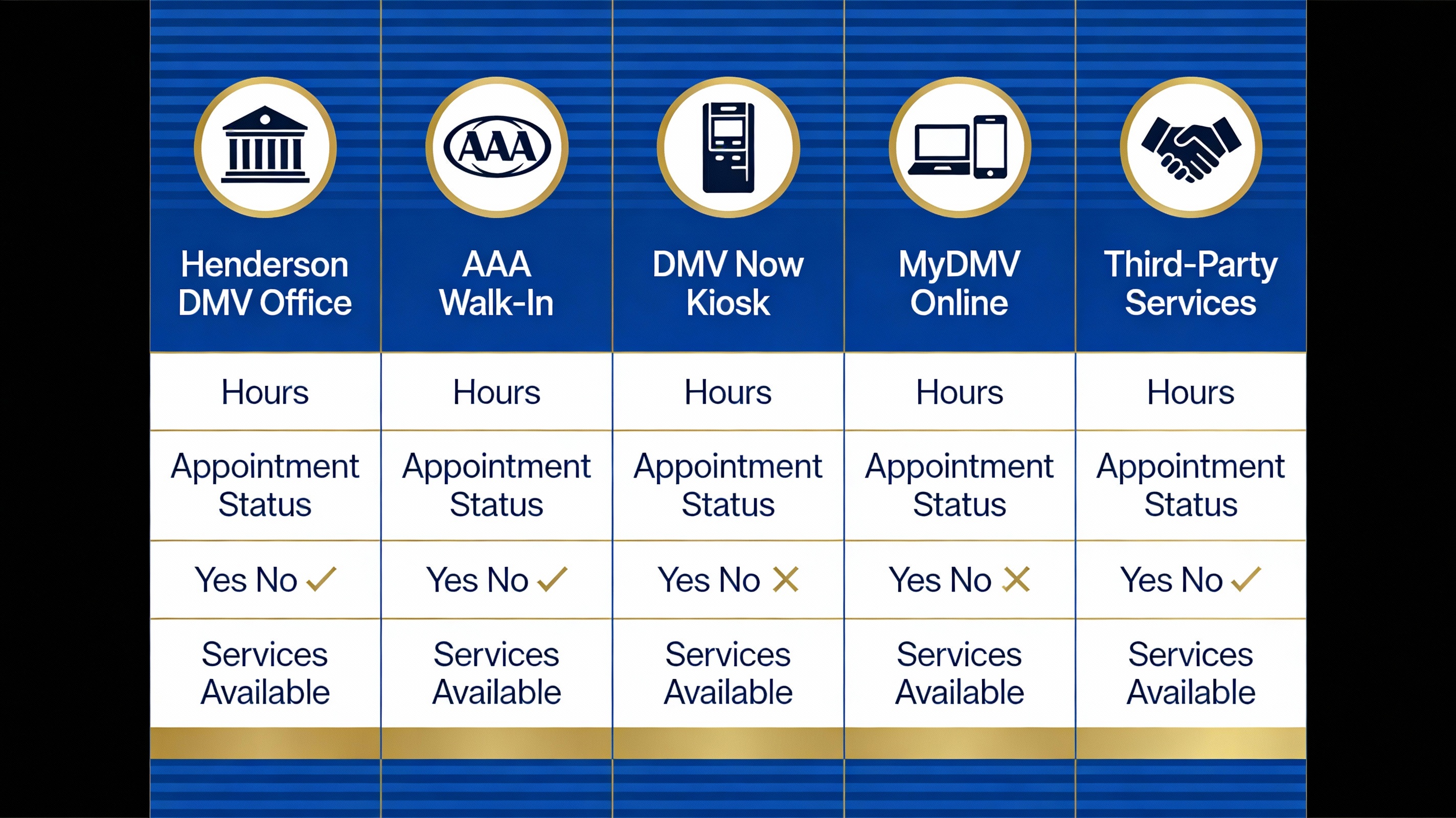
The California DMV has shifted many services to "Online Only" or "Kiosk Preferred" to reduce field office congestion. Before viewing your appointment, confirm that an in-person visit is actually necessary.
| Service Category | Online/Digital Capability | Appointment Requirement | 2026 Processing Time |
|---|---|---|---|
| REAL ID Renewal | Partial (Document Upload) | Mandatory Final Visit | 15 Minutes In-Office |
| Simple Vehicle Registration | 100% Digital / Kiosk | Not Accepted | Instant / 2-Day Mail |
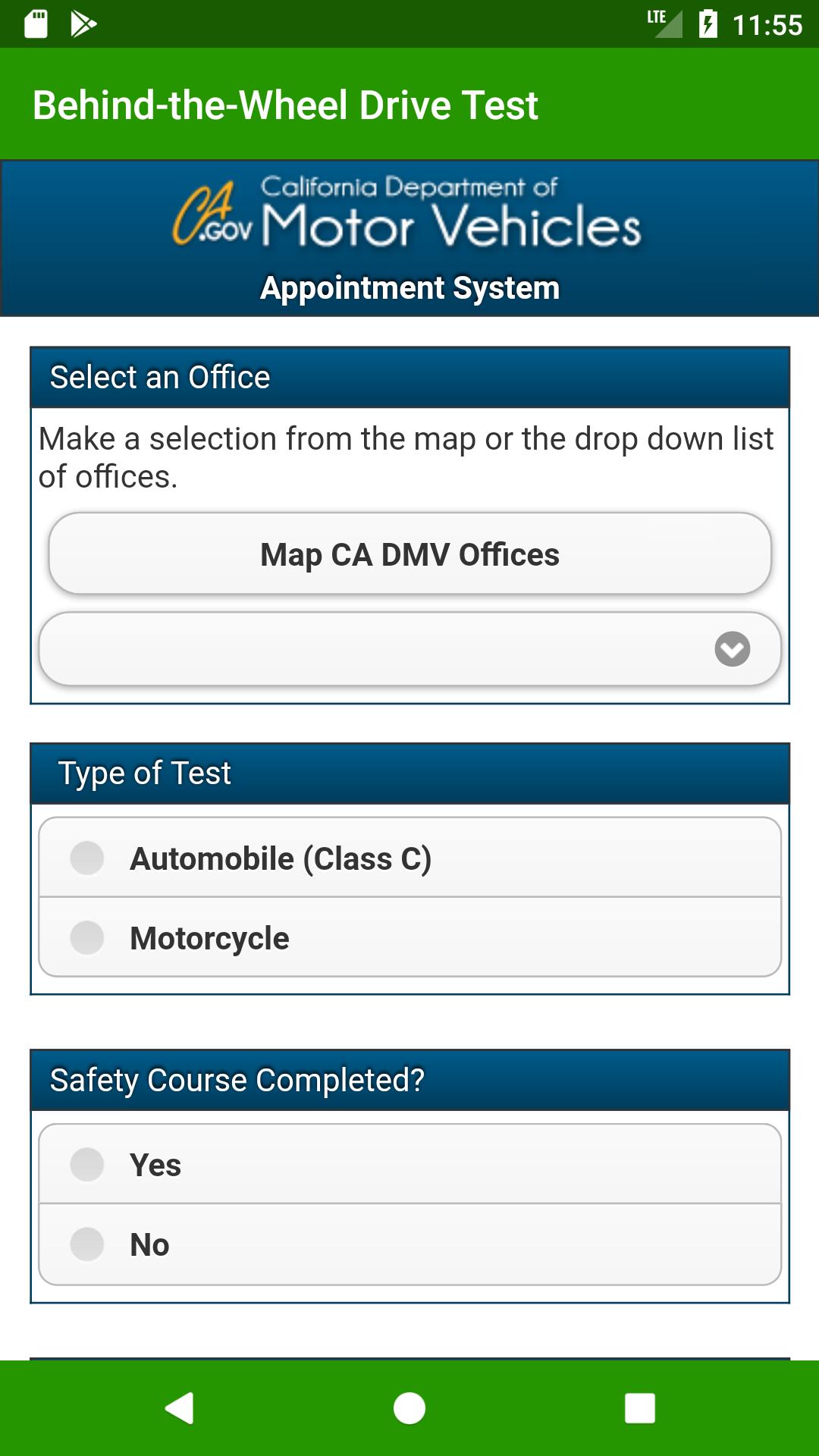
| Behind-the-Wheel Testing | Booking/Rescheduling Only | Strictly Mandatory | 60 - 90 Minutes |
| mDL (Mobile License) Setup | 100% Mobile App | No Appointment Needed | Instant Activation |
| Complex Title/Lien Sales | Hybrid (Virtual Office) | Recommended | 30 Minutes In-Office |
| Commercial Driver (CDL) Medical | Digital Submission | Mandatory for Skills Test | Variable |
Troubleshooting Common Access Issues
Technical friction can occur when attempting to view appointments, particularly during high-traffic periods or system maintenance windows (usually Sunday mornings PST).
Authentication Failures and Session Timeouts If the portal fails to recognize your confirmation number, ensure that you are not using a VPN set to a non-US server. The 2026 DMV firewall restricts administrative access to domestic IP addresses for security. If the "View" button is greyed out, it often indicates that your appointment has been flagged for a "Document Deficiency." You must resolve the digital upload requirement before the system displays the final appointment confirmation details.
Duplicate Appointment Conflicts California’s 2026 scheduling algorithm automatically purges duplicate appointments linked to the same Driver's License number or SSN. If you attempt to view an appointment and receive an "Entry Not Found" error, check your email for a "System Consolidation" notice. The DMV now merges multiple requests into a single comprehensive time slot to maximize efficiency.
Confirmation Code Recovery For users who did not create a MyDMV account, recovery requires the "Virtual Assistant" (Miles). You must provide the exact phone number used for the SMS notification. If that number is no longer accessible, you must call the automated technical support line or visit a DMV Now Kiosk to print a physical confirmation receipt using your thumbprint scan.
Strategic Tips for Appointment Management
As a Senior Technical Strategist in DMV operations, I recommend the following protocols for 2026:
- Synchronize with Mobile Wallet: Always "Push to Wallet" after viewing your appointment. This allows you to check in via NFC (Near Field Communication) when you arrive at the office, bypassing the manual check-in line entirely.
- The 24-Hour Rule: While you can view your appointment at any time, changes must be made 24 hours in advance. Failure to show up for a "Viewed" and "Confirmed" appointment in 2026 results in a 30-day lockout for non-emergency scheduling.
- Virtual Office Alternative: Before driving to a physical location in Los Angeles, Sacramento, or San Diego, check if your appointment can be converted to a "Virtual Office" video call. Many services previously requiring an in-person visit are now handled via secure WebRTC video links.
Frequently Asked Questions
How do I find my lost DMV appointment confirmation number?
Navigate to the "View Appointment" page and click on "Find my Appointment." You will be prompted to enter your Last Name, Date of Birth, and the Last 4 digits of your Social Security Number or your DL number. The system will then resend the confirmation to your verified contact method.
Can I view an appointment made at a AAA office through the CA DMV website?
No. Appointments made through third-party partners like AAA (American Automobile Association) for registration services are managed through their internal proprietary systems. You must log in to your AAA member portal or contact their branch directly to view those specific details.
What should I do if my "View Appointment" screen shows a "Pending Review" status?
This status indicates that the DMV technicians are currently verifying the digital documents you uploaded. You do not need to cancel; however, keep an eye on your notifications. If the documents are rejected, the appointment will be automatically canceled within 48 hours of the scheduled time.
Is a printed confirmation required if I can view it on my phone?
In 2026, California DMV offices are paperless. A digital confirmation or the QR code within your CA DMV Mobile Wallet is the preferred method. However, if your device has battery issues, a printed copy of the "View Appointment" screen is still accepted as a backup for manual entry.
Can I view someone else's appointment if I am their legal representative?
Yes, but only if you have "Authorized Representative" status linked to your own MyDMV account. You will need to input the principal’s DL number and the authorization token issued when the representation was established in the system.
Why is my appointment time different when I view it compared to my original email?
The California DMV occasionally utilizes "Dynamic Rescheduling" to account for staffing changes or office emergencies. If you view your appointment and see a slight shift (usually within 30 minutes), the system has optimized your slot to ensure a shorter wait time upon arrival.
If you have successfully viewed your appointment and confirmed all details are accurate, ensure your digital documents are synchronized. For those still unable to access their records, the 2026 Virtual Assistant is available 24/7 to provide real-time database lookups and technical support.