The DLNet Extranet is the centralized digital gateway designed exclusively for the employees, contractors, and authorized business partners of Delek US Holdings, Inc. In the current 2026 operational landscape, this portal serves as the primary nexus for enterprise resource planning (ERP), human capital management, and refinery operational data.
Disambiguation Note This technical guide focuses specifically on the DLNet Extranet portal utilized by Delek US Holdings, Inc. (energy and logistics). It does not pertain to unrelated networking hardware or legacy "DL-Net" data logger software.
As Delek US continues to lead in the downstream energy sector—spanning refining, logistics, and retail via the DK brand—the DLNet Extranet has evolved into a robust, cloud-native environment. For users operating out of corporate headquarters in Brentwood, Tennessee, or across refinery sites in Tyler, El Dorado, and Big Spring, understanding the 2026 security protocols and navigation hierarchy is essential for maintaining operational continuity and data integrity.
The Architecture of the 2026 DLNet Ecosystem
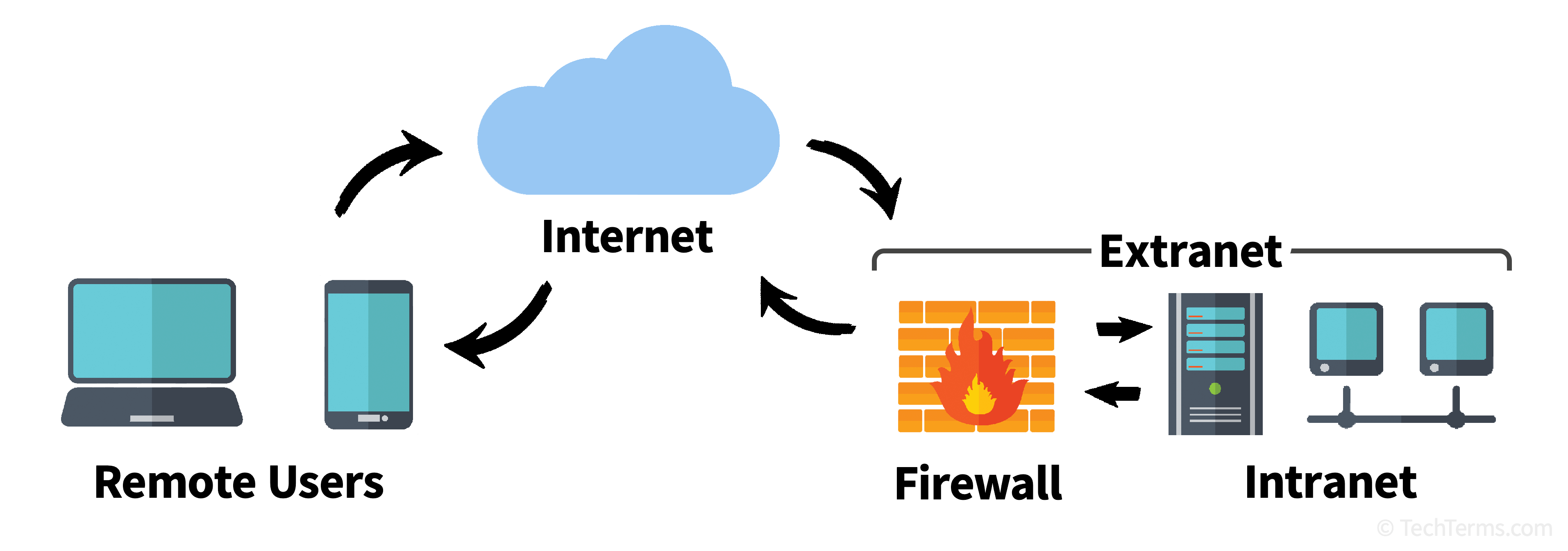
The DLNet Extranet is no longer a simple repository of links. As of 2026, it is built upon a Zero Trust Network Access (ZTNA) framework. Unlike traditional VPNs that grant broad network access once authenticated, the DLNet Extranet utilizes micro-segmentation. This means that an employee’s access level is dynamically determined based on their role, device health, and geographic location.
Core Components of the Portal
- Identity and Access Management (IAM): Delek US has integrated advanced biometric and FIDO2-compliant authentication. Accessing the extranet requires a verified identity through the corporate Okta or Microsoft Azure AD instance, coupled with a secondary physical or software-based token.
- Edge Security Gateways: To ensure low-latency access for field engineers at the Big Spring or Krotz Springs refineries, the extranet utilizes edge computing. This reduces the "lag" often associated with accessing heavy ERP modules from remote locations.
- Encrypted Data Channels: All traffic between the user's browser and the DLNet servers is encrypted using TLS 1.3, ensuring that sensitive refining schematics and financial data remain protected from external interception.
Step-by-Step Guide to Secure DLNet Authentication
Accessing the DLNet Extranet in 2026 requires a specific sequence of security checks. Following these steps ensures that your account remains compliant with Delek’s updated Cybersecurity Governance Policy.
1. Verification of Device Compliance
Before attempting to log in, ensure your device is running the latest corporate security patches. The 2026 extranet gateway performs a "posture check" to verify that your antivirus is active and that no unauthorized remote-access tools are running in the background.
2. Primary Credential Entry
Navigate to the official DLNet portal address provided during your onboarding. Enter your corporate UPN (User Principal Name), typically formatted as firstname.lastname@delekus.com.
3. Multi-Factor Authentication (MFA)
Upon entering your password, you will receive a push notification via the Delek-approved MFA app (typically Microsoft Authenticator or Duo). In 2026, many accounts now require "Number Matching" or "Biometric Verification" (FaceID/TouchID) to prevent MFA fatigue attacks.
4. Application Selection
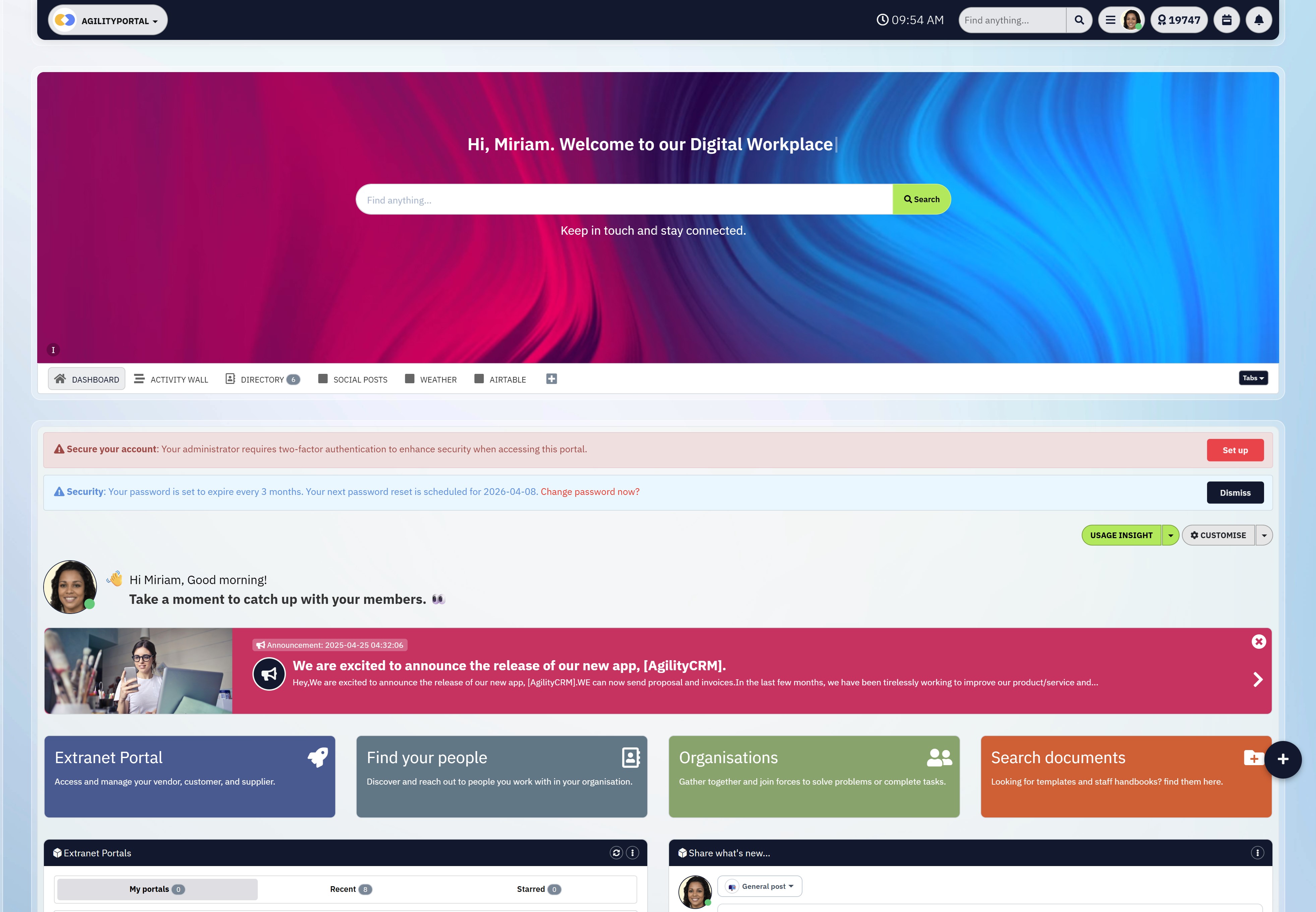
Once authenticated, you will be presented with a personalized dashboard. This dashboard is tailored to your specific department—Refining, Logistics, Retail (DK), or Corporate G&A.
Comparative Analysis of Access Methods
In 2026, Delek US provides different ways to connect to internal resources depending on the user's role and the sensitivity of the data required.
| Access Method | Primary User Base | Security Protocol | Capabilities |
|---|---|---|---|
| DLNet Web Portal | Administrative & Retail | Standard SSO + MFA | HR Tools, Paystubs, Training, Email |
| ZTNA Desktop Client | Engineers & IT Staff | Certificate-based Auth | Full ERP Access, SAP S/4HANA, SCADA |
| Contractor Gateway | Third-party Vendors | Time-bound Tokens | Project Documentation, Work Orders |
| Mobile DLNet App | Field Operators | Biometric + GPS Geofencing | Safety Reporting (EHS), Shift Logs |
Essential Tools and Modules Within DLNet
The 2026 version of DLNet is the "Single Source of Truth" for Delek US operations. Users can find the following high-priority modules within the extranet:
Human Capital and Workforce Management
Delek utilizes an integrated Workday module accessible via DLNet. Employees use this for:
- Benefits Enrollment: Managing 2026 healthcare plans and 401(k) contributions.
- Performance Management: Completing quarterly OKR reviews and professional development paths.
- Payroll: Accessing digital W-2s and real-time pay distribution data.
Refining and Logistics Operations
For technical staff, the DLNet Extranet provides a secure bridge to:
- SAP S/4HANA: The backbone of Delek’s financial and supply chain operations.
- EHS Insight: The mandatory platform for reporting environmental, health, and safety incidents. Every employee is empowered to use the "Stop Work Authority" portal within DLNet if an unsafe condition is detected.
- Inventory Management: Tracking crude oil throughput and refined product inventory levels across the Delek Logistics pipeline network.
Retail Support (DK and 7-Eleven Integration)
Store managers and regional directors access the Retail Portal to manage:
- Fuel Pricing: Real-time synchronization of street prices based on market volatility.
- Supply Chain Orders: Coordinating inventory for the DK branded convenience stores.
Troubleshooting Common DLNet Access Issues
Even with the robust infrastructure of 2026, users may encounter technical hurdles. Below are the most frequent issues and their professional remedies.
Error: Identity Posture Check Failed This occurs when the ZTNA client detects an outdated operating system or a disabled firewall. Resolution: Update your OS to the 2026-Q3 security baseline and restart the corporate security agent. Ensure no unauthorized VPNs are active.
Error: MFA Timeout or Desynchronization This happens when the internal clock of your mobile device differs from the DLNet server time. Resolution: Go to your mobile device settings and ensure "Set Time Automatically" is enabled. If the issue persists, use the "Refresh Token" option in your authenticator app.
Error: 403 Forbidden - Insufficient Permissions This usually triggers after a role change or if your annual cybersecurity training is overdue. Resolution: Verify your training status in the Delek Learning Management System (LMS). If training is complete, contact the IT Service Desk to have your Active Directory groups refreshed.
Security Best Practices for 2026
The energy sector remains a high-value target for cyber-adversaries. When using the DLNet Extranet, users must adhere to the following 2026 standards:
- Public Wi-Fi Prohibition: Accessing DLNet via unsecured public Wi-Fi (e.g., at airports or coffee shops) is strictly prohibited unless using the Delek-encrypted ZTNA tunnel.
- Phishing Vigilance: Delek’s Security Operations Center (SOC) reports that AI-generated phishing is the top threat in 2026. Always verify the URL is exactly the official Delek domain before entering credentials.
- Session Management: Always click "Sign Out" and close the browser tab when your session is finished, especially on shared workstations at refinery kiosks.
Frequently Asked Questions (FAQ)
How do I reset my DLNet password if I am locked out?
You must use the Self-Service Password Reset (SSPR) portal, which requires two verified contact methods. If you have not set up your SSPR profile, you must call the Delek IT Help Desk and provide your employee ID and a secondary verification code sent to your supervisor.
Can I access DLNet from my personal smartphone?
Yes, but only if the device is enrolled in the Delek Mobile Device Management (MDM) program. This ensures that a secure container is created for corporate data, keeping your personal photos and messages separate from business information.
What should I do if the DLNet Extranet is down?
First, check the "Delek Systems Status" page (accessible via public internet). If a system-wide outage is confirmed, follow the "Offline Operational Procedures" specific to your facility until the 2026 disaster recovery protocols restore service.
Why can't I see the SAP module on my DLNet dashboard?
Dashboard views are role-based. If your position requires SAP access but it is not visible, your department head must submit a ticket via ServiceNow to authorize the specific "Entitlement" for your account.
Is the DLNet Extranet available 24/7?
While the portal is designed for 99.9% uptime, Delek schedules maintenance windows on the third Sunday of every month between 02:00 and 04:00 CST. During these times, access to refining data may be switched to local-only modes.
Technical Support and Contact Information
For immediate assistance with the DLNet Extranet, employees should contact the Enterprise Service Desk. In 2026, Delek has implemented an AI-driven "ChatBot" within the portal that can resolve 80% of access issues without human intervention. If the bot cannot solve the issue, it will automatically escalate your case to a Tier 2 technician.
Corporate Headquarters: Delek US Holdings, Inc. 7102 Commerce Way Brentwood, TN 37027
As we move further into 2026, the DLNet Extranet remains the vital link that connects our diverse workforce, from the oil fields to the retail storefronts, ensuring we operate safely, efficiently, and securely.