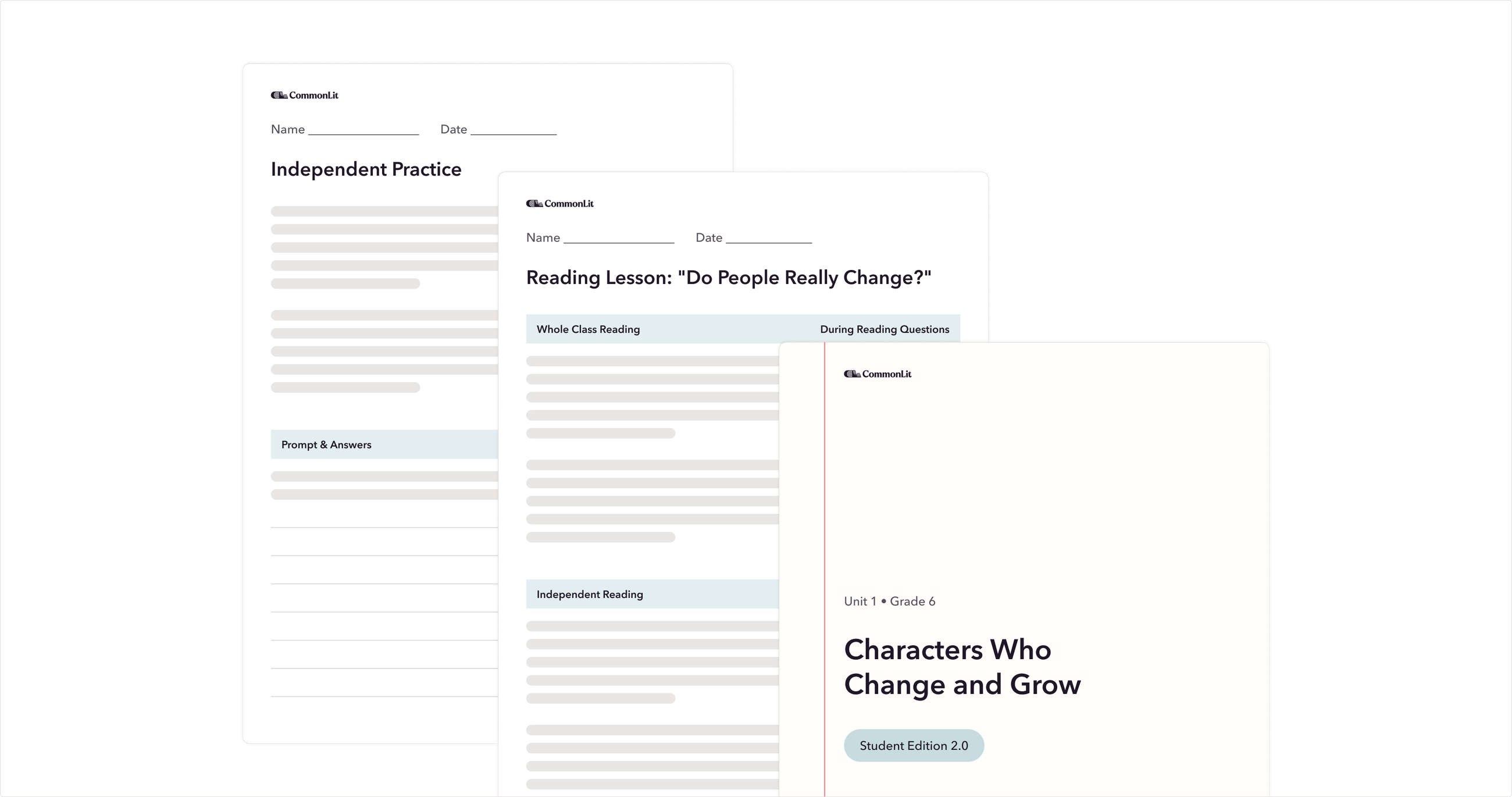
(Note: This guide specifically addresses the digital literacy platform CommonLit.org and its 2026 suite of tools for K-12 education; it does not pertain to unrelated literature databases or library portals.)
Accessing your CommonLit dashboard in 2026 has become more streamlined than ever, thanks to deep integrations with modern Learning Management Systems (LMS) and Single Sign-On (SSO) protocols. As digital literacy remains the cornerstone of the 2025-2026 academic year curriculum, ensuring that both students and educators can bypass technical hurdles during the "CommonLit sign in" process is critical for maintaining instructional momentum. This comprehensive guide provides technical insights, troubleshooting protocols, and strategic overviews for the current educational landscape.
Navigating the CommonLit Login Portal in 2026
The CommonLit interface underwent a significant architectural update in early 2026 to enhance accessibility and reduce latency during peak school hours. When navigating to the sign-in page, users are now met with a localized, high-speed portal designed to handle the massive concurrent traffic of global school districts.
For the 2026 school year, CommonLit has optimized its entry points. The primary authentication gateway is designed to detect the user's organizational affiliation automatically if they are browsing from a school-managed network. However, manual entry remains a standard for homework and remote learning scenarios. Whether you are a teacher looking to grade the latest "CommonLit 360" unit or a student ready to complete an Evidence-Based Selected Response (EBSR) assessment, the sign-in path you choose dictates how data syncs with your gradebook.
The Role of CommonLit in Modern Pedagogy
In 2026, CommonLit is not just a repository of reading passages; it is a full-scale AI-assisted instructional partner. After signing in, educators gain access to the CommonLit Assessment Series, which utilizes adaptive testing frameworks to provide real-time Lexile growth tracking. This makes the security and reliability of the sign-in process paramount, as it guards sensitive student performance data protected under the latest 2026 data privacy regulations.
Authentication Methods: Google, Clever, and SSO
The most common point of failure in the "CommonLit sign in" workflow is a mismatch between the chosen authentication method and the account's initial creation parameters. In 2026, CommonLit supports several primary login vectors:
- Google Single Sign-On (SSO): Still the most prevalent method for G-Suite for Education districts. This method utilizes OAuth 2.0 protocols to verify identity without requiring a separate CommonLit password.
- Clever Instant Login: Widely used by large urban districts to sync roster data automatically. If your district uses the Clever Portal, the CommonLit icon should be used directly from within the Clever interface to ensure proper session token exchange.
- ClassLink: Similar to Clever, ClassLink provides a OneClick solution that eliminates the need for manual credential entry, which is particularly beneficial for younger students (Grades 3-5).
- Email and Password: The traditional method typically reserved for private educators, homeschoolers, or districts not yet utilizing full-scale SSO integration.
Technical Security Insight for 2026
CommonLit has implemented Multi-Factor Authentication (MFA) options for teacher and administrator accounts in 2026. While not mandatory for students, educators are strongly encouraged to enable MFA via their profile settings to protect district-wide data. This aligns with the 2026 Cybersecurity Standards for Educational Institutions, aimed at preventing unauthorized access to student records and grading metrics.
Troubleshooting CommonLit Sign In Issues
Despite the robust infrastructure, technical friction can occur. Most "CommonLit sign in" errors in 2026 are localized to browser cache conflicts or misconfigured LMS permissions.
Resolving the "User Not Found" Error
This error typically occurs when a student attempts to log in via Google or Clever, but their account was not properly imported into the teacher's virtual classroom. In 2026, the first step is to verify the "Manage Classes" tab. Teachers must ensure that the "Sync with Google Classroom" or "Sync with Clever" command has been executed within the last 24 hours to capture new enrollments.
Handling Forgotten Passwords
For accounts created with a manual email and password:
- Navigate to the "Forgot Password" link on the sign-in page.
- Check the "Updates" or "Spam" folder in your school email.
- Note: If the account was created via SSO (Google/Clever/ClassLink), CommonLit does not store a separate password. You must reset your password through your district's primary identity provider.
Clearing Browser State and Cookies
The 2026 version of the CommonLit portal relies heavily on localized state management to speed up the loading of high-resolution PDF previews and interactive maps. If the sign-in button appears "greyed out" or unresponsive:
- Perform a hard refresh (Ctrl + F5 or Cmd + Shift + R).
- Clear "Cookies and Site Data" specifically for commonlit.org.
- Ensure that third-party cookies are allowed for the authentication providers (accounts.google.com or clever.com).
Comparison of Sign-In Frameworks and Data Syncing
Choosing the right way to sign in affects how your data flows between CommonLit and your primary school tools. Below is a technical comparison for the 2026 academic year.
| Sign-In Method | Auto-Rostering Support | Gradebook Integration | Recommended For | 2026 Latency Rating |
|---|---|---|---|---|
| Google SSO | Yes (via Classroom) | High (Real-time) | G-Suite Districts | Excellent (< 200ms) |
| Clever | Yes (District-wide) | Moderate (Daily Sync) | Large School Systems | Very Good |
| ClassLink | Yes | Moderate | Multi-app Environments | Very Good |
| Manual Email | No (Manual entry) | Low (Export needed) | Homeschool/Tutors | Good |
| Microsoft 365 | Yes | High | Azure/M365 Districts | Excellent |
Integrating CommonLit with Modern LMS (Canvas and Schoology)
For many teachers in 2026, "CommonLit sign in" doesn't happen on the CommonLit website at all. Instead, it occurs within an iframe inside Canvas or Schoology. This LTI (Learning Tools Interoperability) 1.3 integration is the gold standard for 2026 instructional design.
Canvas Integration Steps
In 2026, the Canvas-CommonLit integration allows for "deep linking." This means a teacher can assign a specific passage, and the student is automatically signed in and redirected to that exact text upon clicking the assignment link in Canvas.
- Ensure the CommonLit App is authorized in the Canvas "Settings > Apps" menu.
- When creating an assignment, select "External Tool" as the submission type.
- Students must be signed into their school-issued Canvas account for the SSO handshake to complete successfully.
Schoology Workflow
Schoology users in 2026 benefit from the "CommonLit Sidebar," which allows educators to pull formative data without leaving the Schoology environment. The sign-in process here is handled via a background API call that validates the user's Schoology session against their CommonLit profile. If a "Signature Invalid" error appears, it usually indicates that the school's consumer key or shared secret needs to be updated by the IT administrator for the new 2026 term.
CommonLit 360: Maximizing Classroom Engagement After Login
Once the "CommonLit sign in" process is complete, educators enter the CommonLit 360 dashboard. As of 2026, the 360 Curriculum has been expanded to include Grade 11 and 12 comprehensive units, focusing on college and career readiness.
Data-Driven Decision Making
The 2026 dashboard provides a "Priority Intervention" view. This tool uses the data from signed-in sessions to highlight students who are struggling with specific standards (e.g., CCSS.ELA-LITERACY.RI.9-10.1). By clicking on a student's name, teachers can see the exact amount of time spent on a passage, the number of times they revisited the text, and their performance on "Guiding Questions" versus "Assessment Questions."
Accessibility Features in 2026
The signed-in experience now includes enhanced assistive technologies:
- Text-to-Speech (TTS): Available in over 30 languages for the 2026 term, including expanded support for regional dialects.
- Digital Annotations: Students can highlight and leave notes that are visible to the teacher in real-time, fostering a collaborative digital classroom.
- Translation Tools: The 2026 update includes an AI-powered context-aware translation feature that helps English Language Learners (ELL) understand complex tier-three vocabulary without losing the nuance of the original text.
Security Standards and Data Privacy in 2026
CommonLit maintains its status as a leader in student data privacy. In 2026, all "CommonLit sign in" sessions are encrypted using TLS 1.3, ensuring that student interactions remain confidential. The platform is fully compliant with:
- FERPA (Family Educational Rights and Privacy Act)
- COPPA (Children's Online Privacy Protection Act)
- SOPPA (Student Online Personal Protection Act)
- GDPR (for international school districts)
Expert Insight: Administrative Controls
School administrators in 2026 have access to a "Security Audit" log. This log tracks every "CommonLit sign in" event, providing IP address verification and device fingerprinting. This is an essential feature for identifying potential account sharing or unauthorized access attempts within the district network.
FAQ for CommonLit Sign In and Troubleshooting
Why is my CommonLit sign-in button not working?
The sign-in button may become unresponsive due to an outdated browser version or conflicting browser extensions. In 2026, ensure you are using the latest version of Chrome, Edge, or Safari, and try disabling any "Ad-Blocker" extensions that might interfere with the SSO redirect scripts.
How do I join a class on CommonLit if I'm already signed in?
If you are already signed in but don't see your assignments, click on the "Join a Class" button in the top navigation bar. Enter the unique alphanumeric class code provided by your teacher. In 2026, most students are automatically joined via LMS syncing, so check with your instructor if a manual code is actually required.
Can I use CommonLit on a mobile device or tablet in 2026?
Yes, CommonLit is fully responsive for the 2026 academic year. The "CommonLit sign in" process on mobile browsers supports biometric authentication (Touch ID / Face ID) if your device and SSO provider (like Google or Microsoft) have it enabled, making it even faster for students on tablets.
What should I do if my Google Classroom sync is failing?
First, ensure you are signed into the correct Google account in your browser. Then, go to your CommonLit "Manage Classes" page and click "Re-authorize Google Classroom." This refreshes the API token permissions which may have expired or been revoked since the 2025 school year.
Is CommonLit free for all schools in 2026?
CommonLit's core digital library of over 3,000 passages remains free for teachers and students. However, the "CommonLit School Essentials" and "School Essentials PRO" packages—which provide the advanced 2026 analytics and LMS integrations discussed here—are typically licensed at the district or school level.
Final Recommendations for 2026 Instructional Success
To ensure a friction-free experience with CommonLit throughout the 2026 academic year, it is highly recommended that districts perform a "System Readiness Check" before the start of each semester. This includes whitelisting the necessary domains and ensuring that SSO certificates are current. By mastering the "CommonLit sign in" process and leveraging the deep data analytics available post-login, educators can significantly move the needle on student literacy and prepare them for the rigorous demands of the modern world.
If you are an administrator looking to maximize your school's 2026 performance, consider scheduling a professional development session focused on "Data-Informed Instruction via CommonLit SSO." Ensuring every teacher is comfortable with the sign-in and syncing workflow is the first step toward building a truly data-literate campus.