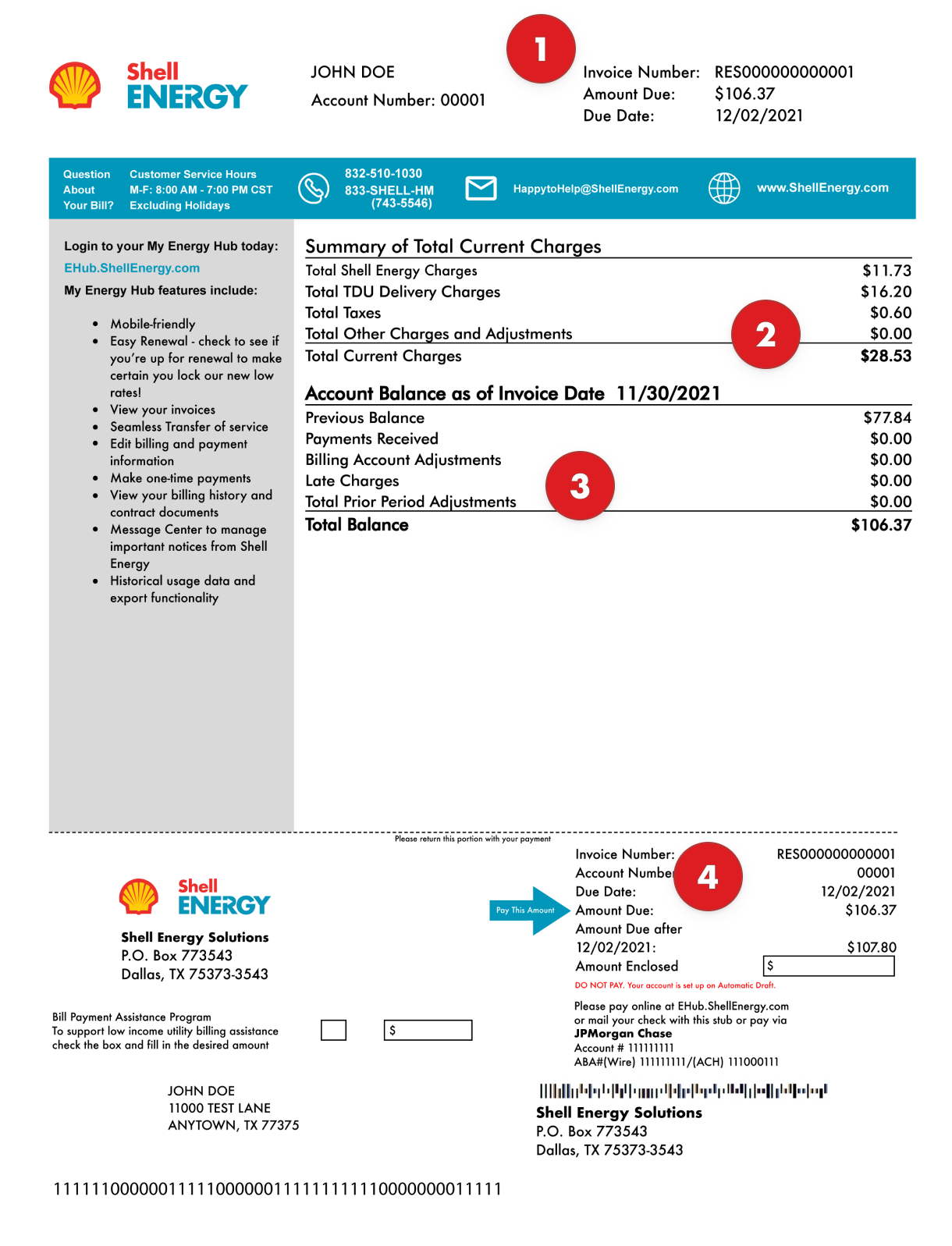
Navigating utility management efficiently requires a clear understanding of digital account portals. CenterPoint Energy provides natural gas and electric delivery services across major regions, primarily Texas and parts of the American Midwest. This comprehensive guide outlines the exact protocols for executing a CenterPoint Energy sign in bill pay transaction securely, troubleshooting common authentication errors, and optimizing your utility account management for 2026.
Understanding the CenterPoint Energy Online Portal Ecosystem
Managing utility services digitally reduces paper waste, mitigates late payment fees, and offers direct access to historical consumption data. The primary portal interface handles both electric and natural gas service accounts, depending on your geographic distribution region.
To maintain account security and prevent unauthorized access, CenterPoint Energy employs modern multi-factor authentication (MFA) protocols. Whether you reside in the Greater Houston area, a South Texas community, or service territories in Indiana and Minnesota, the centralized login architecture remains uniform.
Security Advisory: Always verify that your browser displays the official domain URL before entering your login credentials. Utility phishing scams frequently utilize lookalike domains to capture user passwords and banking details. CenterPoint Energy will never request your full password over an unsecured phone call or text message.
Step-by-Step Guide to CenterPoint Energy Sign In and Bill Payment
Executing a secure bill payment requires navigating a series of structured steps within the official portal. Follow this operational workflow to update your account status and clear monthly balances without encountering processing delays.
- Navigate to the official CenterPoint Energy website via a secure, updated web browser.
- Locate and click the primary "Sign In" or "My Account" button typically positioned in the upper right-hand corner of the homepage.
- Input your registered username or email address followed by your account password. If you have multi-factor authentication enabled, enter the verification code sent via SMS or email.
- Once successfully authenticated, access the dashboard and click on the "Billing and Payments" tab to review your current statement balance, due date, and kilowatt-hour or therm usage metrics.
- Select your preferred payment method. You can choose from stored bank accounts (ACH electronic check), debit cards, or credit cards (Visa, MasterCard, Discover, American Express). Note that third-party credit card processors may apply a nominal convenience fee.
- Verify the payment amount and submission date, then authorize the transaction. Save or screenshot the electronic confirmation receipt for your personal financial records.
Evaluating Payment Methods and Account Features
Choosing the right payment channel depends on your preference for automation, transaction speed, and processing fees. The table below compares the primary financial mechanisms available to account holders in 2026.
| Payment Method | Processing Time | Convenience Fee | Best Suited For |
|---|---|---|---|
| Online Portal (ACH/Checking) | 1 to 2 Business Days | $0.00 (Free) | Standard monthly budget management |
| Credit or Debit Card | Instant / Same Day | Applicable Third-Party Fee | Last-minute payments avoiding service disconnection |
| Auto-Pay (Scheduled) | Automatic on Due Date | $0.00 (Free) | Set-it-and-forget-it automated budgeting |
| Pay by Phone (IVR System) | Instant | Applicable Third-Party Fee | Users without immediate internet access |
| Authorized Walk-In Agent | Varies (Up to 24 Hours) | Retailer Dependent | Cash-only payment preferences |
Troubleshooting Common Sign-In and Billing Errors
Even with robust digital infrastructure, technical friction can occur. Knowing how to resolve common authentication and payment roadblocks ensures uninterrupted utility service.
Resolving Password and Username Lockouts
If repeated incorrect login attempts lock your account, do not attempt further guesses. Click the "Forgot Password" link on the sign-in screen. Enter your registered email address to receive a secure password-reset link. Ensure your new password meets complexity requirements, including a mix of uppercase letters, lowercase letters, numbers, and special symbols.
Resolving Payment Processing Rejections
If a payment fails, verify that your billing address matches the address on file with your financial institution. Expired debit or credit cards will automatically trigger transaction declines. If utilizing auto-pay, remember to update your card expiration dates proactively before the billing cycle closes.
Browser Compatibility and Cache Errors
Persistent loading loops or blank screens on the portal are frequently caused by corrupted browser caches. Clear your browser cookies and site data, or attempt the login process using an incognito or private browsing window.
Frequently Asked Questions
How do I reset my CenterPoint Energy online account password?
Click the "Forgot Password" link on the main sign-in page, enter your registered email address, and follow the instructions sent to your inbox to establish new credentials. Resetting your password safely requires access to the verified email address associated with your utility account profile.
Are there any fees for paying my bill online through the portal?
Paying via electronic check (ACH) directly from a checking or savings account incurs zero convenience fees. However, utilizing credit or debit cards may trigger a nominal processing fee charged by an independent third-party payment processor.
Can I set up automatic monthly bill payments?
Yes, you can enroll in Auto-Pay by navigating to the billing preferences section within your logged-in portal dashboard. Auto-pay automatically deducts your monthly statement balance from your preferred bank account or card on the designated due date.
What should I do if my service is scheduled for disconnection?
Immediately log into your portal to submit an emergency payment or contact customer service to discuss payment extension options or deferred payment arrangements. Relying on digital processing alone may result in delayed crediting if the payment is initiated past strict daily cutoff windows.
How can I view my historical energy consumption?
The online dashboard features an interactive energy usage analyzer that displays daily, monthly, and yearly consumption trends. Reviewing these graphs helps households identify peak usage periods and implement energy-conservation strategies.
Is it safe to store my banking details in the portal?
CenterPoint Energy utilizes advanced encryption standards and secure tokenization to protect customer financial data stored within user profiles. Always maintain strong account security practices by using unique passwords and enabling two-factor authentication.
Conclusion and Next Steps
Mastering the CenterPoint Energy sign in bill pay process ensures your household utility management remains seamless, secure, and cost-effective. By leveraging digital account tools, scheduling automated reminders, and monitoring consumption metrics, you maintain total control over your monthly energy expenses throughout 2026. Log into your account today to review your current statement, verify your payment preferences, and ensure your contact details remain up to date.