To cancel a Six Flags membership, you must access the official Six Flags Cancellation Portal and submit a request at least 30 days before your next billing date. While legacy memberships allow for cancellation after a 12-month minimum term, single-day tickets and season passes are generally non-refundable and cannot be canceled for a refund.
As of 2026, the landscape of Six Flags loyalty programs has evolved significantly. While the park system has shifted its primary focus toward annual passes, thousands of "Legacy Members" continue to hold older membership plans that offer unique benefits. Understanding the specific terms of your agreement is the first step in successfully ending your payments without incurring unnecessary fees or credit disputes.
Navigating the Six Flags Membership Tiers in 2026
Six Flags has historically utilized two distinct models for long-term park access: the Legacy Membership and the Season Pass. Knowing which one you own is critical because the cancellation procedures for each are entirely different.
Legacy Memberships (such as Gold Plus, Platinum, Diamond, and Diamond Elite) were sold with a recurring monthly payment structure. These plans were designed to last indefinitely until the member took action to stop them. Most of these contracts included a 12-month minimum commitment. If you are still within that first year, the cancellation portal will typically block your request unless you pay out the remainder of the term.
Annual and Season Passes (Gold, Platinum, and Diamond Passes) operate differently. In 2026, most passes are sold as a one-time purchase or through a short-term installment plan called "Fun Pay." Unlike memberships, these passes have a fixed expiration date (usually the end of the calendar year or 12 months from purchase). They do not "renew" automatically in the same way memberships do, meaning you generally do not need to "cancel" them to stop future billing—they simply expire.
Eligibility and Prerequisites for Membership Cancellation
Before attempting to cancel your account, you must gather specific data points to navigate the security hurdles on the Six Flags website. The system is automated, and missing information can lead to failed requests.
- Member ID or Account Number: This is found on the back of your physical membership card or within the Six Flags mobile app. It is a unique identifier linked to your specific payment profile.
- The 30-Day Notice Rule: Six Flags requires a minimum of 30 days' notice before your next scheduled payment. For example, if your membership bills on the 15th of every month and you wish to stop the July 15th payment, you must submit your cancellation request no later than June 14th. If you submit it on July 1st, you will still be charged on July 15th, and your access will terminate in mid-August.
- Minimum Term Completion: If you are a newer member who joined a legacy-style plan recently, ensure you have completed the initial 12-month period. Terminating early usually requires a lump-sum payment of the remaining balance, which the system will calculate during the cancellation process.
Step-by-Step Guide to the Online Cancellation Process
Six Flags does not typically process cancellations over the phone or via email. The company uses a dedicated web portal to manage these requests to ensure a digital paper trail exists for both the consumer and the park.
Step 1: Access the Cancellation Portal
Visit the Six Flags Membership Support page. Look for the link specifically labeled "Cancel Membership." Note that the park's main "Contact Us" forms are often routed to general guest relations and may not be monitored for billing termination requests.
Step 2: Identification and Validation
Enter your Member ID and the primary email address associated with the account. If you have forgotten your Member ID, there is usually a lookup tool on the same page that requires your name, zip code, and date of birth.
Step 3: Review the Cancellation Terms
The system will display your current status. It will inform you of your "End Date"—the final day your pass will be valid at the parks. It will also highlight any final payments that are still due based on the 30-day notice window.
Step 4: Submission and Confirmation Number
After confirming your intent to cancel, the system will generate a Cancellation Confirmation Number. Do not close your browser until you see this number. It is your only legal proof that you followed the correct procedure. We recommend taking a screenshot or printing the page immediately.
Step 5: Email Verification
You should receive an automated email within 24 hours. If this does not arrive, check your spam folder. If it is still missing, your cancellation may not have been registered by the system, and you should re-attempt the process or contact the payment processor, which is often a third-party entity like Greensky or a similar financial service partner used by Six Flags.
Handling Season Passes and Single-Day Ticket Refunds
The most frequent point of confusion for park guests is the difference between "canceling" a subscription and "getting a refund" for a one-time purchase.
Single-Day Tickets
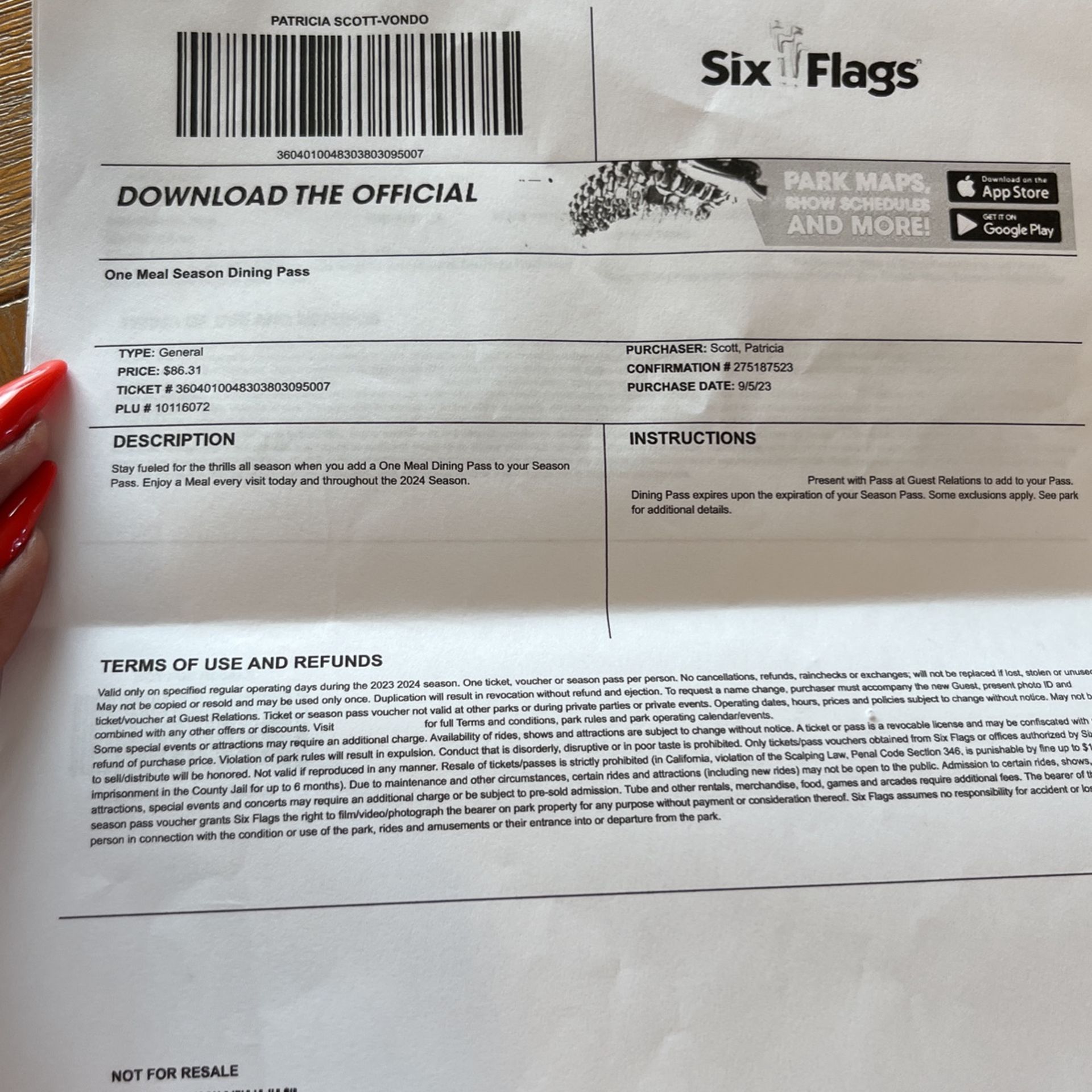
Six Flags maintains a strict no-refund policy for single-day tickets. This applies regardless of weather conditions, changed travel plans, or personal illness. However, tickets are often valid for any public operating day during the season. If you cannot attend on your original date, your ticket likely remains valid for a later date in 2026. Check the fine print on your digital ticket to verify the expiration.
Season Pass Installments (Fun Pay)
If you purchased a Season Pass using an installment plan, you are contractually obligated to complete all payments. Unlike a membership, which is a month-to-month subscription, an installment plan is a "buy now, pay later" financing agreement for a fixed-price product. Stopping payments on a Fun Pay plan will result in the deactivation of the pass and may lead to the account being sent to a third-party collections agency.
Comparison Table: Six Flags Product Flexibility
The following table outlines the cancellation and refundability rules for the various products available at Six Flags parks in 2026.
| Product Type | Monthly Billing? | Refundable? | Cancellation Method | Required Notice |
|---|---|---|---|---|
| Legacy Membership | Yes | No | Online Portal Only | 30 Days |
| Annual Pass (Paid in Full) | No | No | N/A (Expires) | None |
| Season Pass (Installments) | Yes | No | Cannot Cancel Early | Must pay full balance |
| Single-Day Ticket | No | No | N/A | Non-cancelable |
| Add-Ons (Dining, Flash Pass) | Varies | No | Linked to Primary Pass | Linked to Primary Pass |
Troubleshooting Common Cancellation Issues
Even when following the steps correctly, technical or administrative hurdles can arise.
The Portal Does Not Recognize My Member ID
This often occurs if the membership has already been suspended due to a declined payment. You cannot cancel a membership that has an "Overdue" status. You must first update your payment method, settle the outstanding balance, and then proceed with the cancellation steps.
Charges Continue After Cancellation
If you see a charge after your confirmed "End Date," it is usually due to one of two things:
- The 30-Day Overlap: You were charged one last time because your notice was submitted within the 30-day window.
- Separate Accounts: Many families have multiple memberships under different names. Ensure you canceled each individual member ID. Canceling the "Primary" account holder does not always automatically cancel the "Add-on" family members depending on how the account was originally structured.
Moving or Relocating
Six Flags does not offer refunds if you move away from a park's vicinity. However, memberships are generally valid at all Six Flags properties. If you move from California to Texas, your Magic Mountain membership will still grant you access to Six Flags Over Texas. If you still wish to cancel, you must follow the standard 30-day online procedure.
Managing Add-ons and Payment Disputes
When you cancel a primary membership, you must be aware of how "Add-ons" like the National Dining Cyber Café or Flash Pass Subscriptions are handled. In most 2026 membership contracts, add-ons are tethered to the base membership. When the base membership terminates, the add-ons terminate as well. However, if you purchased a "Season-Long" add-on for a flat fee rather than a monthly fee, that money is generally forfeited and cannot be pro-rated.
If you believe you have been charged in error after receiving a confirmation number, do not immediately file a chargeback with your bank. A chargeback can lead to your name being "blacklisted" from the Six Flags payment system, preventing you from purchasing tickets or passes in the future. Instead, use your confirmation number to contact Six Flags Guest Relations and request a manual billing review.
Verify Final Account Status
After completing the cancellation process, your final responsibility is to ensure the financial loop is closed. Log in to your bank or credit card portal and set a calendar reminder for the date of your expected final charge. If the charge appears as scheduled, verify that no subsequent charges occur the following month.
Retain your cancellation confirmation email for at least six months. This documentation is vital if the park system undergoes a database migration or if there are billing discrepancies following the integration of regional park management systems. Once your access expires on the designated "End Date," your digital pass in the Six Flags app will typically move to the "Expired" or "Inactive" section, confirming that the process is complete.
FAQ
Can I cancel my Six Flags membership over the phone?
No, Six Flags generally does not process membership cancellations via phone. All cancellations must be performed through the official online cancellation portal to ensure that the 30-day notice period and member identity are properly validated and recorded.
What happens if I stop paying my Six Flags membership without canceling?
If you stop payments without following the official cancellation steps, your account will enter a "default" status. This will result in your park access being revoked, and Six Flags may continue to attempt to charge your card. Persistent non-payment may eventually be referred to a collections agency, which could impact your credit score.
Is there a fee to cancel my membership early?
There is no "cancellation fee" if you have completed your initial 12-month commitment. However, if you are still within the first 12 months, you are contractually obligated to pay for the remaining months in the term. The portal will usually require you to pay this balance in full to finalize the cancellation.
Can I get a refund for my Six Flags ticket if it rains?
No, Six Flags does not offer refunds due to inclement weather. Most parks have a "Rain Check" policy where, if major rides are closed for an extended period due to weather, you may be issued a voucher to return on a different day. You must visit the Guest Relations office inside the park on the day of your visit to request a rain check.
Does canceling my membership also cancel my Flash Pass?
If your Flash Pass is a monthly membership add-on, it will cancel automatically alongside your main membership. However, if you purchased a standalone Season Flash Pass as a one-time payment, it will remain active until the end of the season but will not be refundable.