Navigating healthcare systems requires reliable digital access, and establishing your online portal account is the foundational step for managing your medical care. For patients within the Baptist Health network, completing the Baptist Health MyChart sign up process unlocks secure, direct communication with your care team, prescription management, test result tracking, and appointment scheduling. Whether you are managing chronic conditions, tracking pediatric milestones, or reviewing post-discharge instructions, the MyChart platform acts as your centralized clinical dashboard. This comprehensive technical guide details the exact procedures, verification requirements, troubleshooting protocols, and advanced security settings needed to establish and optimize your account in 2026.
Operational Note: Baptist Health operates several distinct regional health systems across the United States, most notably Baptist Health South Florida, Baptist Health (Kentucky and Indiana), and Baptist Health (Montgomery/Birmingham, Alabama). Ensure you select the specific portal designated for your treating facility, as login databases and activation codes are localized to each independent health system network.
Understanding the Baptist Health MyChart Infrastructure
The MyChart application, developed by Epic Systems Corporation, serves as the electronic health record (EHR) interface for millions of patients. Understanding how the technical architecture functions helps clarify why specific verification steps are required during registration. When you perform a Baptist Health MyChart sign up, your profile is cross-referenced against the Master Patient Index (MPI) within the hospital's Epic database to prevent duplicate charts and secure protected health information (PHI) under Health Insurance Portability and Accountability Act (HIPAA) regulations.
Core Functional Modules Available Upon Registration
- Direct Clinical Messaging: Securely communicate non-urgent medical questions directly to your primary care physician or specialist offices without phone tag.
- Laboratory and Diagnostic Results: View pathology reports, radiology imaging notes, and bloodwork metrics as soon as they are finalized and released by your clinician.
- Appointment Management: Self-schedule primary care visits, view upcoming specialist appointments, and cancel or reschedule existing slots in real-time.
- Billing and Financial Clearance: Review itemized statements, set up recurring payment plans, estimate out-of-pocket costs, and apply for financial assistance programs.
- Prescription Refills: Request medication renewals directly from your preferred pharmacy through your active medication list.
Prerequisites for Account Creation
Before initiating your registration, gathering the correct documentation prevents frustrating verification blocks. Healthcare identity verification requires matching physical records against digital inputs to protect patient safety.
| Required Information | Purpose in Verification | Common Source Document |
|---|---|---|
| Activation Code | Instantly links your temporary digital profile to your master medical record. | Printed clinic visit summary, discharge paperwork, or email invitation. |
| Social Security Number (SSN) | Confirms identity uniqueness within the Master Patient Index. | Social Security card or tax documents. |
| Date of Birth | Verifies legal age status and age-based proxy access rights. | State-issued ID, driver's license, or birth certificate. |
| Active Email Address | Serves as your primary username and destination for two-factor authentication (2FA). | Personal email account accessible on your device. |
| Mobile Phone Number | Enables SMS-based security codes and real-time appointment alerts. | Personal smartphone capable of receiving text messages. |
Step-by-Step Instructions for Baptist Health MyChart Sign Up
Executing the registration process correctly ensures uninterrupted access to your clinical dashboard. Depending on whether you received an activation code from a recent clinic visit, the workflow varies slightly. Follow these standardized procedures to establish your account safely.
Method 1: Registration Using an Activation Code
If you recently visited a Baptist Health facility, your after-visit summary or clinical discharge paperwork likely contains a temporary activation code valid for a limited timeframe (typically 14 to 30 days).
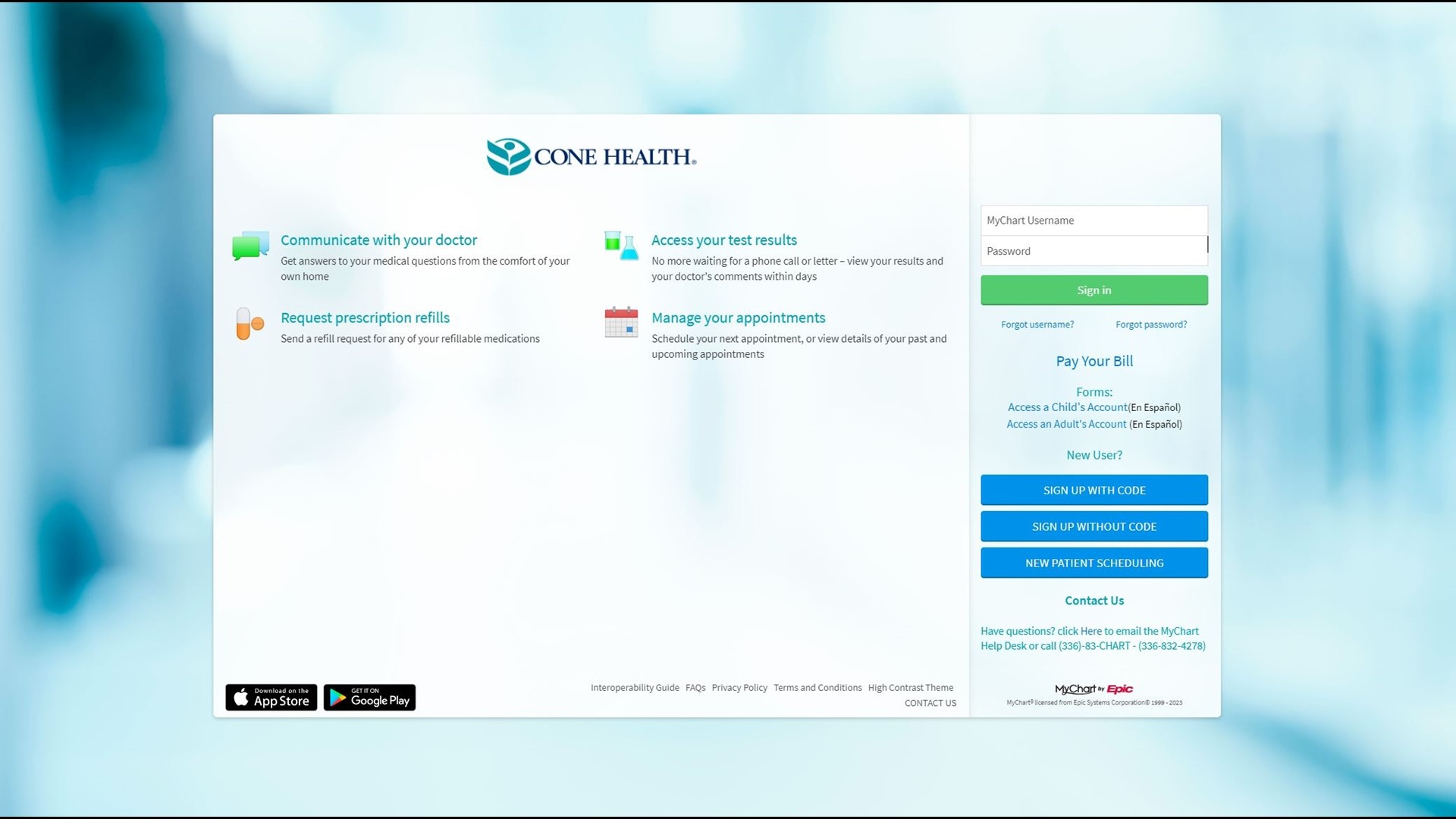
- Navigate to the Official Portal: Open your web browser and go to the official Baptist Health MyChart login page corresponding to your specific regional network, or open the downloaded MyChart mobile application on iOS or Android.
- Initiate Sign-Up: Locate and click the Sign Up Now button prominently displayed on the landing page.
- Input Activation Credentials: Enter your unique Activation Code exactly as printed, along with your Date of Birth and ZIP code. Click Next.
- Create Account Credentials: Choose a secure Username that is distinct from your email address, and establish a strong Password containing a mix of upper and lower case letters, numbers, and symbols.
- Configure Two-Factor Authentication (2FA): Opt-in to receive security verification codes via SMS text message or email every time you log in from an unrecognized device.
- Accept Terms and Conditions: Review the terms of use, privacy policy, and electronic communication disclosures, then finalize your registration.
Method 2: Registration Without an Activation Code (Instant Match)
If you do not have an activation code from a recent visit, you can still create an account by verifying your identity online using matching demographic data against public and private identity databases.
- Access the Portal Landing Page: Navigate to the official regional Baptist Health MyChart portal.
- Select Account Match Option: Click the Sign Up Now button, then select the option that states you do not have an activation code or wish to match your identity online.
- Provide Demographic Information: Enter your legal first name, last name, current address, date of birth, biological sex, and the last four digits of your Social Security Number.
- Complete Third-Party Knowledge-Based Authentication (KBA): Answer a series of security questions generated from public record data (e.g., identifying previous addresses, lenders, or associated family members) to prove your identity.
- Establish Credentials: Once your identity is successfully verified, configure your unique username, password, and security notification preferences to complete the setup.
Technical Troubleshooting and Common Registration Errors
During the Baptist Health MyChart sign up process, users occasionally encounter technical blocks. Understanding these failure points allows for rapid resolution without requiring immediate calls to the patient support help desk.
- Expired Activation Code: If your activation code has timed out, the system will reject it. You do not need a doctor's visit to fix this; simply return to the sign-up page and use the online matching process to generate a new verification pathway.
- Demographic Mismatch: If the system cannot verify your identity, it is usually because the phone number, email, or address on file in the hospital's registration database differs from what you are entering. Call your primary care clinic's front desk to update your demographic profile in their master system.
- Browser Compatibility Issues: Ensure your web browser (Google Chrome, Apple Safari, Mozilla Firefox, or Microsoft Edge) is updated to the latest version. Clear your browser cache and cookies or disable aggressive tracking blockers if the sign-up page fails to load or freezes during verification.
- Email Already in Use: Epic systems enforce a strict one-email-per-account rule for adult patients. If your email address is tied to an existing or family member's chart, you must use a unique alternative email address to register a separate account.
Comparative Overview of Access Methods
Choosing how to access your Baptist Health MyChart account depends on your device preference and accessibility needs. Both pathways offer robust encryption standards compliant with HITRUST and HIPAA mandates.
| Feature / Metric | Mobile Application (iOS / Android) | Web Browser Portal (Desktop / Mobile Web) |
|---|---|---|
| Biometric Login | Supported (FaceID, Fingerprint, TouchID) | Not natively supported (requires password entry) |
| Push Notifications | Instant alerts for test results and messages | Email or SMS notifications only |
| Offline Document Storage | Limited offline immunization and allergy views | Requires active internet connection |
| Accessibility Tools | Leverages native OS screen readers and text scaling | Dependent on browser and operating system settings |
| Security Encryption | 256-bit SSL/TLS Transport Layer Security | 256-bit SSL/TLS Transport Layer Security |
Managing Proxy Access for Dependents and Caregivers
A critical feature of the Baptist Health MyChart ecosystem is proxy access, which allows authorized individuals to view and manage health records on behalf of others. This is essential for parents managing pediatric care or adult children acting as caregivers for aging parents.
Pediatric Proxy Rules
- Children Under 12: Parents or legal guardians receive full proxy access to view test results, growth charts, immunization records, and schedule appointments.
- Ages 12 through 17: Due to state privacy laws and adolescent healthcare confidentiality rights regarding sensitive services (such as reproductive health and mental health counseling), proxy access is restricted. Parents retain limited access to billing, appointments, and general immunization records, while direct clinical notes require the adolescent's consent or independent login.
Adult-to-Adult Proxy Rules
- Adult patients can grant proxy access to a spouse, family member, or trusted caregiver by sending an invitation directly through their MyChart portal or by signing a formal paper medical records release form at a Baptist Health facility. Both parties must have active MyChart accounts.
Frequently Asked Questions
What should I do if my Baptist Health MyChart activation code does not work?
Activation codes typically expire after a designated timeframe or become invalid once used. If your code fails, use the online matching sign-up option on the portal homepage to verify your identity using your demographic details and social security number.
Is there a fee to sign up for or use Baptist Health MyChart?
No, the Baptist Health MyChart platform and its accompanying mobile application are completely free patient services provided to manage your healthcare journey. Standard mobile carrier data rates may apply when using cellular data.
Can I link medical records from other healthcare systems into my Baptist Health MyChart?
Yes, you can use the "Link My Accounts" or "Care Everywhere" feature within the portal settings to securely pull and consolidate medical history, medications, and records from other participating Epic-based hospital systems across the country.
How do I reset a forgotten password or username?
Click the "Forgot Password" or "Forgot Username" links located directly beneath the login fields on the sign-in page. You will be prompted to enter your username and date of birth, and a verification code will be sent to your registered email or phone number to authorize a secure password reset.
Can I view my children's medical charts through my own account?
Yes, through proxy access. If your children are under 12, you can request access during registration or via the sharing settings in your portal. For teenagers aged 12 to 17, access is limited by state and federal privacy regulations protecting adolescent health records.
Who should I contact if I experience persistent technical issues?
If you encounter persistent technical errors that self-troubleshooting cannot resolve, contact the dedicated Baptist Health MyChart Patient Support Help Desk listed on your regional health system's official website for technical assistance.
Conclusion and Next Steps
Securing your digital health profile is a vital step in modern healthcare management, granting you immediate oversight of your clinical history, appointments, and billing. By completing your Baptist Health MyChart sign up using an activation code or online identity verification, you establish a direct, encrypted connection with your medical providers. Take a moment today to navigate to your regional Baptist Health portal, complete your account setup, download the mobile application for convenient on-the-go access, and configure your notification preferences to stay fully informed of your health milestones throughout 2026.