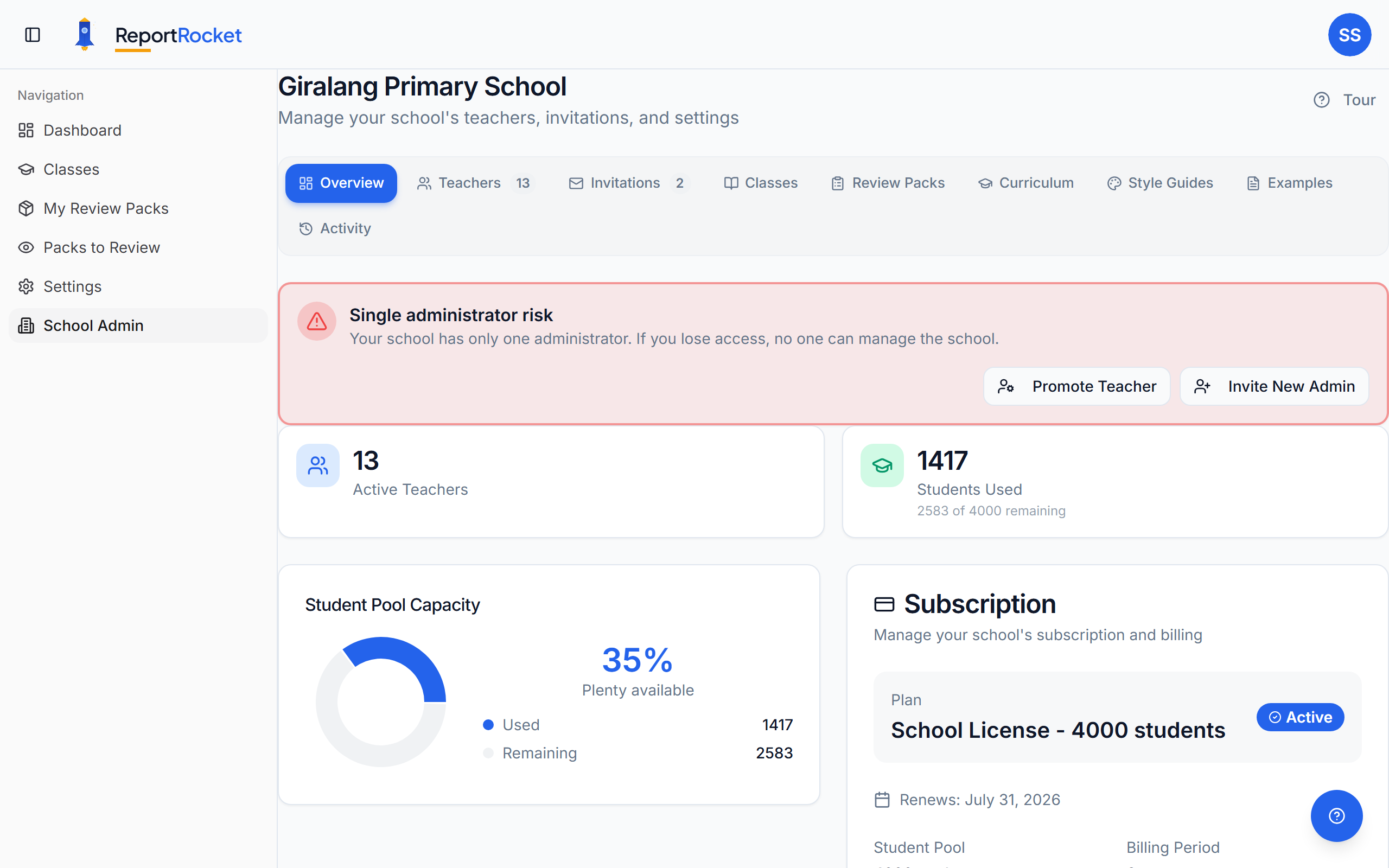
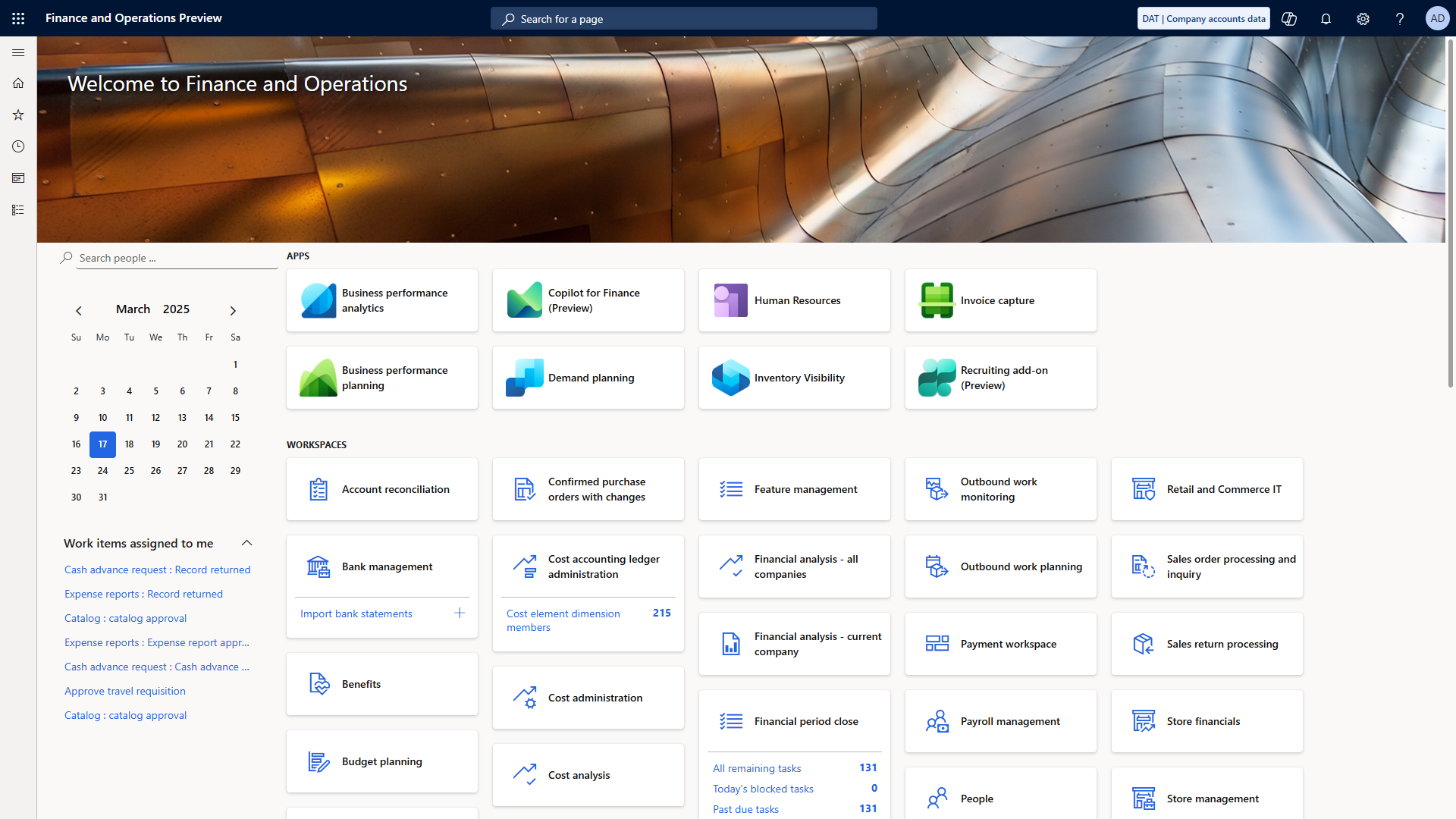
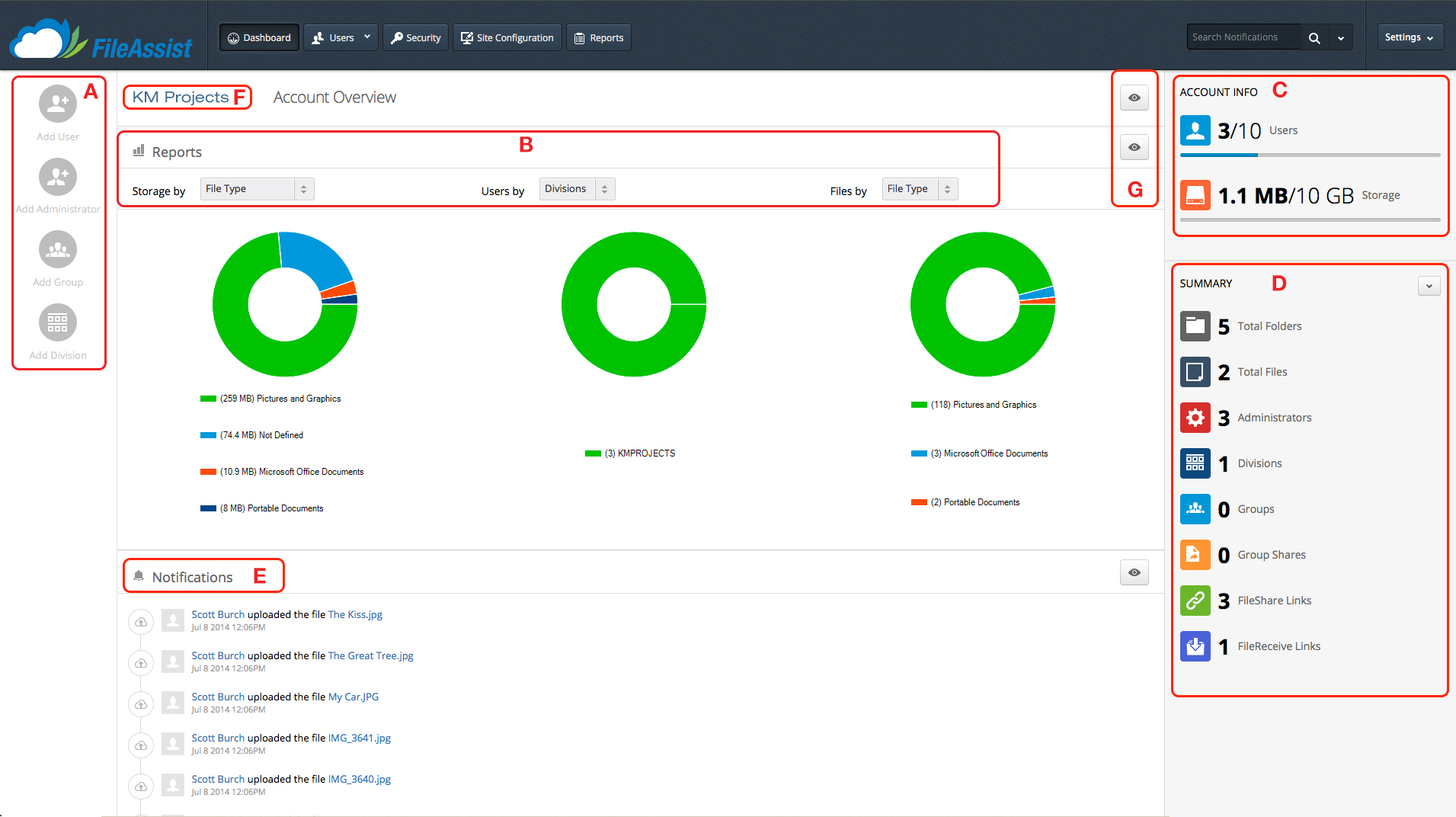
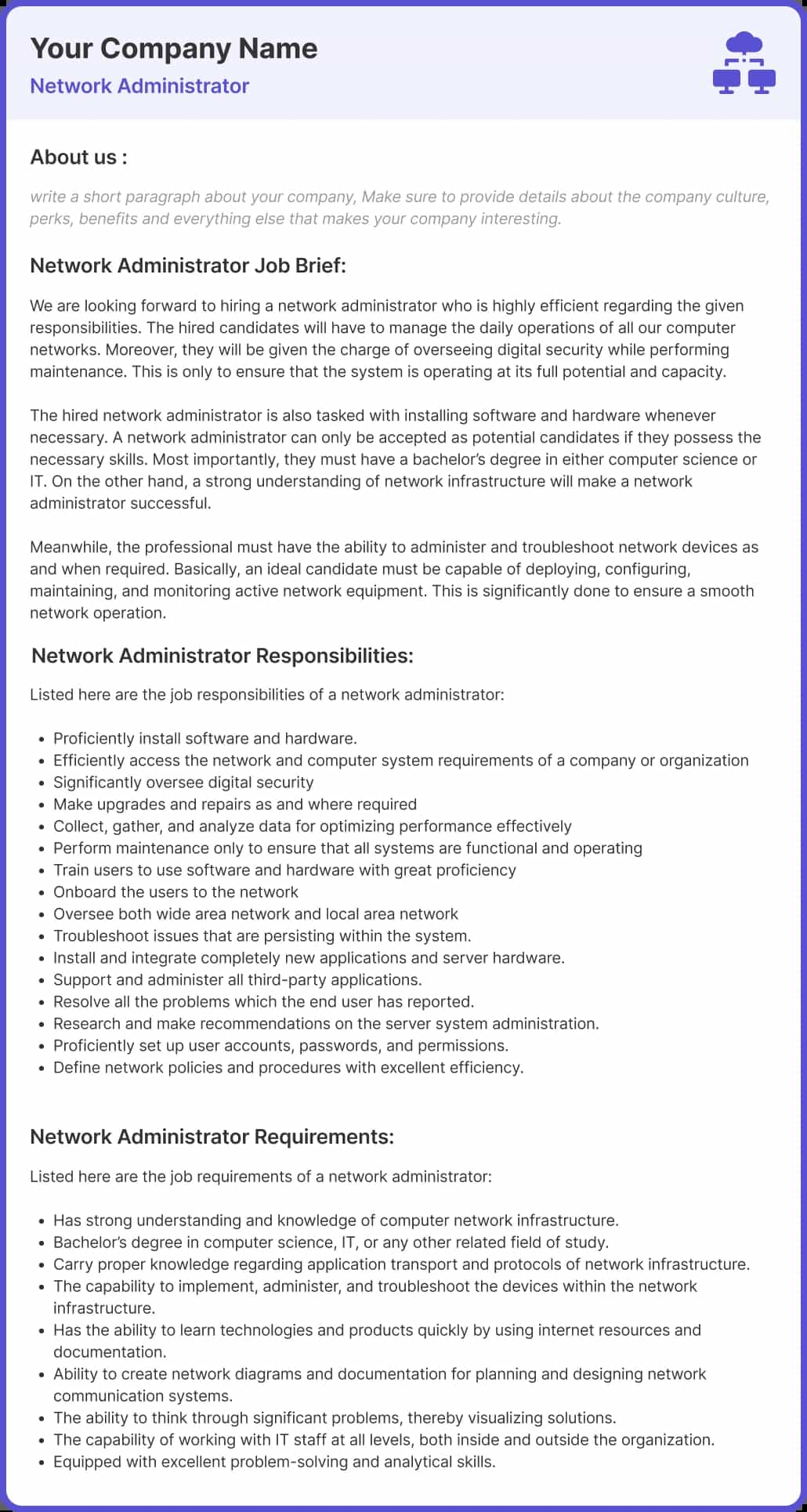
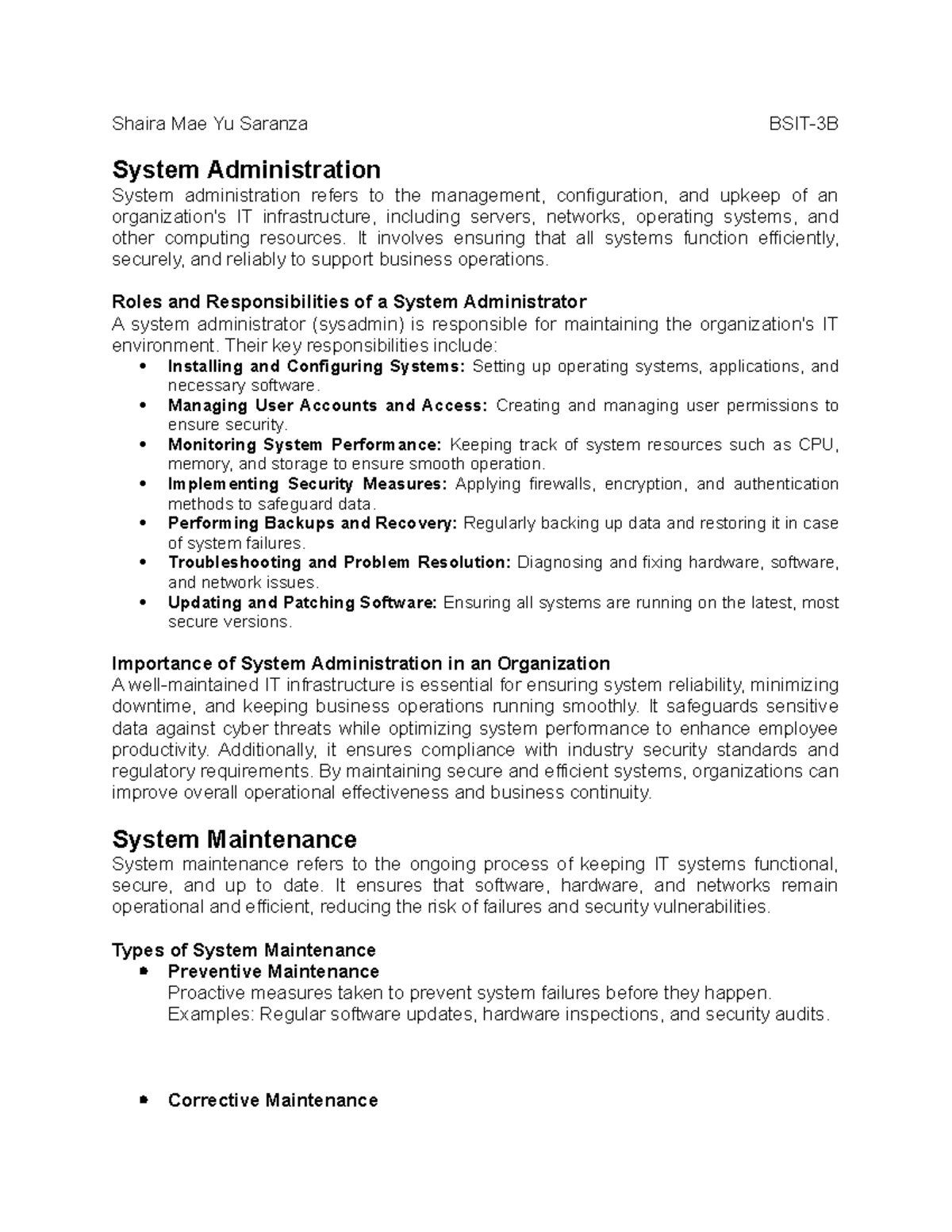
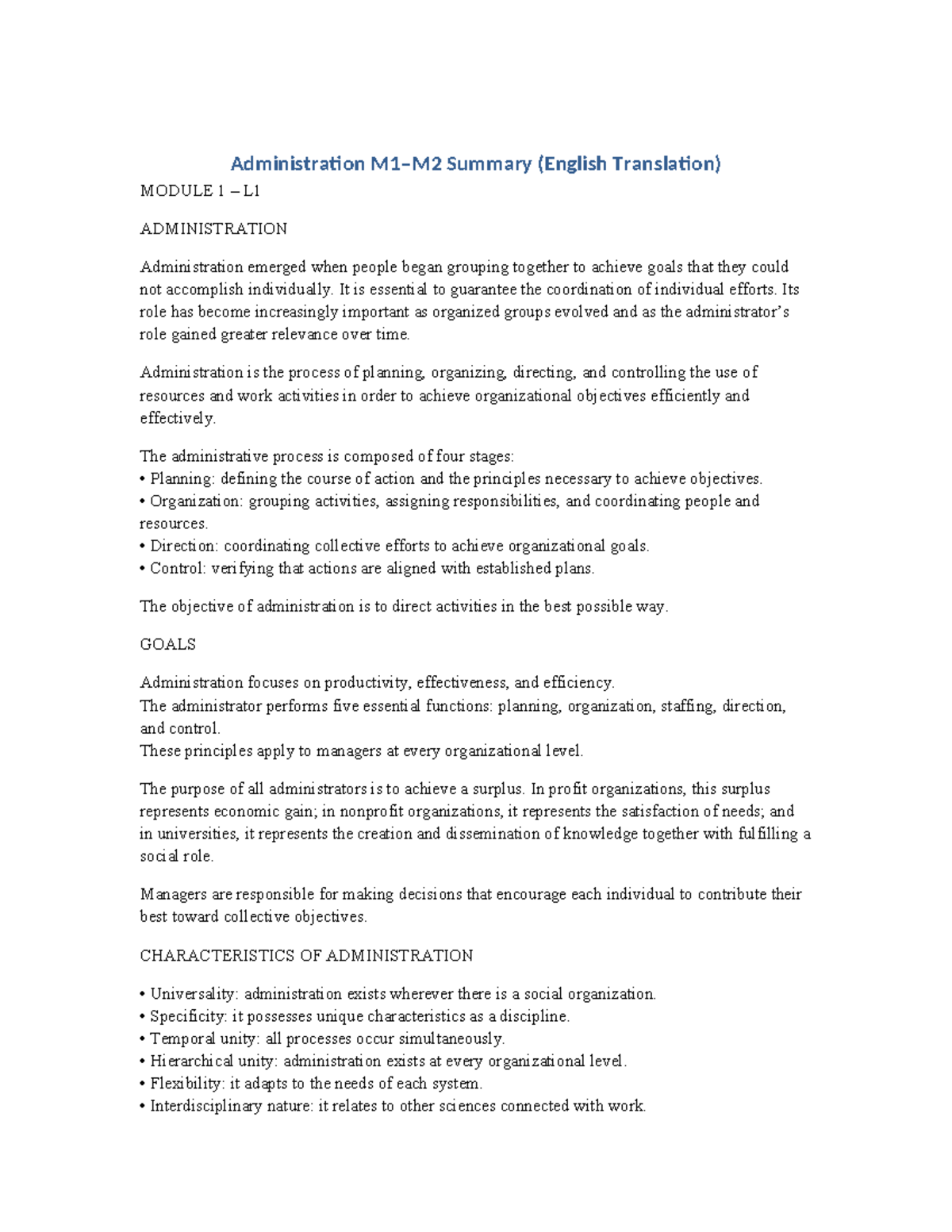
An administrator overview serves as a high-level summary of the permissions, tasks, and system-wide visibility assigned to a user with elevated access rights. It functions as the central management hub for defining organizational policy, managing user identities, monitoring system health, and ensuring compliance with operational standards within a software or network environment.
The Role of Administrative Authority
Administrative authority is the foundational layer of any secure computing environment. An administrator—often referred to as an "admin"—is granted elevated privileges that exceed those of a standard end-user. The primary objective of these roles is to maintain the integrity, availability, and confidentiality of the system. By accessing the administrator overview, a designated professional obtains a bird’s-eye view of the system’s current operational state, allowing for proactive rather than reactive management.
In modern enterprise systems, this overview typically aggregates critical telemetry, such as server uptime, active user sessions, pending security updates, and performance bottlenecks. The importance of this visibility cannot be overstated; without a centralized administrative dashboard, the risk of configuration drift—where systems deviate from their baseline security settings—increases significantly. Administrators are tasked with translating organizational requirements into technical configurations, ensuring that software behavior aligns with established business protocols.
Key Domains of Administrative Management
The scope of an administrator's responsibilities varies depending on the product or service being managed, but most administrative overviews categorize their duties into four primary domains:
1. Identity and Access Management (IAM)
IAM is the bedrock of system security. Administrators are responsible for provisioning new accounts, defining roles, and enforcing authentication policies such as Multi-Factor Authentication (MFA). Through the admin dashboard, they can audit access logs to identify unauthorized login attempts or anomalies in user behavior.
2. Resource and Infrastructure Monitoring
This domain involves tracking the physical or virtual resources consumed by the environment. Administrators monitor CPU usage, memory consumption, storage availability, and network throughput. When thresholds are breached, the overview interface often provides automated alerts, enabling the administrator to intervene before service degradation affects the end-user experience.
3. Policy and Configuration Compliance
Administrators define the "rules of the road" for the environment. This includes setting password complexity requirements, defining data retention periods, and configuring network firewall rules. The overview serves as a verification tool to confirm that current settings match the organizational security baseline.
4. Incident Response and Troubleshooting
When issues arise, the administrator overview is the primary point of investigation. It provides access to error logs, event history, and diagnostic tools. By utilizing these resources, administrators can isolate the root cause of a system failure, apply patches, or roll back faulty configurations to restore normal service.
Comparative Framework for Administrative Control
When managing diverse platforms, administrators must often navigate different interfaces. The following table provides a comparison of how administrative overviews generally function across different sectors of information technology.
| Management Domain | Focus Area | Primary Utility | Typical Frequency |
|---|---|---|---|
| System Admin | Server/OS health | Resource monitoring | Real-time |
| Cloud Admin | Infrastructure as code | Cost and scalability | Hourly/Daily |
| IAM Admin | User security | Audit and permissions | On-demand |
| Application Admin | Feature toggles | User experience | As required |
Prerequisites for Effective Administration
Accessing and utilizing an administrator overview is not merely a matter of login credentials; it requires a structured approach to prevent the "over-privileged" trap. First, organizations must implement the Principle of Least Privilege (PoLP), ensuring that administrators are granted the minimum level of access necessary to complete their tasks. Before an individual gains administrative status, they should undergo rigorous training regarding the specific platform’s documentation and regulatory obligations.
Technical prerequisites often include secure, dedicated hardware or virtual machines (known as Privileged Access Workstations or PAWs) used specifically for administrative duties. This prevents potential malware from the broader network from moving laterally to the administrative dashboard. Furthermore, establishing a "break-glass" account—an emergency access account stored in a physical safe or high-security vault—is a standard operational requirement for recovery in the event of an identity provider failure.
Common Administrative Challenges
Despite having a comprehensive overview, administrators face significant hurdles. The most common challenge is "alert fatigue," where the sheer volume of notifications from an automated system leads to a decrease in responsiveness. To mitigate this, senior administrators configure alert severity levels, ensuring that only high-priority issues require immediate manual intervention, while informational notifications are batched for end-of-day review.
Another challenge involves the rapid pace of product updates. In 2026, many cloud-based services update their interface and security protocols monthly. Failure to keep the administrative documentation and internal standard operating procedures (SOPs) updated can lead to administrative errors. It is recommended that administrative teams designate a "documentation lead" responsible for updating internal guides following every major platform release.
Troubleshooting Administrative Access
Difficulty in accessing or navigating the administrator overview is often tied to synchronization delays or expired security tokens. If an administrator finds that their dashboard is failing to load, the following steps are standard for verification:
- Verify Session Integrity: Log out of all related sessions and clear browser cache. Administrative tokens are highly sensitive and can trigger security locks if session cookies appear inconsistent.
- Review Permissions Audit: Confirm that the user account still holds the required Administrative Role (RBAC) in the centralized identity provider.
- Check Network Restrictions: Many administrative portals are protected by IP-whitelisting. Ensure that the connection is originating from an approved corporate VPN or designated office network.
- Consult Official Status Pages: Before assuming a local configuration error, check the service provider’s public status page to determine if there is an active incident affecting the management plane of the service.
Maintaining Security and Operational Standards
The ultimate responsibility of any administrator is the maintenance of system stability. This involves regular patching, consistent auditing of access logs, and the scheduled testing of backups. Documentation is a critical component of this process. Every change made via the administrative dashboard should be documented in a central change management system, detailing what was changed, why it was changed, and the expected outcome. This provides an audit trail that is invaluable during compliance reviews or post-mortem incident investigations.
Best Practices for Next Actions
To ensure you are effectively utilizing your administrator overview, start by reviewing your platform’s most recent technical white paper or administrator guide. If your organization has not yet established a formal change log, begin maintaining one immediately to track modifications to your production environment. If you encounter recurring access issues, prioritize the transition to a centralized, hardware-backed authentication method (such as FIDO2-compliant security keys) to harden your administrative credentials.