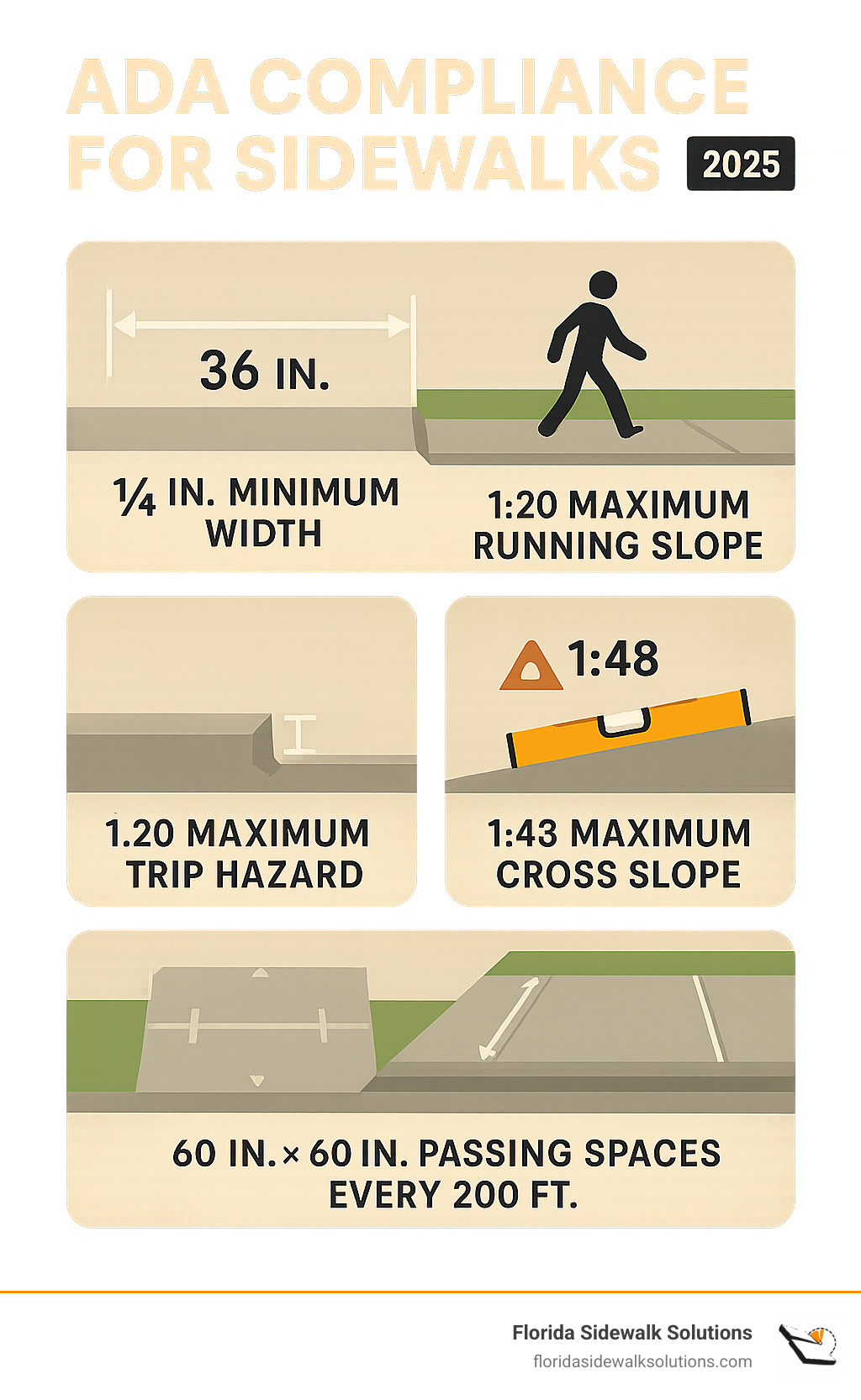
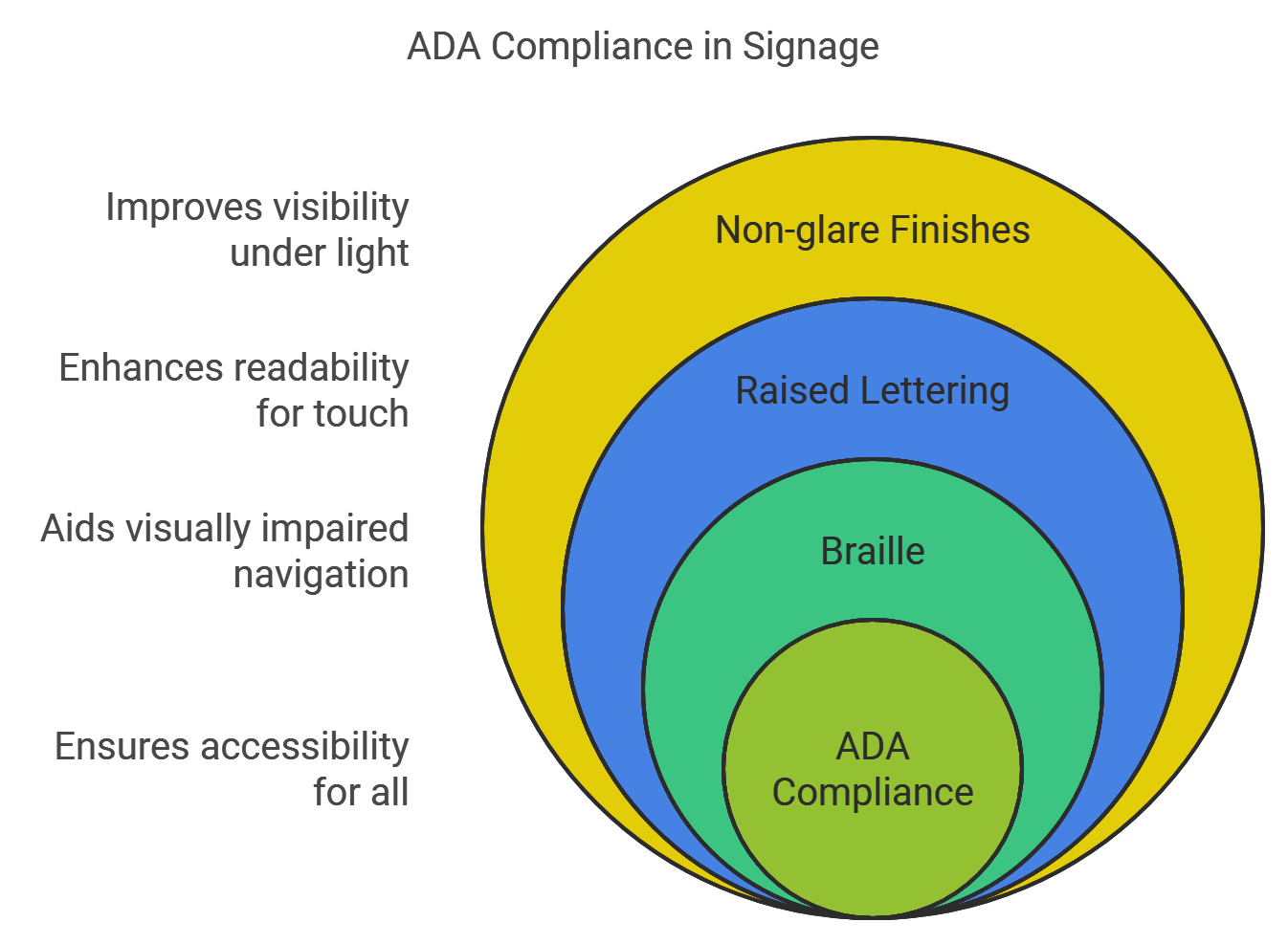
ADA compliance refers to the process of ensuring that digital platforms, physical facilities, and services meet the accessibility standards established by the Americans with Disabilities Act. This federal civil rights law prohibits discrimination against individuals with disabilities, requiring organizations to provide equal access to public accommodations, government services, and employment opportunities by removing barriers to participation.
The Scope of the Americans with Disabilities Act
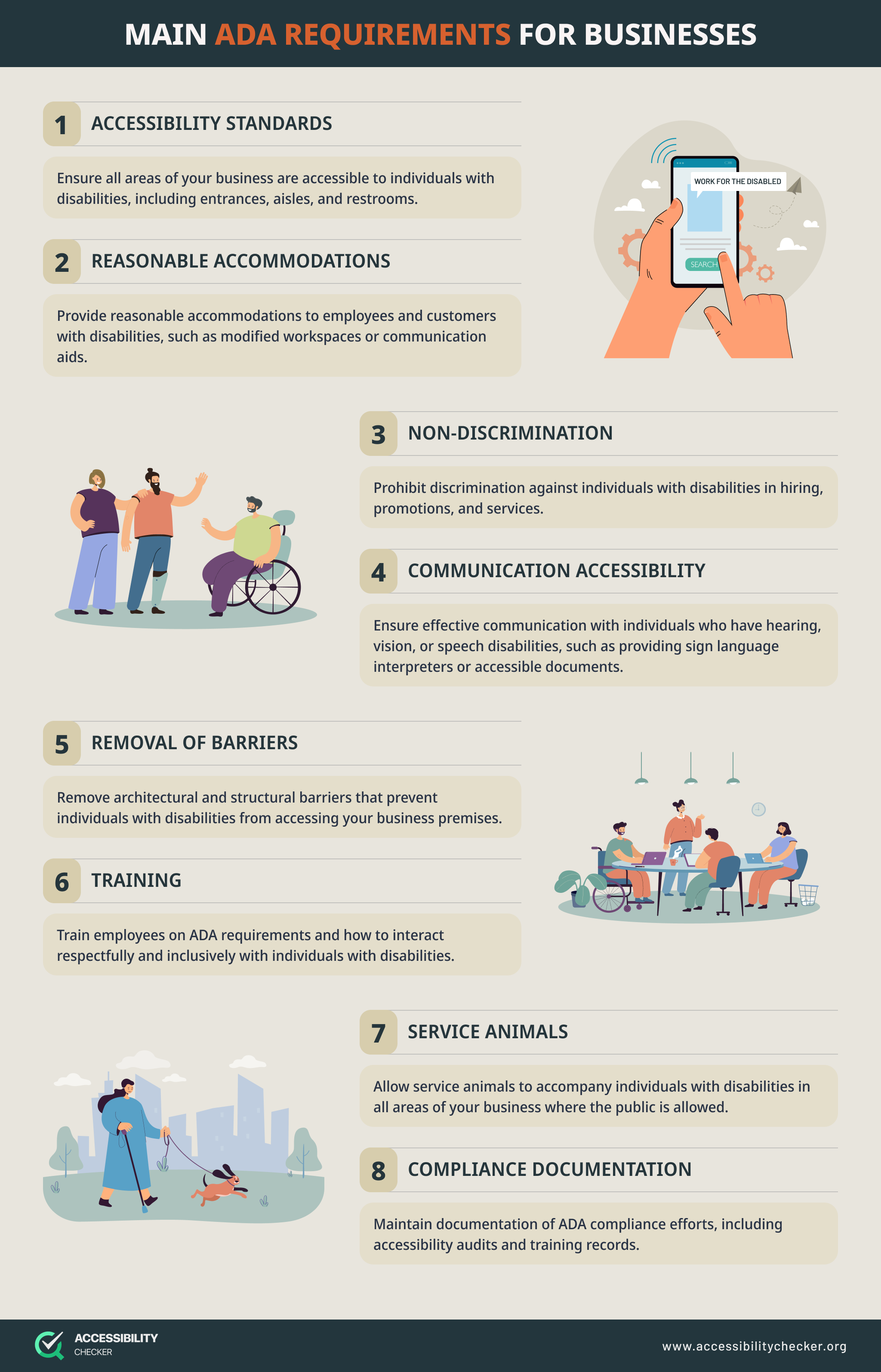
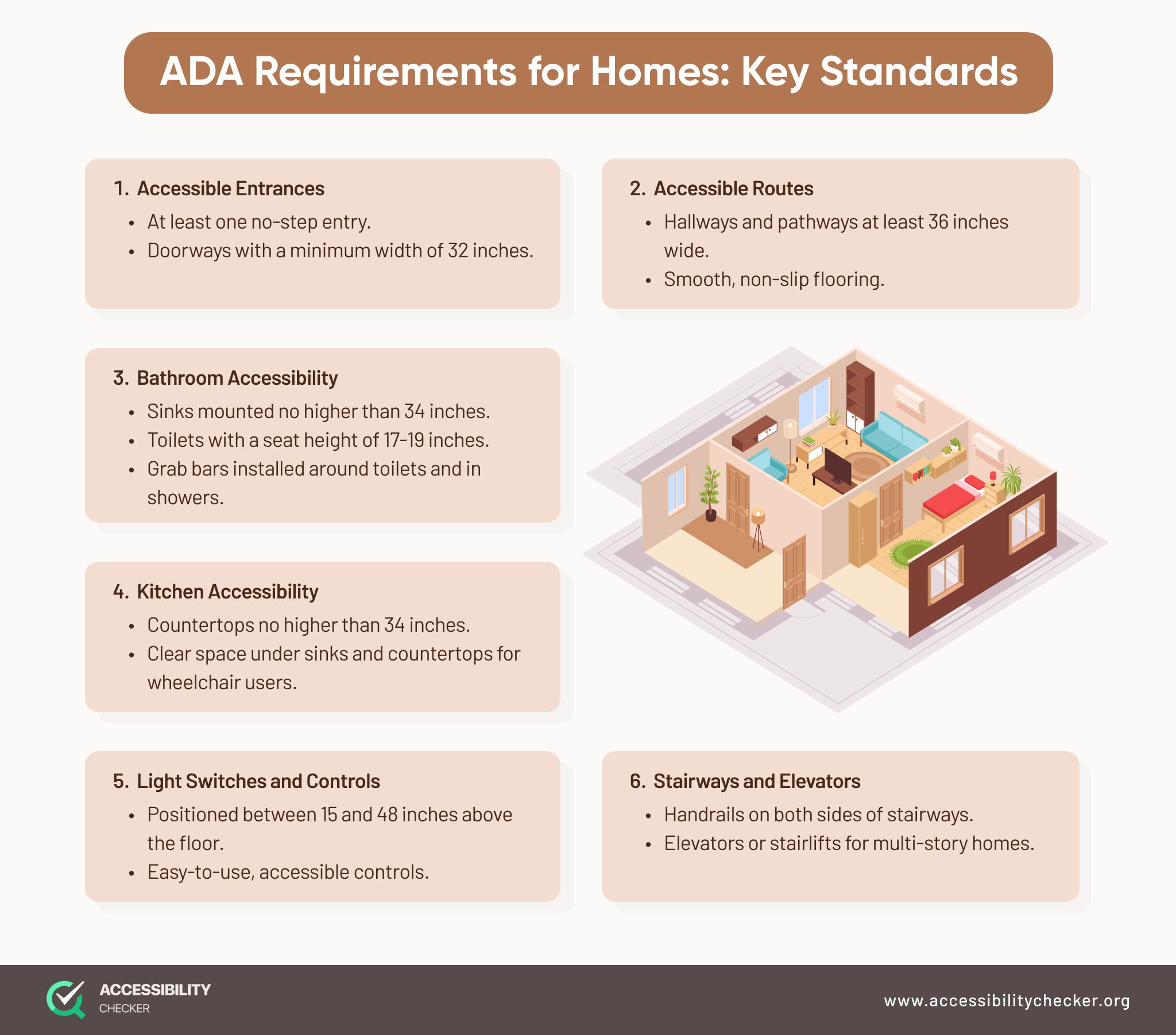
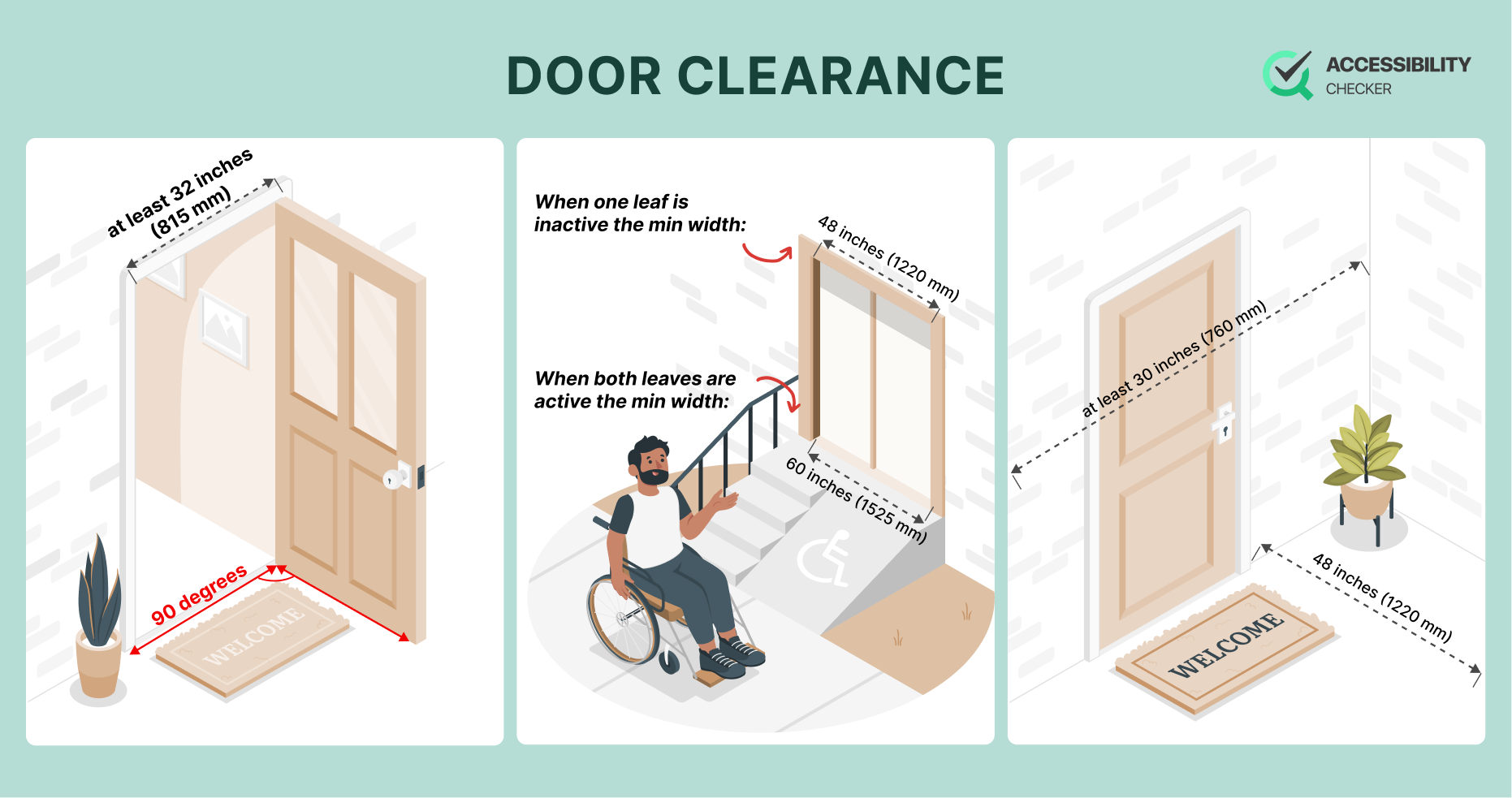
The Americans with Disabilities Act (ADA), enacted in 1990 and subsequently amended, is a wide-reaching civil rights statute. While it is often discussed in the context of physical architectural requirements—such as ramps, doorway widths, and elevator accessibility—its scope has evolved significantly to include the digital landscape. Under Title II (state and local government services) and Title III (public accommodations and commercial facilities), the Department of Justice has increasingly clarified that digital assets, such as websites and mobile applications, must be accessible to individuals with vision, hearing, or motor impairments.
For business owners and government entities, compliance is not merely a technical checklist; it is a legal imperative to ensure that goods, services, and information are available to everyone. Failing to meet these standards can result in litigation, settlement costs, and reputational damage. As of 2026, the focus has shifted toward proactive integration of accessibility standards during the development phase of digital products rather than reactive retrofitting.
Navigating Digital Accessibility Standards
In the absence of a singular, granular federal regulation detailing every technical requirement for websites, the Web Content Accessibility Guidelines (WCAG) have become the de facto international standard. Published by the World Wide Web Consortium (W3C), WCAG 2.1 and 2.2 provide the technical framework that courts and regulators frequently reference when assessing ADA compliance.
Compliance is typically measured against three levels of conformance: Level A (the most basic web accessibility features), Level AA (the standard required for most businesses to be considered accessible), and Level AAA (the most rigorous, typically reserved for specialized applications). Most legal experts and government bodies recommend aiming for Level AA compliance to provide a robust, inclusive user experience while minimizing litigation risk. Key requirements include, but are not limited to, providing alternative text for images, ensuring sufficient color contrast, keyboard-only navigation support, and proper structural tagging for screen readers.
Comparison of Physical and Digital Accessibility Requirements
Achieving compliance involves different methodologies depending on the environment. Physical spaces rely on the ADA Standards for Accessible Design, while digital spaces rely on software and content engineering.
| Category | Primary Focus | Regulatory Authority | Key Benchmark |
|---|---|---|---|
| Physical | Built environment, parking, ramps, restrooms | DOJ (ADA Standards) | 2010 ADA Standards |
| Digital | Web content, mobile apps, kiosks, software | DOJ (Title II/III) | WCAG 2.2 (Level AA) |
| Communication | Auxiliary aids, interpreters, screen readers | DOJ | Effective Communication Rule |
Implementation Steps for Organizations
For organizations seeking to bring their operations into alignment with current legal expectations, a systematic approach is necessary. Attempting to solve accessibility issues in a silo often leads to incomplete compliance.
- Accessibility Audit: Begin with a comprehensive audit. For physical locations, this may involve hiring a certified accessibility inspector to check slope ratios, maneuvering clearances, and signage. For digital assets, use both automated testing tools and manual expert reviews to identify barriers that automated scanners miss, such as keyboard traps or illogical focus orders.
- Policy Development: Create an internal accessibility policy. This document should define who is responsible for maintaining accessibility, how updates are managed, and how users can report accessibility barriers.
- Procurement and Vendor Management: Ensure that any third-party software or hardware purchased is already compliant. Demand a Voluntary Product Accessibility Template (VPAT) from vendors, which outlines how their product conforms to accessibility standards.
- Training and Maintenance: Accessibility is not a "set-it-and-forget-it" project. Train content creators, developers, and facility managers on the ongoing requirements to ensure that new content or renovations do not introduce new barriers.
Common Pitfalls and Troubleshooting
One of the most frequent mistakes organizations make is relying solely on "accessibility overlays"—small pieces of code that claim to make a website accessible automatically. These tools often fail to fix underlying code issues, such as missing headers or improper keyboard accessibility, and can sometimes hinder the performance of assistive technology. True compliance requires deep integration into the code and design process rather than a superficial plugin.
Another common issue is the failure to accommodate "effective communication." If a business provides information through a website or a kiosk, that information must be accessible to those who are blind or deaf. If the content is video-based, it must include synchronized captions. If it is purely visual, it must be interpretable by screen reader software. Troubleshooting these issues often involves re-evaluating the user flow from the perspective of an individual using assistive hardware, such as a Braille display or a switch-access device.
Legal Risks and Risk Management
The legal landscape in 2026 continues to see a high volume of demand letters and civil litigation regarding inaccessible websites. Courts generally look at whether a business has provided a "full and equal" experience. Even if an organization does not have a physical storefront, if they operate a website that serves as a gateway to goods or services, they likely fall under the jurisdiction of the ADA.
To manage risk, organizations should document their efforts to improve accessibility. If a site is not yet 100% compliant, keeping a record of a documented accessibility roadmap and a functioning feedback mechanism for users with disabilities can demonstrate a good-faith effort. Consult with legal counsel specializing in disability law to understand the specific risks applicable to your industry and jurisdiction, as local regulations may supplement federal requirements.
Frequently Asked Questions
What is the difference between Section 508 and ADA compliance?
Section 508 is an amendment to the Rehabilitation Act of 1973 that specifically mandates that federal agencies and those receiving federal funding make their electronic and information technology accessible. ADA compliance is a broader civil rights law that covers private-sector businesses, state and local governments, and public accommodations.
Are small businesses exempt from ADA requirements?
Generally, no. The ADA applies to virtually all "places of public accommodation," regardless of the size of the business. While the law allows for a defense of "undue burden" if an action is prohibitively expensive or difficult, this threshold is extremely high and is rarely successfully used by commercial entities to avoid accessibility requirements.
Does an accessibility overlay make my website ADA compliant?
No. Overlays are often marketed as a quick fix, but regulatory bodies and disability advocates frequently note that they do not address the root causes of accessibility barriers. Compliance requires a holistic approach, including proper semantic HTML and user testing, which overlays cannot reliably guarantee.
How often should I check my website for accessibility?
Accessibility should be treated as part of your ongoing quality assurance process. Every time you push a major update to your website or change your content management system, you should conduct an accessibility assessment. At a minimum, annual audits are recommended to account for evolving standards and changing web technologies.
Next Steps for Compliance
If you are initiating an accessibility project, the most effective first step is to conduct a baseline audit of your most heavily trafficked digital pages or your primary physical service areas. Prioritize the paths that users must take to complete a purchase or access critical information. Once the current state is documented, allocate resources to address high-impact issues immediately, such as ensuring all site navigation is keyboard-accessible and that all images have descriptive alt-text. Engage with accessibility consultants who can provide a roadmap tailored to your specific organizational structure and budget.