Choosing a 3ft (36-inch) TV stand requires balancing the physical width of your television with the stand's weight capacity and your room's aesthetic. Ideally, a 3ft stand accommodates TVs up to 40 or 43 inches diagonally, ensuring the screen does not overhang significantly while providing essential stability and storage for small-space living in 2026.
Understanding the Dimensions of a 3ft TV Stand
When interior designers or furniture manufacturers refer to a "3ft TV stand," they are specifically identifying the width of the unit. In the context of 2026 home theater setups, the 36-inch width is considered a "compact" or "small-space" solution. However, width is only one of the three critical dimensions you must evaluate to ensure a proper fit.
The Importance of Depth
Standard 3ft TV stands typically feature a depth ranging from 12 to 18 inches. If you are placing the stand in a high-traffic area, such as a hallway or a narrow bedroom, a shallower depth (12–14 inches) prevents the furniture from becoming an obstacle. However, you must verify the depth of your TV's base or "feet." Some modern 4K and 8K displays use wide-set "cradle" feet that require a deeper surface than traditional center-pedestal stands.
Calculating the Ideal Height
The height of a 36-inch stand is often overlooked but is arguably the most important factor for ergonomic comfort. To avoid neck strain, the center of your TV screen should be at eye level when you are seated.
- Low-profile stands (12–18 inches high): Best for low-slung modern sofas or "pit" sectionals.
- Standard height (20–24 inches high): The most common choice for standard 18-inch sofa seat heights.
- Tall consoles (28–32 inches high): Ideal for bedrooms where you are viewing from a higher mattress position.
Matching TV Size to a 36-Inch Console
A common misconception is that a 36-inch stand can hold a 36-inch TV. In the electronics industry, TV sizes are measured diagonally. A "40-inch TV" refers to the distance from the top-left corner to the bottom-right corner. The actual physical width of a 40-inch TV is approximately 35 inches, which makes it a perfect flush fit for a 3ft stand.
The Overhang Rule
While it is technically possible to place a larger TV on a 3ft stand, you should follow the "Rule of Overhang." For visual balance and safety, the TV should not be wider than the stand. If the screen extends past the edges of the furniture, it becomes vulnerable to being bumped, and the setup appears "top-heavy" and unpolished.
As of 2026, most 43-inch TVs have a physical width of roughly 37 to 38 inches. Placing a 43-inch TV on a 36-inch stand results in a 1-inch overhang on each side. While aesthetically borderline, it is generally safe as long as the TV's feet are positioned toward the center and sit securely on the stand's surface.
Weight Capacity and Structural Integrity
Modern LED and OLED screens are significantly lighter than the plasma or CRT displays of the past, but weight capacity still matters. A 36-inch stand made of solid hardwood can typically support up to 100 lbs, whereas an engineered wood (MDF) unit might be rated for 50–75 lbs. Always verify the manufacturer's load rating, especially if you plan to store heavy amplifiers or gaming consoles inside the unit alongside the television.
Style Options for Small-Scale Media Centers
A 3ft TV stand doesn't have to be a utilitarian box. Because of its small footprint, it often serves as a focal point in a studio apartment or a secondary living area.
Mid-Century Modern (MCM)
This remains one of the most popular styles in 2026 due to its "airy" feel. MCM 3ft stands often feature tapered "spindle" legs that lift the unit off the floor. This visibility of the floor underneath creates the illusion of more space in a small room. Look for finishes in walnut or acorn.
Industrial and Rustic
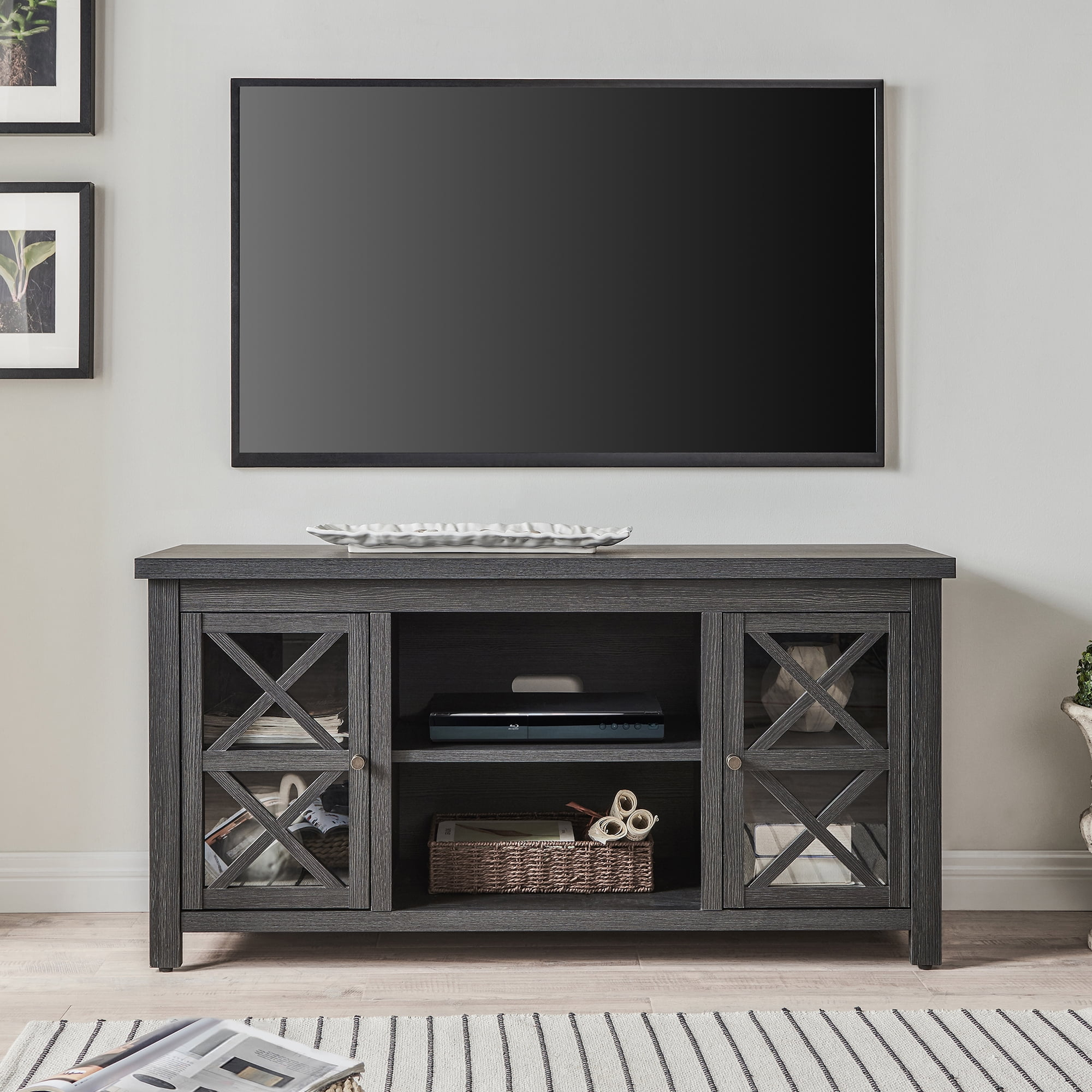
Industrial stands utilize a combination of matte black metal frames and reclaimed wood. These are exceptionally durable and provide a "heavy" visual anchor. Rustic or farmhouse styles often include sliding barn doors, though, on a 36-inch unit, these doors may limit access to internal storage since they can only slide a short distance.
Minimalist Floating Stands
For those looking to maximize floor space, a wall-mounted or "floating" 3ft stand is an excellent choice. By removing the legs entirely, you create a clean, modern look. However, professional installation is required to ensure the unit is anchored into wall studs, as a floating unit must support both its own weight and the weight of the electronics.
Material Selection and Durability Standards
The material you choose affects the longevity of the furniture and how well it handles the heat generated by electronic devices.
| Material Type | Pros | Cons | Best Use Case |
|---|---|---|---|
| Solid Hardwood | Extremely durable, can be refinished, high weight capacity. | More expensive, heavy to move. | Long-term investments and heavy TVs. |
| Engineered Wood (MDF/Particle Board) | Affordable, wide variety of finishes, lightweight. | Susceptible to water damage, lower weight limits. | Budget-conscious setups or guest rooms. |
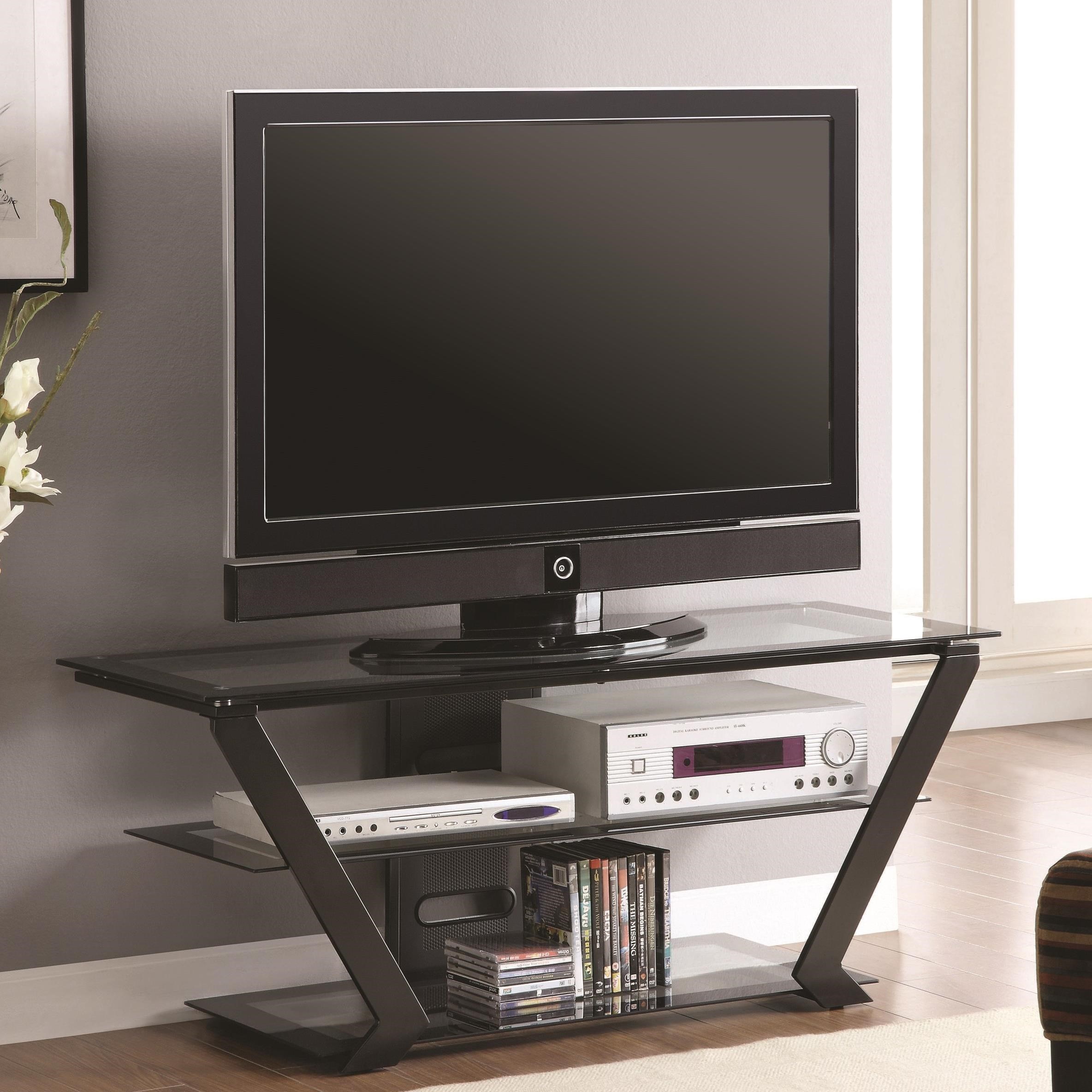
| Metal and Glass | Modern aesthetic, excellent heat dissipation. | Shows dust and fingerprints, glass can shatter if not tempered. | Tech-heavy setups with multiple consoles. |
| Recycled Composites | Eco-friendly, resistant to scratches and stains. | Can look "plastic-like" if poorly manufactured. | Sustainable homes and high-traffic areas. |
Functional Features: Storage and Cable Management
In 2026, the density of devices (streaming boxes, soundbars, gaming hubs) requires a 3ft stand to work harder than ever. Since the footprint is small, efficiency is paramount.
Ventilation Requirements
Electronic components generate heat. If you choose a 3ft stand with closed cabinets, ensure the back panel has sufficient ventilation holes. Heat trapped in a small wooden box can significantly shorten the lifespan of gaming consoles and receivers. Look for units with "slatted" doors that allow infrared (IR) signals from remotes to pass through while still hiding the cluttered gear inside.
Cable Management Systems
Avoid the "spaghetti" look of tangled wires. High-quality 3ft stands include pre-drilled cable management ports or integrated "hidden channels" behind the legs. Some premium 2026 models even feature built-in wireless charging pads on the top surface for mobile devices, reducing the need for extra cables on the tabletop.
Adjustable Shelving
Since you only have 36 inches of horizontal space, vertical flexibility is key. Adjustable shelving allows you to customize the interior height to fit a tall vertical gaming console or a slim horizontal Blu-ray player. This prevents "dead space" and maximizes the storage capacity of the small footprint.
Common Mistakes to Avoid When Buying Small Media Furniture
- Ignoring the Base Design: Some TVs have a "wide-leg" design where the feet are at the very ends of the screen. If your TV is 38 inches wide and your stand is 36 inches, a wide-leg TV will literally fall off the sides. Always measure the distance between the TV's feet.
- Neglecting the "Walk-By" Clearance: In a small room, a 3ft stand might fit the wall, but if it's 20 inches deep, it might block a walking path. Ensure you have at least 24–30 inches of clearance in front of the furniture.
- Forgetting the Soundbar: If you use a soundbar, it needs to sit in front of or below the TV. On a 36-inch stand, there is rarely enough room for both a TV stand base and a soundbar on the top surface. Look for a stand with an open "cubby" specifically designed for audio equipment.
- Inaccurate Measurement of the Wall: Don't forget to account for baseboards. A wall that measures exactly 36 inches between a door frame and a corner may not accommodate a 36-inch stand once the 0.5-inch baseboard trim is factored in.
Measuring Your Space for the Perfect Fit
Before making a final purchase, follow these steps to ensure the 3ft stand integrates seamlessly into your environment:
- Step 1: The Blueprint. Use painter's tape to outline a 36-inch by 16-inch (standard depth) rectangle on your floor where the stand will go. This helps you visualize the physical volume the furniture will occupy.
- Step 2: The Height Check. Sit on your sofa and have someone hold a piece of cardboard at the height of the proposed stand. Place your TV on top (or simulate its height). If you find yourself looking "up," the stand is too tall.
- Step 3: Component Inventory. List every device that needs to live in the stand. Measure the tallest and widest device. If your receiver is 17 inches wide, it will not fit into a 3ft stand that has been divided into two 16-inch cabinets by a central support.
- Step 4: Outlet Access. Check the location of your wall outlets. A 3ft stand is narrow enough that it might not cover the wall plates entirely, potentially leaving unsightly cords visible on the sides. Position the stand to hide the outlet or plan for a decorative cord cover.
FAQ
Can a 50-inch TV fit on a 3ft stand?
Technically, a 50-inch TV can sit on a 3ft stand if the TV has a center-pedestal base, but it is highly discouraged. A 50-inch TV is approximately 44 inches wide, meaning it will overhang by 4 inches on each side. This creates a significant tipping risk and looks aesthetically disproportionate. It is better to use a 42-inch or 48-inch wide stand for a 50-inch TV.
What is the ideal height for a 36-inch TV stand?
For most living rooms with standard seating, a height of 20 to 24 inches is ideal. This places the center of a typical 40-inch screen at a comfortable viewing height of about 42 inches from the floor, which aligns with the average person's eye level when seated.
Are floating 3ft TV stands safe?
Yes, floating stands are safe provided they are mounted correctly. Because they lack legs, all the weight is transferred to the wall. You must use heavy-duty toggle bolts or screw directly into wooden or metal wall studs. Never rely on drywall anchors alone for a media console.
How do I measure my TV to ensure a proper fit?
Do not rely on the advertised size (e.g., "40-inch TV"). Take a tape measure and measure the actual physical width from left to right. Then, measure the depth of the TV stand/feet. Compare these "real-world" numbers to the specifications of the 3ft stand.
What materials are best for heavy televisions?
Solid wood (oak, maple, walnut) or reinforced steel frames are best for heavy displays. While most modern TVs are light, older high-end LED models or large-format gaming monitors can be surprisingly heavy. Check the "Max Load" specification on the furniture's assembly manual.