This technical guide focuses on verifying, standardizing, and looking up physical mailing addresses within the official United States Postal Service (USPS) database, distinct from IP address tracking or digital location lookup utilities.
Accurate address verification forms the operational core of modern logistics, e-commerce fulfillment, billing validation, and direct mail marketing. Utilizing a standardized USPS lookup address process guarantees that physical locations match the official database maintained by the United States Postal Service. Failing to validate addresses leads to returned mail, delayed shipments, carrier re-routing surcharges, and compromised customer experiences.
In 2026, address data management relies on sophisticated database frameworks, automated API integrations, and official postal standards. Understanding how the postal service parses, normalizes, and validates spatial address records allows businesses and consumers to streamline operations, eliminate checkout friction, and maximize delivery precision.
The Mechanics of USPS Address Standardization and Verification
When an address is submitted through an official postal tool or third-party validation system, it undergoes a multi-stage normalization process governed by specific postal engines. The system converts raw, unstructured text strings into a verified, deliverable postal point.
Raw Address Input -> Parsing & Standardization (Pub 28) -> CASS Matching -> DPV Validation -> ZIP+4 Assigned
(Process representation via sequential workflow)
Core Verification Engine Components
CASS (Coding Accuracy Support System): A diagnostic engine used to evaluate address-matching software. CASS accreditation ensures software accurately cleanses and standardizes address lists by comparing them against official master postal files.
DPV (Delivery Point Validation): The definitive check determining whether a specific address actually exists down to the individual apartment, suite, or house number. While CASS validates street ranges, DPV confirms the exact mailbox location.
LACSLink (Locatable Address Conversion System): An automated database mapping system that updates rural route addresses and municipal street renamings into standardized, emergency-responder-compliant (E-911) physical street addresses.
NCOALink (National Change of Address): A dataset containing permanent change-of-address records filed by individuals, families, and businesses over the preceding 48 months.
Standardization forces addresses into a unified format prescribed by USPS Publication 28 (Postal Addressing Standards). This standardizes street suffixes (e.g., converting "Avenue" to "AVE"), directional prefixes (e.g., "North" to "N"), secondary unit designators, and state abbreviations.
How to Look Up and Standardize Addresses Using Official USPS Tools
The official postal lookup web application provides a free, direct interface to query individual address records and retrieve accurate 5-digit ZIP codes, 4-digit add-on extensions, and secondary address requirements.
Step 1: Accessing the Search Interface
Navigate to the official postal service lookup portal. You can choose to search by street address, search by city and state, or locate all addresses within a specific ZIP code. Select the primary By Address search option for individual address standardization.
Step 2: Entering Raw Address Data
Input the known physical parameters into the fields:
- Company Name: Optional; useful for commercial properties or major business campuses.
- Street Address: The primary line containing the street number, pre-directional indicator, street name, and suffix (e.g., 123 N Main St).
- Apt/Suite/Other: Secondary designators. Mandatory for multi-tenant residential or commercial structures.
- City and State: The municipality and standard two-letter state abbreviation, or alternatively, the 5-digit ZIP Code.
Step 3: Interpreting the Standardized Output
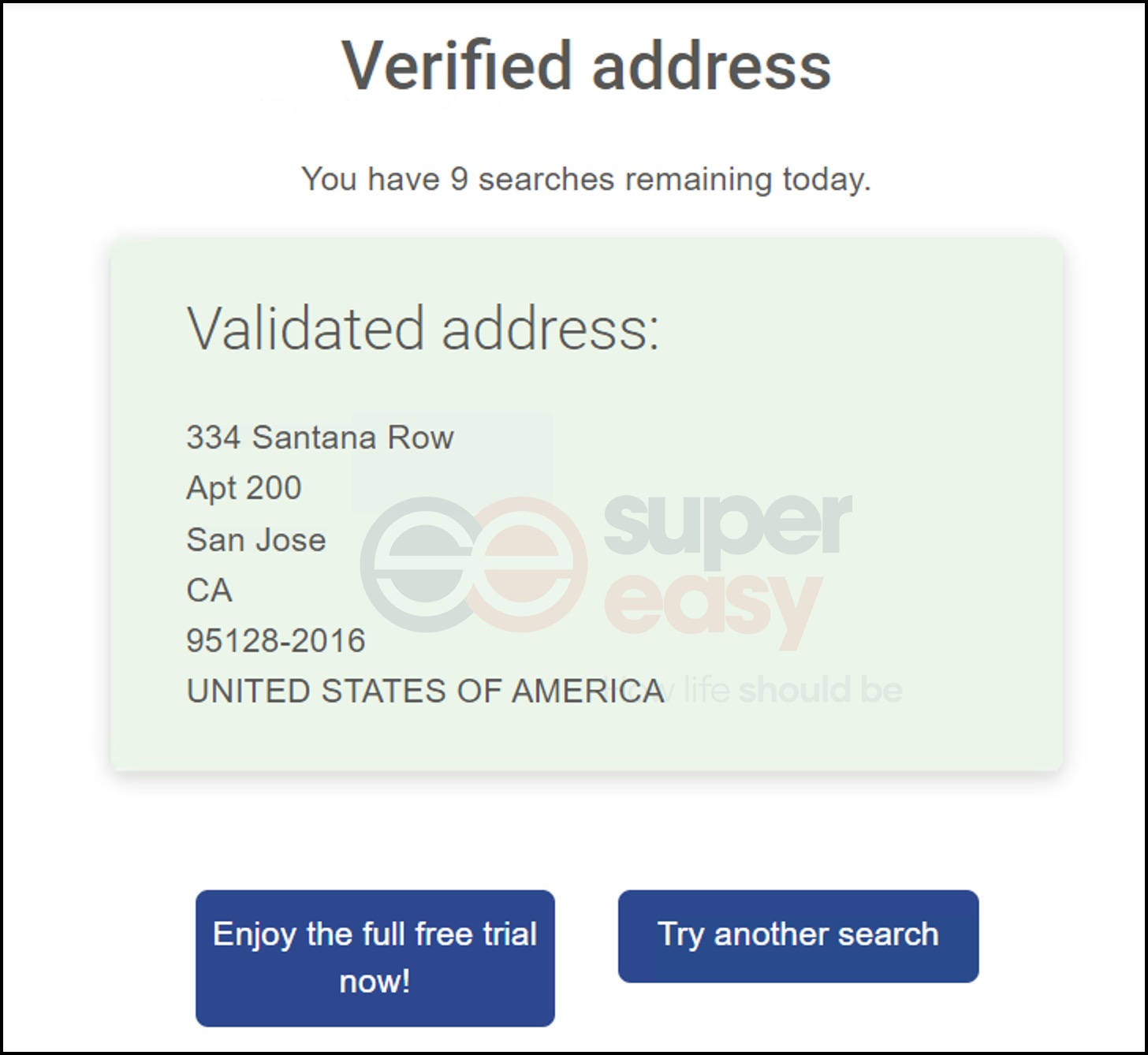
Upon execution, the database evaluates the query against the master address file. If matched, the system displays the fully standardized format alongside critical postal delivery metadata:
- Standardized Address Line: Converted strictly to uppercase characters following official guidelines.
- Full ZIP+4 Code: The 5-digit ZIP code combined with the precise 4-digit add-on (e.g., 20002-1234).
- Carrier Route Code: A four-character code (e.g., C001) identifying the specific postal carrier route responsible for final delivery.
- County Name: The official jurisdiction managing the local physical address.
Operational Insight: If the lookup tool returns an error stating "Address Not Found," the street number may fall outside known database ranges, or the mandatory secondary designator (such as a suite or apartment number) was omitted.
USPS Address Lookup Solutions: Manual Tools vs. Developer APIs
Different operational requirements dictate whether a user should rely on web-based manual lookup forms or programmatically integrated address engines.
| Tool / Solution Type | Primary Target Audience | Daily Query Volume | DPV Validation Depth | Integration Method | Annual Cost / Pricing Model |
|---|---|---|---|---|---|
| Official Web Lookup Portal | Individual Consumers, Small Mailers | Manual / Low Volume | Basic Real-Time Verification | Web Browser Interface | Free |
| USPS Web Tools APIs | E-commerce Merchants, Developers | Scalable Tiered Limits | Full DPV & Standardization | REST / XML Web Services | Free (Registration Required) |
| Commercial CASS Software | Enterprise Logistics, Bulk Shipper | Unlimited (Self-Hosted) | Full DPV, LACSLink, NCOALink | Native API / Batch Processing | Licensing / Subscription Fee |
| Batch Address Cleaners | Direct Marketing Agencies | High Volume File Cleanse | Complete Database Scrub | CSV / File Upload Engine | Pay-per-record or Monthly |
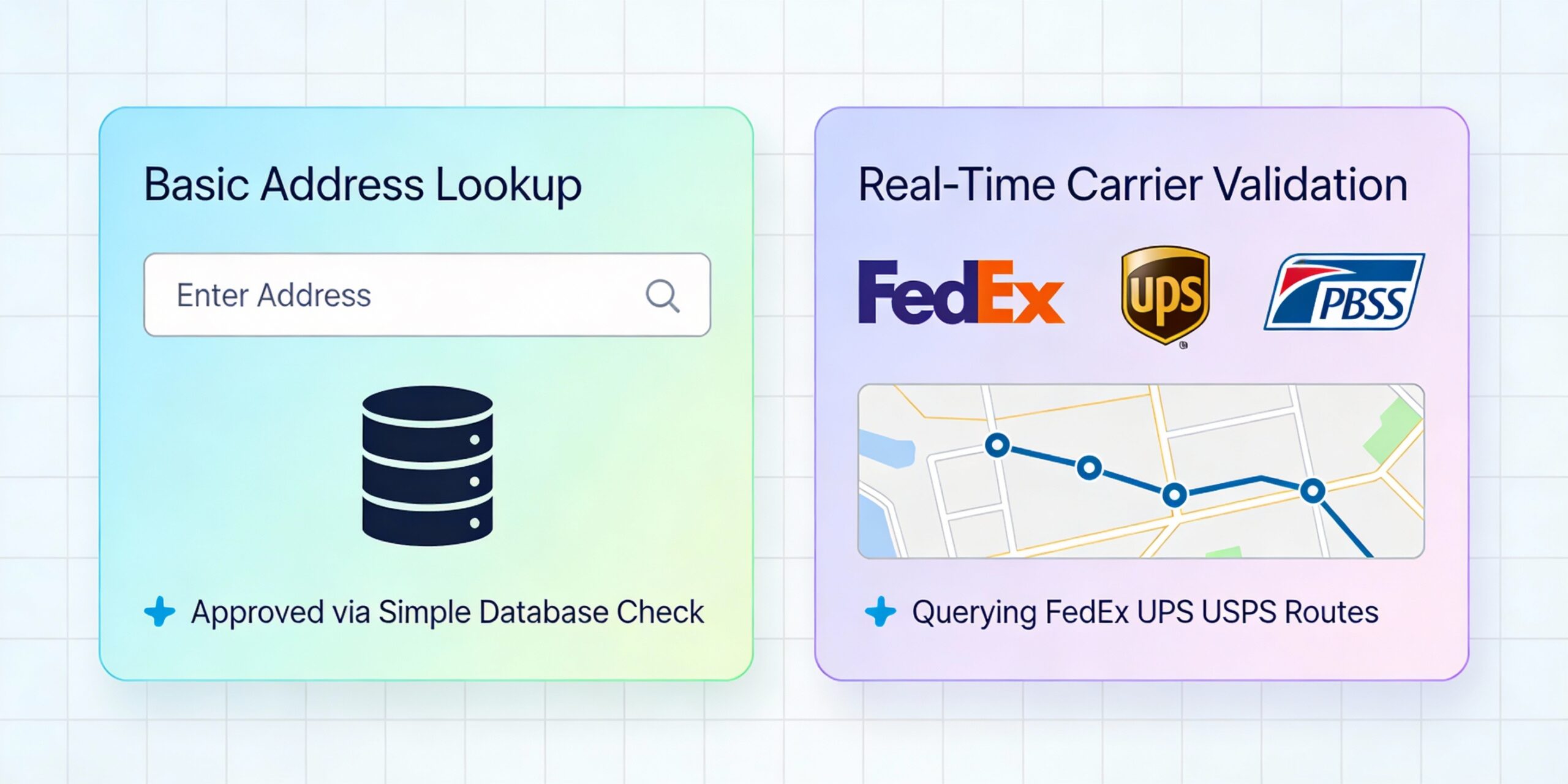
For businesses processing transactions at scale in 2026, relying solely on manual lookups creates operational bottlenecks. Programmatic API integration validates recipient entries directly inside checkout fields, ensuring high delivery success rates before orders are dispatched.
Technical Specifications for Postal Addressing Standards (Publication 28)
To ensure automated sorting equipment can scan and process mailpieces without manual intervention, address formatting must strictly comply with official syntax guidelines.
Standardized Suffix and Directional Abbreviations
System engines automatically convert full words into official standardized abbreviations. Common conversions include:
- Directionals: North becomes N, South becomes S, East becomes E, West becomes W, Northeast becomes NE, Southwest becomes SW.
- Street Suffixes: Boulevard becomes BLVD, Avenue becomes AVE, Drive becomes DR, Street becomes ST, Highway becomes HWY, Parkway becomes PKWY, Court becomes CT, Circle becomes CIR.
- Secondary Units: Apartment becomes APT, Suite becomes STE, Building becomes BLDG, Unit becomes UNIT, Floor becomes FL, Department becomes DEPT.
Mandatory Address Layout Rules
Standard mailing addresses require a clear, uniform line structure placed parallel to the long edge of a mailpiece:
- Top Line: Recipient or Business Name (e.g., JANE DOE).
- Secondary Line (If applicable): Attention line or department designations.
- Delivery Address Line: Street number, pre-directional, street name, suffix, post-directional, and secondary unit (e.g., 100 S WAYNE AVE STE 200).
- Last Line: City name, two-letter state abbreviation, and complete ZIP+4 code (e.g., PHILADELPHIA PA 19104-1234).
Formatting Rules for Automated Optical Character Readers (OCR)
Capitalization: Standardize all characters in uppercase to maximize OCR scanning accuracy.
Punctuation: Eliminate all commas, periods, hyphens (except the hyphen in ZIP+4 codes), and apostrophes from standard delivery address lines.
P.O. Box Formatting: Write "PO BOX" without periods, followed immediately by the box number (e.g., PO BOX 456). Do not combine physical street addresses and PO Box numbers on the same delivery line.
Troubleshooting Unverified Addresses and Delivery Point Failures
When an address query fails to return a verified ZIP+4 or triggers a delivery point validation error, specific underlying database mismatches are usually responsible.
Query Submitted -> Match Failed -> Check Secondary Unit -> Verify Street Name/Range -> Confirm New Construction Status
(Decision steps for troubleshooting unverified address records)
Common Root Causes for Verification Failure
Missing Secondary Unit Information: Multi-family residential buildings and commercial office parks require specific unit designations. If a building contains 50 apartments, an address entered merely as "456 Oak St" will fail DPV validation because the postal carrier cannot route the item to a specific mailbox.
New Residential Construction (Database Lag): Newly built homes or recently partitioned developments may not yet be indexed in the central postal database. Local postmasters must index new streets and assign delivery routes before these addresses populate national lookup databases, a process that can take several weeks.
Rural Route Conversion Delays: In rural areas undergoing urbanization, historical route numbers (e.g., RR 2 Box 14) are systematically converted to physical street names under 911 emergency location initiatives. If an old route number is queried, LACSLink must map the record to the new physical street system.
Commercial Mail Receiving Agencies (CMRAs): Addresses corresponding to private mailbox rentals (such as commercial mail centers) require specific formatting, typically using the indicator "PMB" (Private Mail Box) or the pound symbol (#) to prevent confusion with official postal service boxes.
Remediation Protocol for Unresolvable Addresses
If an address cannot be validated using official online lookup interfaces:
- Contact the local post office servicing the specific ZIP code to confirm if the address is listed on the carrier's Red Line Book (the physical route map maintained by regular carriers).
- Request that the owner or developer submit proof of municipal address assignment (such as a county land deed or building permit) to the local Address Management Systems (AMS) office.
- Verify whether the address uses a military format (APO/FPO/DPO), which adheres to unique sorting rules and state abbreviations (AE, AA, AP).
Frequently Asked Questions About USPS Address Lookup
What is the difference between a standard 5-digit ZIP code and a ZIP+4 code?
A standard 5-digit ZIP code identifies a specific geographic region or municipal delivery zone, whereas a ZIP+4 code adds four additional digits identifying a granular delivery segment. This add-on pinpoints a specific geographic block, complex, office building, or individual high-volume mail recipient to optimize sorting speed.
Why does my valid residential address show as "Address Not Found" on the USPS lookup tool?
An address may show as "Not Found" if secondary unit details (like apartment numbers) are missing, if the building is a brand-new construction not yet indexed in the master database, or if mail delivery is not actively performed at that location (e.g., residents collect mail via a PO Box at the local post office).
Can I use the USPS Address Lookup tool for international addresses?
No, official USPS address lookup tools only validate physical addresses within the 50 United States, Puerto Rico, the U.S. Virgin Islands, Guam, American Samoa, and APO/FPO military locations. International mailings require validation through the destination nation's national postal authority or standardized ISO address formats.
How often does the postal service update its master address database?
The master ZIP+4, CASS, and DPV databases update continuously, with official commercial data files refreshed on a monthly and weekly schedule. High-volume business shippers and logistics software vendors must regularly update their internal CASS databases to remain certified.
Is the official USPS Web Tools API completely free for commercial address verification?
Yes, access to official Web Tools APIs is provided free of charge to registered users for the purpose of shipping, web checkout validation, and package tracking. However, usage requires registering for an API developer account and adhering to acceptable use policies governing rate limits and server queries.
Optimizing Address Data Operations
Maintaining clean, standardized address records is critical for modern administrative, financial, and logistical efficiency. By integrating official USPS lookup address standards, enforcing Publication 28 formatting rules, and utilizing DPV validation tools, organizations can eliminate costly shipping exceptions, reduce transit delays, and optimize delivery workflows. Ensure your software integrations, database maintenance schedules, and checkout forms reflect these official standards to achieve seamless, end-to-end postal accuracy.