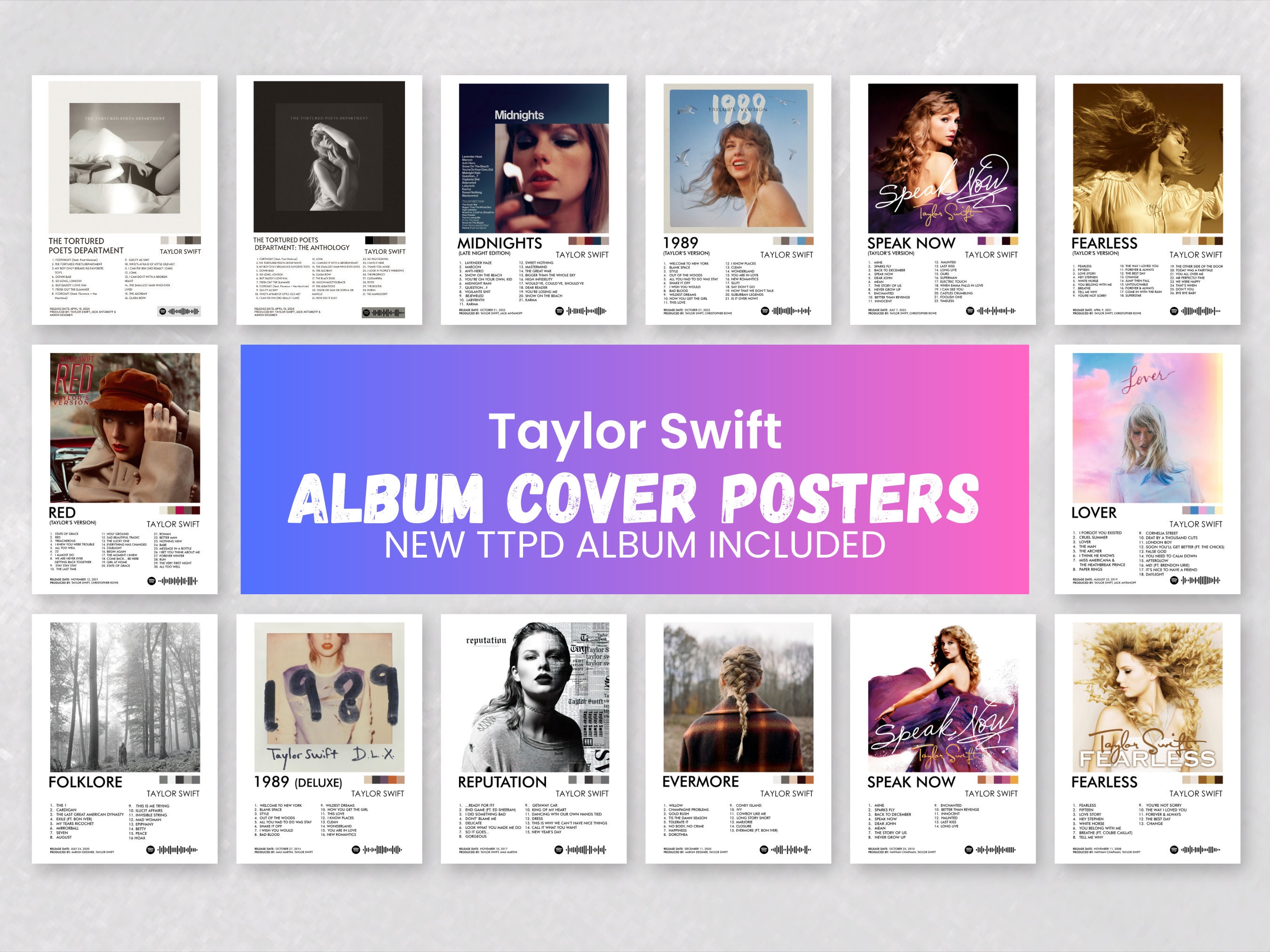
Finding high-resolution, printable Taylor Swift album covers requires balancing image fidelity with copyright awareness. Whether you are creating a DIY display for a room, crafting custom scrapbooks, or personalizing journals, obtaining legitimate, high-quality files ensures that your final prints are sharp, color-accurate, and representative of the aesthetic intent of each era in Taylor Swift’s discography.
Understanding Image Quality and Resolution for Printing
When searching for printable album art, the primary technical hurdle is resolution. Many images found through general web searches are compressed, low-resolution thumbnails intended for web viewing. Printing these results in pixelation and "banding," where colors lose their smooth gradients.
To achieve a professional finish, you must source images with at least 300 Dots Per Inch (DPI) at the physical size you intend to print. For a standard 12-inch by 12-inch vinyl sleeve reproduction, your source file should ideally be at least 3600 pixels by 3600 pixels. If you are printing a smaller 4x4 or 5x5 inch square for a collage, the pixel requirement scales down, but clarity remains dependent on the source file’s original quality.
Avoid "upscaling" low-resolution images using basic software; this often introduces artifacts or a "watercolor" blur. Instead, look for official digital assets or high-quality scans that maintain the sharpness of original photography and typography used in Swift’s various album rollouts.
Copyright and Fair Use Considerations
It is essential to distinguish between personal creative expression and commercial distribution. Taylor Swift’s album covers are the intellectual property of their respective labels and photographers. Downloading, printing, and framing these images for your own bedroom wall or a non-commercial scrapbook is generally viewed as a private act of fandom and typically falls within acceptable personal use boundaries.
However, you must never print these images to sell them, include them in products for resale, or distribute the digital files on websites that claim copyright ownership. Misusing these images for commercial gain can lead to legal complications, including DMCA takedowns and potential claims of copyright infringement. Always ensure your usage remains strictly private and non-profit to remain in good standing with intellectual property guidelines.
Sourcing Reliable Digital Files
Where you source your images determines the ease of your printing process. Official sources should always be your first stop:
- Official Artist Store: Often, the digital store provides high-resolution previews of album covers.
- Streaming Platform Metadata: Services like Apple Music and Spotify host high-definition cover art files. While these can sometimes be protected or difficult to extract, they represent the highest quality authorized versions available.
- Official Social Media Feeds: Occasionally, high-resolution promotional assets are released via official channels during album cycles, which are perfectly suited for non-commercial printing.
Avoid "fan-curated" image dump sites that host re-uploaded, compressed JPEGs. These sites often strip metadata and reduce image quality to save server space, providing a poor base for physical printing.
Preparing Your Files for Printing
Once you have secured high-resolution files, you must prepare them for the printer. Adobe Photoshop, GIMP, or even basic desktop publishing software can be used to set the document size.
- Format Selection: Use high-quality formats like PNG or high-bitrate TIFF. Avoid heavily compressed JPEGs if possible, as the compression artifacts will be visible when printed.
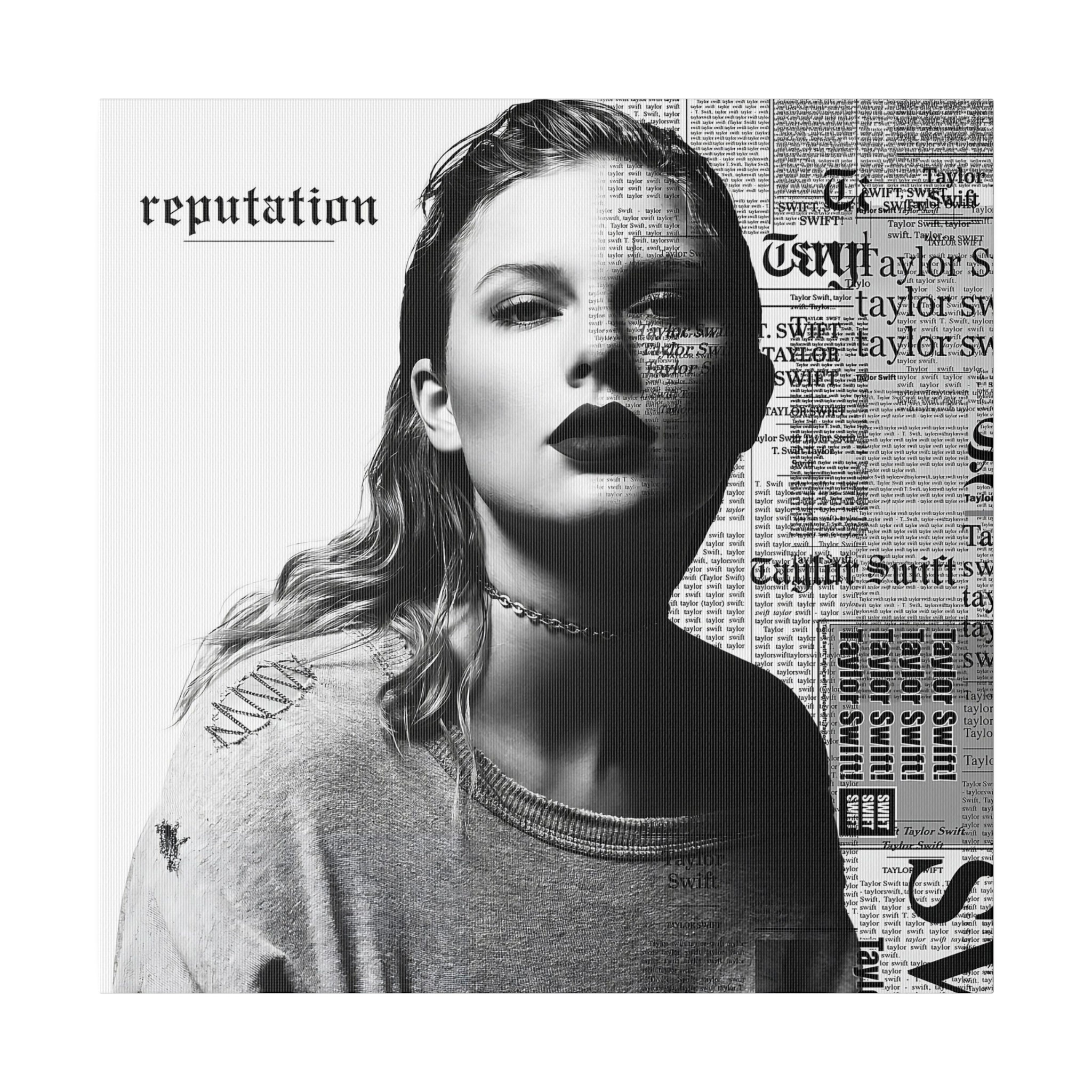
- Color Profiles: Most printers operate in CMYK (Cyan, Magenta, Yellow, Black) color space, while monitors use RGB (Red, Green, Blue). If your software supports it, convert your image to a CMYK profile before printing to ensure that the dark, moody tones of albums like Reputation or the vibrant hues of 1989 are rendered accurately on paper.
- Paper Choice: The finish matters significantly. Use a matte photo paper for a vintage, authentic look that mimics the texture of original vinyl inserts. Use a glossy photo paper if you want the images to pop with high contrast and sharp detail.
Comparison of Printing Methods
Choosing how to print your Taylor Swift album covers depends on your budget and the desired longevity of the prints.
| Method | Quality | Cost | Suitability |
|---|---|---|---|
| Home Inkjet Printer | Variable | Low | Small collages, scrapbooking |
| Laser Printing | Moderate | Low | Simple, matte-finish projects |
| Professional Print Shop | High | Medium | Framing, posters, high-fidelity art |
| Online Photo Services | High | Medium | Durable prints, varied sizes |
If you are printing for a permanent wall display, professional print shops are recommended. They have access to large-format printers and color-calibrated hardware that a home office cannot replicate. They can also offer options like acid-free paper, which prevents the image from yellowing or fading over time.
Frequently Asked Questions
What is the best resolution for a 12x12 inch album cover print?
The industry standard for high-quality printing is 300 DPI. For a 12-inch square, you should look for an image that is at least 3600 x 3600 pixels. Anything lower will likely appear soft or slightly blurry when printed at full size.
Can I use these prints for my business or store?
No. Using copyrighted album art for commercial products, such as stickers, shirts, or framed prints sold for profit, constitutes copyright infringement. These images should be used strictly for personal, private enjoyment.
How do I fix color inaccuracy in my prints?
If your prints look "dull" or "washed out," check your printer settings. Ensure you have selected the correct paper type in the print dialog box, as this adjusts the amount of ink deposited on the page. If the issue persists, your monitor’s color calibration may be showing you a more vibrant image than your printer is capable of producing.
Should I use PNG or JPEG files for printing?
PNG files are generally preferable for high-quality printing because they use "lossless" compression, meaning the image data is not degraded when saved. JPEGs use "lossy" compression, which can cause artifacts—small, blocky pixels—that become very noticeable in high-contrast areas of an image.
Where can I find original, non-pixelated covers?
Prioritize official sources such as the artist's verified website or official press kits released by the record label. Avoid social media platforms that automatically downscale images for mobile performance, as these are rarely suitable for high-quality print output.
Recommended Next Steps
Start by auditing your available image files to see if they meet the 300 DPI threshold. If you find your images are undersized, do not attempt to force them into a large frame; instead, look for high-resolution alternatives from official digital retailers. Once your files are ready, create a test print on a small scale before committing to full-size photo paper to ensure the color reproduction matches your expectations. If you are creating a large gallery wall, consider sourcing archival-quality frames to protect your prints from moisture and UV damage, ensuring your collection remains vibrant throughout 2026 and beyond.