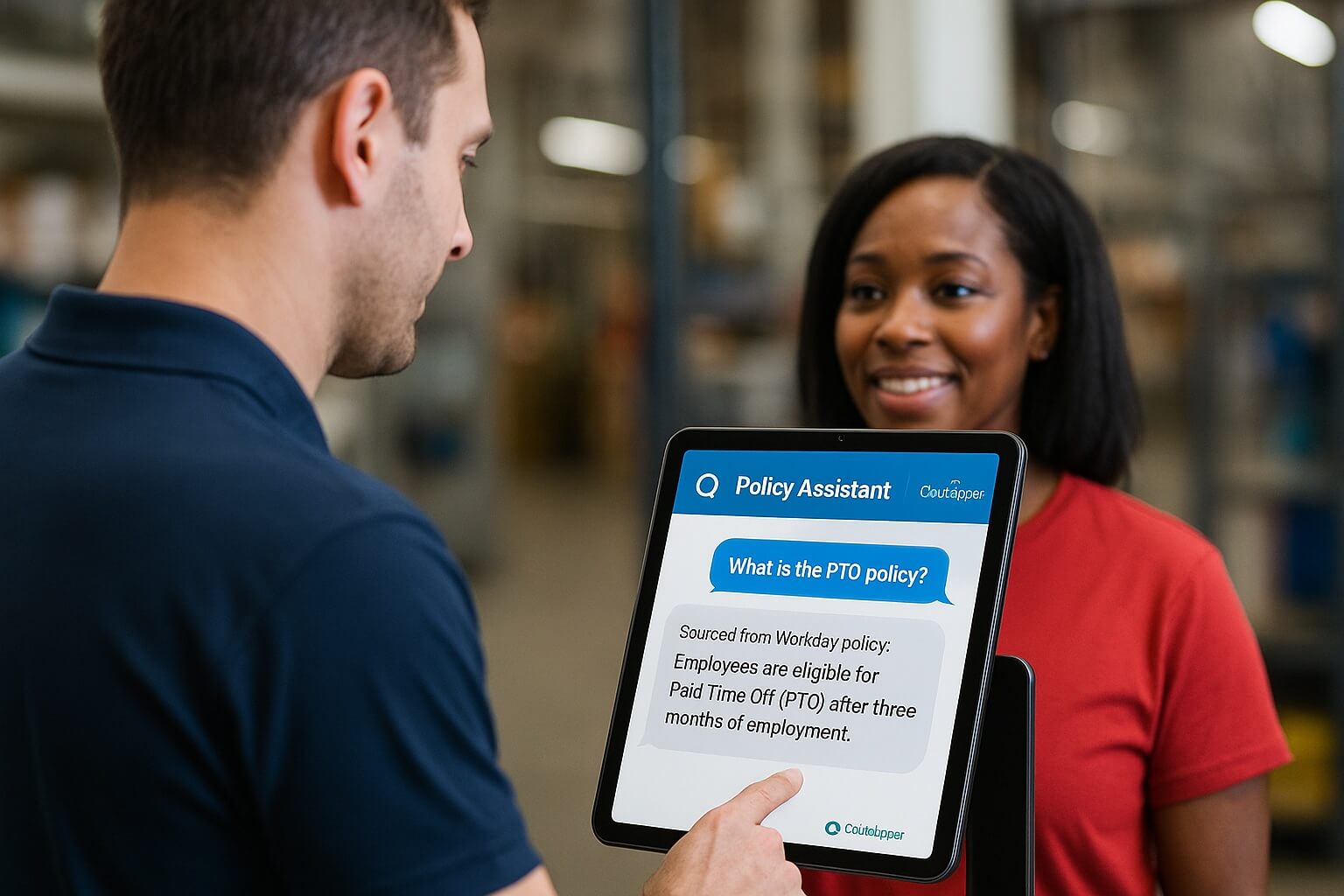
Navigating the Safeway login for employees portal requires an understanding of updated authentication standards, single sign-on protocols, and security requirements enforced by Albertsons Companies. Team members across retail divisions need reliable access to internal payroll, schedule management, and benefits enrollment platforms. This resource provides a technical overview of how to securely access the portal, troubleshoot common multi-factor authentication issues, and manage employment credentials effectively.
Understanding the Albertsons and Safeway Employee Portal Infrastructure
The digital ecosystem powering the Safeway employee login relies on centralized identity management infrastructure overseen by Albertsons Companies. Whether operating under the Safeway, Albertsons, Vons, Jewel-Osco, or Shaw's banner, retail associates utilize a unified portal system. This platform integrates several critical workforce management applications into a single dashboard, streamlining how hourly and salaried staff interact with corporate systems.
Modern enterprise identity management prioritizes security without sacrificing accessibility. Team members no longer rely solely on legacy local terminal access for scheduling or paystub retrieval. Instead, cloud-hosted authentication layers govern entry to tools like MySchedule, self-service HR portals, and open enrollment applications. Understanding this architecture helps employees recognize legitimate login portals and avoid deceptive third-party phishing domains designed to capture credentials.
Step-by-Step Instructions for Secure Employee Portal Access
Accessing employment records and scheduling tools requires navigating specific URL pathways and completing mandatory security verifications. Follow this systematic workflow to establish a secure session on corporate or personal devices.
- Open a modern, updated web browser on your device and navigate to the official Albertsons Companies employee portal or corporate gateway. Avoid clicking unverified links found in generic search engine results.
- Enter your unique employee identification number or assigned corporate username in the designated user field.
- Input your secure account password, ensuring that case sensitivity and special characters match your established credentials.
- Complete the multi-factor authentication (MFA) challenge by entering the temporary verification code sent via SMS, email, or generated through an approved authenticator application.
- Verify that you are accessing the dashboard from a trusted device before saving browser credentials, and always log out completely when finished.
Security Best Practice: Never input your employee credentials on public computers or unsecured Wi-Fi networks without utilizing a secure virtual private network. Corporate security teams monitor login anomalies to protect payroll data from unauthorized access.
Comparison of Access Methods: In-Store Terminals Versus Personal Devices
Team members can access workforce applications through various endpoints, each presenting distinct advantages and operational limitations. The following comparison outlines the technical differences between accessing the portal via secure in-store terminals versus personal smartphones or home computers.
| Access Method | Hardware/Network Environment | Security Verification | Primary Use Cases |
|---|---|---|---|
| In-Store Kiosk | Corporate Intranet / Local Terminal | IP Whitelisting & Badge Swipe | Quick schedule checks, punch verification, internal policy review |
| Personal Smartphone | Cellular Data / Home Wi-Fi (External) | Multi-Factor Authentication (MFA) | Remote schedule viewing, shift swapping, benefit management |
| Home Laptop/PC | Secured Home Network (External) | Password + SMS/App Token | Detailed tax document retrieval, open enrollment, career development |
Essential Troubleshooting Protocols for Common Login Failures
Technical friction during the authentication process can disrupt workflow planning and payroll verification. When encountering login roadblocks, systematic troubleshooting helps identify whether the issue stems from browser caching, credential expiration, or network restrictions.
Resolving Password Expiration and Lockouts
Corporate security policies mandate regular credential updates. If your password has expired, use the official self-service password reset utility linked directly on the login page. Avoid attempting multiple incorrect logins in rapid succession, as this triggers an automated security lockout requiring supervisor intervention or helpdesk ticket submission to resolve.
Clearing Browser Cache and Cookies
Corrupted local storage data often causes redirection loops or loading failures on the employee dashboard. Clearing temporary internet files, cookies, and cache forces the browser to fetch fresh assets from the authentication server, frequently resolving persistent interface errors.
Frequently Asked Questions Regarding Employee Portal Access
How do I reset my Safeway employee portal password if I am locked out?
You can reset your password by selecting the self-service password reset option on the primary login screen and following the identity verification prompts. If your account remains locked, contact your store administrator or the corporate HR IT helpdesk for assistance.
Can I check my work schedule from my personal smartphone?
Yes, authorized personnel can log into the employee portal via mobile browsers or dedicated enterprise applications to view upcoming shifts and manage time-off requests remotely.
What should I do if my multi-factor authentication code does not arrive?
Check your cellular signal strength and ensure your registered mobile device number is up to date within your employee profile settings. If delays persist, request an alternative verification method such as an authenticator app token or email code.
Are former employees able to access the portal for tax documents?
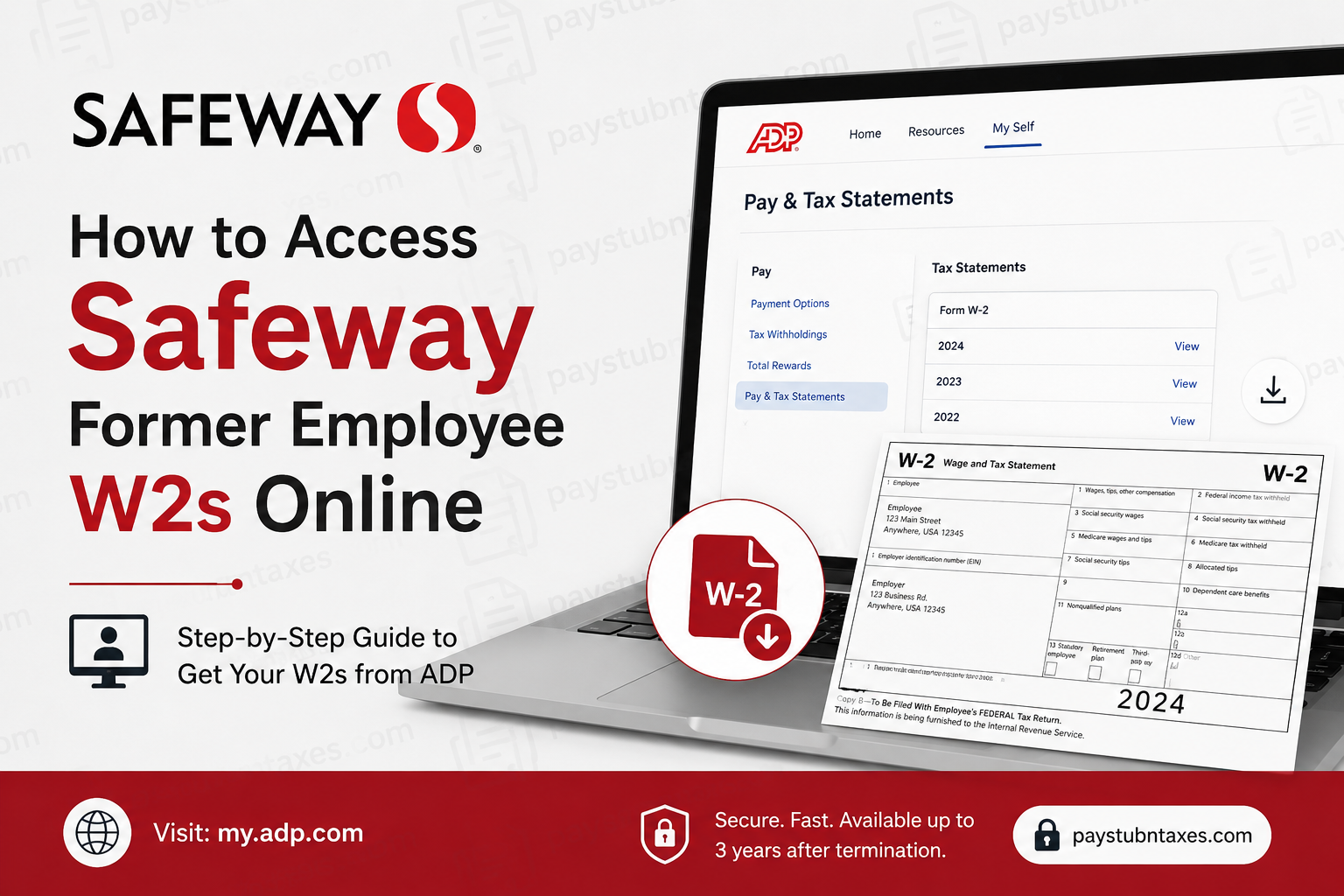
Departed team members retain limited access to retrieve past W-2 forms and tax documentation through designated legacy login pathways or by contacting the corporate payroll department directly.
Is it safe to save my employee portal password on my personal browser?
While browser password managers offer convenience, you should only save credentials on private, password-protected personal devices equipped with up-to-date antivirus software and screen locks.
Who should I contact for technical support regarding payroll discrepancies?
Technical portal issues should be directed to the IT service desk, while specific pay rate, hour calculation, or deduction discrepancies require direct consultation with your store manager or payroll specialist.
Optimizing Your Employee Portal Experience
Maintaining secure and efficient access to your employment records ensures seamless management of schedules, benefits, and compensation data. Keep your contact information updated within the system to ensure multi-factor authentication codes and corporate communications reach you without delay. By adhering to established security protocols and utilizing official portal gateways, you protect your personal data while maximizing the utility of digital workplace tools.