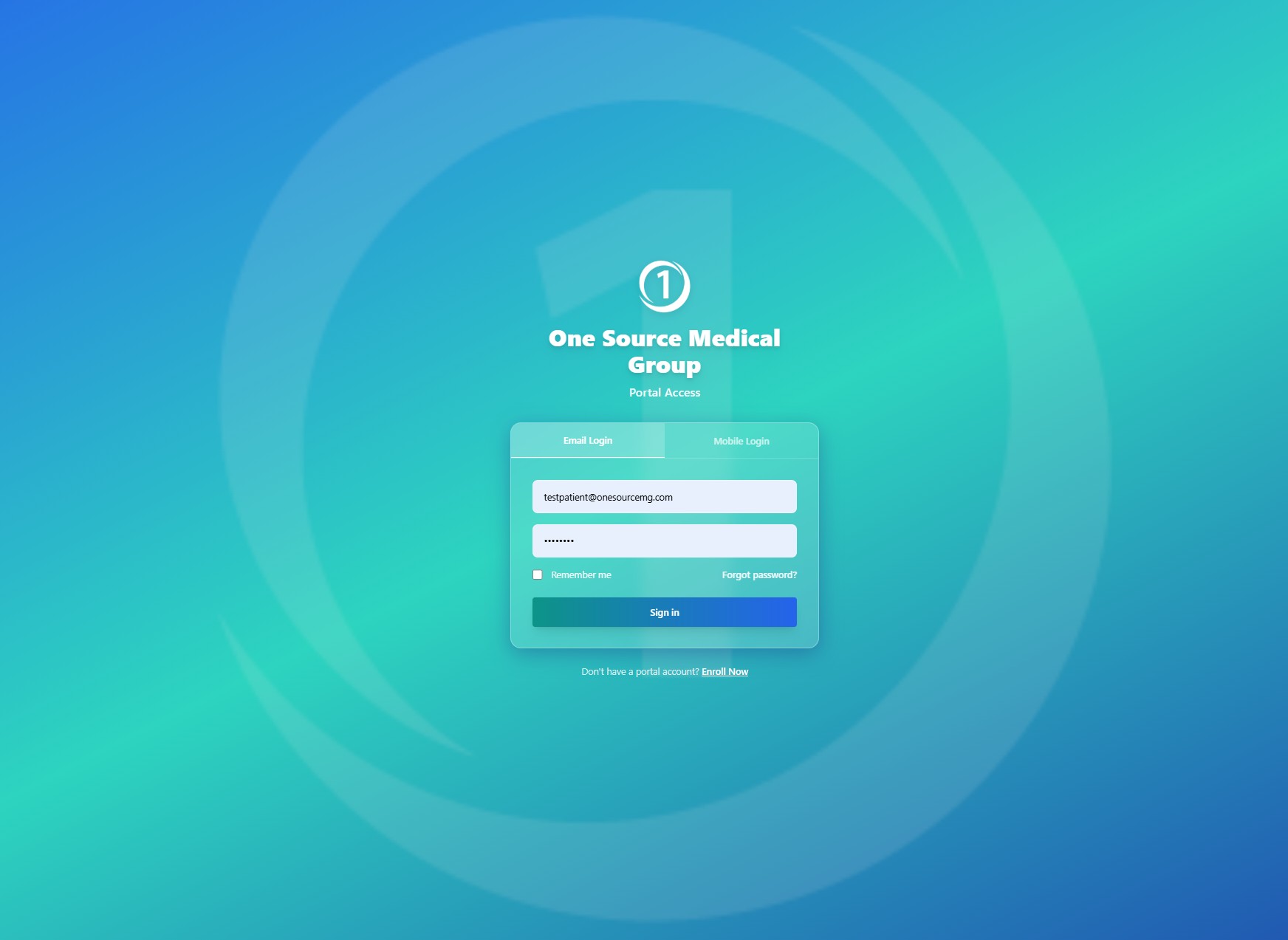
The OSUMC One Source portal serves as the centralized digital infrastructure for the Ohio State University Wexner Medical Center ecosystem. This guide addresses the official administrative interface for patients and staff, distinct from academic research repositories or public-facing marketing directories.
Centralized Access to Clinical and Administrative Workflows
The One Source portal functions as the primary point of authentication for accessing electronic health records (EHR), internal scheduling modules, and patient-provider communication channels. As of the 2026 operational fiscal year, the platform integrates directly with the Epic-based MyChart interface while maintaining a separate, permission-based backend for workforce management and clinical billing visibility.
For patients, the portal facilitates the consolidation of data across the Wexner Medical Center’s primary facilities, including the University Hospital, the Ross Heart Hospital, and the James Cancer Hospital. By utilizing the 2026 updated authentication protocols, users can bypass repetitive credentialing when moving between specialized departments.
2026 Technical Requirements for Platform Connectivity
Maintaining secure access to the One Source portal requires adherence to modern browser standards and multi-factor authentication (MFA) requirements. The 2026 security framework mandates that all users utilize encrypted connections to prevent unauthorized access to protected health information (PHI).
- Browser Compatibility: The portal is optimized for current versions of Chrome, Edge, and Safari. Legacy browsers remain blocked to satisfy HIPAA compliance standards.
- Multi-Factor Authentication: All accounts now require secondary verification via the Duo Mobile application or SMS-based TOTP (Time-based One-Time Password) tokens.
- Network Configuration: Clinical staff accessing the portal from remote locations must ensure their VPN tunnel is configured for the 2026 Health System security certificate to avoid connection timeouts during document retrieval.
Comparative Overview of Portal Functionality
Understanding the distinction between various access levels is critical for both patients and clinical staff. The following table highlights the operational scope of the current 2026 portal iteration.
| Feature Category | Patient Access (MyChart Integration) | Clinical Staff Access (Workforce View) |
|---|---|---|
| Health Record Retrieval | Full access to labs and imaging | Full access to clinical notes/EHR |
| Appointment Management | Self-scheduling and cancellation | Provider panel management |
| Billing & Financials | Payment processing and estimation | Revenue cycle management |
| HIPAA Compliance | End-to-end encryption | Role-based permission auditing |
Managing Insurance and Billing Through One Source
The 2026 billing landscape for the Ohio State University Wexner Medical Center requires precise verification of coverage prior to service. The One Source portal provides a real-time ledger that correlates insurance authorizations with scheduled procedures.
It is vital to note that OSUMC participates in a diverse range of payer networks; however, acceptance is contingent upon specific facility enrollment. For instance, while most Commercial PPOs are accepted across the main campus, certain narrow-network marketplace plans may require prior authorization through the portal’s insurance verification module before elective procedures. Patients are encouraged to upload their current 2026 insurance cards directly into the portal 72 hours before their appointment to allow the billing department to perform secondary verification against the payer’s latest provider directory.
Troubleshooting Common Connection Failures
When users encounter access errors, the issue is typically rooted in credential synchronization or cached browser data. If you are unable to view your records or schedule an appointment, follow these structured diagnostic steps:
Session Cache Management
Clear all temporary internet files and browser cookies specifically associated with the OSUMC domain. Stale session tokens from previous years can cause persistent 403 Forbidden errors when the security handshake fails to recognize the updated 2026 certificate.
Credential Synchronization
Ensure that your university or patient identity profile has been migrated to the 2026 authentication standard. If you have recently changed your legal name or updated your insurance policy, the portal may trigger a manual review before allowing full access to billing records.
Frequently Asked Questions Regarding Portal Usage
How do I reset my credentials if I am locked out of the 2026 One Source system? If you are locked out, utilize the "Forgot Password" link on the landing page to trigger an identity verification process via your registered email or phone number. For clinical staff requiring an internal system reset, contact the IT Service Desk directly for identity re-verification.
Does the OSUMC One Source portal provide direct access to pathology reports? Yes, patients can view finalized pathology and diagnostic imaging reports. Please note that there is often an automatic delay of 24 to 48 hours for certain results to ensure a provider has had the opportunity to review the data with the patient.
Can I use the portal to request a prescription refill? Yes, the portal includes an automated pharmacy communication tool. Simply navigate to the "Medications" tab, select your current prescription, and click "Request Refill" to route the order to your primary pharmacy or the OSUMC mail-order service.
Is Original Medicare accepted at all OSUMC facilities? Yes, the Wexner Medical Center is a participating provider for Original Medicare. However, patients enrolled in Medicare Advantage plans must verify if their specific plan has an active 2026 contract with the facility, as some regional HMO plans may be considered out-of-network.
How can I ensure my billing information is accurate for 2026? Access the "Billing & Insurance" section within the portal to review your primary, secondary, and tertiary coverage details. Uploading a high-resolution image of your 2026 insurance card ensures that your claims are routed correctly, reducing the risk of administrative denials.
Optimizing Your Health Management Strategy
To maximize the value of the One Source platform, engage proactively with the clinical alerts feature. The system is designed to notify patients regarding annual wellness exams, vaccination schedules, and chronic condition management follow-ups based on the latest 2026 clinical guidelines. By maintaining updated contact information and preferences within the "Profile" section, you ensure that critical health communications are routed efficiently. If you require further assistance with navigating complex administrative tasks, utilize the secure messaging function to contact your department’s administrative coordinator directly through the portal.