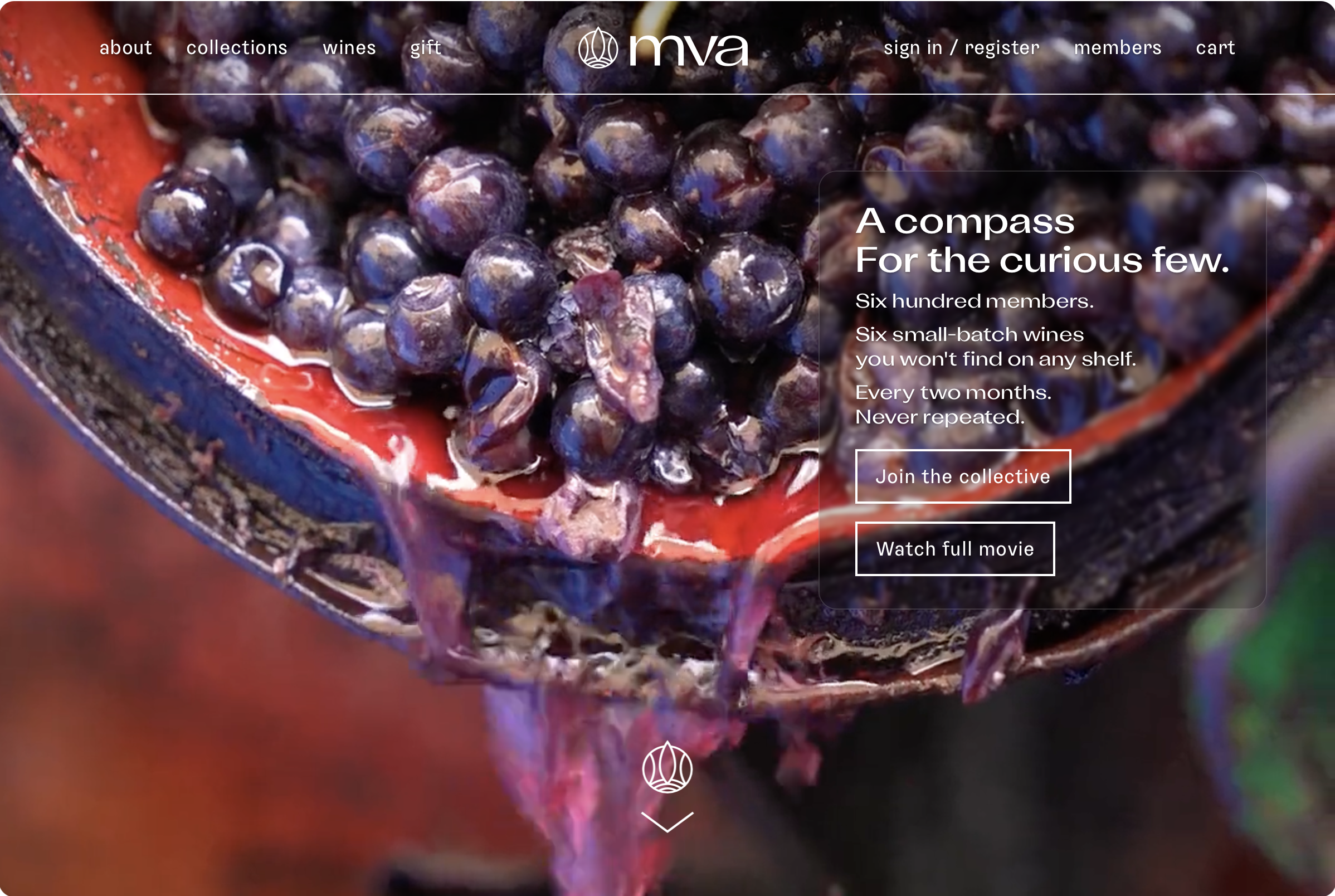
The term "mva site" refers to the Motor Vehicle Administration (MVA) web portal, which serves as the central digital hub for state-mandated vehicle registration, driver licensing, and identification services. This guide focuses on the authoritative state-level portals—most notably in jurisdictions like Maryland—that facilitate essential government-to-citizen transactions in 2026.
Understanding the Digital Infrastructure of the 2026 MVA Portal
In 2026, the MVA site functions as a sophisticated, secure, and encrypted gateway designed to reduce the need for physical branch visits. The modern portal is built on a high-availability infrastructure that integrates real-time database lookups with your state’s department of transportation records. When you access the site, you are interacting with a centralized registry that verifies identity using multi-factor authentication (MFA) protocols to protect sensitive PII (Personally Identifiable Information).
Key digital services accessible through the 2026 portal include:
- Driver’s License and ID Card renewals, including REAL ID compliance verification.
- Vehicle registration renewals with instant print-on-demand temporary permits.
- Title transfer processing for private sales or out-of-state transitions.
- Access to driving records, including certified transcripts for insurance verification.
- Online scheduling systems for mandated in-person skills tests or medical reviews.
Essential Protocols for Online Vehicle Registration Renewals
Renewing your vehicle registration online is the most common transaction performed on the MVA site. In 2026, the process is streamlined to prioritize user self-service. Before logging in, ensure you have your Personal Identification Number (PIN) from your renewal notice or your current registration card, along with your vehicle identification number (VIN).
- Verification: Validate your vehicle’s emissions status. Many jurisdictions now use integrated sensor data to automatically flag if an emissions inspection is required before the portal will allow payment.
- Data Entry: Input your license plate number and your title number or VIN.
- Insurance Verification: The system performs an electronic handshake with your insurance provider. If your carrier does not support real-time Electronic Verification (EV), you will be required to upload a PDF of your current policy declaration page.
- Payment Processing: The 2026 portal supports major credit cards, debit cards, and automated clearing house (ACH) bank transfers. Note that a transaction processing fee is standard for web-based payments.
- Documentation: Always download and save the digital receipt or the temporary registration document until your permanent stickers arrive by mail.
Comparison of In-Person Branch Transactions vs. Online Portal Services
The following table delineates which services are optimized for the 2026 MVA digital site versus those that remain restricted to in-person branch visits due to legal or security requirements.
| Transaction Type | Online Portal (MVA Site) | In-Person Branch Required |
|---|---|---|
| Registration Renewal | Fully Enabled | Optional |
| Driver's License Renewal | Enabled (if eligible) | Required for REAL ID updates |
| Address Change | Supported | Not Required |
| Initial Title Application | Not Supported | Mandatory |
| Vision Screening | Not Supported | Mandatory |
| Driver Skills/Road Test | Scheduling Only | Mandatory |
| Disability Parking Placards | Supported | Case-by-case |
Navigating REAL ID Compliance in 2026
By 2026, REAL ID requirements have reached a mature stage of enforcement for federal facility access and domestic air travel. The MVA site serves as the primary tool to determine your readiness. Before visiting a branch to upgrade your license, use the Document Checklist tool on the site.
To successfully transition to a REAL ID, you must demonstrate residency and legal presence. The portal provides a pre-flight checklist that analyzes your provided documents. Do not attempt a walk-in visit without first ensuring your source documents—such as a certified birth certificate, social security card, and two documents proving physical residency—are original versions. Scanned copies are universally rejected by the MVA scanning systems during the 2026 audit cycles.
Troubleshooting Common MVA Portal Failures
Users often encounter bottlenecks when interacting with government web services. If you experience a "system error" or "record not found" message, follow these technical troubleshooting steps:
- Clear Browser Cache: Stale cookies from previous sessions often cause authentication conflicts in 2026. Use an Incognito or Private window to force a fresh session.
- Verify Insurance Records: If the system rejects your insurance, contact your agent to ensure your VIN is correctly mapped to your policy in the state database. Mismatched VINs are the leading cause of online renewal failure.
- Check Jurisdiction Boundaries: Ensure you are on the official .gov domain for your state. Unauthorized third-party sites often mirror the MVA interface to collect personal information for marketing purposes.
- Wait for Data Sync: If you recently purchased a vehicle, it may take 24–48 hours for the title record to propagate through the central system.
Frequently Asked Questions (FAQ)
Can I renew my commercial driver’s license (CDL) on the MVA site? No, CDL renewals and medical certification updates require in-person verification of physical requirements and background checks. You must schedule an appointment at a full-service branch.
What should I do if the MVA site does not recognize my insurance? Contact your insurance provider to confirm that your policy has been electronically reported to the state. If the carrier has updated their records, allow one business day for the state database to sync before attempting the renewal again.
Are there extra fees for using the website? While the government does not charge a premium for the service, the third-party payment processor used by the state typically applies a convenience fee, often ranging from 1.5% to 3% of the total transaction value.
Is my data secure when I pay online? Yes, official state MVA sites utilize TLS 1.3 encryption and are compliant with PCI-DSS standards for payment processing. Always verify the address bar shows a padlock icon and a .gov domain suffix.
How long does it take for registration stickers to arrive? Typically, you will receive your registration materials via U.S. Mail within 7 to 10 business days. If you have not received them after 14 days, use the portal to request a status update or duplicate sticker.
Actionable Strategy for Motorists
For the most efficient experience in 2026, establish a recurring calendar reminder 45 days prior to your registration expiration. Use the MVA site’s "Email Reminder" feature to opt-in for electronic notifications, which significantly reduces the risk of missed deadlines and subsequent late fees. If you encounter complex issues, utilize the site’s live chat function during standard business hours; agents can often push through pending status changes that prevent you from completing transactions online.