Mobile Device Management (MDM) has evolved significantly by 2026, transitioning from simple remote lock tools to comprehensive unified endpoint management suites. For organizations relying on the Apple ecosystem, selecting the right MDM for iPhone deployments requires a deep understanding of Apple Business Manager (ABM), Automated Device Enrollment (ADE), and the specific privacy constraints inherent in iOS and iPadOS architecture.
The following guide details the technical requirements, security frameworks, and selection criteria necessary for IT administrators deploying iPhones in high-compliance environments.
Core Architecture of Apple Device Management in 2026
Modern iPhone management relies on the Apple MDM Protocol, a framework that communicates between the Apple Push Notification service (APNs) and the managed device. By 2026, the reliance on legacy configuration profiles has been almost entirely replaced by Declarative Device Management (DDM). DDM allows the iPhone to autonomously reconcile its state with the server, significantly reducing network latency and improving battery performance compared to the periodic check-in polling models used in previous years.
To effectively manage iPhones, administrators must ensure their chosen software supports:
- Seamless integration with Apple Business Manager for Zero-Touch deployment.
- Native support for Declarative Device Management (DDM) to enforce real-time compliance.
- Per-App VPN and managed app configurations to separate corporate data from personal user space.
- Automated VPP (Volume Purchase Program) token management to distribute licensed software without requiring individual Apple IDs.
Evaluating Top-Tier MDM Solutions for Business
When comparing MDM solutions, technical decision-makers must prioritize vendors that demonstrate rapid support for new iOS versions released in the 2026 calendar year. The following table provides a comparative analysis of the primary enterprise-grade MDM platforms currently dominating the market.
| Feature Set | Jamf Pro | Kandji | VMware Workspace ONE |
|---|---|---|---|
| Primary Focus | Apple-First Specialist | Apple-First Automation | Multi-Platform Unified |
| DDM Implementation | Highly Advanced | Native/Built-in | Integration Dependent |
| Automated Enrollment | Enterprise Standard | High Efficiency | Robust/Complex |
| Interface Maturity | High | Modern/Lean | Enterprise/High-Learning Curve |
| Pricing Tier | Premium/High | Mid/Scalable | Enterprise Contract |
Critical Security and Privacy Protocols for Managed iPhones
Privacy remains the primary friction point between end-users and IT departments. In 2026, User Enrollment—a mode specifically designed for Bring Your Own Device (BYOD) scenarios—has become the industry standard for privacy-preserving management. This mode ensures the IT department can only manage enterprise-owned apps and data, leaving the personal partition of the iPhone untouched.
Privacy Separation Compliance
Organizations must implement a strict separation between managed and personal data to remain compliant with GDPR and CCPA updates for 2026. Admins should strictly avoid deploying global profiles that grant visibility into personal iMessage content, private photos, or browser history, as these are prohibited under current Apple privacy guidelines for User Enrollment.
Enforcing Compliance via Automated Restrictions
Administrators should leverage the following configuration sets to ensure device integrity:
- Passcode Complexity Policies: Enforcing a minimum of eight alphanumeric characters for all managed devices.
- Data Leakage Prevention (DLP): Restricting "Open In" functionality to prevent data transfer between managed enterprise applications and unmanaged personal apps.
- Activation Lock Management: Utilizing ABM to bypass Activation Lock automatically if a device is decommissioned or redeployed to a new user.
Implementing Zero-Touch Deployment Workflow
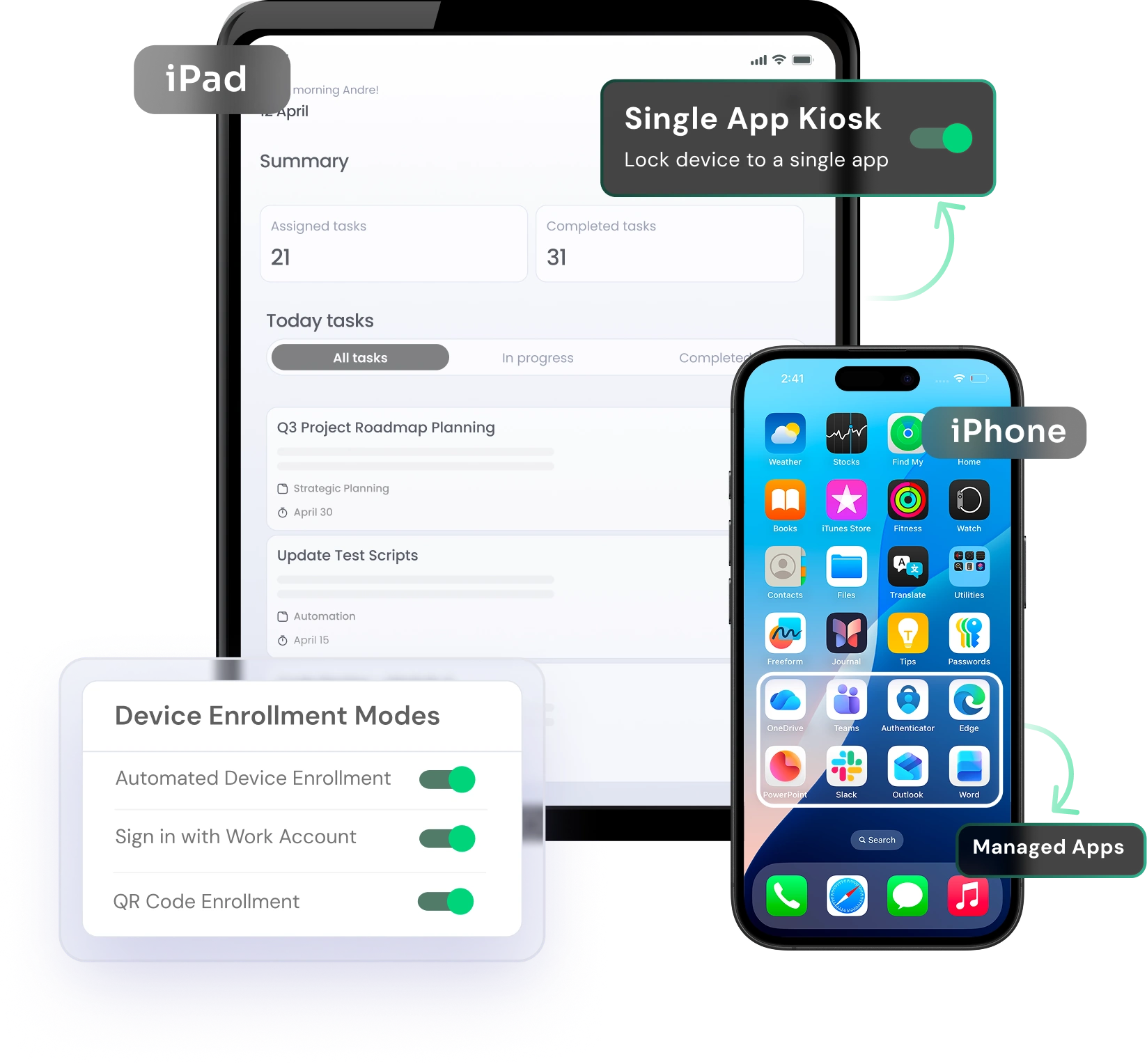
The shift toward remote and hybrid work has rendered physical imaging obsolete. The 2026 workflow centers entirely on the Automated Device Enrollment (ADE) process.
- Purchasing via ABM: All new hardware must be purchased through authorized resellers linked to the company's Apple Business Manager ID.
- MDM Server Assignment: Within the ABM portal, the IT administrator assigns the serial numbers to the target MDM server.
- Enrollment Profile Configuration: The MDM software triggers an automated setup flow as soon as the iPhone powers on and connects to the internet.
- Configuration Payload Delivery: The device automatically installs the necessary security certificates, Wi-Fi configurations, and mandatory business applications.
- Final User Handover: The end-user completes the standard setup assistant, which is now branded and pre-configured by the company’s specific enrollment settings.
Navigating Failure Points and Troubleshooting
Even with robust MDM infrastructure, technical conflicts can arise. The most common issues in 2026 involve certificate expiration and APNs token lapses.
- APNs Token Expiration: If the Apple Push Notification certificate expires, the MDM loses all contact with managed iPhones. Administrators must renew this annually through the Apple Push Certificates Portal using the exact same Apple ID used to create the original trust relationship.
- Enrollment Profile Errors: If a device fails to pull an enrollment profile, check for network traffic interference or firewall restrictions that may be blocking the gateway to the Apple MDM server endpoints.
- Profile Removal Hurdles: Managed profiles configured as "non-removable" via MDM cannot be deleted by the end-user. If a device is improperly locked, the IT administrator must issue a "Remove Management" command via the MDM console rather than attempting manual deletion.
Frequently Asked Questions Regarding MDM for iPhone
Does an MDM software allow IT to see my private text messages? No, MDM software cannot access personal text messages, photos, or private app data if the device is set up using Apple’s User Enrollment or BYOD management profiles. Apple’s architecture strictly separates enterprise-managed data from personal user data at the file-system level.
Can I use MDM on an iPhone that I own personally? Yes, companies often utilize User Enrollment to manage work-related data on personal devices. This allows the organization to manage work email and proprietary apps without granting them administrative access to your personal phone storage.
Is it necessary to have a dedicated IT department for MDM management? While enterprise MDM solutions require a skilled administrator, modern tools in 2026 have introduced "Low-Code" management interfaces. Small businesses can often manage their fleet through simplified, automated MDM platforms without needing a large IT team.
What happens if I lose my managed iPhone? Administrators can initiate a "Lost Mode" command, which locks the device and displays a custom message on the screen with contact instructions. In extreme scenarios, an IT admin can perform a remote "Enterprise Wipe," which removes all corporate data while leaving personal data intact, or a "Full Wipe" to factory reset the device.
Are there differences in management capabilities between iPhone and Android? Yes, MDM functionality is dictated by the manufacturer’s native management API. Because Apple controls the entire hardware and software stack, MDM for iPhone generally offers more granular, stable, and consistent control compared to the fragmented nature of Android device management.
Strategic Recommendation
For organizations deploying iPhones in 2026, the priority must be on a "mobile-first" security posture. Start by auditing your current fleet size and determining whether you require fully supervised ownership or privacy-focused BYOD management. By leveraging Apple Business Manager in conjunction with a modern, DDM-capable MDM platform, IT departments can achieve the necessary balance between robust enterprise security and a frictionless end-user experience. Engage your network administrator to ensure that all firewall and certificate chain requirements are met before initiating a large-scale deployment.