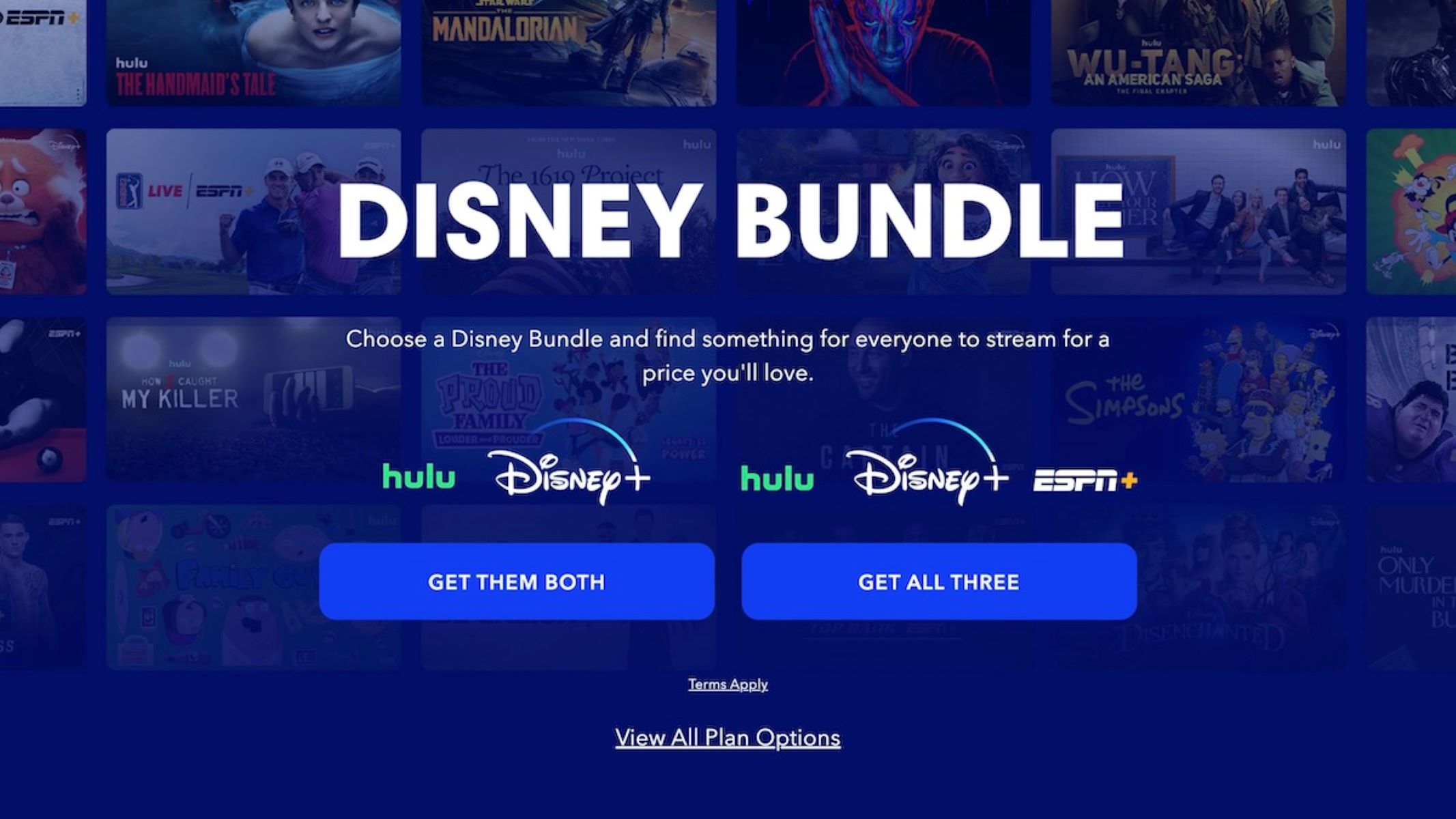
The Disney subscription bundle is a consolidated streaming package that provides access to Disney+, Hulu, and ESPN+ at a significant discount compared to purchasing each service individually. In 2026, subscribers can choose between "Duo" plans (Disney+ and Hulu) or "Trio" plans (Disney+, Hulu, and ESPN+), with options for ad-supported or ad-free viewing experiences across most compatible streaming devices.
The landscape of streaming has shifted toward consolidation, and the Disney Bundle remains the cornerstone of Disney’s direct-to-consumer strategy. As we navigate the digital offerings of 2026, understanding the nuances of these plans—ranging from content libraries to technical specifications—is essential for any household looking to maximize their entertainment budget. This guide breaks down the current costs, content inclusions, and technical requirements for the Disney subscription bundle.
Understanding the 2026 Disney Bundle Tier Structure
The Disney Bundle is no longer a "one size fits all" offering. To cater to different viewer preferences and budgets, Disney has bifurcated the bundle into two primary categories: the Duo and the Trio. Each of these categories is further divided by the presence or absence of advertisements.
The Duo Plans: Entertainment Focus
The Duo plans are designed for viewers who primarily want scripted entertainment, movies, and documentaries without the need for live sports. These plans combine Disney+ and Hulu into a single billing cycle. Since the full integration of Hulu content into the Disney+ app interface (a transition that began in late 2023 and was perfected through 2024 and 2025), Duo subscribers can access almost the entire Hulu library directly through the Disney+ app, provided they use the same credentials for both.
The Trio Plans: The Complete Package
The Trio plans are the "legacy" bundle options that include ESPN+. This tier is aimed at households that require a mix of family-friendly content (Disney+), prestige television and next-day network hits (Hulu), and comprehensive sports coverage (ESPN+). In 2026, the Trio plan remains the most popular choice for families due to the breadth of its demographic appeal.
Ad-Supported vs. Ad-Free (Premium)
The most significant price differentiator is the "With Ads" versus "No Ads" distinction. The "Basic" tiers (with ads) are significantly cheaper, subsidized by commercial breaks that typically mirror traditional television formats—roughly four to five minutes of ads per hour of content. The "Premium" tiers (no ads) allow for uninterrupted viewing on Disney+ and Hulu, though it is important to note that ESPN+ content, particularly live broadcasts, still contains the same commercial breaks as the live sporting events themselves.
2026 Pricing and Plan Comparison
The cost of the Disney Bundle has evolved alongside the expansion of its content library. In 2026, the pricing reflects the added value of integrated features, 4K UHD availability, and the massive influx of exclusive theatrical releases and original series.
| Plan Name | Monthly Cost (Approx.) | Included Services | Ad Status |
|---|---|---|---|
| Disney Bundle Duo Basic | $10.99 | Disney+, Hulu | With Ads |
| Disney Bundle Duo Premium | $20.99 | Disney+, Hulu | No Ads |
| Disney Bundle Trio Basic | $16.99 | Disney+, Hulu, ESPN+ | With Ads |
| Disney Bundle Trio Premium | $26.99 | Disney+, Hulu, ESPN+ | No Ads |
| Legacy Trio (Grandfathered) | Varies | Disney+, Hulu, ESPN+ | Mixed |
Note: Prices are subject to local taxes and potential promotional adjustments. Annual billing options are often available for standalone services but are less common for the integrated bundles.
When evaluating the value, the Trio Premium plan generally offers the highest percentage of savings. Individually, these services would cost upwards of $40 per month in 2026. By bundling, users typically save between 35% and 45% monthly. For a detailed breakdown of current official rates, users should consult the official Disney+ subscription page.
Content Breakdown: What Each Service Brings to the Table
To justify the cost of a bundle, it is vital to understand the specific content pillars assigned to each service. The "One Home for All" philosophy has streamlined the user experience, but the content rights remain distinct.
Disney+ Content
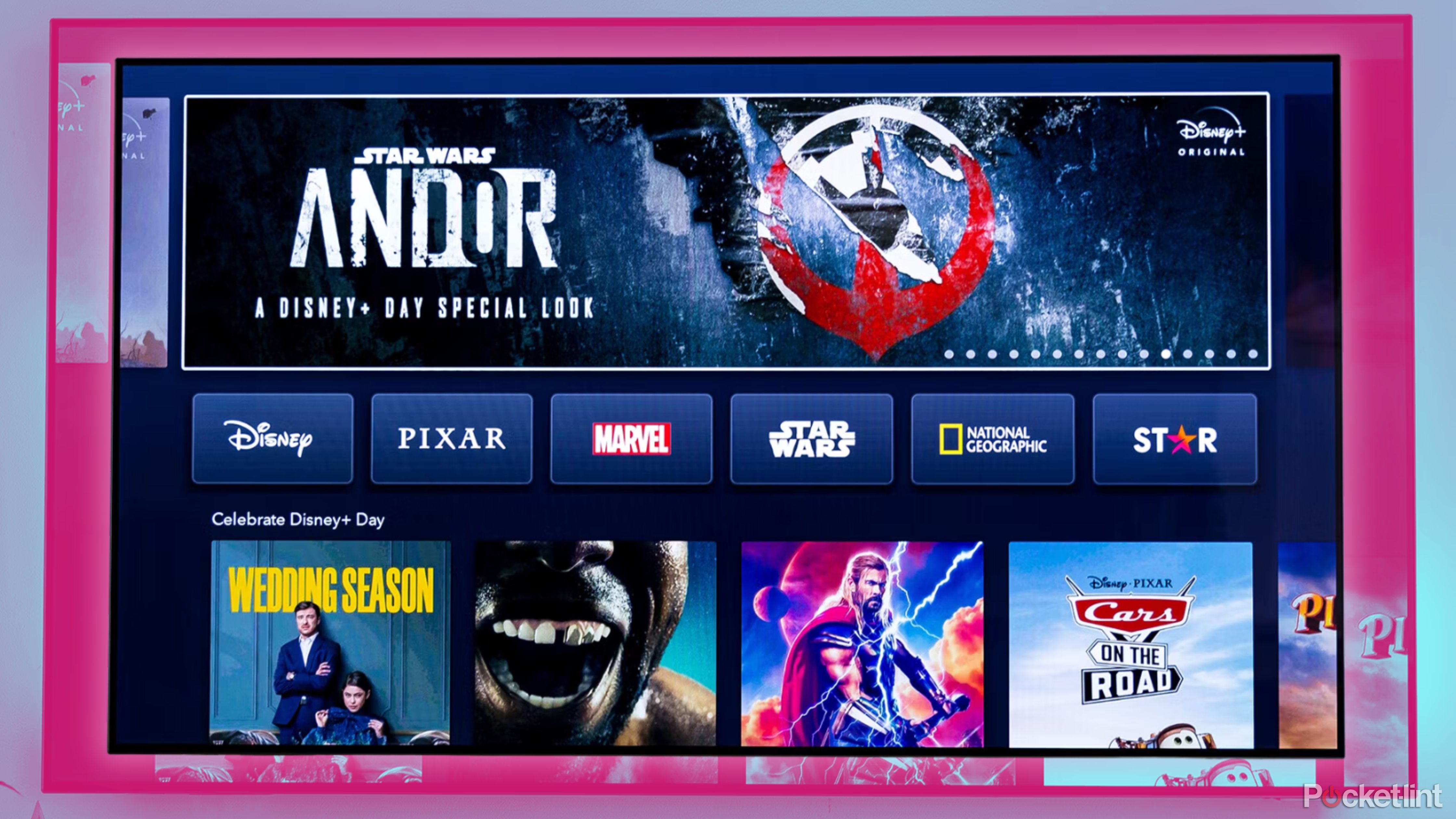
Disney+ remains the exclusive home for the "Big Five" brands: Disney, Pixar, Marvel, Star Wars, and National Geographic. In 2026, this includes the entire vault of classic animated films, the expanded Cinematic Universes of Marvel and Star Wars, and high-budget original series. Disney+ also serves as the primary platform for "Premier Access" or direct-to-streaming releases of major theatrical titles shortly after their cinema runs.
Hulu Content
Hulu provides the "adult" and "contemporary" balance to the Disney+ library. It features a vast collection of FX on Hulu originals, Hulu Originals (like The Handmaid's Tale legacy content and new 2026 hits), and next-day access to shows from major networks like ABC and FOX. For bundle subscribers, the integration of Hulu into the Disney+ app means that the "Hulu Hub" appears alongside Marvel and Star Wars, creating a seamless browsing experience.
ESPN+ Content
ESPN+ is not a digital mirror of the linear ESPN cable channel. Instead, it is a supplementary service that offers thousands of live events, including UFC Fight Nights, NHL games, La Liga, Bundesliga, and extensive coverage of college sports. It also hosts the complete 30 for 30 documentary library and exclusive studio shows. Understanding that major "Monday Night Football" games may still require a cable or "Hulu + Live TV" login is a common point of clarification for new subscribers. Detailed event schedules can be found at the ESPN+ Help Center.
Technical Requirements and App Integration
In 2026, the technical barrier to entry for the Disney Bundle is lower than ever, thanks to wide device support and improved app architecture. However, to get the most out of the subscription—specifically 4K HDR and Dolby Atmos—certain requirements must be met.
The Unified App Experience
While standalone apps for Hulu and ESPN+ still exist for specific use cases (like Hulu + Live TV features or specific ESPN sports data), most bundle users now use the Disney+ app as their primary portal. This "Hulu on Disney+" integration uses a unified recommendation engine, meaning the algorithm considers your Marvel viewing habits when suggesting a new thriller from FX.
Device Compatibility
The Disney Bundle is compatible with almost all modern hardware:
- Smart TVs: Samsung (Tizen), LG (webOS), Vizio (SmartCast), and TVs running Android TV or Google TV.
- Streaming Devices: Roku (Ultra, Stick, Express), Amazon Fire TV, Apple TV 4K (all generations), and Chromecast.
- Consoles: PlayStation 5, Xbox Series X/S, and older legacy consoles.
- Mobile & Tablets: iOS and Android devices with support for offline downloads on Premium tiers.
Quality and Concurrent Streams
Standard bundle tiers allow for up to four concurrent streams on different devices. This makes the bundle highly effective for large households where one person may be watching live sports via ESPN+ in the living room while another watches a Disney+ movie in a bedroom. 4K Ultra HD, HDR10, and Dolby Vision are standard for most new releases on Disney+ and Hulu, provided the user has a compatible screen and a stable internet connection of at least 25 Mbps.
How to Sign Up, Upgrade, or Switch Plans
Whether you are a new customer or an existing subscriber to one of the individual services, Disney has streamlined the "bundling" process.
For New Subscribers
New users should navigate to the Disney+ website and select the "Bundle" option during the initial account creation. You will be asked to create a single email and password combination. This "Disney ID" will be your universal key for Disney+, Hulu, and ESPN+. After payment, you must "activate" the individual services—particularly ESPN+—to ensure the accounts are linked.
For Existing Standalone Subscribers
If you already have a Disney+ or Hulu account, you do not need to cancel it to get the bundle. Instead:
- Log in to your existing account settings.
- Navigate to the "Subscription" or "Account" section.
- Select "Switch to Disney Bundle."
- The system will automatically calculate a credit for your existing standalone subscription and adjust your billing date accordingly.
Dealing with Third-Party Billing
If your current subscription is billed through a third party (like Apple App Store, Roku, or a mobile carrier like Verizon), the process is slightly more complex. You often have to manage the upgrade through that third party’s interface or "buy up" to the bundle through Disney directly, which then applies a credit to your third-party bill. For specific steps regarding third-party billing, the Hulu Help Center provides extensive documentation on managing credits.
Managing Your Account and Parental Controls
With the integration of Hulu’s more mature content into the Disney+ app, parental controls have become a vital feature of the Disney Bundle in 2026.
Content Ratings and Profiles
Subscribers can create up to seven different profiles per account. Each profile can be assigned a specific content rating (e.g., TV-G, TV-PG, TV-14, or TV-MA). If a profile is set to a "Junior Mode," the Hulu content and more mature Disney+ titles (like Deadpool or Logan) will be completely hidden from the interface.
PIN Protection
To prevent children from switching to an adult profile, Disney allows users to set a four-digit Profile PIN. This is a highly recommended step during the initial setup of the bundle, especially if the household includes young children who might inadvertently access Hulu’s R-rated or TV-MA library through the unified Disney+ app.
Troubleshooting Common Bundle Issues
Even with the refinements seen by 2026, users occasionally encounter friction, particularly regarding account linking and ESPN+ access.
- The "Activation" Loop: Users often pay for the Trio bundle but find they cannot log into ESPN+. This is usually because the ESPN+ portion was never "activated." Users should go to their Disney+ account settings on a web browser and click the "Activate" link next to the ESPN+ logo.
- Missing Hulu Content: If Hulu content does not appear in your Disney+ app, ensure your Disney+ profile is not set to a restrictive content rating. Hulu content is generally rated for older audiences, and a "Kids Profile" will not show it.
- Billing Mismatches: If you are being charged for both a bundle and a standalone service, it is likely you used two different email addresses. Disney’s system requires a matching "Disney ID" (email) to automatically apply bundling discounts.
Frequently Asked Questions
Can I get the Disney Bundle without ESPN+?
Yes, in 2026, this is known as the "Duo" plan. It includes Disney+ and Hulu. It is available in both ad-supported (Duo Basic) and ad-free (Duo Premium) versions. This is the ideal choice for viewers who have no interest in live sports and want to save on their monthly bill.
Does the Disney Bundle include Hulu + Live TV?
Standard Disney Bundle plans do not include Live TV. However, "Hulu + Live TV" is a separate, premium service that includes the Disney Bundle as part of its package. If you subscribe to Hulu + Live TV, you automatically receive Disney+, the Hulu streaming library, and ESPN+ as part of that higher monthly fee.
Are there any student or military discounts for the bundle?
While Disney occasionally offers promotions through platforms like UNiDAYS or through specific military exchanges, there is no permanent, universal student or military discount for the bundle itself in 2026. Most discounts are applied to standalone services, but the bundle’s built-in savings usually exceed those individual discounts.
Can I share my Disney Bundle password with people outside my home?
As of 2026, Disney has implemented stricter "Paid Sharing" rules similar to other major streaming platforms. While you can use your subscription while traveling, the account is intended for a single household. Disney may prompt users to add an "Extra Member" for an additional fee if consistent usage is detected outside the primary residence.
Is ESPN+ the same as the ESPN cable channel?
No. ESPN+ is a separate streaming service with its own exclusive live events and original programming. It does not provide a live 24/7 feed of the linear ESPN, ESPN2, or ESPNEWS channels. To get those channels, you would need a cable, satellite, or "Live TV" streaming provider like Hulu + Live TV or YouTube TV.
Selecting the Right Plan for Your Household
Choosing the right Disney subscription bundle in 2026 depends entirely on your consumption habits and your tolerance for advertisements. If your household is purely focused on movies and series, the Duo Premium plan offers the cleanest experience with the highest video quality. However, for most households with varied interests, the Trio Basic remains the most cost-effective "catch-all" solution for entertainment and sports.
Before signing up, audit your current subscriptions to ensure you aren't paying for these services twice through mobile phone plans or credit card perks. Many premium credit cards and mobile carriers in 2026 continue to offer the Disney Bundle as a "built-in" benefit, which can save you hundreds of dollars annually.