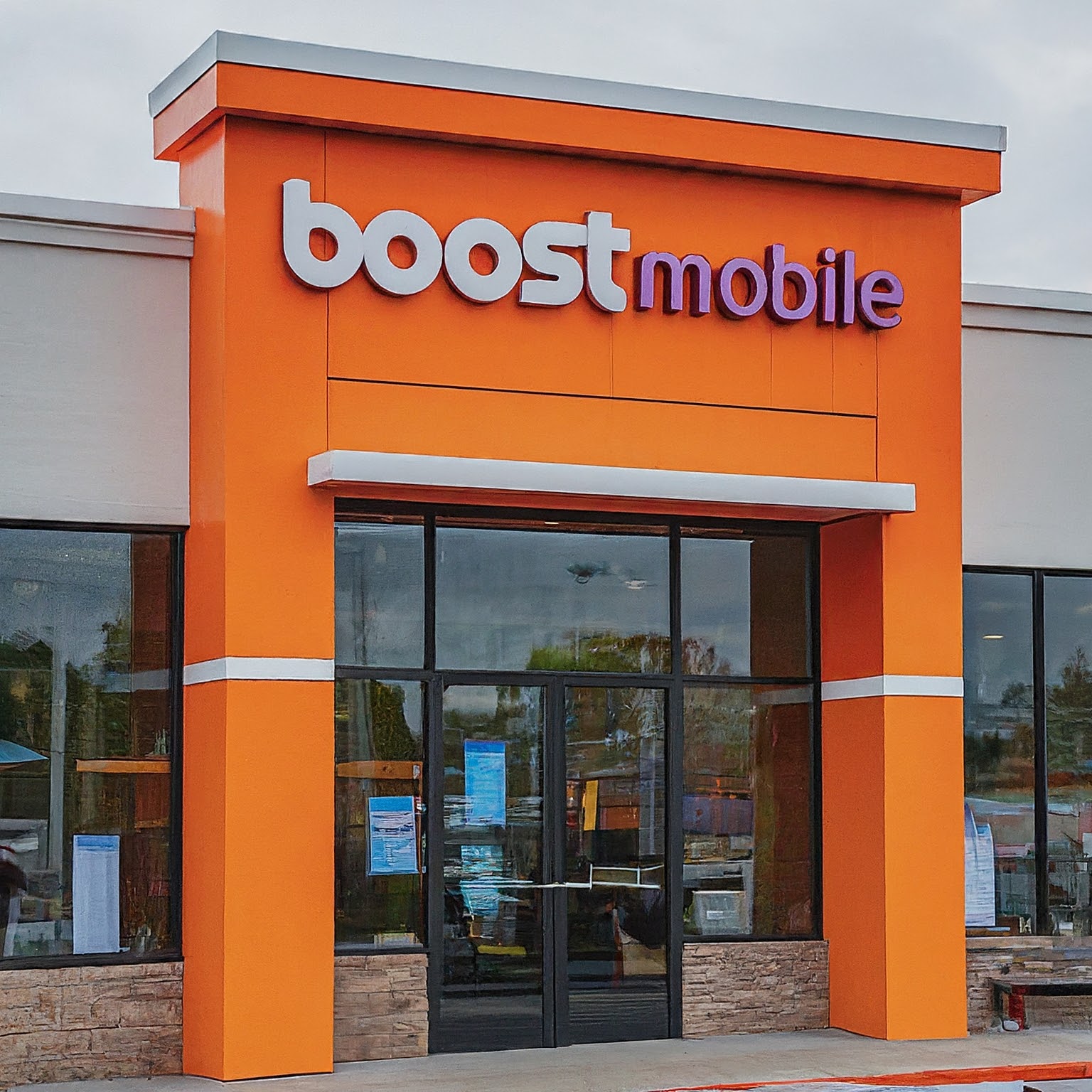
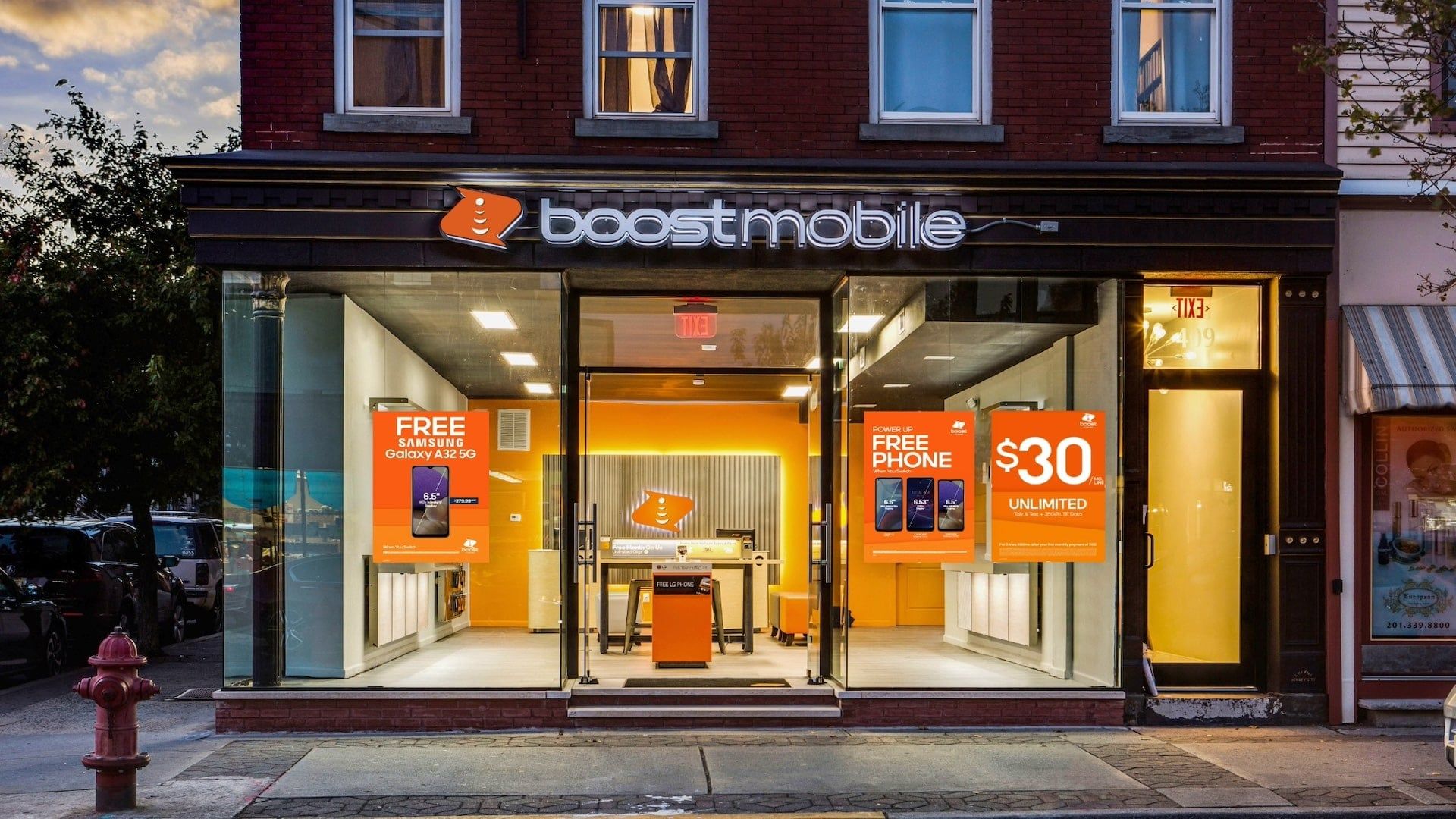
Locating the nearest Boost Mobile retail outlet is a primary task for consumers seeking hands-on technical support, device upgrades, or activation assistance. This guide focuses on identifying authorized Boost Mobile retail presence and optimizing your in-store experience during the 2026 fiscal year.
Understanding the Boost Mobile Retail Network Architecture
Boost Mobile, as of 2026, operates under the Dish Wireless infrastructure, leveraging a robust combination of their own 5G network and roaming agreements with major national carriers. Unlike legacy prepaid carriers that moved entirely to digital-only models, Boost Mobile maintains a strategic brick-and-mortar presence to facilitate hardware acquisition and account management for users who prefer in-person interactions.
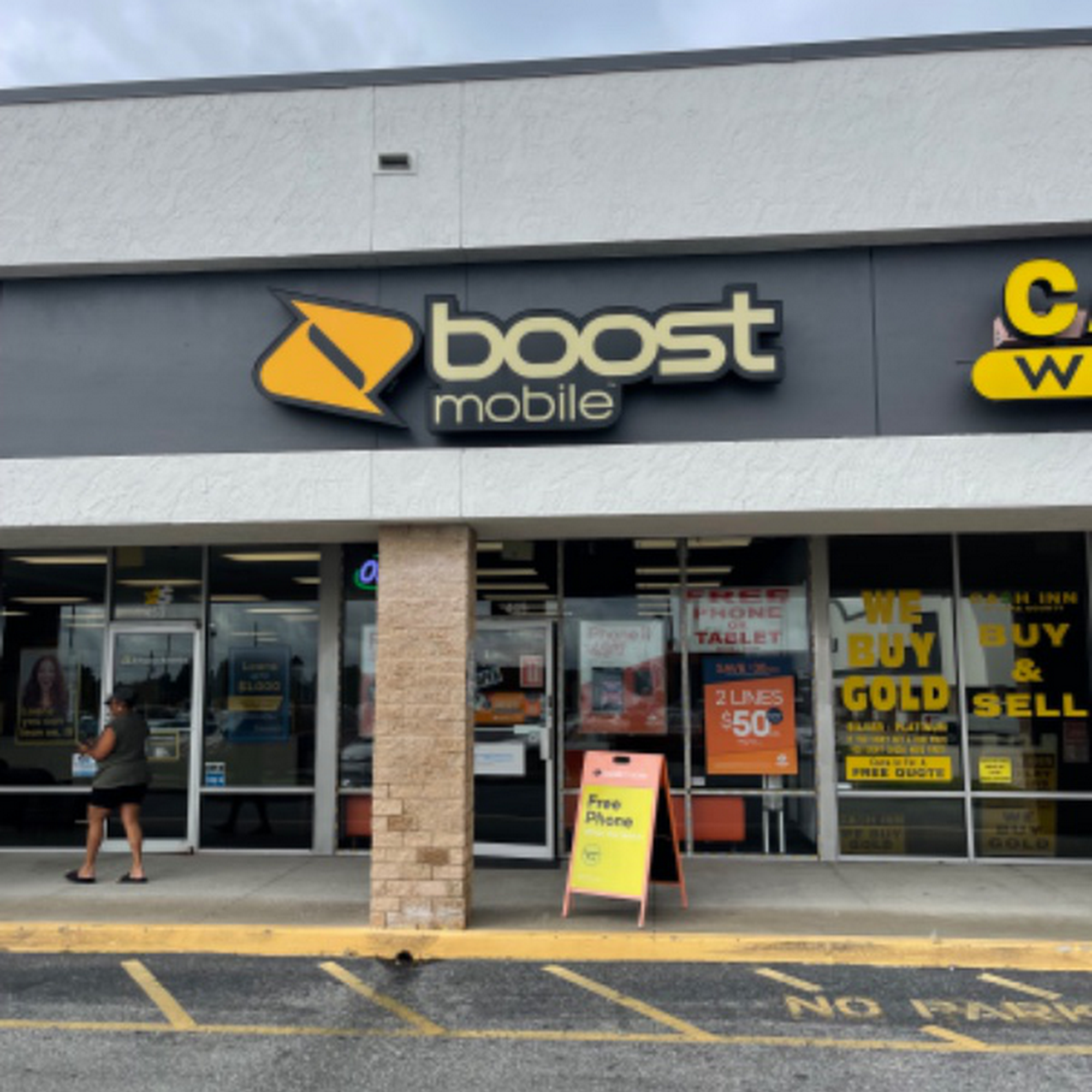
The retail footprint is divided into Authorized Retailers and select partner kiosks. Authorized Retailers act as primary hubs for the following services:
- Device provisioning and activation of new SIM cards.
- Payment processing for monthly service plans.
- Troubleshooting of physical SIM cards or eSIM provisioning issues.
- Assessment of device trade-in values for 2026 hardware upgrades.
- Sales of authorized accessories compatible with current network frequencies.
Strategies for Identifying Your Nearest Store Location
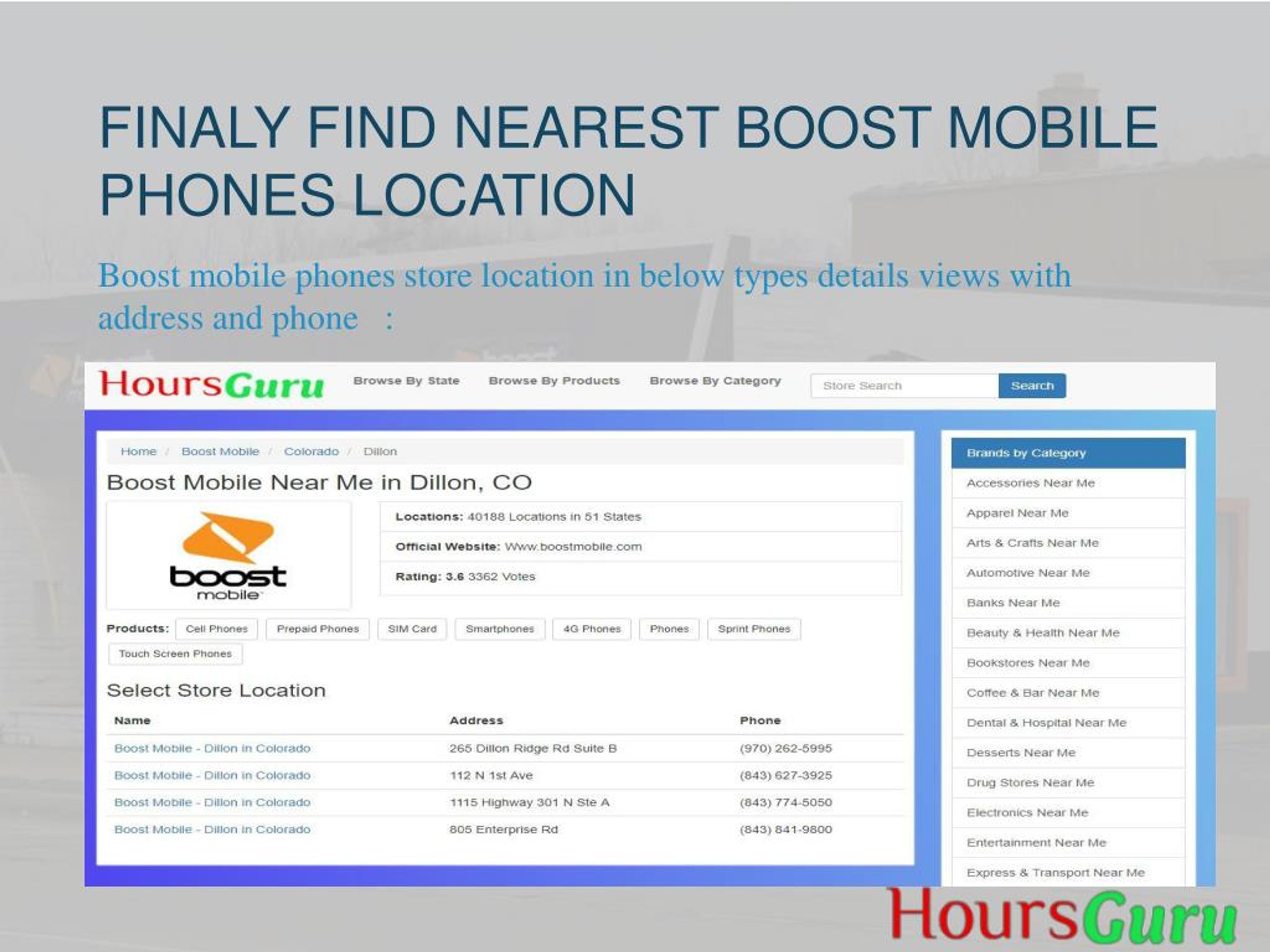
To accurately pinpoint a Boost Mobile location, users must utilize geo-location services effectively. Because retail locations can change based on lease agreements and market consolidation, relying on real-time data is critical.
- Access the Official Store Locator: Always prioritize the primary Boost Mobile website's locator tool. It is updated in real-time by the corporate network to reflect store closures or new openings.
- Verify Store Type: When searching, filter by "Full Service" if you require technical support, as some smaller kiosks are restricted to sales and basic bill pay only.
- Check Operational Hours: Post-pandemic retail hours remain fluid in 2026. Confirm opening times via the locator before traveling, especially on weekends.
- Leverage Map Applications: Utilize major navigation platforms, but always cross-reference the address with the official Boost Mobile site to ensure the store is an authorized agent.
Comparative Overview of Service Channels in 2026
When choosing between an in-store visit or digital support, consider the technical complexity of your request. The following table outlines the capabilities of different service touchpoints.
| Service Requirement | Authorized Retail Store | Online/Web Portal | Customer Support Chat |
|---|---|---|---|
| SIM Card Activation | Immediate | 24-48 Hour Window | Variable |
| Device Troubleshooting | Hardware Focused | Software/Settings | Account Focused |
| Bill Payments | Accepted (Fee likely) | No Fee | No Fee |
| Device Upgrades | Immediate Inventory | Shipping Required | Phone Order Only |
| Warranty Claims | Limited Assistance | Primary Channel | Primary Channel |
Operational Insight: In-Store Fees Please be aware that many authorized retail locations are independently owned and operated. As such, these stores often apply convenience fees for in-person bill payments or physical activation services that are otherwise free on the digital platform. Always confirm the existence of an "in-store convenience fee" before completing your transaction.
Essential Technical Considerations for Your Visit
Before heading to the closest store, ensure you have the necessary documentation and hardware to make the visit efficient. If you are porting a number from another carrier, you must have your account number and Transfer PIN ready.
Preparing for Account Transitions
If you are switching to Boost Mobile, ensure your current device is SIM-unlocked. A common point of failure for new customers is arriving at a retail store with a carrier-locked device, which the retailer cannot override. Verify your unlock status with your previous carrier at least 48 hours before your visit.
Network Compatibility
In 2026, the Boost Mobile network relies heavily on Band 71 (600 MHz) and n41 (2.5 GHz) spectrums. When purchasing a device at a store, ensure the SKU is explicitly labeled for the current Dish 5G network compatibility. Staff should be able to verify this via their inventory management system using your device’s IMEI.
Frequently Asked Questions Regarding Store Visits
How do I confirm if a store is currently open? The most reliable method is to check the official store locator on the Boost Mobile website, which is synced to the corporate database in 2026. You can also call the store directly using the contact number provided in the locator results to confirm their current daily operating status.
Can I get my phone repaired at a Boost Mobile store? Generally, Boost Mobile retail locations do not perform micro-soldering or internal hardware repairs. They are primarily points of sale and account management; for manufacturer warranty repairs, you are typically directed to authorized service centers or the manufacturer's own repair program.
Are there benefits to buying in-store versus online? Buying in-store provides immediate access to hardware and, more importantly, immediate activation assistance. While online orders may offer exclusive web-only discounts, the in-store experience is superior for users who are non-technical and require professional configuration of APN settings for cellular data.
Do all Boost Mobile stores accept cash payments? Most authorized retailers accept cash, but store policies vary regarding transaction limits. If you are paying a large outstanding balance, it is recommended to call the location ahead of time to ensure they have sufficient change and that their POS system is functioning for cash transactions.
What do I need to bring for a new line activation? Bring a valid government-issued photo ID, a primary method of payment (credit/debit card), and your existing device if you intend to use the "Bring Your Own Device" program. If you are porting a number, bring your most recent bill from your current provider, as it contains the necessary account details.
Professional Strategy for Optimal Support
When visiting a store for troubleshooting, maintain a structured approach. Prepare a list of the specific issues you are facing, including any error messages and the steps you have already attempted. This allows the retail representative to bypass basic diagnostic steps, saving time. If a retail location cannot resolve a persistent network connectivity issue, request the "Telesales" or "Advanced Technical Support" number immediately. These departments have backend permissions that local retail managers do not possess, ensuring your technical hurdles are escalated to the appropriate network engineers.
If you are currently experiencing service interruptions or need to upgrade your hardware, utilize the official store locator to identify the nearest authorized dealer. Remember to carry your account details and current device for the most efficient service transition.