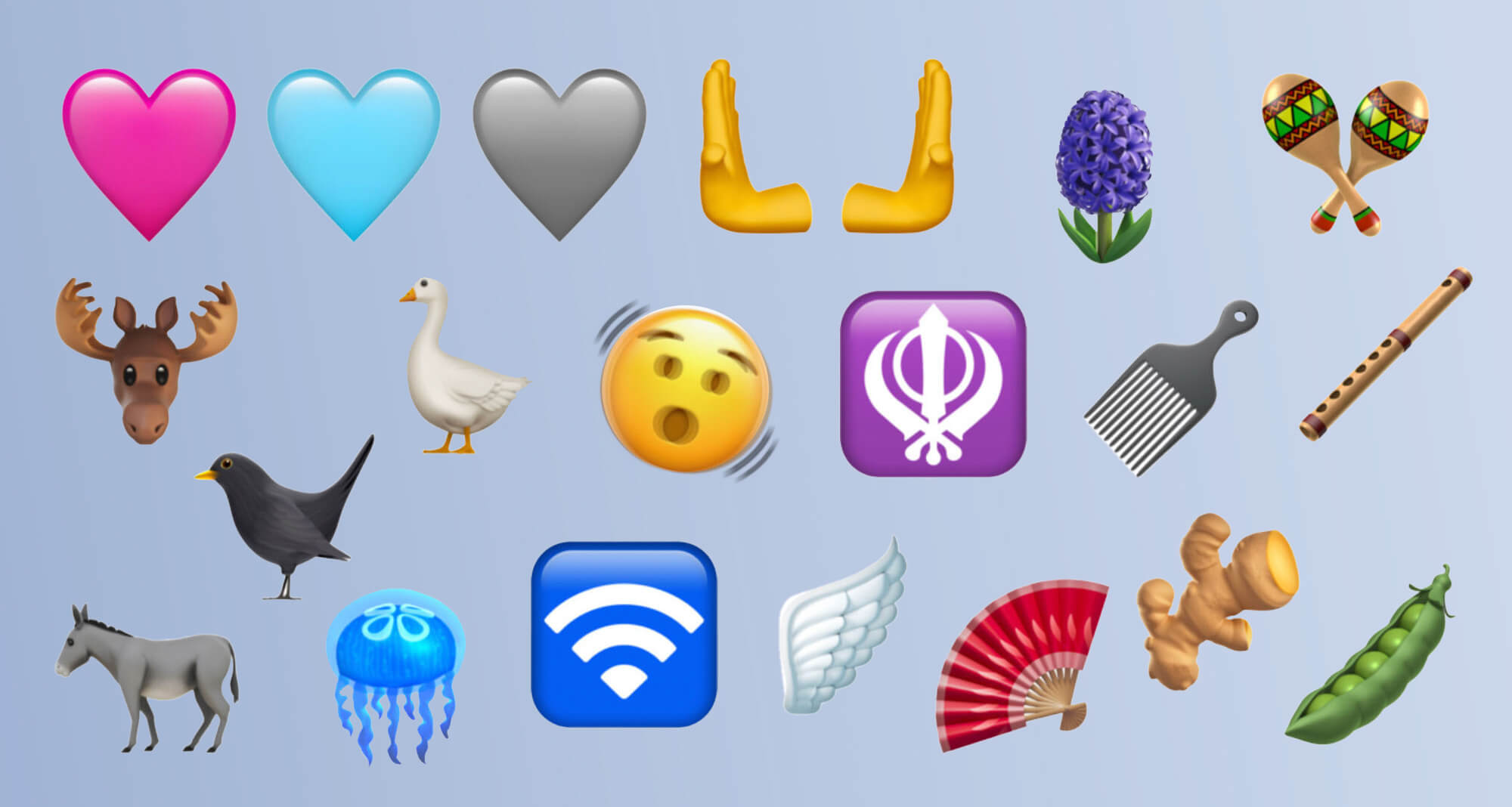
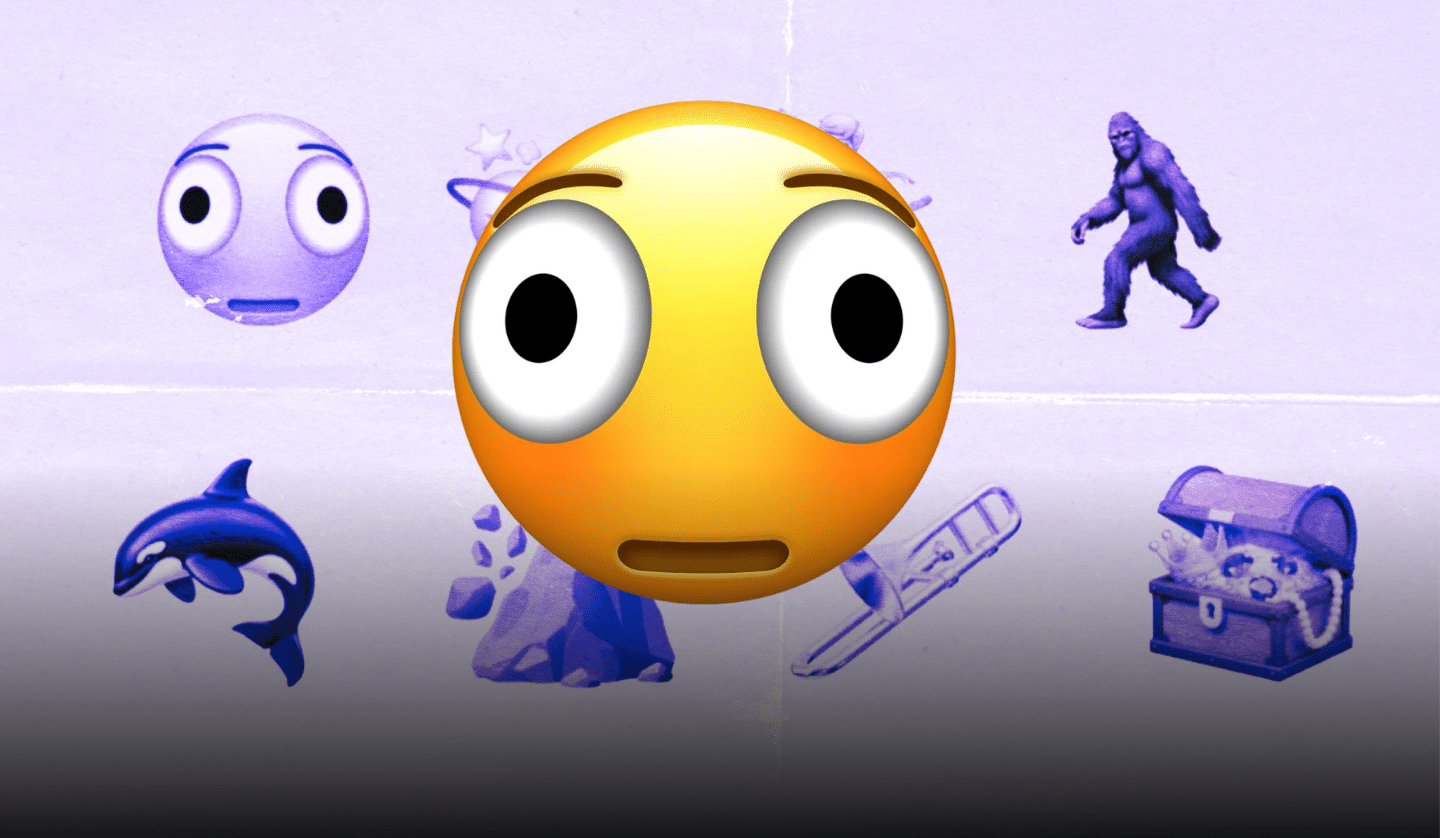
New update emojis work through a standardized technical pipeline managed by the Unicode Consortium, which assigns a unique numeric code point to every character. Once a new emoji standard is formally approved, software developers—including Apple, Google, Microsoft, and Meta—design custom graphic illustrations (glyphs) to represent those code points within their operating systems and apps.
How New Emojis Are Created: The Unicode Approval Pipeline
Every emoji that appears on a smartphone keyboard or messaging platform undergoes a rigorous multi-stage standardization process before it ever reaches a screen. The organization responsible for overseeing this global digital alphabet is the Unicode Consortium, a non-profit consortium of technology companies, researchers, and public members dedicated to maintaining software text standards across languages and platforms.
The journey of a new emoji begins within the Unicode Emoji Subcommittee (ESC). Anyone—from independent designers and language experts to software engineers—can submit a formal proposal for a new emoji character. To be considered for inclusion in a future update, a proposal must satisfy strict criteria established by the subcommittee:
- Expected Usage Frequency: Proponents must submit evidence showing high search volume, widespread real-world demand, or strong symbolic utility across multiple languages and cultures.
- Distinctiveness: The proposed image must represent a unique visual concept that cannot be easily recreated using an existing combination of emojis or text.
- Multiple Meanings: Preference is given to characters that convey multiple layers of communication, including literal, metaphorical, and emotional meanings.
- Lack of Commerciality or Specificity: Proposals for specific corporate logos, branded products, real living people, or overly specific regional items are systematically rejected.
Once the Emoji Subcommittee reviews and refines proposals, candidate characters are submitted to the Unicode Technical Committee (UTC). The UTC formally approves new Unicode releases—such as Unicode 15.0, Unicode 15.1, or Unicode 16.0—alongside matching emoji documentation (Emoji 15.1, Emoji 16.0). Once finalized, the character names, definitions, and underlying data structures are published as an official technical standard.
- Proposal Submission
- Emoji Subcommittee Review
- UTC Approval
- Technical Specification Published
- OS Vendor Font Design
- System Update Delivery
The Technical Architecture: Code Points, Glyphs, and Zero-Width Joiners
To understand how emojis work under the hood, it is essential to distinguish between a character code point and a rendered glyph. Emojis are not actual image files (such as JPEGs or PNGs) transmitted across cellular networks or the internet. Instead, emojis are transmitted as standard text data.
Code Points and Fonts
When a user selects an emoji from a digital keyboard, the operating system inserts a specific hexadecimal identifier known as a Unicode code point into the text string. For example, the standard red heart emoji is assigned the code point U+2764.
When a receiving device accepts this text string, its graphics engine scans the installed system font files—such as Apple Color Emoji on iOS and macOS, Noto Color Emoji on Android, or Segoe UI Emoji on Windows. The system font matches the code point U+2764 to an embedded vector graphic, rendering the red heart visual on the screen.
- Sender types Emoji
- Device sends "U+2764" (Text Data)
- Receiver reads "U+2764"
- System Font Renders Graphic
Complex Emojis and Zero-Width Joiner (ZWJ) Sequences
While simple emojis rely on a single code point, more complex variations—such as skin tone modifications, gender variants, professions, directional changes, and family combinations—use a invisible character called a Zero-Width Joiner (ZWJ) (code point U+200D).
A ZWJ acts as a digital adhesive, instructing the operating system to merge multiple distinct characters into a single combined visual glyph. Consider how skin tone variations and compound emojis function:
- Skin Tone Modifiers: Skin tone variations use the Fitzpatrick Scale (types I–VI), represented by five specific Unicode modifiers (
U+1F3FBthroughU+1F3FF). Placing a skin tone modifier immediately after a base emoji code point alters its color. - ZWJ Combinations: Combining a base character (e.g.,
U+1F468for Man), a Zero-Width Joiner (U+200D), and an icon (e.g.,U+1F52Cfor Microscope) instructs a supported system font to render a single composite glyph: a male scientist.
| Base Character | Joiner (ZWJ) | Secondary Symbol | Resulting Rendered Emoji |
|---|---|---|---|
👨 (U+1F468 Man) |
🔗 (U+200D) |
🔬 (U+1F52C Microscope) |
👨🔬 (Man Scientist) |
🐕 (U+1F415 Dog) |
🔗 (U+200D) |
🦺 (U+1F9BA Safety Vest) |
🐕🦺 (Service Dog) |
🫱 (U+1FAF1 Right Hand) |
🔗 (U+200D) |
🫲 (U+1FAF2 Left Hand) |
🫱🦲 (Handshake Variant) |
🐦 (U+1F426 Bird) |
🔗 (U+200D) |
🔥 (U+1F525 Fire) |
🐦🔥 (Phoenix Emoji) |
If an operating system or software app does not yet support a specific ZWJ combination, the graphics rendering engine gracefully falls back by displaying the individual component characters side by side (e.g., rendering a bird icon next to a flame icon).
Platform Implementation: Why Emojis Look Different on Every Device
Although the Unicode Consortium standardizes the underlying code points and text descriptions, it does not mandate the exact artistic design of emojis. Each major technology vendor retains complete creative freedom over visual styling, color choices, gradients, and line art, provided the final glyph matches the core definition.
- Unicode Character Standard
- Apple (iOS/macOS): Glossy, detailed 3D aesthetic
- Google (Android): Clean, semi-flat design
- Microsoft (Windows): Flat, black-outlined glyphs
Vendor Design Philosophies
- Apple: Emphasizes realistic textures, soft gradients, three-dimensional depth, and high visual detail across its Apple Color Emoji font.
- Google: Focuses on clean, modern vector shapes with vibrant colors and simplified outlines within its Noto Color Emoji library, optimized for clarity across diverse screen sizes.
- Microsoft: Utilizes flat, high-contrast designs with bold black outlines in its Segoe UI Emoji system, ensuring legibility on desktop monitors and varied resolution settings.
- Meta (WhatsApp, Facebook): Maintains proprietary emoji sets within its applications so that visual presentation remains uniform across both iOS and Android instances of its messaging platforms.
The Deployment Timeline
Because vendors must individually design hundreds of unique vector images for every new Unicode release, there is always a delay between official Unicode approval and consumer availability.
Step 1: Unicode Standard Published (e.g., September)
Step 2: Vendor Art Teams Draft Vector Designs (3-6 Months)
Step 3: Integration into Operating System Beta Builds
Step 4: Public Software Update Release (Spring/Fall)
Specification Finalization: Unicode publishes official specifications (typically in late summer or autumn).
Artwork Creation: Design teams at Apple, Google, Microsoft, and Samsung independently create customized vector assets.
OS Integration: Operating system developers package the newly drawn vector fonts into system updates (e.g., iOS point updates like iOS 17.4 or major releases like Android 14/15).
End-User Update: Consumers install system updates on their devices, enabling their local keyboards to type and display the new characters.
Comparing Recent Emoji Releases and Platform Rollout Cycles
Understanding the lifecycle of emoji standards helps clarify why certain devices receive new symbols earlier than others. The following comparison highlights key technical updates, character additions, and typical deployment behavior across platforms.
| Unicode / Emoji Standard | Representative New Characters | Primary Focus & Innovations | Typical Rollout Window | Key Platform Mechanisms |
|---|---|---|---|---|
| Unicode 15.0 / Emoji 15.0 | Pink Heart, Jellyfish, Donkey, Wireless Signal, Folding Hand Fan | Basic character additions, solid color heart expansion, animal variety | Autumn approval; consumer arrival early next calendar year | Integrated via major OS updates (iOS, Android 13/14) |
| Unicode 15.1 / Emoji 15.1 | Phoenix, Lime, Broken Chain, Head Shake Motion (Vertical/Horizontal) | ZWJ directional modifiers, subtle motion indicators, refactored family groups | Late-year approval; consumer availability spring following year | Delivered through OS updates and Google Play System Updates |
| Unicode 16.0 / Emoji 16.0 | Face with Bags Under Eyes, Fingerprint, Leafless Tree, Harp, Splat | Detailed facial expressions, environmental symbols, standalone concepts | Mid-year specification; platform adoption spreading into 2025–2026 | System font file replacement via system-level patch |
Cross-Platform Compatibility and the "Tofu" Symbol Problem
The primary challenge with emoji updates is backward compatibility. When a user sends a newly released emoji to a recipient whose device operating system has not yet been updated, rendering errors occur.
The Mechanism of Display Errors
When an operating system receives a code point that is not present in its local system font file, it cannot resolve the request to an image. To indicate an unrecognized character, the OS renders a fallback glyph:
- The "Tofu" Box: A small empty rectangle, often containing a question mark (``) or an "X" inside. In developer terminology, this symbol is referred to as tofu because its outline resembles a block of tofu.
- Broken ZWJ Components: If an updated ZWJ sequence is sent to an older device, the operating system ignores the unrecognized joiner command and prints each sub-component side by side (for example, displaying a head icon and an arrow icon instead of a unified motion emoji).
- Sender (Updated OS) [ Sends U+1F642 ]
- Network
- Recipient (Outdated OS)
- Displays Missing Glyph ( or ⍰)
Resolving Compatibility Barriers
Application developers handle emoji rendering using two primary strategies:
- System-Level Font Rendering: Default messaging apps (such as Apple iMessage or standard SMS apps) rely entirely on the underlying operating system's built-in font file. If the OS lacks the code point, the message displays tofu.
- App-Level Custom Bundling: Cross-platform applications like WhatsApp, Telegram, and Slack bypass operating system limitations by embedding their own custom emoji font files directly inside the application binary. This ensures that users see identical, fully updated emojis inside that specific app, even if their underlying Android or Windows operating system is out of date.
How to Get New Emojis on Your Smartphone and Computer
Because emojis are stored inside system-level software, acquiring new update emojis requires updating your device’s operating system or target applications.
On iPhone and iPad (iOS / iPadOS)
Apple bundles its Apple Color Emoji font directly into iOS updates.
- Connect your device to Wi-Fi and open Settings.
- Navigate to General > Software Update.
- If an update is available (such as a point release like iOS 17.4 or later), tap Download and Install.
- Once the installation completes, the stock iOS keyboard automatically updates with the newest emoji palette.
On Android Devices
Android updates emojis through two main pathways: OS system updates and background software modules.
- System Updates: Open Settings > System > Software Update (or Settings > About Phone) and check for pending updates.
- Google Play System Updates: On modern Android devices, Google can update system fonts via Google Play services without requiring a full carrier update. Go to Settings > Security & Privacy > Updates > Google Play system update to ensure background components are current.
- Third-Party Apps: Updating individual messaging apps (like WhatsApp or Signal) via the Google Play Store immediately grants access to new in-app emoji designs regardless of your Android version.
On Windows and macOS Desktop Computers
- macOS: Navigate to System Settings > General > Software Update. Apple includes new macOS emoji fonts in matching system revisions alongside iOS updates.
- Windows 11: Go to Settings > Windows Update and click Check for updates. Microsoft updates the Segoe UI Emoji font through standard cumulative OS updates. You can trigger the emoji picker on Windows anytime by pressing
Windows Key+.(period).
Frequently Asked Questions
Why can't I see the new emojis my friends send me?
You cannot see new emojis if your device’s operating system does not have the corresponding Unicode code points installed in its system font. When someone sends an emoji your system does not recognize, your phone displays a blank box, a question mark, or broken character components. Updating your phone's operating system to the latest software release resolves this issue.
How long does it take for a newly approved emoji to reach my phone?
It typically takes between six and twelve months from the time the Unicode Consortium formally approves a new emoji release until it arrives on consumer devices. This delay gives art teams at Apple, Google, Microsoft, and Samsung time to draw unique vector graphics and integrate the updated font files into major software releases.
Can I submit an idea for a new emoji to Unicode?
Yes, anyone can submit an emoji proposal to the Unicode Emoji Subcommittee. However, proposals must adhere strictly to Unicode’s submission guidelines. You must provide evidence of high prospective usage, demonstrate that the visual concept is distinct and non-commercial, and show that it carries multiple symbolic meanings. Proposals for corporate logos, specific people, or branded items are automatically rejected.
Why do emojis look slightly different on iPhone versus Android?
Emojis look different because Unicode only standardizes the code points and structural descriptions of characters—not their visual styling. Apple, Google, Samsung, and Microsoft independently design their own proprietary vector fonts to match their respective visual design systems. While a red heart or a laughing face means the same thing on both platforms, Apple's font emphasizes 3D depth, while Google’s design focuses on modern flat vector shapes.
What happens if an emoji ZWJ sequence is not supported by my system font?
If your system font does not support a specific Zero-Width Joiner (ZWJ) sequence, your device fails to merge the individual code points into a single graphic. Instead of rendering a single combined emoji (such as a female firefighter), your screen will display the individual standalone elements side by side (a woman emoji followed by a fire truck emoji).
Maintaining Up-to-Date Emoji Compatibility Across Devices
To ensure your digital messages translate accurately and avoid rendering errors when communicating with others, adopt a structured software maintenance routine:
- Enable Automatic System Updates: Set your mobile operating system to automatically install point updates (e.g., iOS point updates or Android security patches), as font file enhancements are routinely distributed within these updates.
- Keep Application Packages Current: Regularly update standalone messaging applications such as WhatsApp, Telegram, and Signal through the Apple App Store or Google Play Store to maintain access to custom bundled glyph sets.
- Use System Emoji Keyboards: Stick to the native system keyboard provided by your operating system or reliable software vendors (such as Gboard or Apple Keyboard), which automatically map new code points correctly as soon as system fonts are updated.