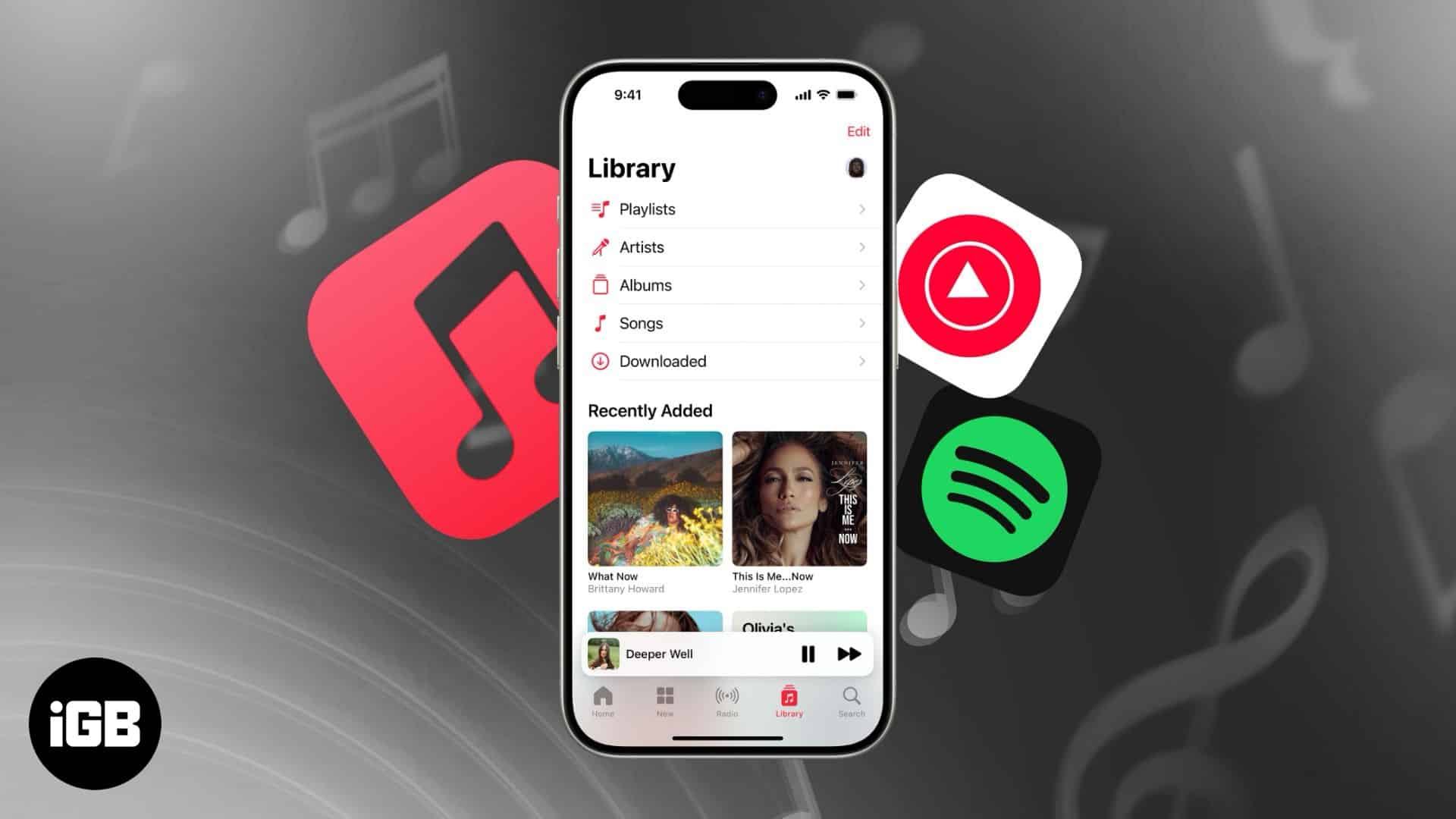
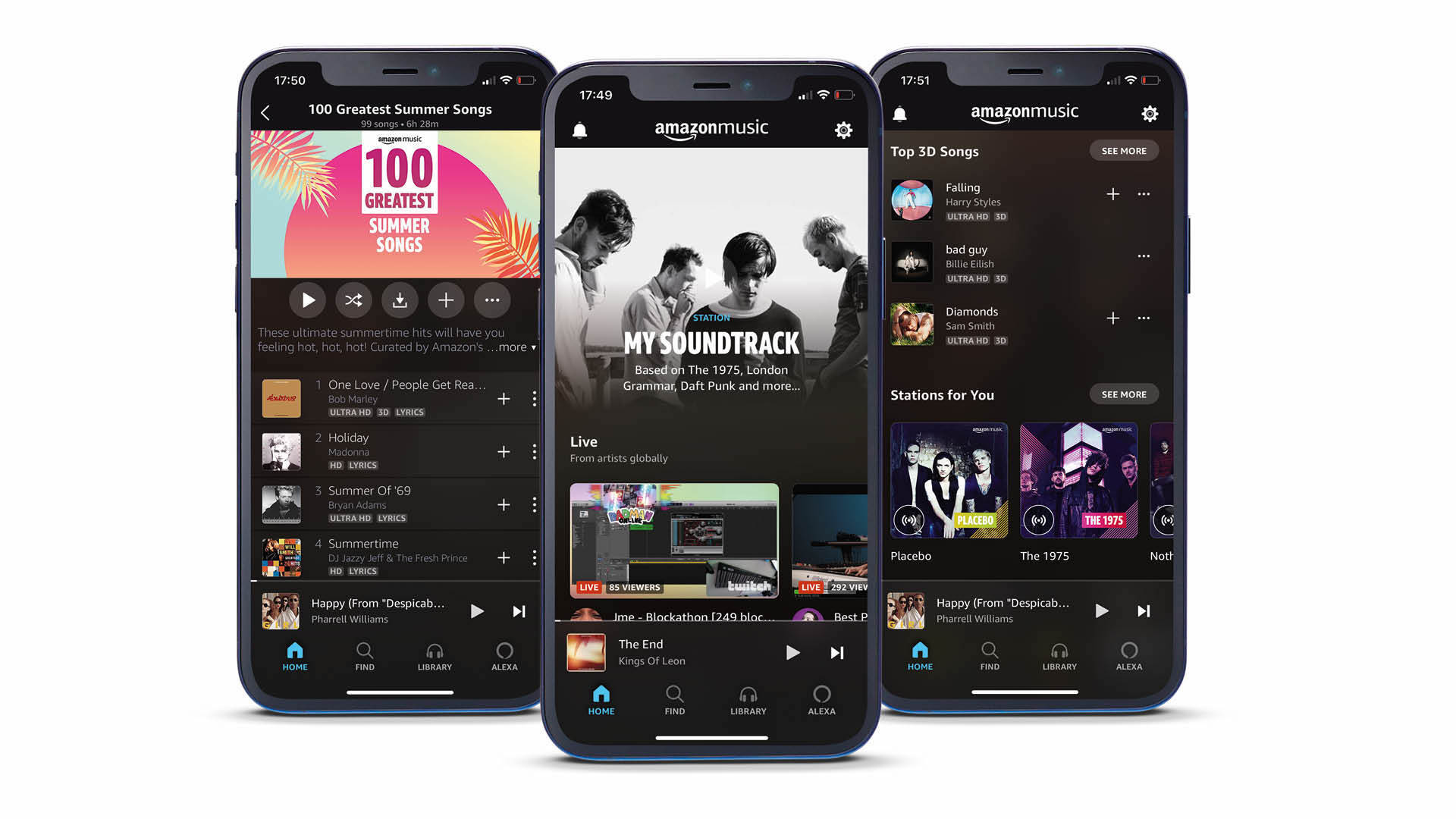
Navigating the iOS audio ecosystem requires balancing file formats, cellular data consumption, and the inevitable paywalls of modern streaming services. Finding the best free music app for iPhone in 2026 means looking past basic radio streams to find platforms offering genuine offline playback, robust on-demand catalogs, and minimal ad interruption. Whether you want an ad-supported tier of a major catalog giant or an open-source decentralized client, this guide analyzes the top-performing audio applications compatible with iOS 19.
Essential Criteria for Evaluating Free iOS Music Players
Selecting an audio player for your Apple device involves looking closely at how well the application integrates with Apple Silicon, iOS background audio management, and cellular data conservation. Many free applications compromise user experience through aggressive interstitial video advertisements or restricted audio bitrates.
Modern iOS audio clients must support high-efficiency audio codecs like AAC and Opus to deliver crisp sound without exhausting your monthly mobile data caps. Additionally, background playback execution is critical; many free music apps will instantly terminate playback the moment you lock your iPhone screen or open a navigation utility, unless they are properly optimized for Apple's Background Audio entitlements.
Battery efficiency is another major performance indicator. Poorly coded third-party wrappers can cause excessive CPU wake locks, draining your battery while your iPhone sits idle in your pocket. The top contenders for 2026 balance feature-rich streaming catalogs with strict resource management protocols, ensuring seamless operation on everything from the iPhone 13 up to the latest iPhone 17 lineup.
Top Contenders for Free iPhone Music Streaming
Evaluating the current market reveals a clear distinction between officially licensed freemium streaming giants and independent, utility-focused audio players. Each category serves a distinct user preference.
Spotify (Free Tier)
Spotify remains a dominant force for iOS users seeking massive pre-licensed music libraries without a monthly subscription. The free tier grants full access to millions of tracks, curated playlists, and algorithmic recommendations like Discover Weekly.
Important iOS Limitation: The mobile free tier of Spotify restricts track skipping to six skips per hour on-demand playlists and forces shuffle playback on certain album views. However, tablet-style freedom can sometimes be emulated through specific web-app wrappers, though the native iOS client enforces these monetization limits strictly.
Pandora (Ad-Supported Radio)
Pandora excels at automated station generation based on the Music Genome Project. For users who prefer a lean-back radio experience rather than manually building playlists, Pandora's free iOS app delivers reliable background streaming with manageable ad breaks.
Audiomack
For independent music discovery, mixtapes, and up-and-coming hip-hop or electronic artists, Audiomack stands out as a premier choice. Crucially, the platform offers a legitimate offline downloading feature for select free tracks, a rarity in the free music app landscape.
eSound
eSound acts as a powerful music streaming manager that aggregates content from various public sources, allowing users to build custom playlists, cache tracks for offline listening, and enjoy background playback with minimal subscription pressure.
Feature Comparison of Leading Free iOS Audio Apps
To help you decide which application fits your listening habits, examine the technical breakdown of the top platforms available on the App Store in 2026.
| Application Name | Offline Caching Support | Background Playback | Skip Limitations | Primary Audio Focus |
|---|---|---|---|---|
| Spotify | No (Free Tier) | Yes | 6 skips per hour | Mainstream hits, podcasts, curated playlists |
| Audiomack | Yes (Select tracks) | Yes | None on cached tracks | Independent artists, mixtapes, electronic |
| Pandora | No | Yes | Limited per hour | Automated radio, genre stations |
| eSound | Yes (Cached storage) | Yes | Unlimited with ads | General catalog aggregation, custom lists |
Step-by-Step Guide: Optimizing Data and Audio Quality on Free iOS Apps
Running a free music app on an iPhone can quickly deplete your cellular data plan if default settings are left unadjusted. Follow this systematic configuration guide to maximize sound quality while protecting your data allowance.
- Audit Cellular Streaming Bitrates: Open your chosen music application's settings menu immediately after installation. Locate the audio quality section and set cellular streaming to "Normal" or "Standard" to prevent high-definition streams from consuming excessive megabytes during your daily commute.
- Configure Wi-Fi Only Downloads: If the app supports offline caching (such as Audiomack or eSound), ensure that the "Download via Cellular" toggle is explicitly turned OFF. This prevents accidental background downloads over mobile data.
- Manage iOS Background App Refresh: Navigate to your iPhone's native Settings, scroll to General, and select Background App Refresh. Restrict unnecessary background data usage for music apps you rarely use, reserving it only for your primary audio client to preserve battery life.
- Cache Playlists Ahead of Time: Connect your iPhone to a home or office Wi-Fi network, load your favorite free playlists, and utilize offline caching features where available. This ensures zero data loss and uninterrupted playback even in cellular dead zones like subway tunnels or rural highways.
Pros and Cons of Using Free Music Applications
Every free software model involves trade-offs between cost and user experience. Understanding these dynamics helps manage expectations.
Advantages
- Zero Financial Commitment: Access millions of songs without entering credit card details or managing recurring subscription renewals.
- Music Discovery: Platforms like Audiomack and Spotify expose users to indie artists, regional genres, and underground podcasts that rarely chart on traditional paid services.
- Flexibility: Easily test multiple applications simultaneously to find the user interface and recommendation engine that matches your personal taste.
Disadvantages
- Monetization Interruptions: Frequent audio and visual advertisements disrupt the listening experience, often requiring manual intervention to dismiss.
- Restricted Controls: Forced shuffle modes and strict hourly skip limits on certain platforms can hinder active playlist curation.
- Lower Audio Bitrates: Free tiers frequently cap audio streams at 96kbps to 160kbps AAC, which may disappoint audiophiles listening through high-end wireless headphones or external DACs.
Expert Troubleshooting Tips for Common iOS Audio Issues
Even the best-engineered music apps can encounter performance hiccups on iOS. Use these expert solutions to resolve typical playback failures.
- Audio Stuttering During Screen Lock: If music stops playing the moment your iPhone screen turns off, check your iOS Settings under Battery and ensure Low Power Mode is disabled, as it aggressively throttles background network requests and audio buffer processing.
- Sudden App Crashes on Launch: Corrupted cache files are the leading cause of unexpected app closures. Navigate to your app's internal storage settings to clear the local cache, or perform a clean reinstall via the App Store.
- Unresponsive Playback Controls: If Lock Screen media controls fail to respond, toggle Bluetooth off and on again to reset the CoreAudio routing daemon, or force-close all running background applications to free up RAM.
Frequently Asked Questions
What is the absolute best free music app for iPhone that allows offline listening?
Audiomack is widely considered the best option because it permits offline caching of verified independent tracks and mixtapes directly within the free tier. While mainstream giants like Spotify lock offline downloads behind paid subscriptions, Audiomack provides a legal workaround for independent content.
Do free music apps drain iPhone battery faster than Apple Music?
Free music apps often consume slightly more battery power due to the continuous fetching and rendering of dynamic video or banner advertisements. Using built-in app settings to limit streaming bitrates and disabling background refresh for unused apps helps mitigate this drain.
Are free streaming apps on the iOS App Store safe to use?
Official applications downloaded directly from the Apple App Store undergo strict security screening by Apple. However, users should always review privacy policies regarding data harvesting and targeted advertising before creating an account.
How can I bypass annoying ad breaks on free music players?
Legitimate free music apps require ad revenue to compensate artists and maintain servers, meaning total ad removal is legally impossible without upgrading to a paid tier. Utilizing offline caching where permitted allows you to enjoy uninterrupted playback once the tracks are stored locally.
Can I import my downloaded MP3 files into these free iPhone apps?
Most mainstream streaming clients restrict local file imports, but utility-based apps often feature local file integration or document-sharing capabilities through the iOS Files app. Check the specific import guidelines within your chosen application's settings menu.