Finding the right property on Airbnb depends on understanding how its query engine interprets filters, maps, geographic boundaries, and guest preferences to match travelers with listings.
Navigating the platform efficiently requires more than simply typing a destination into a search bar. The underlying discovery algorithm processes multiple variables simultaneously, including dates, guest counts, price thresholds, architectural styles, and amenity preferences. Because inventory changes dynamically based on host availability, cancellations, and seasonal demand, mastering the search mechanism helps travelers bypass irrelevant listings and pinpoint accommodations that match their specific criteria.
Understanding the Airbnb Search Architecture
The discovery platform operates on a multi-tiered indexing system designed to balance user intent with host availability. When a query is initiated, the search engine does not merely pull a static list of properties; it dynamically filters through millions of active listings globally using real-time relational data.
At its core, the indexing engine evaluates hard constraints and soft preferences. Hard constraints include dates, guest capacity, and geographic boundaries. If a listing is booked for even one night of the requested date range, or if the maximum guest capacity is lower than the input, the system completely excludes it from the primary results. Soft preferences, on the other hand, include historical user behavior, listing popularity, pricing competitiveness, and review ratings. These soft factors influence the ranking algorithm, determining which eligible properties appear at the top of the search results page versus those buried on later pages.
Understanding this division helps explain why altering a single parameter—such as expanding a date range by a single day or shifting the map boundary slightly—can drastically alter the available inventory. The engine constantly recomputes distance matrices, price distributions, and amenity tags to deliver a customized feed.
Navigating Geographic Boundaries and Map Filters
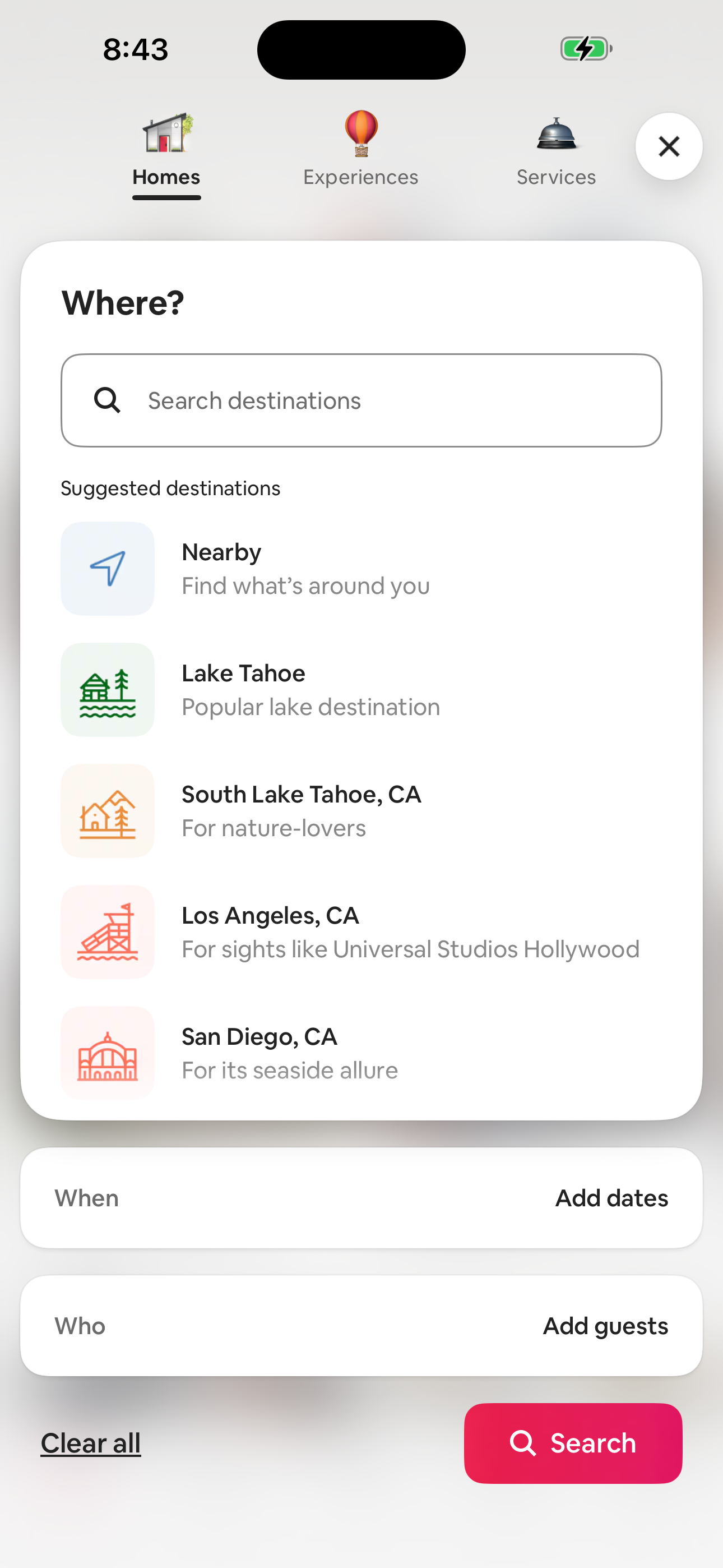
Geographic discovery is one of the most powerful yet misunderstood features of the platform. Users can choose to search by a broad municipal region or zoom into a specific neighborhood using the interactive map interface.
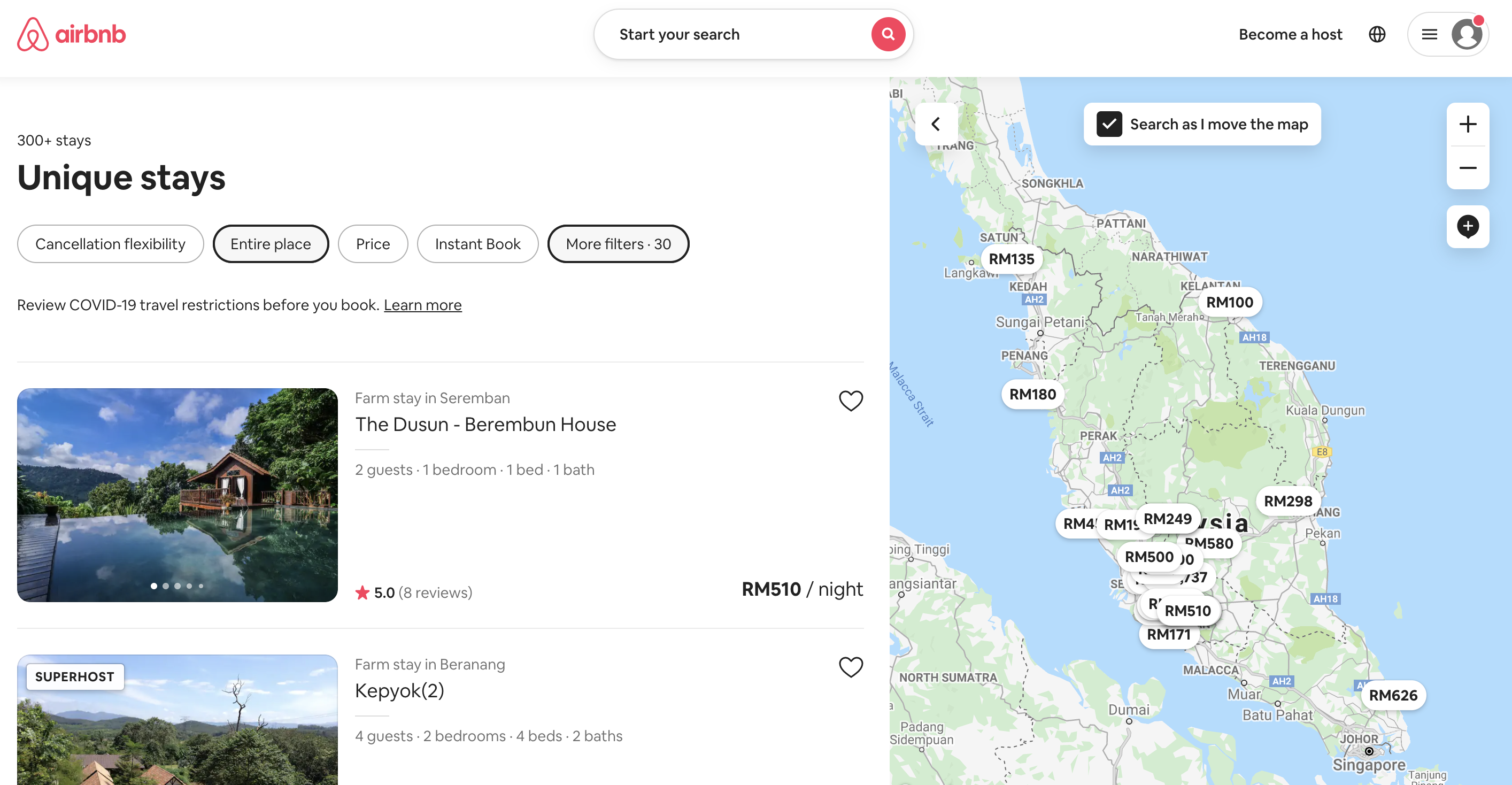
When using the map view, the query updates dynamically based on the current viewport bounds. Panning or zooming the map forces the system to execute a spatial search query, retrieving all properties whose geographic coordinates fall within the new bounding box. This is particularly useful when travelers want to stay near a specific landmark, transit station, or neighborhood boundary rather than a generalized city center.
However, relying solely on map views can sometimes hide exceptional listings that sit just outside an arbitrary boundary line. To mitigate this, travelers should combine map exploration with categorical filters. Setting a precise radius or utilizing the neighborhood filter ensures that search results remain contextually relevant without missing nearby alternatives that offer better value or amenities.
| Filter Type | Primary Function | Impact on Search Results |
|---|---|---|
| Dates & Duration | Establishes availability windows | Eliminates booked properties; alters nightly pricing based on length-of-stay discounts. |
| Price Range | Sets minimum and maximum nightly rates | Filters out properties outside budget constraints; affects average market comparisons. |
| Property Type | Isolates entire homes, private rooms, or unique spaces | Narrows inventory to specific living arrangements and privacy levels. |
| Amenities | Requires specific features (e.g., pool, Wi-Fi, kitchen) | Restricts results to listings explicitly tagged by hosts with those features. |
Utilizing Advanced Filters for Specific Stay Requirements
Standard location and date inputs often return hundreds or thousands of results, making manual evaluation impractical. Advanced filters act as precision tools to narrow the inventory down to properties that meet specialized requirements.
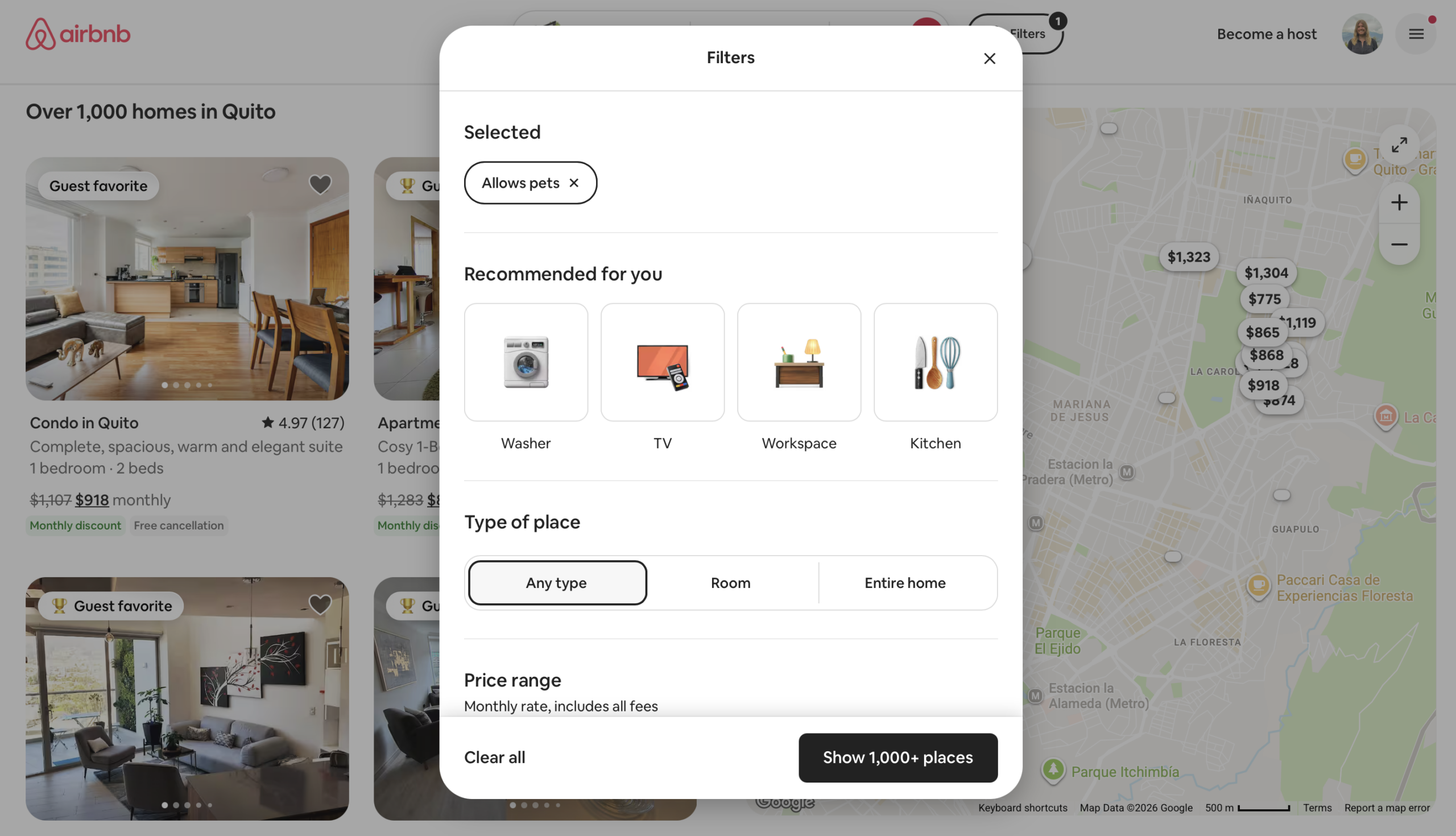
Property type filters allow users to distinguish between entire spaces, shared rooms, or hotel-style boutique listings. For travelers with accessibility needs, the accessibility filter category provides verified details regarding step-free entryways, wide doorways, and accessible bathroom fixtures. Similarly, pet-friendly filters ensure that listings not only permit animals but also highlight specific rules or additional fees associated with bringing pets.
Amenity filtering requires careful attention. Hosts self-report their amenities, though platform verification and guest reviews often provide a reality check. Selecting high-priority items like dedicated workspaces, air conditioning, or EV chargers significantly reduces the result pool. If a search yields zero results after applying multiple granular filters, systematically removing secondary preferences—such as specific kitchen appliances or interior design styles—helps re-establish a healthy list of viable options.
Evaluating Listing Credibility and Review Metrics
Once a filtered search yields a targeted set of properties, evaluating the credibility of those listings is critical to a successful booking experience. The platform surfaces various trust signals, including Superhost badges, Guest Favorites designations, and quantitative review scores.
A Superhost badge indicates a track record of reliable hosting, low cancellation rates, and high overall review averages over a rolling 12-month evaluation period. Guest Favorites represent top-rated properties based on ratings, reviews, and reliability data from past guests. However, travelers should look beyond aggregate scores and examine the distribution of reviews over time. A property with a 4.9 rating amassed over five years is generally more reliable than a newer listing with a 5.0 rating derived from only two reviews.
Reading through recent guest feedback helps uncover operational nuances that numerical ratings might miss, such as street noise, Wi-Fi reliability, or check-in complexities. Cross-referencing these reviews with the host's cancellation policy ensures that the chosen property aligns with both aesthetic preferences and risk tolerance.
Common Pitfalls in Property Discovery and How to Avoid Them
Even experienced users encounter roadblocks when searching for accommodations. Recognizing common search mistakes prevents wasted time and unexpected booking issues.
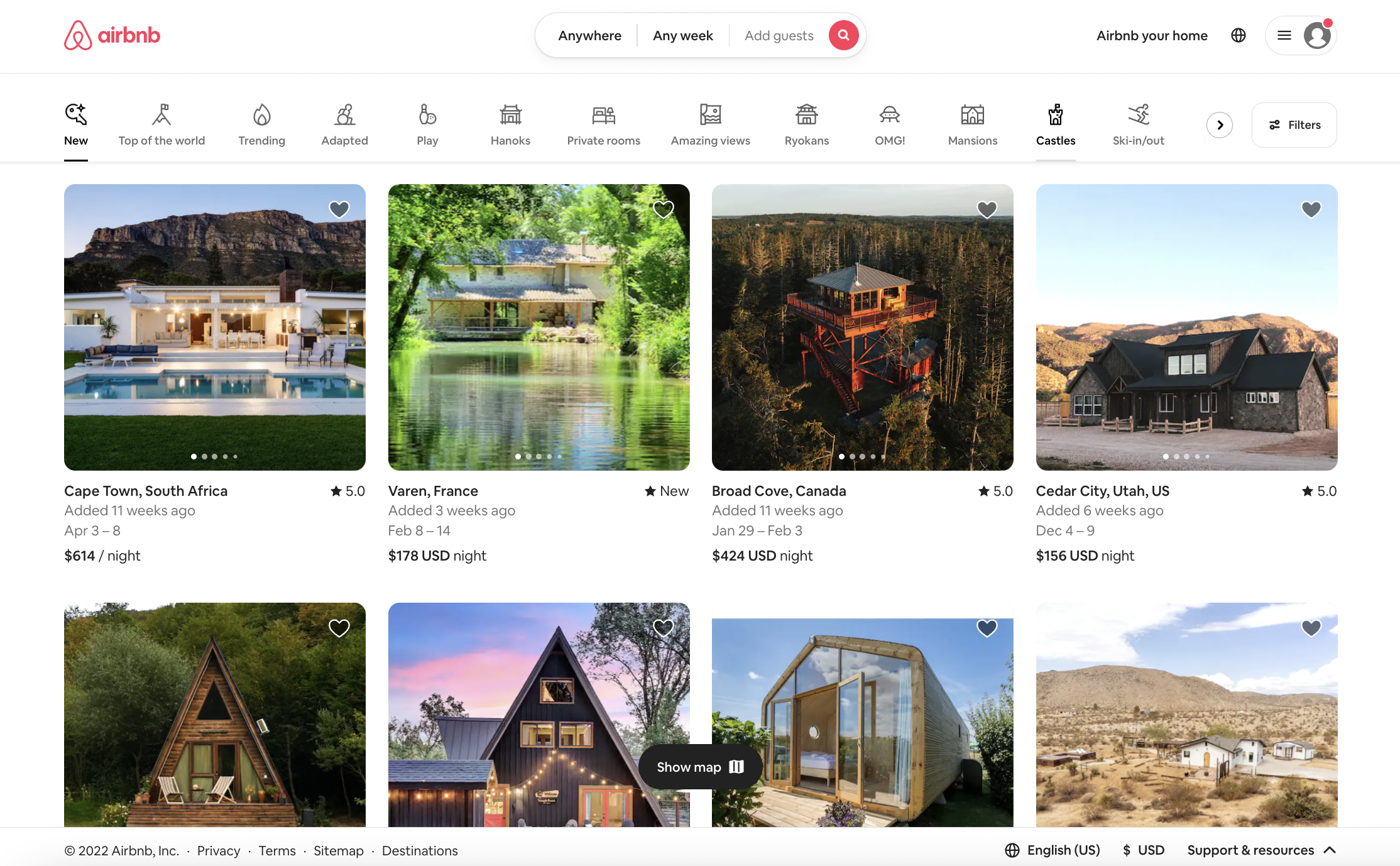
One frequent error is failing to account for hidden fees until the final checkout screen. While base nightly rates appear in the primary search grid, cleaning fees, service fees, and local occupancy taxes are calculated dynamically at checkout. To prevent budget surprises, users should enable the "Display total price before taxes" toggle early in the search process.
Another pitfall is rigid date planning in high-demand markets. Searching with fixed, inflexible dates during peak tourism seasons often leads to inflated prices or depleted inventory. Utilizing the flexible date search options—such as searching for a weekend, a week, or a month within a seasonal window—allows the algorithm to surface significantly cheaper or more available options nearby. Finally, neglecting to message hosts regarding specific logistical questions before booking can lead to misunderstandings about parking availability, transit access, or property rules.
Frequently Asked Questions
How do I search for properties with specific accessibility features?
Access the filter menu, scroll to the accessibility section, and select the specific features required, such as step-free guest entrances, wide interior doorways, or accessible parking spots. The system will restrict results to listings that explicitly feature these verified accommodations.
Why do prices change after I click on a specific listing?
The price shown in the initial search grid typically represents the base nightly rate. Once specific dates, guest counts, and local tax jurisdictions are factored in during the final stages of the query, additional cleaning fees, service charges, and taxes are integrated into the total cost.
Can I search for monthly stays and long-term rentals?
Yes, adjusting the date picker to span 28 days or longer activates the monthly stay search mode. This automatically unlocks monthly discounts offered by hosts and populates inventory specifically configured to accommodate extended visits.
What is the difference between an Entire Home and a Private Room?
An Entire Home search returns properties where guests have exclusive access to the entire space, including private bathrooms and kitchens. A Private Room search returns listings where guests rent a private bedroom within a shared property, sharing common areas like kitchens and living rooms with the host or other travelers.
How can I find pet-friendly listings efficiently?
Navigate to the filters menu, locate the amenities or rules section, and check the box for pets allowed. This filters out properties that enforce strict no-pet policies, though you should still review individual listing descriptions for any weight limits or additional pet fees.
Refining Your Booking Strategy
To secure the optimal accommodation, combine broad exploratory searches with precise metric filtering, ensuring all cost variables are visible before finalizing your reservation. Start your search well in advance for high-demand destinations, leverage flexible date ranges when possible, and thoroughly cross-reference guest reviews with your personal travel requirements to guarantee a seamless stay.