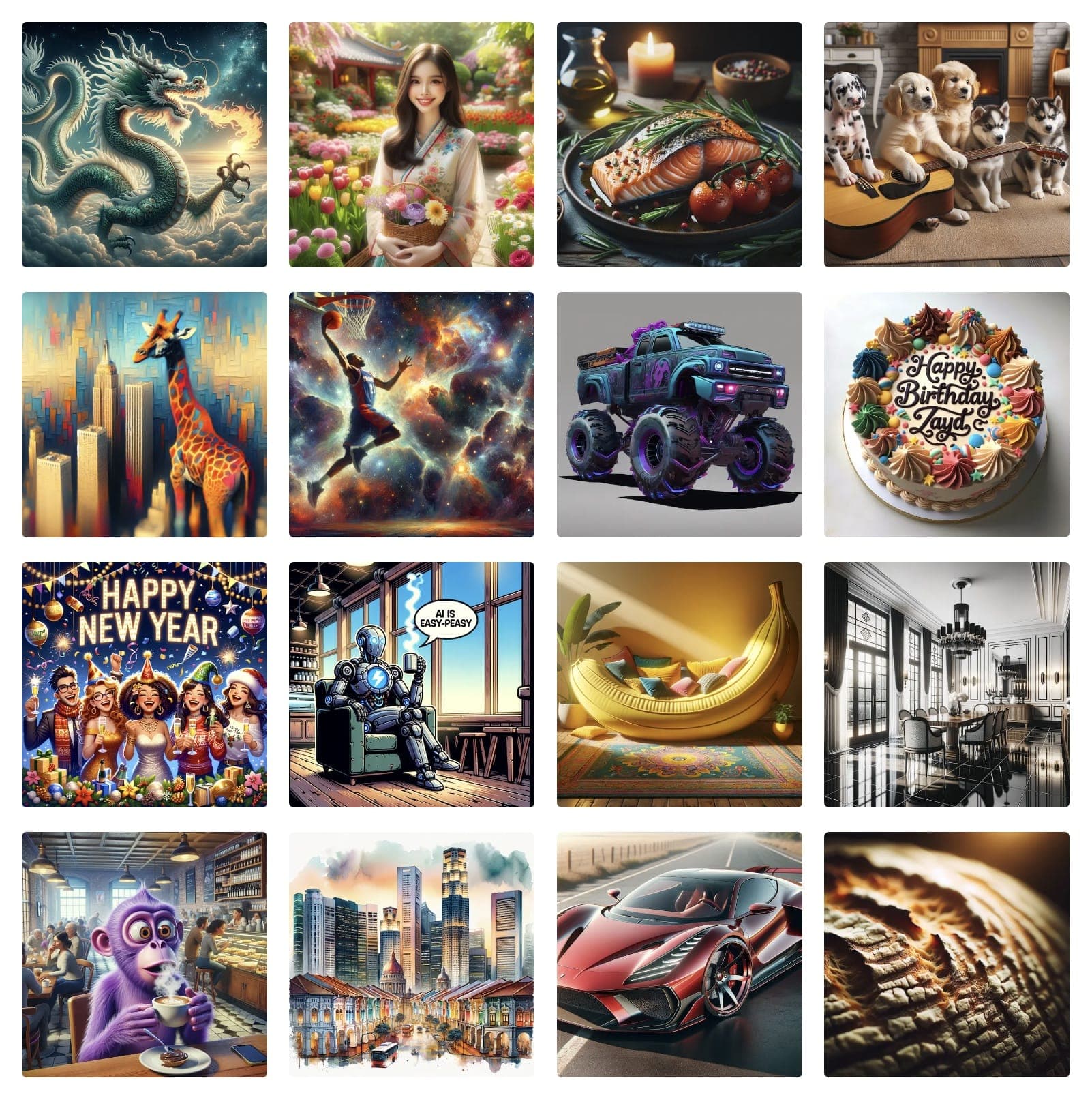
AI image generation refers to the process of using artificial intelligence models—principally deep learning architectures like diffusion models and generative adversarial networks—to create, alter, or synthesize visual media from natural language text prompts or source images. This capability transforms creative and enterprise workflows across design, marketing, and software engineering.
Understanding the Core Architecture of AI Image Generators
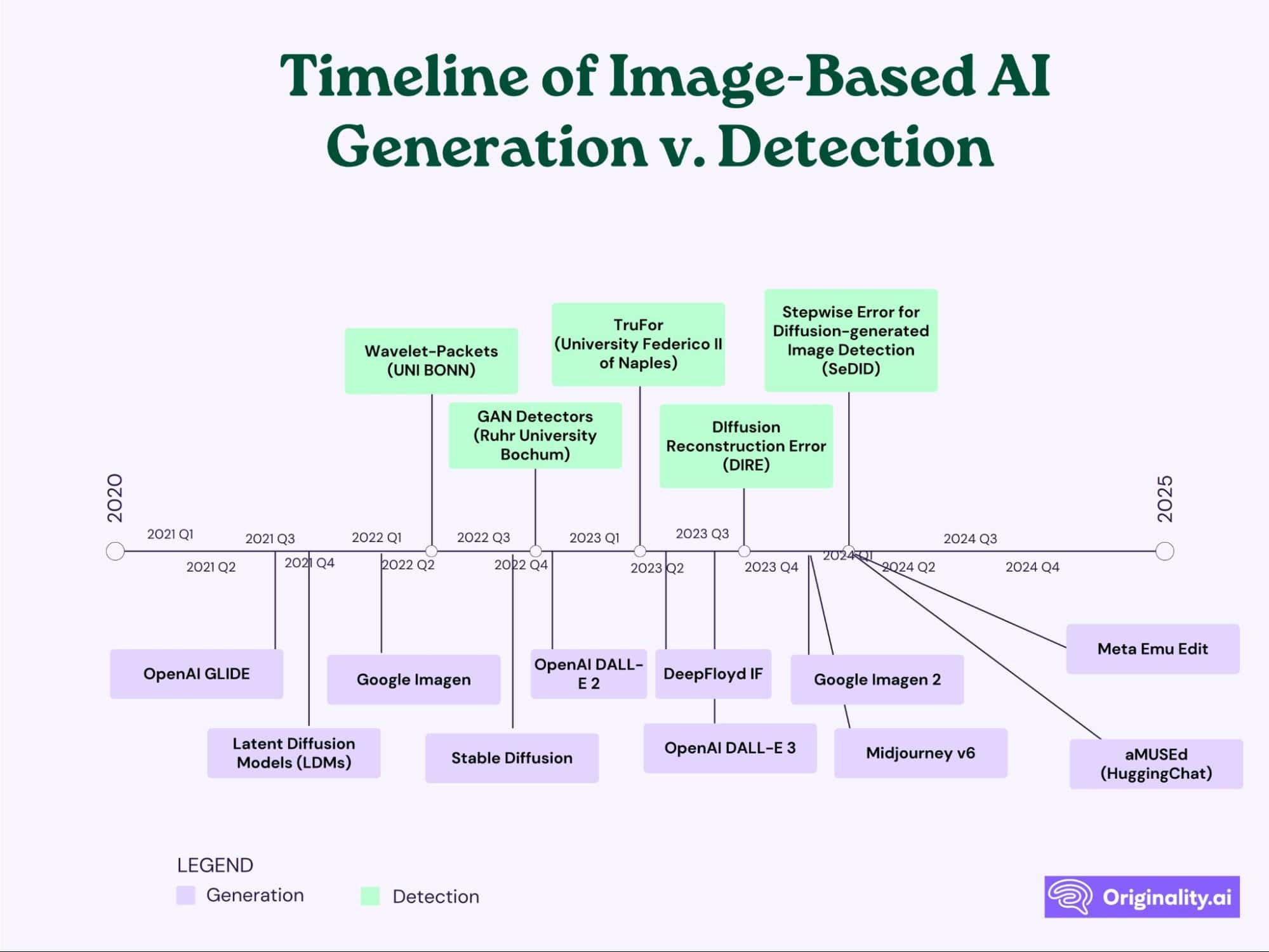
The engine behind modern AI image generation relies heavily on latent diffusion models (LDMs). Unlike earlier generative adversarial networks (GANs), which pitted two neural networks against each other in a zero-sum game to produce imagery from scratch, diffusion models operate by progressively destroying data noise and then learning to reverse that process.
During training, an AI model takes millions of reference images, progressively adds Gaussian noise to them until they are entirely randomized, and then trains a neural backbone (often a U-Net architecture) to predict and remove that noise step-by-step. This training teaches the network how structural lines, textures, lighting, and semantic associations interact. When a user inputs a text prompt, a text encoder (such as a CLIP or T5 model) translates the human language into a mathematical vector representation. The diffusion model uses this vector as a conditioning signal, guiding the iterative denoising process in a compressed latent space before decoding the final pixel-level image.
This architecture provides unprecedented control over output style, composition, and fidelity. However, it also demands substantial compute power during both training and inference. Understanding this mechanics helps users write more effective prompts, as models respond best to descriptions that align with how semantic vectors are mapped during training—prioritizing subject matter, lighting conditions, artistic mediums, and compositional framing over narrative storytelling.
Evaluating Popular AI Image Generation Models and Platforms
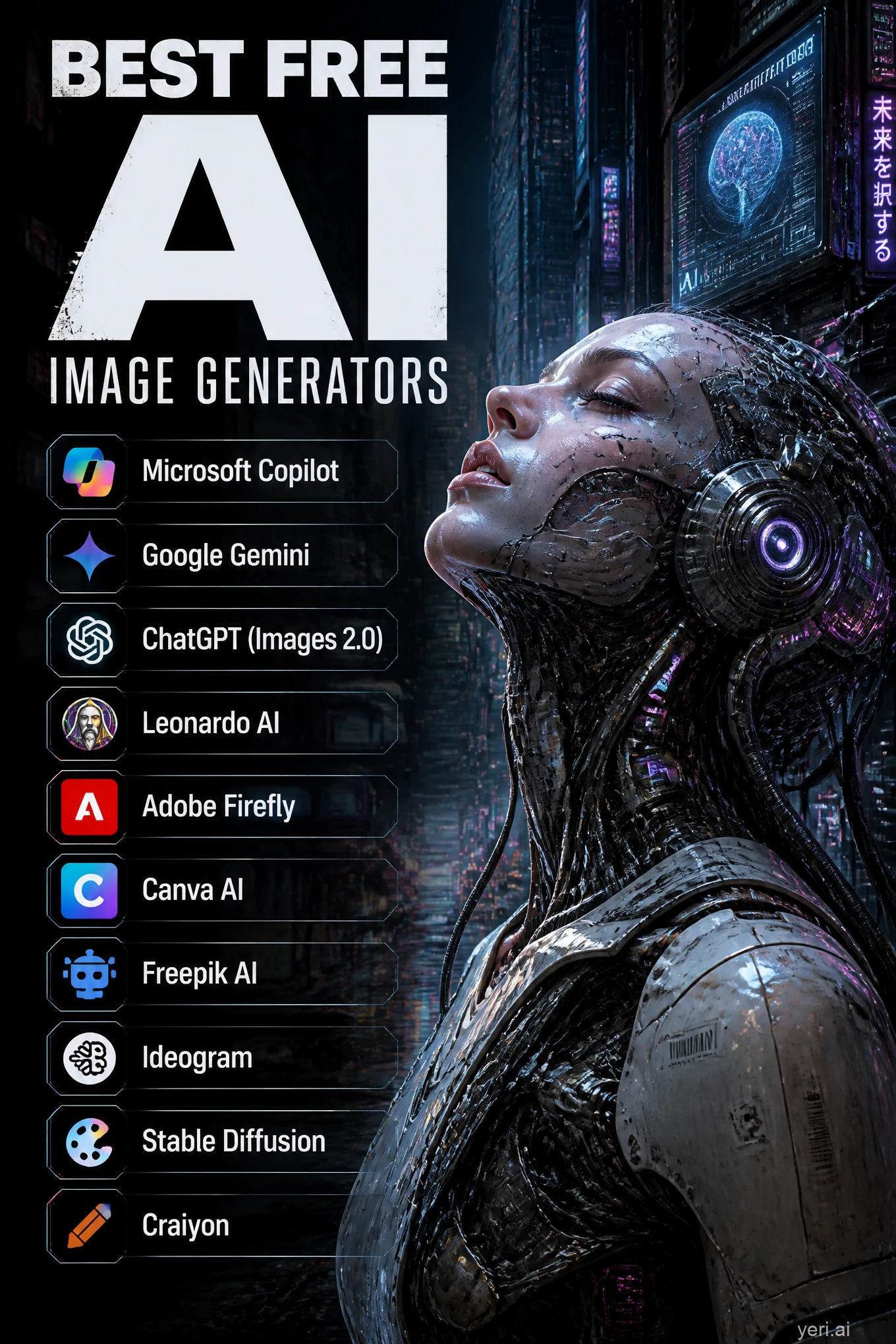
The market for AI image generators features a diverse ecosystem of proprietary cloud services and open-weight models that users can run locally. Each platform approaches quality, safety filtering, and user interface design differently, making it vital to select the tool that aligns with your specific production requirements.
| Platform / Model | Primary Access Method | Best Used For | Customization Level | Licensing & Commercial Use |
|---|---|---|---|---|
| Midjourney | Discord / Web App | Photorealism, artistic styles, aesthetic coherence | Moderate (Parameters, Style Tuner) | Restricted by subscription tier revenue thresholds |
| Stable Diffusion (XL / 3) | Open-weight / Local & Cloud APIs | Total control, custom fine-tuning, NSFW/uncensored local setups | Very High (LoRAs, ControlNet, Checkpoints) | Highly permissive depending on base model license |
| DALL-E 3 | ChatGPT Plus / API | Complex prompt adherence, conversational iteration | Low-Moderate (In-app prompt editing) | Permissive for commercial use via OpenAI terms |
| Adobe Firefly | Adobe Creative Cloud / Web | Enterprise safety, vector graphics, clean stock replacement | Moderate (Structure Reference, Style Reference) | Indemnified for commercial use within Adobe ecosystem |
Choosing the right model involves balancing infrastructure costs against fidelity requirements. Cloud-hosted solutions like DALL-E 3 and Midjourney require zero hardware investment and deliver high out-of-the-box quality, whereas open-weight models running on local GPUs provide absolute data privacy, fine-tuning capabilities, and zero per-generation subscription fees at the cost of high initial hardware expenditure.
Essential Prerequisites and Technical Specifications for Local Execution
Running state-of-the-art AI image generators locally requires specialized hardware and software configurations. While cloud platforms abstract these details behind web browsers, local deployment via interfaces like AUTOMATIC1111 or ComfyUI grants complete control over the generation pipeline.
The primary hardware bottleneck is the Graphics Processing Unit (GPU). NVIDIA GPUs remain the industry standard due to their native support for CUDA cores and TensorRT optimization. A minimum of 8GB of VRAM (Video Random Access Memory) is required to run standard models like Stable Diffusion 1.5 at reasonable speeds, while modern architectures like SDXL or Flux.1 demand 12GB to 16GB of VRAM to avoid sluggish processing or out-of-memory errors. System RAM should sit at 16GB or higher, and solid-state drive (SSD) storage is mandatory to handle the massive multi-gigabyte checkpoint files (.safetensors).
Software prerequisites include:
- Updated GPU drivers compatible with the latest CUDA toolkit.
- Python environment management tools (such as Anaconda or Miniconda).
- Git for repository cloning and software updates.
- Interface frameworks like AUTOMATIC1111's Stable Diffusion WebUI or ComfyUI for node-based pipeline management.
Failing to meet these baseline hardware specifications results in system crashes or severely degraded generation speeds, rendering local experimentation impractical without cloud rental alternatives like RunPod or Vast.ai.
Step-by-Step Workflow for Crafting Effective Prompts
Mastering prompt engineering bridges the gap between random output and precise creative execution. A structured methodology ensures the AI model interprets spatial relationships, subject focus, and aesthetic qualities correctly.
- Define the Core Subject: Start with a clear, unambiguous noun or subject description. Instead of writing "a cool car," specify "a vintage 1968 Porsche 911 sports car."
- Establish the Environment and Background: Describe where the subject is located to provide contextual lighting and depth. Example: "parked on a rain-slicked neon-lit Tokyo street at midnight."
- Specify Artistic Medium or Camera Settings: Direct the aesthetic style by referencing photography techniques or artistic mediums. Example: "shot on 35mm lens, f/1.8 aperture, cinematic lighting, photorealistic."
- Incorporate Modifiers and Negative Prompts: Use modifiers to adjust mood, color palettes, and framing. In systems that support negative prompting, explicitly list elements to avoid, such as "blurry, deformed, low resolution, extra limbs."
- Iterate and Refine: Analyze the generated output for structural errors or unwanted artifacts. Adjust prompt weights or introduce control tools like ControlNet to lock down composition before finalizing the render.
Overcoming Common Limitations and Artifacts
Despite rapid technological advancements, AI image generation still produces predictable technical errors that require manual intervention or advanced workflow steps to correct.
Anatomy distortion remains a frequent issue, particularly with human hands, teeth, and complex asymmetrical structures. Because diffusion models learn pixel distributions rather than functional anatomy, they often miscalculate the number of joints or fingers. Users can mitigate this by utilizing specialized regional prompting extensions, inpainting problematic areas with lower denoising strengths, or employing specialized ControlNet OpenPose models to enforce skeletal correctness.
Text rendering inside generated images has improved dramatically with newer architectures, but spelling errors and gibberish characters still appear in complex signage or typography. For production-ready assets requiring exact text, it is standard industry practice to generate the background imagery via AI and composite clean vector typography using traditional design software like Adobe Illustrator.
Copyright, provenance, and ethical concerns also require careful navigation. Because models are trained on vast internet scrapes, outputs can occasionally mirror copyrighted characters or proprietary artistic styles too closely. Commercial projects should prioritize models trained on licensed datasets—such as Adobe Firefly—or utilize internal verification tools to ensure brand safety and regulatory compliance.
Frequently Asked Questions
What is the difference between Stable Diffusion and Midjourney?
Stable Diffusion is an open-weight model that users can download and run locally on their own hardware, offering infinite customization through fine-tuned checkpoints, LoRAs, and node-based interfaces. Midjourney is a proprietary, closed-source service accessed via Discord or its dedicated web app, focusing on high aesthetic out-of-the-box quality with fewer manual configuration requirements.
Can AI-generated images be used commercially?
Commercial viability depends entirely on the platform used, its specific terms of service, and regional copyright laws. Services like Adobe Firefly offer explicit legal indemnification for enterprise users. Open-weight models allow commercial use of outputs, though users must verify whether the base model license permits commercial exploitation and ensure the generated content does not infringe on existing trademarks.
How much VRAM do I need to run AI image generation locally?
Running standard models like Stable Diffusion 1.5 requires a minimum of 8GB of VRAM. For modern high-resolution architectures like SDXL or Flux, 12GB to 16GB of VRAM is strongly recommended to maintain reasonable generation speeds and prevent out-of-memory errors during the rendering process.
What is ControlNet in AI image generation?
ControlNet is a neural network structure used to add spatial conditioning controls to large pre-trained text-to-image models. It allows users to guide generation using edge detection, human pose skeletons, depth maps, or scribbled outlines, ensuring the final output matches a precise compositional layout rather than relying solely on text prompts.
Why do AI-generated hands often look deformed?
AI image generators lack a real-world understanding of human anatomy and physics, viewing hands merely as clusters of pixels that correlate with prompt text. Because hands appear in diverse angles, overlapping positions, and variable digit counts in training data, the model struggles to consistently calculate correct joint structures without specialized supplemental tools.
Optimizing Production Pipelines with AI Integration
Integrating AI image generation into professional workflows requires establishing standardized asset management protocols, version control for prompts, and clear review checkpoints. Rather than treating AI as a one-click solution, creative teams achieve the best results by treating generated outputs as raw source material for traditional post-processing, photocompositing, and vector refinement. Documenting successful prompt formulas and maintaining a library of verified model checkpoints ensures brand consistency across large-scale digital campaigns.