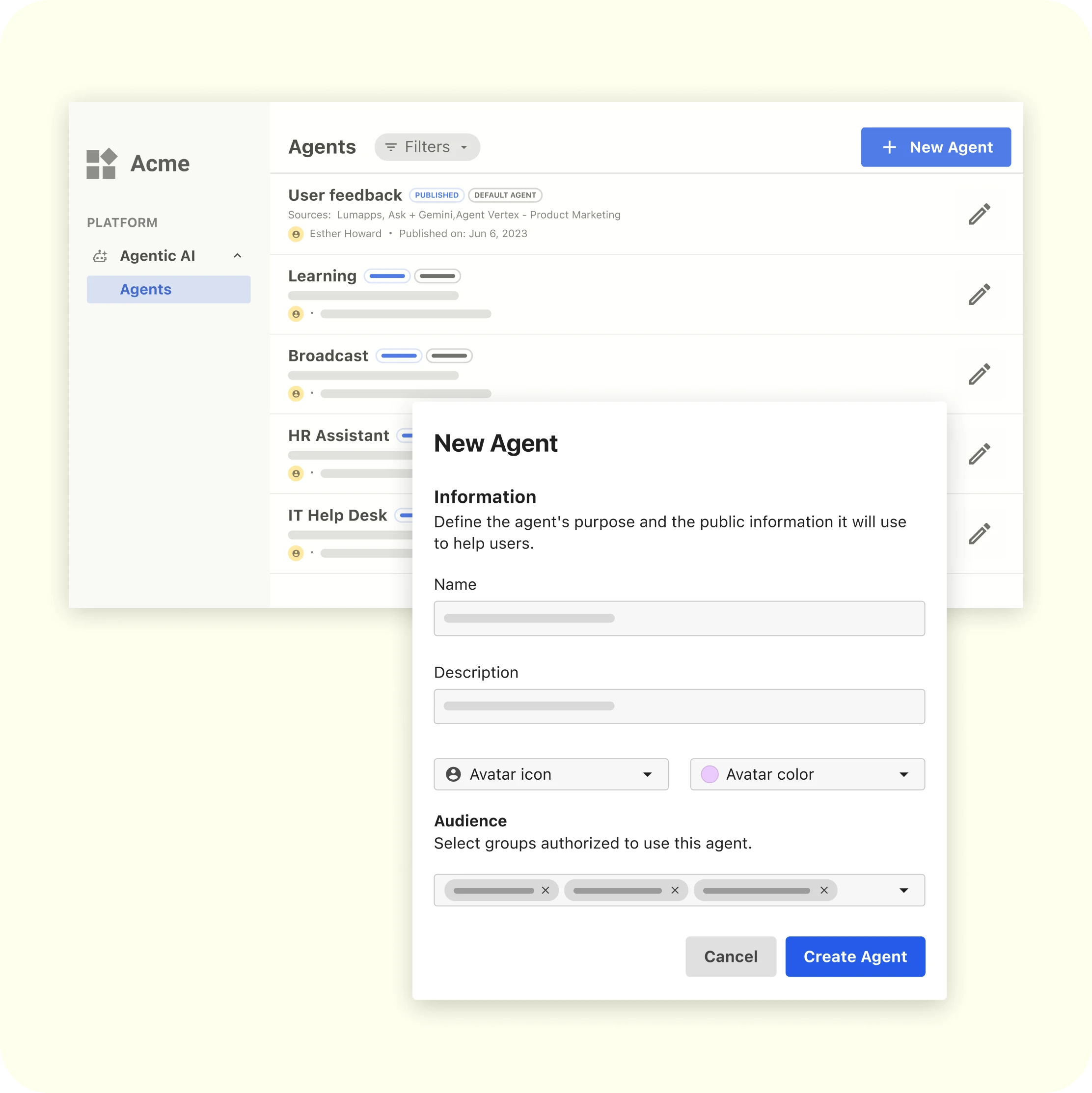
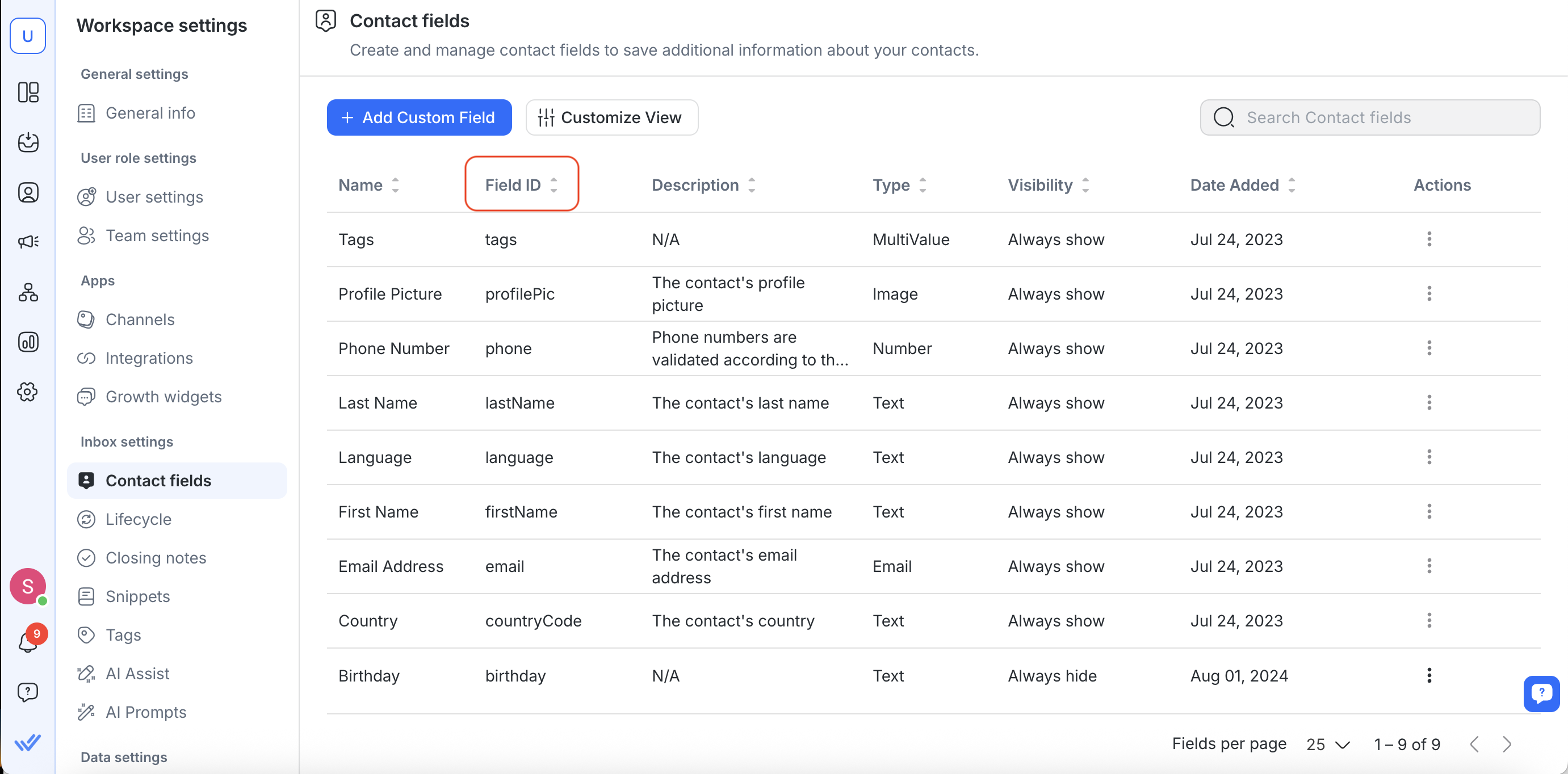
Agent fields refer to specific data entry points or configuration parameters within Customer Relationship Management (CRM) systems, real estate management platforms, or automated workflow software that identify, track, or assign responsibilities to an individual agent or representative. By populating these fields, organizations ensure that every interaction, lead, or record is mapped to a specific human actor or automated bot, facilitating accountability, commission tracking, and workflow efficiency.
In modern enterprise architectures, these fields function as the connective tissue between a centralized database and the personnel responsible for managing specific client or service relationships. Whether you are managing a real estate brokerage, a customer support ticketing system, or a sales pipeline, the proper configuration of agent fields is critical to maintaining data integrity and ensuring that performance metrics accurately reflect the activities of the assigned personnel.
The Role of Agent Fields in Data Management
At its core, an agent field serves as a metadata tag that associates an object (such as a lead, property listing, or support ticket) with a unique identifier belonging to an agent. This identifier often references a primary key in an "Agents" or "Users" table within the database, ensuring relational integrity.
When a record is created, the agent field typically defaults to either a system administrator, a round-robin assignment bot, or the individual who manually initiated the entry. If these fields are left unconfigured or are improperly mapped, data silos emerge, leading to lost leads or incomplete performance reporting. In high-volume environments, such as real estate firms or insurance agencies, the agent field is the primary driver for automated commissions, lead routing logic, and permission-based visibility.
Technical Implementation and Data Mapping
For database administrators and system architects, agent fields must be treated as critical indices. If a system allows for multiple agents per record—such as a primary listing agent and a co-listing agent—the architecture must support one-to-many or many-to-many relationships.
Prerequisites for Proper Configuration
Before deploying or modifying agent fields, administrators must establish a clear hierarchy:
- Unique Identifiers: Every agent must have a distinct, immutable ID. Using names as keys is a common error that leads to collisions if two agents share the same name.
- Field Validation: Implement drop-down menus or lookup fields rather than free-text entry. Free text introduces typographical errors that break reporting.
- Permissions Logic: Determine if the agent field should be editable by the agent themselves or restricted to management roles to prevent unauthorized data reassignment.
Comparing Agent Field Utility Across Industries
The implementation of these fields varies depending on the industry’s operational requirements. Below is a comparison of how different sectors utilize agent-focused data structures to drive business outcomes.
| Industry | Primary Use Case | Field Data Requirement | Impact of Misconfiguration |
|---|---|---|---|
| Real Estate | Property Listing Attribution | MLS ID or License Number | Incorrect commission splits |
| Customer Support | Ticket Routing/Ownership | Agent User ID | SLA breaches and missed replies |
| Insurance | Policy Management | Producer/Broker Code | Regulatory non-compliance |
| Sales/Lead Gen | Territory Management | Sales Representative ID | Inaccurate pipeline forecasting |
Common Pitfalls in Managing Agent Fields
A recurring issue in CRM administration is the "stale agent" problem, which occurs when an agent leaves an organization but their identifier remains hardcoded in historical fields. Without a clear offboarding procedure, new leads may be incorrectly routed to inactive accounts, resulting in significant revenue leakage.
Another common mistake is the lack of "audit logging" on agent fields. If an agent field is changed from "Agent A" to "Agent B," the system should ideally capture a timestamp and the user who authorized the change. This is especially vital in environments where commissions are tied to these specific fields. Organizations should implement automated alerts that trigger whenever an agent field is modified, ensuring that management is aware of any reassignments that could affect service level agreements or payroll accuracy.
Troubleshooting Logic for Agent Assignment Errors
If your system is failing to correctly display or route records based on agent fields, follow these systematic troubleshooting steps:
- Check Data Sync: If using third-party integrations (e.g., syncing a web form to your CRM), ensure the value passed from the form matches the exact format required by the target database field.
- Evaluate Logic Rules: Review your routing engine. If the field is blank, does the system default to a "catch-all" queue, or does the lead get dropped?
- Review Permission Masks: Sometimes, an agent field is technically populated, but a view-level permission mask prevents the current user from seeing the data. Use a super-admin account to verify the field's actual value in the raw database.
- Verify Lookup Tables: If the agent field is a lookup, ensure the target "Agent" object has not been deleted or deactivated, causing a broken relationship (orphan record).
Strategic Considerations for Future-Proofing
As of 2026, the rise of AI-driven assignment models means that "agent fields" are becoming increasingly dynamic. Rather than a static, manually selected field, many systems now utilize "Dynamic Agent Assignment," where the CRM evaluates an agent's current workload, historical success rates, and availability before automatically populating the agent field.
Organizations looking to transition to such models should ensure their historical data is clean. If your current agent fields contain inconsistent, non-standardized entries, AI models will struggle to derive accurate insights, leading to poor automated decision-making. Standardizing these fields today is a prerequisite for the technical advancements of tomorrow.
Frequently Asked Questions
What should I do if an agent field is blank?
A blank agent field indicates a failure in your assignment logic. Immediately reassign the record to a supervisor or a queue-based system and review the incoming source data to determine why the initial routing rule failed.
How do I handle historical data when an agent changes their name?
Always map the record to the agent’s unique, immutable ID (e.g., employee number or UUID) rather than their name. This ensures that even if their display name changes, the historical link remains intact.
Can an agent field hold multiple values?
Depending on your platform, yes. If your database allows for array or collection types, you can store multiple agent IDs. However, ensure your reporting tools can parse these arrays; otherwise, you may encounter difficulties calculating individual commissions.
Does changing an agent field trigger a notification?
This depends on your system’s configuration. In most professional-grade CRMs, you can enable "Field Tracking" or "Workflow Rules" to trigger an email or Slack notification whenever an agent field is updated.
Is it better to delete old agent records or deactivate them?
Always deactivate. Deleting an agent record will likely delete all historical records associated with that ID, resulting in catastrophic data loss. Use a status flag, such as "Active" or "Inactive," to manage availability.
Next Actions for Implementation
If you are managing agent fields within your organization, conduct a bi-annual data audit. Review every record where the agent field is empty and verify that your automated assignment rules are functioning as expected. For organizations scaling operations in 2026, prioritize shifting from manual field entry to automated, trigger-based assignments to reduce human error and improve the speed of your lead-to-response pipeline.