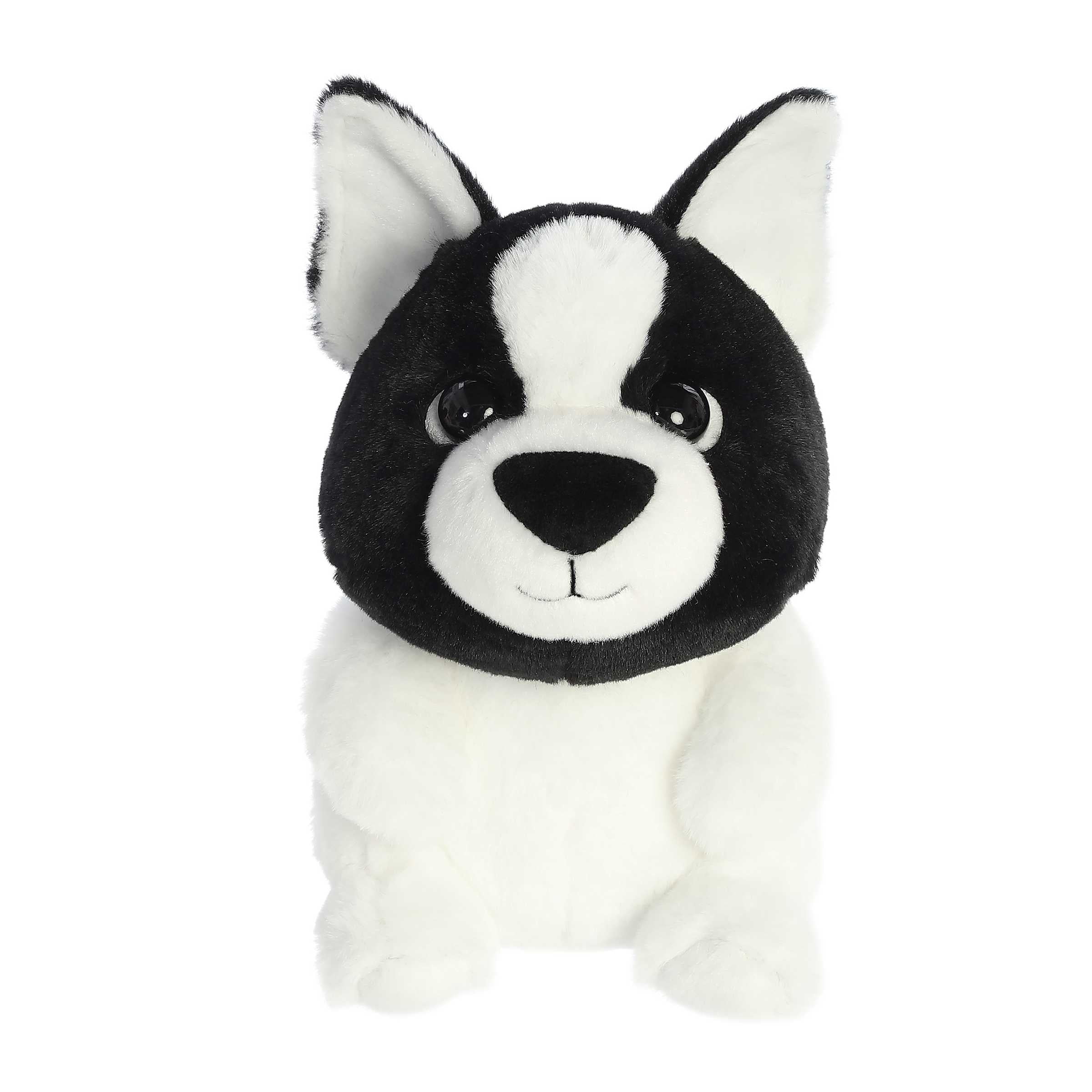
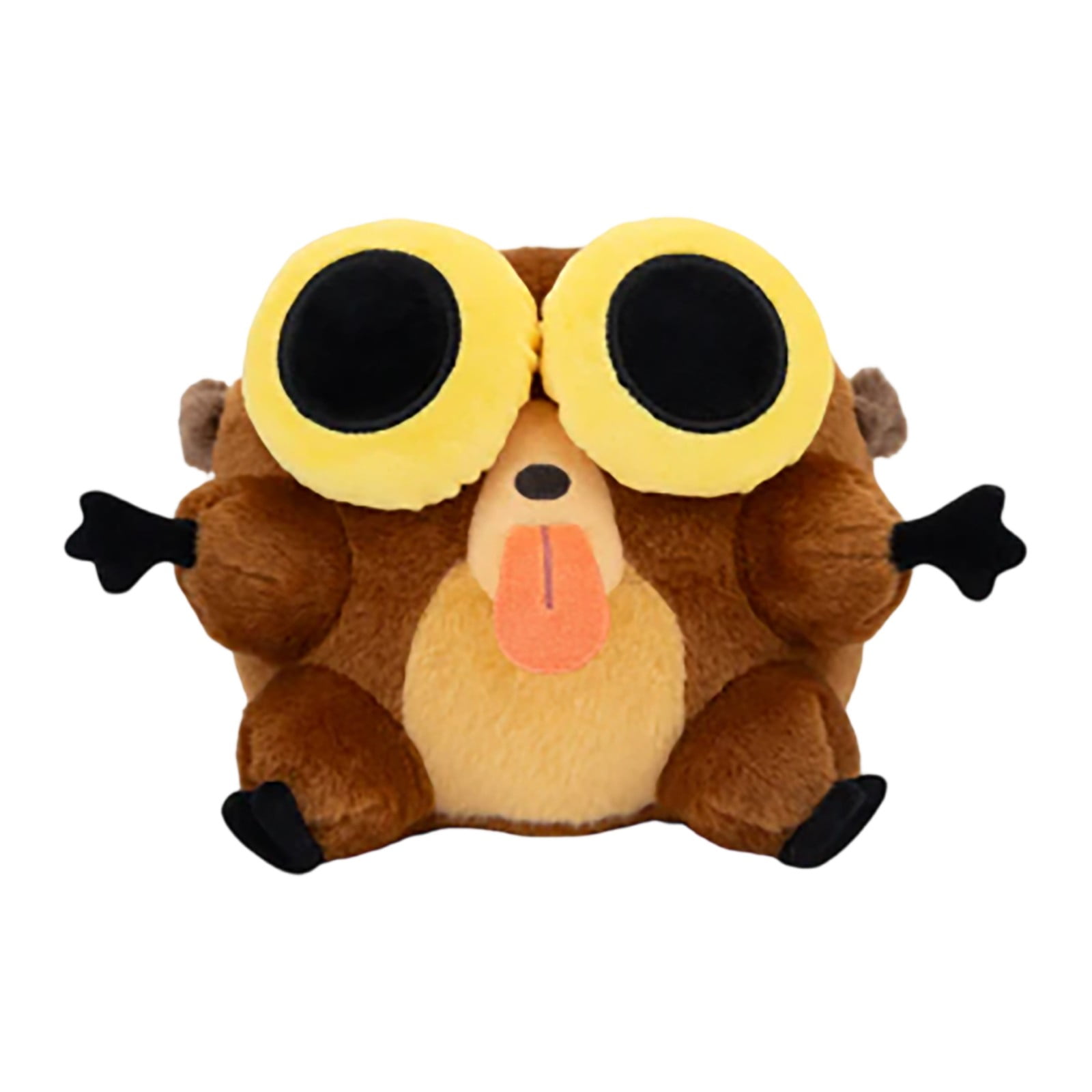
To capture professional-grade Blanket Jackson pictures, you must prioritize soft, diffused lighting and macro-level detail to highlight the plush textures of the character. Focus on "Golden Hour" natural light or softboxes, use a wide aperture (f/1.8 to f/2.8) to create a creamy bokeh background, and always style the signature blanket to create a sense of comfort and narrative depth.
Understanding the Blanket Jackson Aesthetic
The "Blanket Jackson" aesthetic has emerged in 2026 as a dominant trend within the toy photography community, specifically centered around the character Jackson—a plushie known for his signature oversized, textured blankets. Unlike generic stuffed animal photography, Blanket Jackson shots focus on themes of sanctuary, warmth, and childhood nostalgia. The subject is rarely just the toy; it is the interaction between the soft fabrics and the character’s "personality" conveyed through positioning.
Achieving this look requires a shift in how we perceive inanimate objects. In these photos, the blanket acts as more than a prop; it provides the structural environment for the shot. Whether the blanket is draped over Jackson to create a hooded look or spread out as a vast landscape of fleece "dunes," the fabric’s weave and color palette dictate the mood of the entire image. Collectors and photographers often favor muted tones—sage greens, soft creams, and dusty blues—to maintain a sophisticated yet adorable visual language.
Essential Gear for Plushie Photography
While high-end smartphones in 2026 offer impressive macro modes, achieving the "adorable" depth of field found in top-tier Blanket Jackson pictures often requires a dedicated mirrorless or DSLR camera. The key is lens selection. A 50mm or 85mm prime lens is ideal for creating a shallow depth of field, which ensures that Jackson’s eyes are in sharp focus while the background melts into a soft blur.
For those focusing on "cute shots" that highlight the fine fibers of the plush material, a dedicated macro lens is indispensable. This allows you to get close enough to see the individual threads of the blanket or the subtle stitching on Jackson’s face, which adds a layer of realism and tactile appeal. Additionally, a sturdy tripod is vital for indoor shoots where you may be using slower shutter speeds to accommodate lower light levels without introducing digital noise.
Recommended Equipment Specifications
| Component | Preferred Specification | Purpose |
|---|---|---|
| Camera Body | Full-frame or APS-C Mirrorless | High dynamic range and eye-autofocus capabilities. |
| Primary Lens | 50mm f/1.8 (Nifty Fifty) | Creating soft bokeh and natural perspective. |
| Secondary Lens | 90mm or 100mm Macro | Capturing texture details of the fur and blanket weave. |
| Lighting | LED Panel with Diffuser | Mimicking natural window light without harsh shadows. |
| Support | Tabletop Tripod | Precision framing for low-angle "Jackson-eye-level" shots. |
Lighting Techniques for "Cuddly" Results
Lighting is the most critical factor in transforming a standard stuffed animal shot into an "adorable" Blanket Jackson masterpiece. The goal is to avoid "flat" lighting, which makes the plushie look like a two-dimensional object. Instead, use directional lighting to create soft shadows that define the shape of the character and the folds of the blanket.
Natural light is often the best choice for this niche. Placing Jackson near a north-facing window provides soft, consistent light throughout the day. If the light is too harsh, a simple sheer white curtain can act as a massive softbox, spreading the light evenly across the scene. For photographers working in studio environments, a large octagonal softbox positioned at a 45-degree angle to the subject can replicate this "window feel," adding a gentle highlight to the character’s eyes—often referred to as a "catchlight"—which is essential for making the toy look "alive."
Avoid using the camera’s built-in flash at all costs. Direct flash creates harsh highlights on the plastic eyes and flattens the texture of the blanket, stripping away the cozy atmosphere. If you must use artificial light, bounce it off a white ceiling or wall to ensure it remains soft and diffused.
Composition and Background Styling
In the world of Blanket Jackson pictures, the background is just as important as the subject. Since the primary search intent for these images is "cute" and "adorable," the environment should reflect comfort. Using a minimalist approach often works best; a cluttered background distracts from Jackson’s expressive features.
Consider the "Rule of Thirds" when framing your shot. Rather than placing Jackson in the dead center, place his eyes along the upper third line. This creates a more dynamic and engaging composition. Furthermore, the "ground" Jackson sits on—whether it is a knitted throw, a velvet cushion, or his signature blanket—should be arranged to lead the viewer’s eye toward the character. You can create "leading lines" by folding the blanket in a way that points toward Jackson.
Color coordination is another pillar of successful styling. If Jackson is a light brown or tan color, using a cream or oatmeal-colored blanket creates a monochromatic, soothing effect. For a more "pop" aesthetic, a contrasting color like a deep navy or forest green can make the plushie stand out. Always ensure the textures complement each other; a chunky knit blanket paired with a smooth-furred Jackson creates a pleasing tactile contrast that viewers can almost "feel" through the screen.
Post-Processing and Maintaining "Fluff" Detail
Once the shutter clicks, the work moves to the digital darkroom. Editing Blanket Jackson pictures requires a delicate touch; over-processing can make the stuffed animal look artificial or "crunchy." The goal of post-processing in 2026 is to enhance the natural softness while ensuring the colors are true to life.
Start by adjusting the white balance. If the image looks too yellow or too blue, it won't feel "clean." Aim for a neutral or slightly warm temperature to enhance the cozy vibe. Next, use the "Texture" or "Clarity" sliders with caution. While a small boost in texture can make the blanket weave look more defined, too much will make the plushie’s fur look dirty or stiff. Instead, use "Masking" tools (available in Adobe Lightroom) to apply sharpening only to the eyes and nose, leaving the fur and blanket soft.
Finally, consider a slight "Vignette" to draw the viewer’s focus toward the center of the frame. This mimics the way our eyes focus on a subject in a cozy, intimate setting. For social media platforms like Instagram or plushie-specific forums, a light grain filter can sometimes add a film-like, nostalgic quality that fits the Blanket Jackson brand perfectly.
Common Mistakes to Avoid in Plushie Photography
Even experienced photographers can struggle with the nuances of stuffed animal shots. One of the most common errors is the "Perspective Trap." Taking a photo of Jackson from a standing height (looking down at him) makes the toy look small and insignificant. To create a connection with the viewer, get down on the floor. Shooting at Jackson's eye level—or even slightly below—gives the character "agency" and makes the shot feel more like a portrait than a product photo.
Another frequent issue is "Lens Flare" or "Eye Glare." Because many plushies have plastic or glass eyes, they are highly reflective. If you see a distracting reflection of your camera or room in Jackson's eyes, slightly rotate the character or move your light source. A small piece of black cardboard (a "flag") can also be used to block the light from hitting the eyes directly while still illuminating the rest of the body.
Lastly, neglect of "grooming" can ruin a high-resolution shot. Dust, lint, and stray hairs are magnified in macro photography. Before you begin your shoot, use a lint roller on the blanket and a soft-bristled brush to smooth out Jackson’s fur. This saves hours of tedious "spot removal" during the editing phase.
Checklist for a Successful Blanket Jackson Shoot
- Clean the subject: Remove lint from both Jackson and the blanket.
- Check the eyes: Ensure there are no distracting reflections.
- Diffuse the light: Use a curtain or softbox to remove harsh shadows.
- Level the camera: Get down to the plushie’s eye level.
- Focus on the eyes: The eyes must be the sharpest point in the image.
Frequently Asked Questions
What is the best time of day for Blanket Jackson pictures?
The "Golden Hour"—the hour after sunrise or before sunset—provides the warmest and softest natural light. This timeframe is ideal for capturing the "adorable" and "cute" qualities of Jackson, as the low angle of the sun emphasizes textures without creating heavy shadows. If you are shooting indoors, mid-morning is often best for bright, indirect window light.
How do I make my stuffed animal look "alive" in photos?
Creating a sense of life involves two things: "catchlights" in the eyes and intentional posing. A catchlight is the small white reflection of a light source in the toy's eye, which mimics the moisture in a living eye. Posing Jackson so he is "interacting" with his blanket—clutching a corner or peeking from underneath—suggests movement and thought, making the shot more engaging.
Do I need a professional camera for cute plushie shots?
While a professional mirrorless camera offers the best results for 2026 standards, you can achieve great shots with a modern smartphone by using "Portrait Mode." This software-driven feature simulates the shallow depth of field found in professional lenses. To improve smartphone shots, ensure you have plenty of natural light and use a third-party app that allows for manual focus control.
Why does the blanket matter so much in these pictures?
In the Blanket Jackson niche, the blanket is a co-protagonist. It provides the "environmental storytelling" that makes the images popular. The texture of the blanket adds visual interest and reinforces the theme of comfort. A well-chosen blanket can turn a simple photo of a toy into an evocative piece of art that resonates with the viewer's emotions.
How can I share my Blanket Jackson shots with the community?
The most active communities for this niche in 2026 are found on Instagram under specialized hashtags and on dedicated toy photography forums like Toy Photographers. When sharing, provide "Behind the Scenes" (BTS) shots of your lighting setup, as the community highly values technical sharing and "how-to" content alongside the final adorable results.
Next Steps for Your Blanket Jackson Portfolio
To begin building your collection of adorable Blanket Jackson pictures, start by selecting a neutral, high-texture blanket that doesn't compete with the plushie's colors. Set up your first shoot near a large window during the morning hours, focusing entirely on the "eye-level" perspective. Once you have captured several shots, experiment with different "storytelling" poses—such as Jackson "reading" a tiny book or "sleeping" under a heavy fold of the blanket. Consistent practice with these techniques will allow you to develop a signature style that stands out in the vibrant world of 2026 toy photography.