Account security is the strategic implementation of technical controls and behavioral habits designed to prevent unauthorized access to digital identities. In 2026, robust protection requires a multi-layered approach involving hardware-backed authentication, encrypted credential management, and proactive monitoring of account activity to mitigate sophisticated threats like AI-driven phishing and credential stuffing.
The Evolution of Account Security in 2026
The landscape of digital identity has shifted significantly over the last decade. Historically, account security relied almost exclusively on "knowledge-based" factors—things you know, such as passwords or mother’s maiden names. However, as compute power increased and data breaches became more frequent, these static secrets lost their efficacy. By 2026, the industry has largely pivoted toward a "zero-trust" model for personal account management, where identity must be continuously verified rather than assumed after a single login.
Modern account security is no longer just about choosing a long password. It encompasses the protection of the entire authentication lifecycle. This includes how you sign up for a service, how you verify your identity on a new device, and how you recover an account if you lose your primary access method. With the rise of generative AI, attackers can now craft perfectly written phishing emails and even clone voices for "vishing" (voice phishing) attacks. Consequently, security measures have evolved to be more resilient against human error, moving toward automated systems that don't rely on the user’s ability to spot a fake URL.
Advanced Authentication: Moving Beyond Traditional Passwords
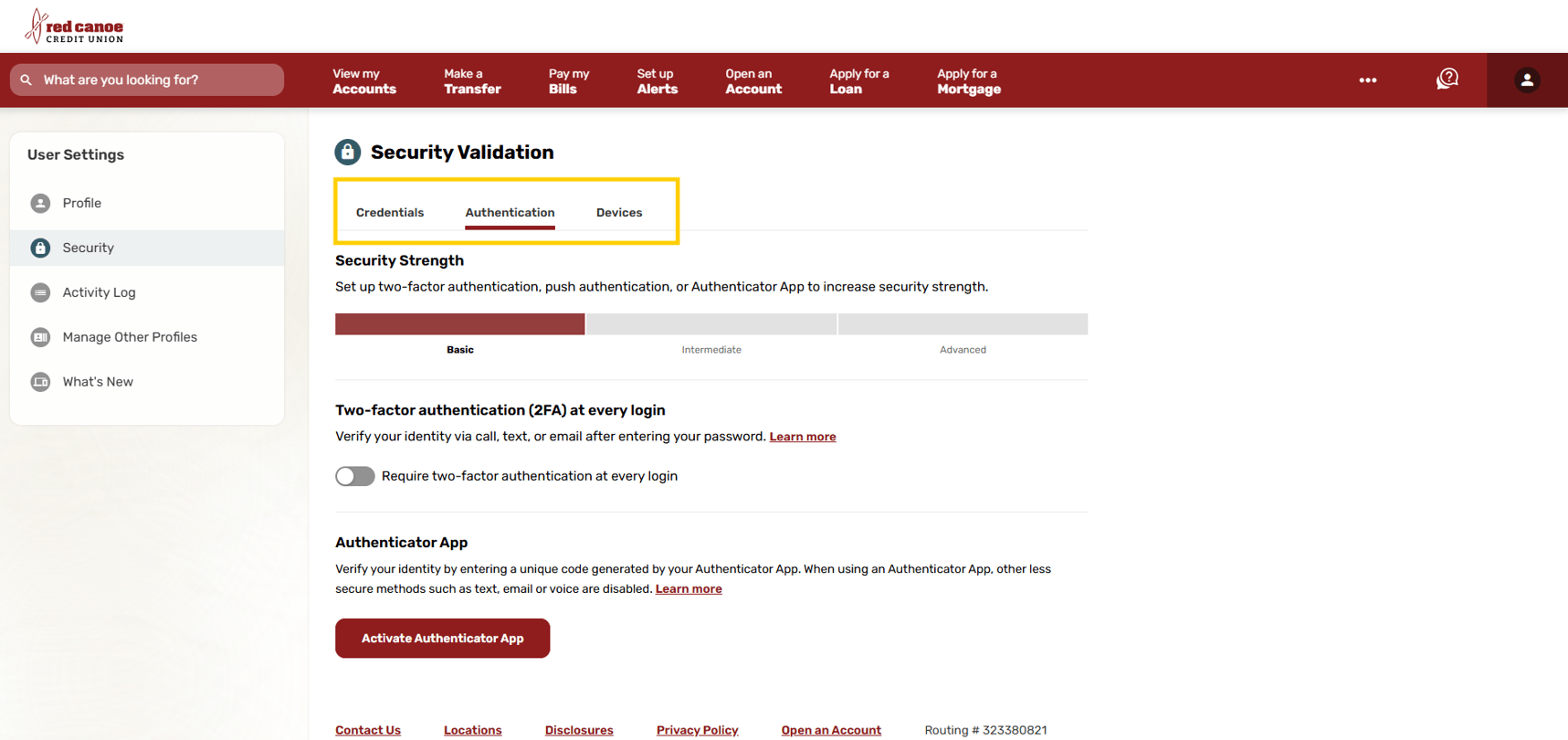
For years, Multi-Factor Authentication (MFA) was an optional layer of security. In 2026, it is the absolute minimum requirement for any account containing sensitive data. However, not all MFA is created equal. Understanding the hierarchy of authentication factors is crucial for establishing a high-security posture.
Possession-Based Factors and Hardware Keys
The most secure form of authentication currently available involves physical security keys, such as those following the FIDO2 standard. These devices (like YubiKeys) require the user to physically touch a button on a USB or NFC device to authorize a login. Because they use public-key cryptography, they are virtually immune to phishing; even if an attacker tricks you into "signing in" on a fake site, the hardware key will refuse to provide the necessary cryptographic handshake because the site’s origin does not match the registered domain.
The Standardized Use of Passkeys
Passkeys represent the most significant leap in account security in recent years. Built on the FIDO Alliance standards, passkeys replace traditional passwords with a pair of cryptographic keys. One key is stored on your device (and synced via your cloud provider), while the other is held by the service provider. Login is completed via your device’s local biometric check (FaceID, fingerprint) or PIN. This eliminates the "shared secret" problem; since there is no password stored on the server, there is no password for a hacker to steal in a data breach.
Time-Based One-Time Passwords (TOTP)
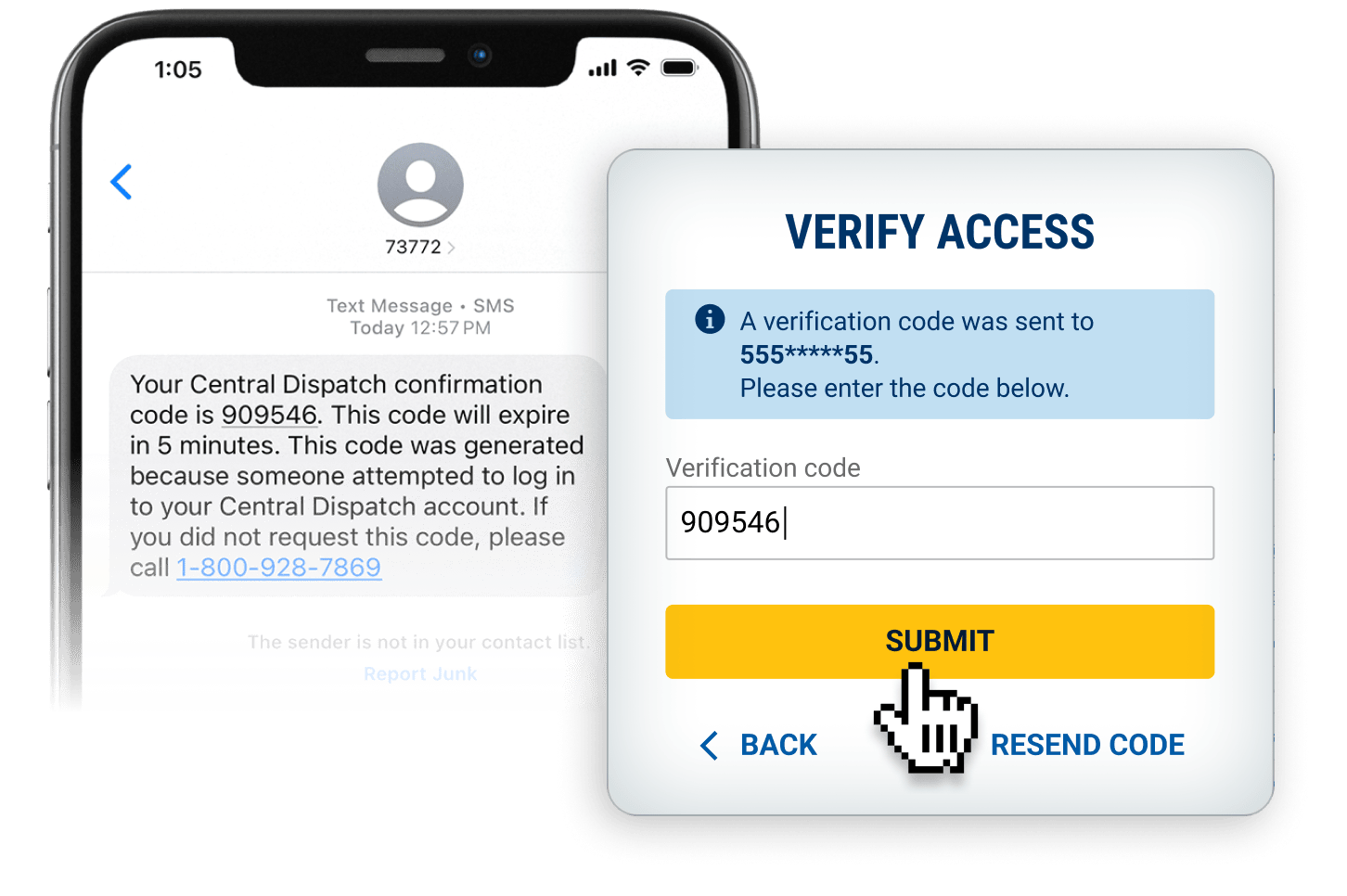
While SMS-based codes were once common, they are now discouraged due to the prevalence of "SIM swapping" attacks. In 2026, users should prioritize TOTP apps like Google Authenticator, Authy, or integrated password manager authenticators. These apps generate a six-digit code that changes every 30 seconds. Because these codes are generated locally on your device and are not transmitted over the cellular network, they are significantly harder to intercept than SMS.
Comparison of Modern Authentication Methods
Choosing the right security method often involves balancing convenience and protection. The following table outlines the efficacy of common authentication layers in the 2026 threat environment.
| Authentication Method | Security Level | Resistance to Phishing | User Effort | Primary Vulnerability |
|---|---|---|---|---|
| Traditional Password | Low | None | Low | Data breaches; Brute force |
| SMS/Voice MFA | Moderate | Low | Low | SIM swapping; Social engineering |
| TOTP (Auth Apps) | High | Moderate | Medium | "MFA Fatigue" push attacks |
| Passkeys | Very High | Absolute | Very Low | Loss of primary device (without backup) |
| Hardware Keys | Maximum | Absolute | Medium | Physical loss of the key |
Securing the Legacy: Password Management Best Practices
Despite the push toward a passwordless future, many legacy systems in 2026 still require traditional credentials. Managing hundreds of unique passwords is humanly impossible without a dedicated password manager. These tools act as an encrypted vault, requiring only one "master" secret to unlock a database of complex, unique credentials for every site you visit.
Why Unique Credentials Matter
The most common cause of account takeover is "credential stuffing." When a minor website (like an old forum) is breached, hackers take the list of emails and passwords and run them through automated scripts against major platforms like banking or social media sites. If you reuse the same password, you are effectively providing a master key to your entire digital life. A password manager ensures that a breach at one service has zero impact on your other accounts.
Encryption Standards
In 2026, reputable password managers utilize AES-256 bit encryption and follow a "zero-knowledge" architecture. This means the service provider has no way to access your data; the decryption happens entirely on your local device. When selecting a manager, ensure it supports E2EE (End-to-End Encryption) and offers a clear path for emergency access by a trusted contact, should you become incapacitated.
Identifying and Neutralizing Social Engineering Threats
Even the strongest technical defenses can be bypassed if an attacker convinces the user to hand over access. Social engineering remains the most successful vector for account compromise because it exploits human psychology rather than software vulnerabilities.
In 2026, "Phishing 2.0" uses Large Language Models to create highly personalized, context-aware messages that mimic the writing style of your colleagues or service providers. To protect your accounts, follow these protocols:
- Verify the Channel: If you receive an urgent security alert via email, do not click the link. Instead, open your browser and manually type in the website address or use the official app to check for notifications.
- Beware of "MFA Fatigue": Attackers who have stolen your password may bombard your phone with MFA push notifications. Never hit "Approve" unless you are actively trying to log in at that exact second.
- Voice and Video Verification: With AI-generated deepfakes, never provide account details or authorize transfers over the phone or video call without a pre-arranged "safeword" or by calling the person back on a known, verified number.
Account Recovery and Emergency Planning
A critical, yet often overlooked, component of account security is the recovery process. If your primary device is stolen or you lose your hardware key, how do you regain access? Without a plan, you risk being permanently locked out of your digital life.
The Role of Recovery Codes
When you enable MFA, most services provide a set of one-time-use recovery codes. These are the "keys to the kingdom." In 2026, these should be printed and stored in a physical safe or a secure off-site location. Storing them in a digital file on your computer defeats the purpose, as a compromised computer would give the attacker the codes needed to bypass your MFA.
Backup Authentication Factors
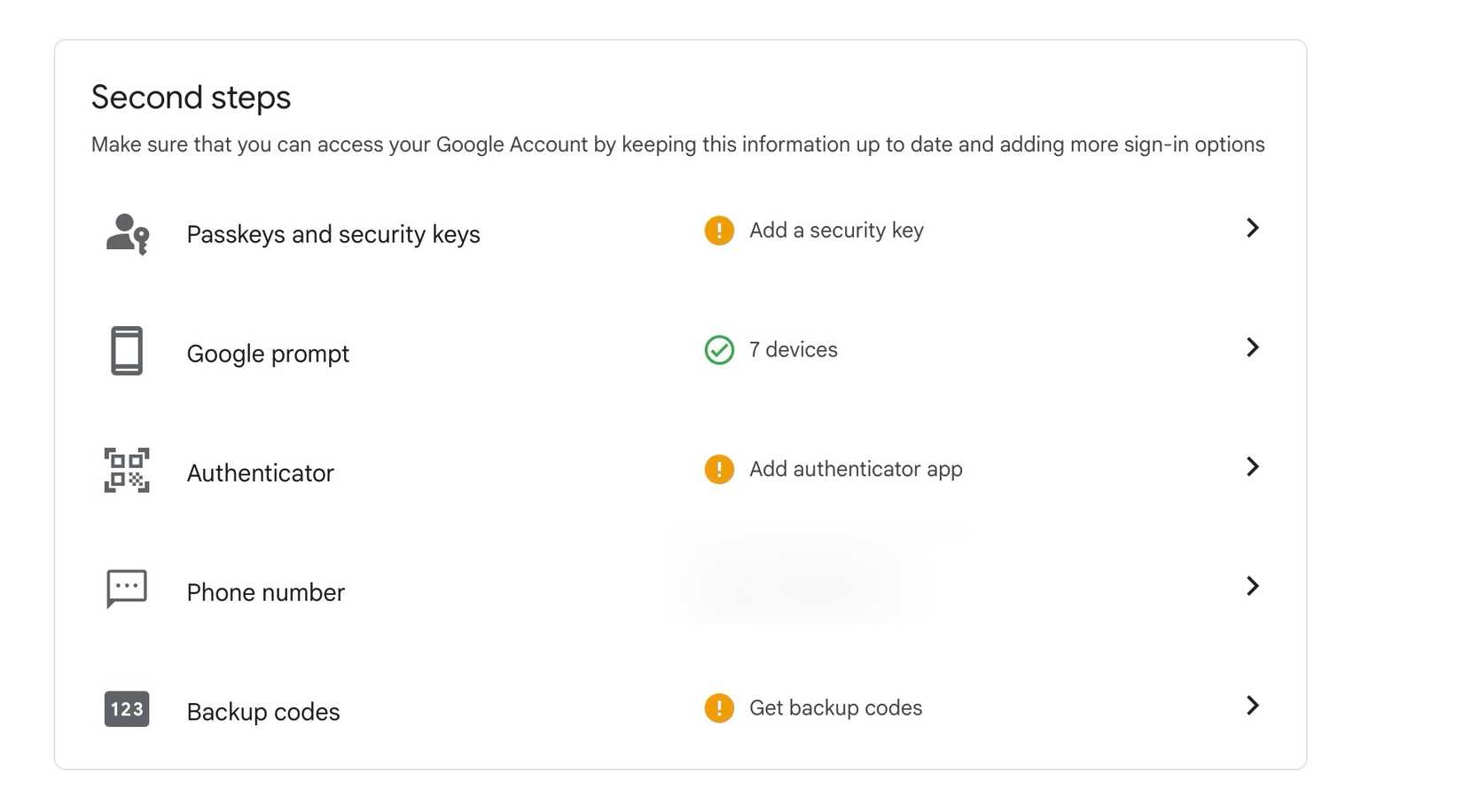
Never rely on a single MFA device. If you use hardware keys, register at least two: one for your keychain and a backup stored at home. Most modern platforms allow for multiple authentication methods. Having a passkey on your phone and a TOTP app on your tablet provides a necessary redundancy that prevents a single point of failure from resulting in total account loss.
Auditing Your Digital Footprint
Security is not a "set it and forget it" task. It requires periodic maintenance to ensure that old permissions or forgotten accounts don't become backdoors for attackers.
Third-Party App Permissions
Many users "Sign in with Google" or "Sign in with Apple" to save time. Over years, this creates a web of interconnected permissions. Every six months, you should review the "Security" or "Privacy" settings of your primary identity providers. Revoke access for any apps or services you no longer use. If one of those third-party services is breached, the "token" they hold could potentially be used to access data from your primary account.
Active Session Management
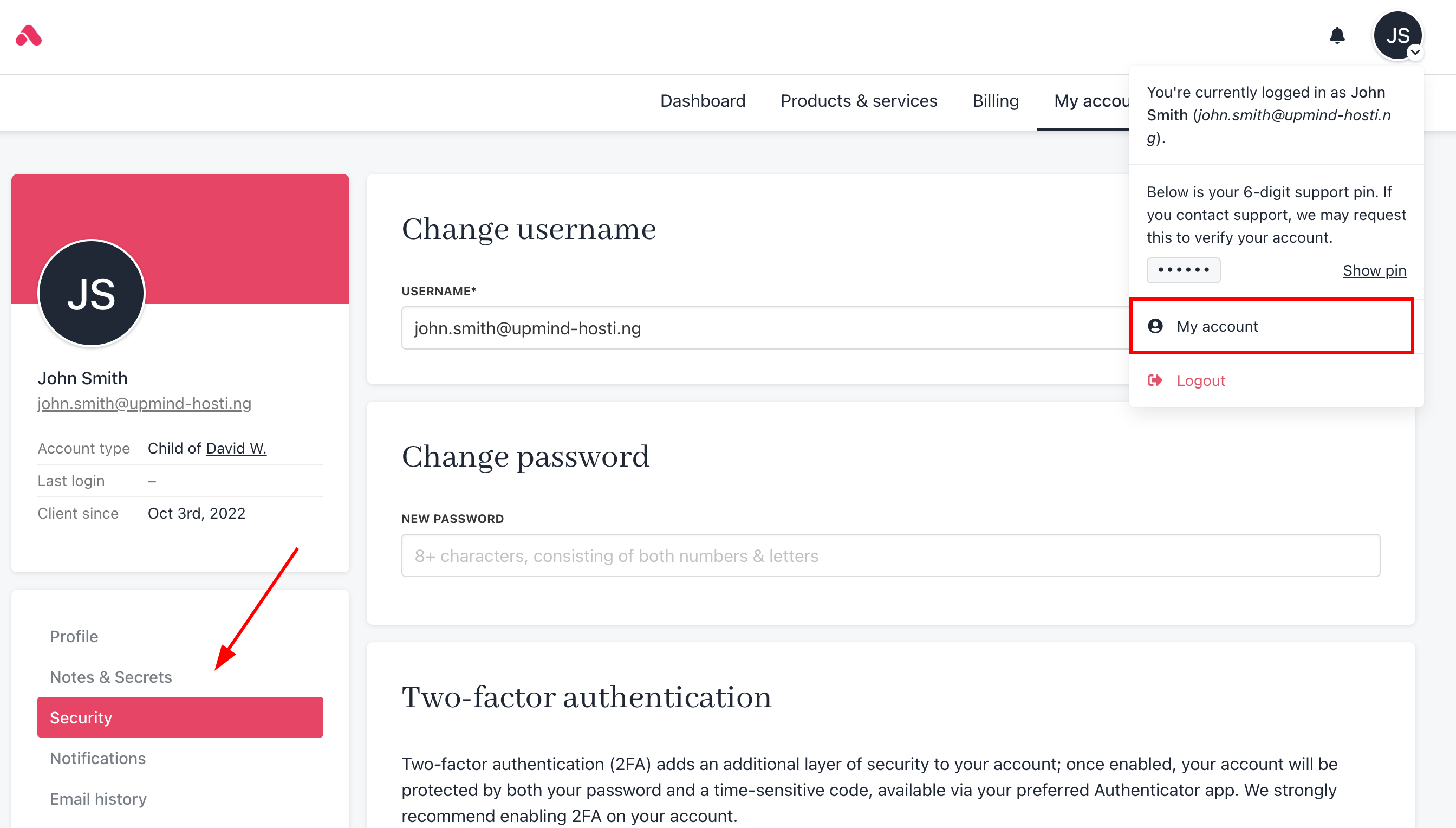
Modern platforms like Microsoft and Google allow you to see every device currently logged into your account. If you see a login from a city you’ve never visited or a device model you don't own, you must "Log out of all sessions" immediately and change your primary credentials. This kills any active "session cookies" an attacker might have stolen through malware.
Monitoring for Data Breaches
Services like Have I Been Pwned are essential tools in 2026. By subscribing to breach alerts, you can receive a notification the moment your email address appears in a new data leak. This allows you to change the password for the affected service before hackers have a chance to exploit the data.
Common Account Security Questions
Is biometric security like FaceID safer than a password?
Yes, for the vast majority of users. Biometrics are significantly harder to "guess" or "steal" via a remote data breach than a password. While a fingerprint can technically be spoofed with high-effort physical access, the cryptographic implementation (where the biometric data never leaves a secure enclave on the device) makes it a far superior choice for daily authentication compared to a static string of text.
Should I use the "Remember this device" option?
You should only use this on devices that you personally own and that are protected by a strong passcode or biometric lock. Selecting "Remember this device" places a long-lived cookie on your browser. If you do this on a public or shared computer, anyone who sits down after you could potentially access your account without needing your password or MFA.
What should I do if I suspect my account has been hacked?
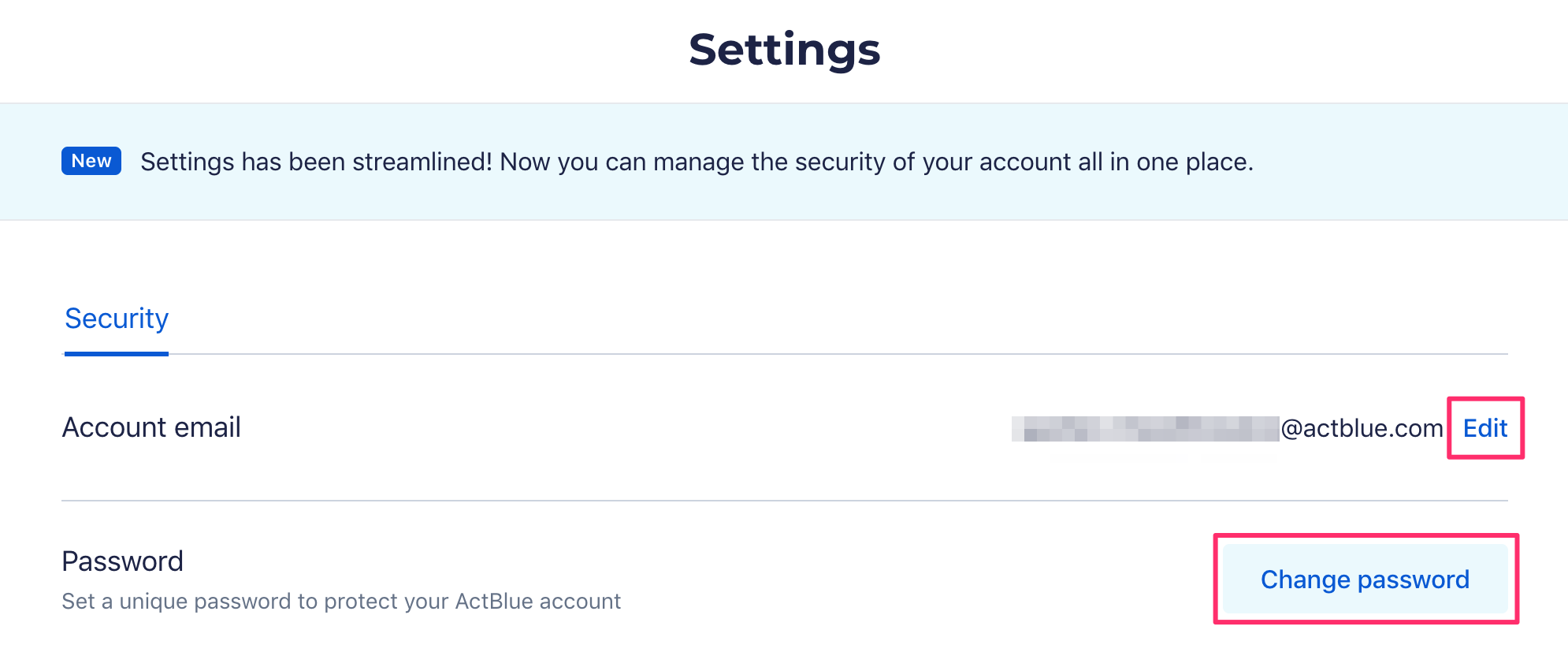
Immediately change your password from a known-secure device. Once the password is changed, navigate to the account settings and select "Log out of all other sessions" to kick the attacker out. Review your recovery email and phone number to ensure the attacker hasn't changed them. Finally, check your "Sent" folders or recent activity for any unauthorized actions and notify your bank if financial data was involved.
Do I still need a VPN for account security?
A VPN protects your privacy by masking your IP address and encrypting your traffic from your ISP or local Wi-Fi snoops. While it is a valuable tool for privacy, it is not a substitute for account security. A VPN will not stop a hacker from using a stolen password or a phishing link. You should use a VPN to protect your data in transit, but rely on MFA and passkeys to protect the accounts themselves.
Establishing Your Security Baseline
To move from a vulnerable state to a high-security posture, execute the following steps in order. This creates a foundation that protects against the most common 2026 threat vectors:
- Audit Your Primary Email: Since your email is the gateway to resetting passwords for every other account, it must be your most secure asset. Enable passkeys or hardware-key MFA on this account first.
- Install a Password Manager: Migrate your existing passwords into a dedicated manager. Use the manager’s built-in "Security Audit" feature to identify and change reused or weak passwords.
- Enable Passkeys: Wherever a service supports it (Google, Apple, Microsoft, Amazon, etc.), transition from a password to a passkey.
- Remove SMS Recovery: If a service allows it, remove your phone number as a recovery option and replace it with an authenticator app or a secondary email address protected by MFA.
- Set a Calendar Reminder: Every six months, perform a "Security Checkup" on your major accounts to review active sessions and third-party app permissions.
By adopting these protocols, you shift from being a target of opportunity to a high-friction target, effectively neutralizing most automated and AI-driven attacks prevalent in the modern digital ecosystem.