Account access is the protocol through which a system verifies a user's identity to grant entry to digital resources, applications, or data. In 2026, secure access relies on Identity and Access Management (IAM) frameworks that prioritize "Zero Trust" principles, utilizing passkeys, multi-factor authentication (MFA), and biometric verification to replace traditional, vulnerable password-only systems.
The Evolution of Account Access Frameworks
The fundamental nature of how we access accounts has undergone a paradigm shift. For decades, account access was synonymous with a username and a password—a "shared secret" between the user and the server. However, the proliferation of data breaches and the advent of sophisticated AI-driven credential stuffing attacks rendered this model obsolete.
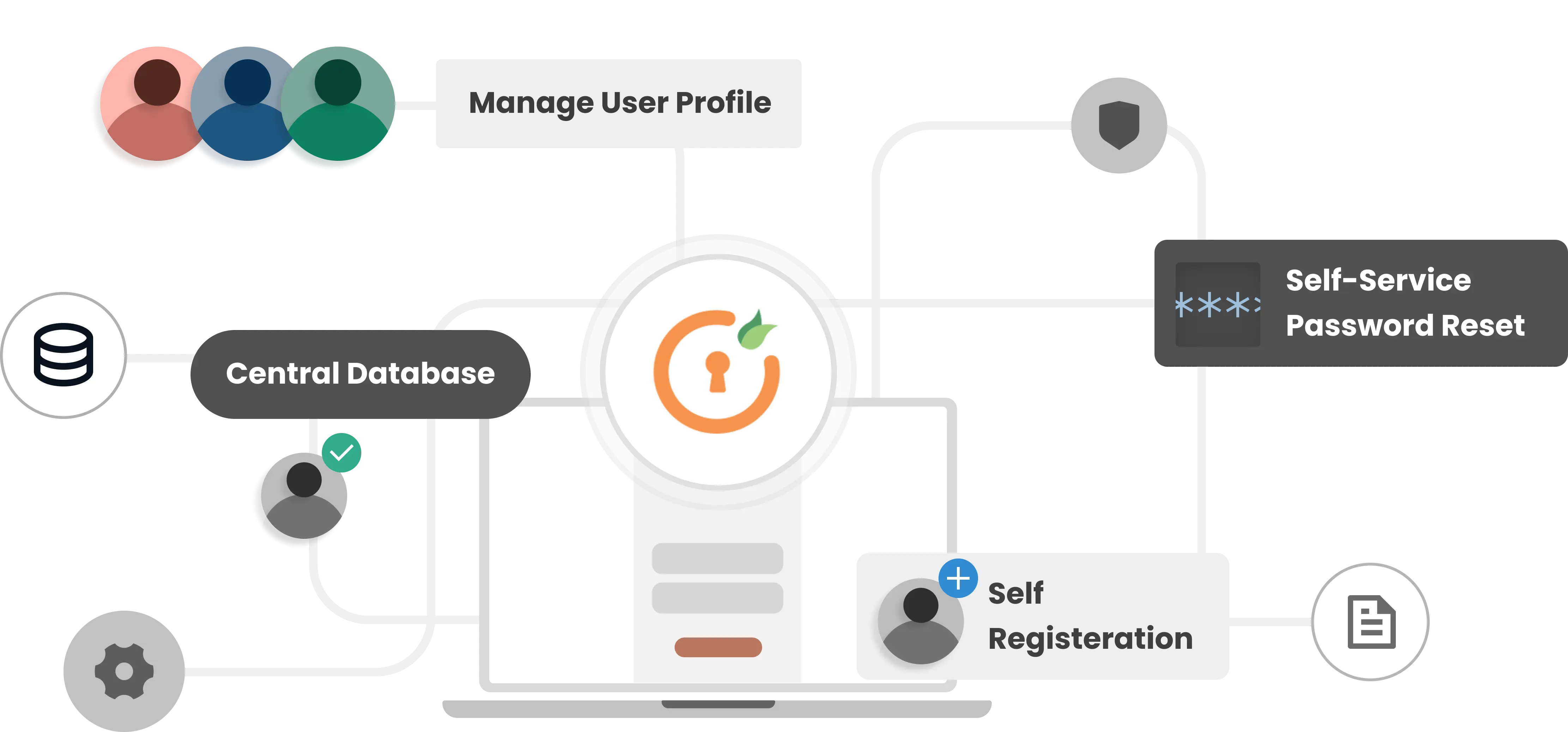
As of 2026, account access is viewed through the lens of Identity and Access Management (IAM). This discipline ensures that the right individuals can access the right resources at the right times for the right reasons. The core of modern access is the "Zero Trust" architecture, which operates on the assumption that no entity—inside or outside the network—is trusted by default. Every request for account access must be continuously authenticated, authorized, and validated.
This evolution has introduced a distinction between Authentication (proving who you are) and Authorization (determining what you are allowed to do). While a user might successfully gain access to their primary account, granular authorization protocols now limit their movement within a platform, protecting sensitive data even if the primary access point is compromised.
Primary Methods of Account Authentication in 2026
The industry has largely moved away from "something you know" toward "something you have" and "something you are." Understanding these methods is critical for both individual security and organizational compliance.
Passkeys and FIDO2 Standards
Passkeys have become the gold standard for account access. Unlike passwords, passkeys are based on asymmetric cryptography. When you create an account, your device generates a unique cryptographic key pair: a public key stored on the service’s server and a private key stored securely on your device (often within a Secure Enclave or TPM chip). Access is granted only when the device signs a "challenge" from the server using the private key, which is unlocked via your device's local biometrics or PIN. This method is inherently resistant to phishing because there is no secret for a user to inadvertently reveal to a malicious actor.
Multi-Factor Authentication (MFA)
MFA is no longer an optional security layer but a baseline requirement for most financial, medical, and corporate accounts. The Cybersecurity & Infrastructure Security Agency (CISA) emphasizes that MFA can block over 99% of account takeover attacks. By 2026, the preference has shifted away from SMS-based codes—which are vulnerable to SIM swapping—toward Time-based One-Time Passwords (TOTP) generated by authenticator apps or physical hardware security keys like YubiKeys.
Biometric Integration
Biometrics utilize physical characteristics, such as fingerprints, facial geometry, or iris patterns, to verify identity. In 2026, "Behavioral Biometrics" has also gained traction. This technology analyzes how a user interacts with their device—typing rhythm, mouse movements, and even the angle at which they hold their phone—to provide continuous authentication throughout a session, rather than just at the initial login.
Comparing Account Access Methods
The following table summarizes the primary authentication factors used to manage account access in 2026.
| Access Method | Category | Security Level | User Friction | Best Use Case |
|---|---|---|---|---|
| Passwords | Knowledge | Low | High | Legacy systems or secondary accounts |
| Passkeys | Possession/Inherence | Very High | Very Low | Primary personal and professional accounts |
| SMS/Email Codes | Possession | Moderate | Moderate | Non-sensitive consumer services |
| Authenticator Apps | Possession | High | Moderate | High-security personal accounts |
| Hardware Keys | Possession | Maximum | Moderate | Financial institutions and high-value targets |
| Biometrics | Inherence | High | Low | Mobile device and application entry |
Enterprise Account Access: SSO and IAM
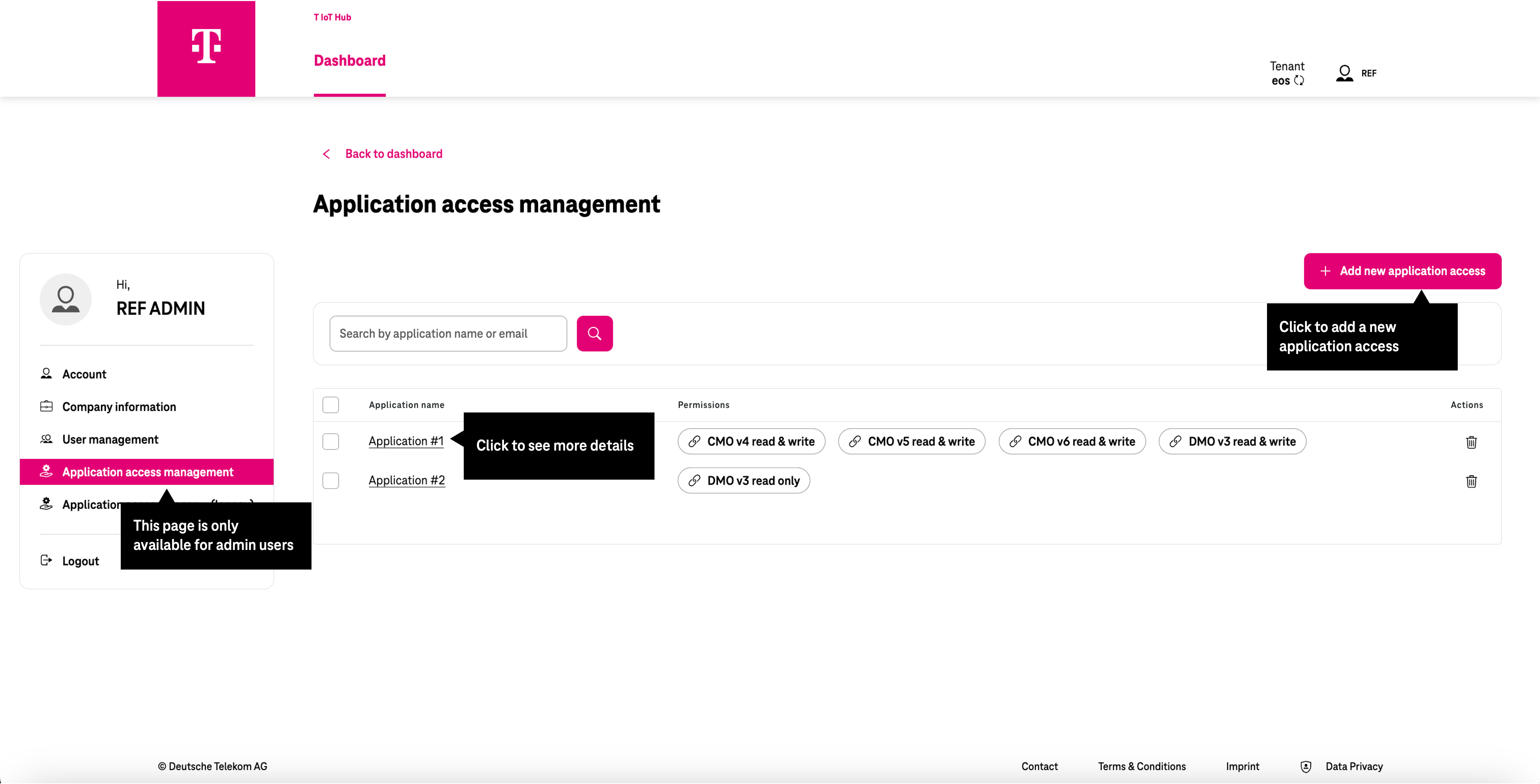
For organizations, managing account access for hundreds or thousands of employees requires a centralized approach. This is where Single Sign-On (SSO) and centralized IAM platforms (such as Okta, Microsoft Entra ID, or Ping Identity) become essential.
SSO allows a user to log in once with a single set of credentials to gain access to a broad suite of integrated applications. This reduces "password fatigue" and narrows the attack surface. From a management perspective, SSO provides administrators with a "kill switch"; if an employee leaves the company, revoking their central identity immediately terminates their access to all corporate tools, from email to cloud storage.
Furthermore, enterprises now employ Role-Based Access Control (RBAC). Instead of assigning permissions to individuals, access is assigned to roles (e.g., "Accounting Manager" or "Junior Developer"). When a user is assigned to a role, they automatically inherit the necessary access rights. This ensures the "Principle of Least Privilege," where users only have the minimum level of access required to perform their job functions, significantly mitigating the impact of a potential credential compromise.
Troubleshooting and Regaining Account Access
Despite advanced security, users frequently find themselves locked out of their accounts. In 2026, the recovery process has become more stringent to prevent social engineering attacks, where hackers pretend to be the account holder to gain entry.
Account Recovery Keys
Many services now provide "Recovery Keys" or "Emergency Codes" during the initial setup of MFA or passkeys. These are long, randomized strings of characters that must be stored offline. If you lose your primary device or MFA generator, these keys are often the only way to regain access without a manual identity verification process that can take days or weeks.
Identity Proofing
For high-security accounts, such as government portals or crypto-asset exchanges, account recovery often requires "Identity Proofing." This involves uploading a government-issued ID and performing a live "liveness check" via a smartphone camera to match the user's face with the photo on the ID. The National Institute of Standards and Technology (NIST) provides detailed guidelines on these Digital Identity Levels (IAL), ensuring that recovery processes are as secure as the initial login.
Dealing with Compromised Access
If you suspect your account access has been compromised:
- Immediate Disconnect: Log out of all active sessions via the account security settings.
- Credential Reset: Update your password (if applicable) and rotate your MFA secrets or re-register passkeys.
- Audit Logs: Check recent login activity for unrecognized IP addresses or locations.
- Notification: Inform the service provider immediately to freeze sensitive actions (like withdrawals or data exports).
Critical Best Practices for Managing Account Access
Maintaining secure access is an ongoing process of digital hygiene. Even with the best technology, user behavior remains a critical link in the security chain.
- Audit Connected Devices: At least once a quarter, review the list of devices authorized to access your major accounts. Remove any old smartphones, tablets, or computers you no longer own.
- Avoid Public Wi-Fi for Sensitive Access: Even with encrypted traffic, public networks can be subject to "Man-in-the-Middle" attacks. Use a VPN or a cellular connection when accessing banking or corporate accounts.
- Use a Password Manager: While passkeys are the future, millions of sites still require passwords. A password manager ensures that every account has a unique, complex password, preventing a single leak from leading to a "domino effect" across all your accounts.
- Enable Login Notifications: Configure your accounts to send an email or push notification every time a new login occurs. This provides real-time awareness of unauthorized access attempts.
- Beware of "MFA Fatigue" Attacks: If you receive a push notification to approve a login that you did not initiate, deny it immediately. Attackers often spam these requests hoping a distracted user will eventually click "Approve" just to stop the notifications.
Common Account Access Questions
What should I do if I lose the phone I use for MFA?
If you lose your MFA device, you should immediately use your pre-saved recovery codes to log in and de-register the lost device. If you did not save recovery codes, you will likely need to go through the service provider's manual identity verification process, which may require providing a government ID or answering detailed security questions about your account history.
Can someone steal my account access if they have my biometric data?
While biometric data (like a fingerprint scan) can be spoofed in highly sophisticated lab environments, it is significantly harder to "steal" than a password. Most modern devices do not store an image of your fingerprint; instead, they store a mathematical representation (a hash) that cannot be reversed into the original image. Furthermore, passkey standards require "user presence," meaning the biometric must be scanned live on a trusted device.
Is it safe to stay logged in on a personal computer?
Staying logged in is generally safe on a private, encrypted, and password-protected machine. However, for sensitive accounts like banking or health records, it is best practice to allow the session to time out. This prevents anyone with physical access to your computer from gaining immediate entry to your most sensitive data.
Why are some sites still using passwords instead of passkeys in 2026?
Transitioning to a passwordless infrastructure requires significant back-end changes. While major platforms like Google, Apple, and Microsoft have fully adopted WebAuthn/FIDO2 standards, smaller websites or legacy enterprise software may still rely on traditional databases that are only configured for username/password combinations.
Does a VPN improve my account access security?
A VPN improves privacy by masking your IP address and encrypting your data in transit, but it does not directly secure your account access credentials. A hacker who has your password and MFA can still log in regardless of whether you use a VPN. Its primary role in access security is preventing "eavesdropping" on unencrypted networks.
Next Steps for Securing Your Digital Identity
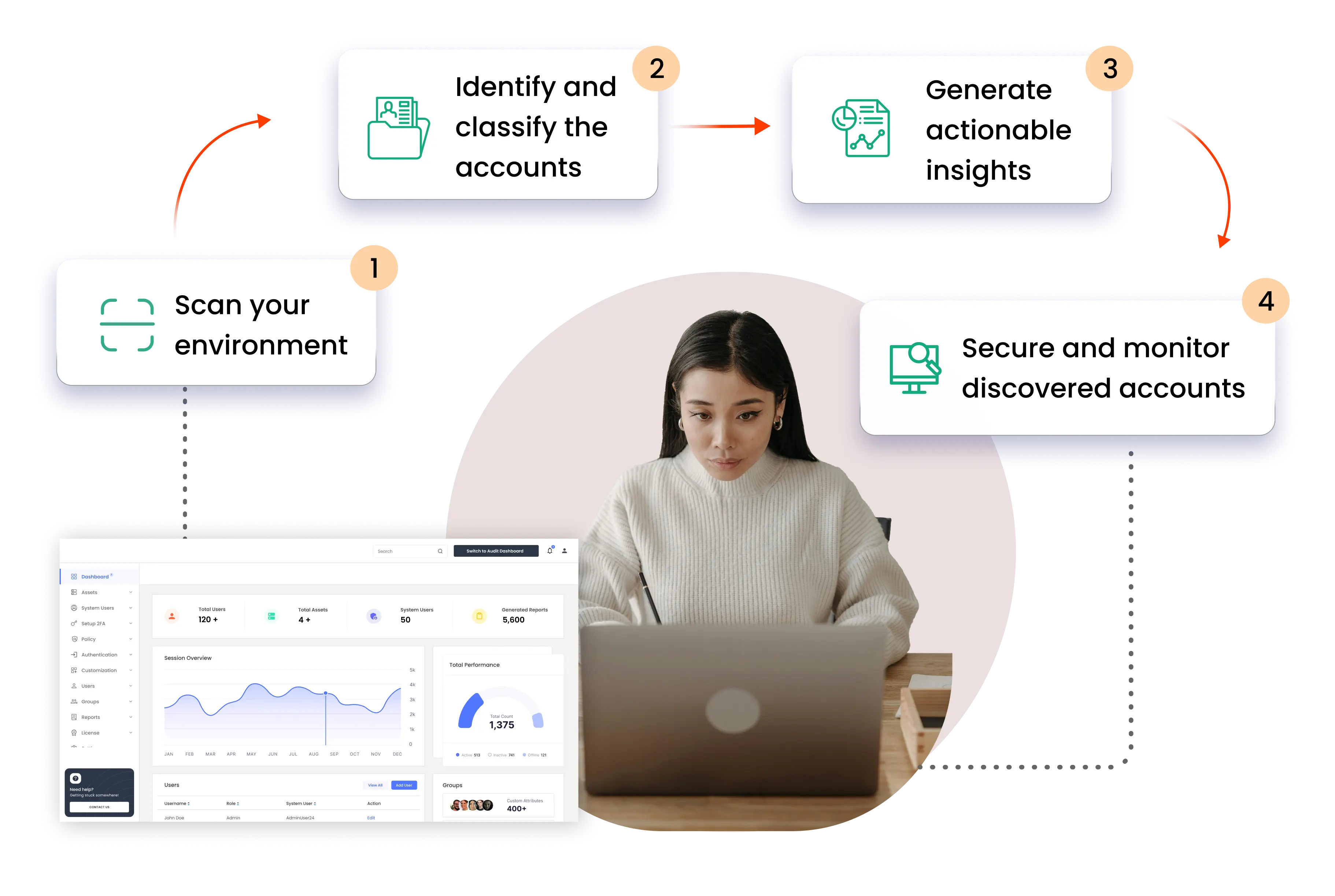
To ensure your account access remains robust, perform a "Security Audit" today. Start by identifying your most critical accounts—email, banking, and primary social identity. Check if these services support passkeys; if they do, migrate away from passwords immediately. If they do not, ensure that a non-SMS multi-factor authentication method is active. Finally, locate and securely store your account recovery codes in a physical location or a secure, encrypted offline vault. Taking these proactive steps now will prevent the significant stress and potential financial loss associated with an account lockout or unauthorized breach.