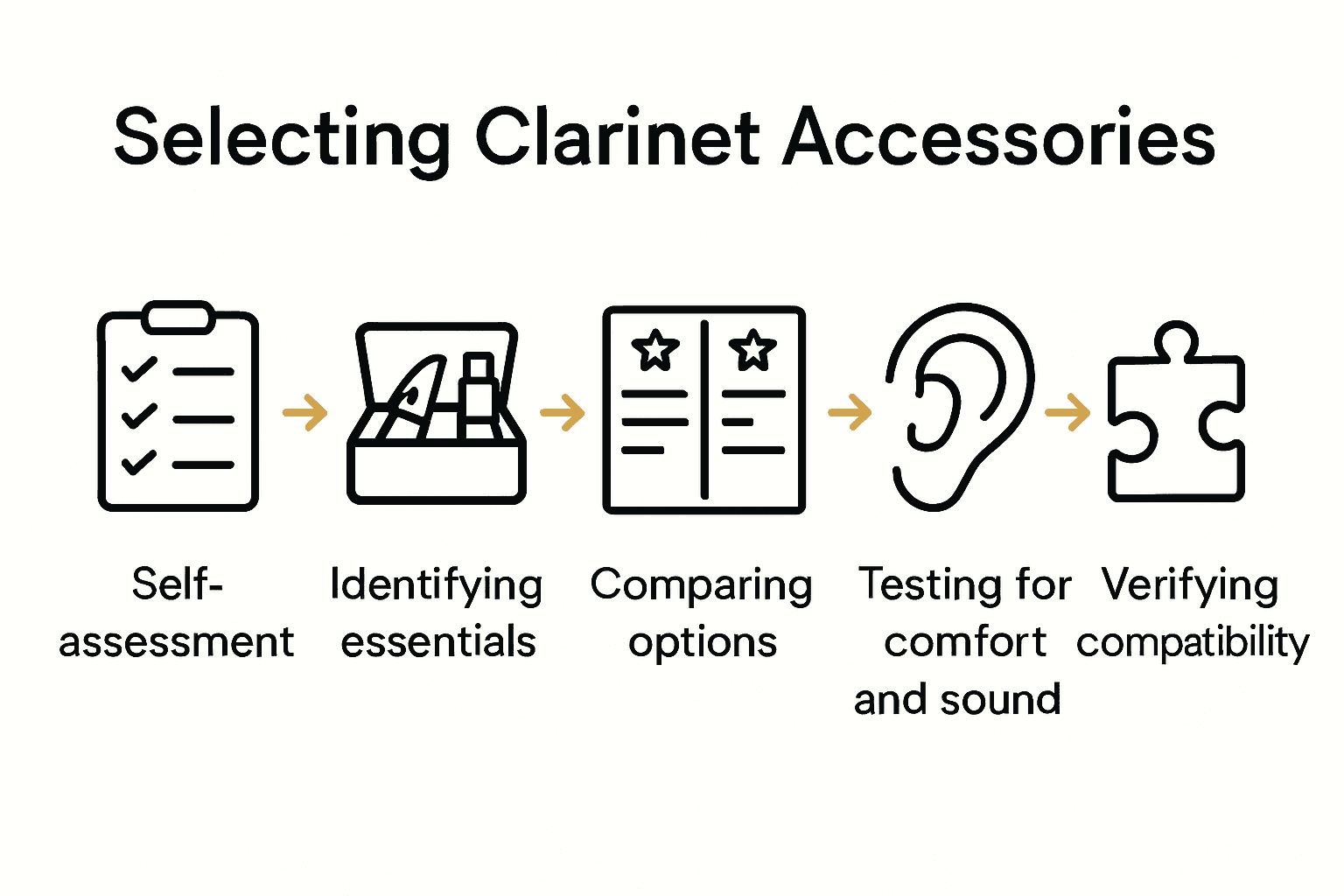
Accessory selection involves evaluating functional requirements, technical compatibility, build quality, and operational environment to choose the ideal add-on components for a primary system or device. This deliberate process ensures that every additional item enhances overall capability without introducing points of failure, electrical imbalances, or ergonomic friction.
Understanding the Core Principles of Accessory Selection
The foundation of any successful accessory selection process begins with a comprehensive assessment of the primary system's specifications, interface limitations, and operational demands. Whether outfitting industrial machinery, computing hardware, audio equipment, or consumer electronics, buyers must look beyond aesthetic appeal and marketing claims. Every peripheral or add-on introduces variables such as power draw, thermal load, weight distribution, and signal interference.
A disciplined approach requires mapping out the exact use case before evaluating individual products. For example, selecting computer peripherals requires understanding bus speeds, port availability, and power delivery limits, whereas choosing hardware mounts or protective gear requires precise measurements of load capacity and material resilience. Ignoring these foundational constraints frequently leads to premature hardware failure, system instability, or the purchase of incompatible equipment that cannot interface with the primary setup.
Furthermore, buyers must differentiate between OEM (Original Equipment Manufacturer) accessories and aftermarket alternatives. While OEM components generally offer guaranteed compatibility and seamless integration, they often carry a higher price tag. Aftermarket options can provide exceptional value and specialized features, but they demand a more rigorous verification process regarding build quality, safety certifications, and warranty implications.
Evaluating Technical Compatibility and Specifications
Technical compatibility forms the backbone of reliable accessory integration. Before committing to a purchase, users must cross-reference physical dimensions, electrical ratings, communication protocols, and software drivers. Overlooking a single specification can render an expensive accessory entirely useless or, worse, damaging to the primary device.
Electrical compatibility is particularly critical in power-sensitive environments. Voltage mismatches, amperage deficits, or incorrect pinout configurations can cause severe damage. Similarly, data communication protocols must align precisely. A peripheral requiring a high-speed interface will suffer from severe bottlenecks if connected through an outdated adapter or port.
| Accessory Category | Key Compatibility Metrics | Common Integration Risks | Verification Method |
|---|---|---|---|
| Power Adapters | Voltage, Amperage, Plug Geometry | Thermal overload, component fry | Multimeter check, OEM spec sheet |
| Data Peripherals | Protocol version, Driver support | Latency, device non-recognition | Vendor compatibility matrix |
| Mounting Hardware | Weight rating, Bolt pattern, Material | Structural failure, hardware slip | ANSI/BIFMA or ISO load testing specs |
| Protective Casings | Tolerance clearances, Heat dissipation | Trapped heat, blocked ports | Physical dry-fit, thermal monitoring |
This structured comparison highlights why measuring technical metrics prior to acquisition prevents operational failures. Each category demands specific attention to avoid mismatched components that could compromise the integrity of the entire setup.
Analyzing Build Quality, Materials, and Durability
Once technical compatibility is confirmed, the evaluation shifts toward physical construction and material integrity. The longevity of an accessory is directly tied to the quality of its components, whether it is high-grade aluminum alloys, reinforced polymers, gold-plated connectors, or heavy-duty wiring.
In high-wear environments, material selection dictates whether an accessory will survive daily friction, exposure to moisture, or extreme temperatures. For instance, outdoor deployment requires weatherproofing ratings such as Ingress Protection (IP) codes, while high-vibration applications demand locking connectors and thread-locker compounds to prevent components from shaking loose.
- Material Assessment: Review the primary chassis or housing materials for resistance to impact, corrosion, and UV degradation.
- Interface Reinforcement: Inspect stress points, cable strain reliefs, and hinge mechanisms for structural reinforcement.
- Regulatory Compliance: Verify that electrical and structural components carry recognized safety certifications such as CE, FCC, UL, or RoHS compliance marks.
- Manufacturer Reputation: Research brand history, historical defect rates, and user feedback regarding long-term durability under similar operating conditions.
Balancing Cost, Value, and Lifecycle Expenses
Financial considerations play a decisive role in accessory selection, but buyers must evaluate total cost of ownership rather than initial purchase price alone. A cheaper accessory that fails frequently or damages the primary equipment ultimately costs more in replacements, downtime, and repair bills.
Value is determined by weighing performance, reliability, and warranty coverage against the investment required. Premium accessories often include extended warranties, responsive customer support, and superior engineering that protects the primary investment. Conversely, commodity add-ons may suffice for low-risk, temporary, or non-critical applications where failure carries minimal consequence.
Budget allocation should reflect the criticality of the system. For mission-critical infrastructure, prioritizing enterprise-grade reliability over short-term savings is essential. For casual or auxiliary setups, mid-tier alternatives often strike the optimal balance between performance and economy.
Common Mistakes to Avoid During the Selection Process
Even experienced professionals occasionally fall into common traps when choosing auxiliary equipment. Recognizing these pitfalls helps maintain high standards of system integration and prevents costly missteps.
- Ignoring Power and Thermal Constraints: Adding accessories that draw excessive current or block airflow can lead to thermal throttling or power supply failure.
- Assuming Universal Compatibility: Just because a connector fits physically does not mean the underlying protocols or software are compatible.
- Overlooking Firmware and Software Support: Hardware is only as good as its drivers. Choosing abandoned or unsupported peripherals creates long-term security and operational vulnerabilities.
- Prioritizing Aesthetics Over Ergonomics: Sleek designs that compromise grip, accessibility, or operational comfort reduce overall productivity and user safety.
Frequently Asked Questions
How do I verify if a third-party accessory is safe for my primary device?
Verify safety by checking for independent certifications such as UL, CE, or FCC marks, and ensure the electrical ratings match or exceed the primary device's specifications. Reviewing technical documentation and user forums for known compatibility issues provides an additional layer of verification.
What is the most important factor when choosing mounting hardware?
Load capacity and structural integrity are paramount. Always select hardware rated to support significantly more than the combined weight of the mounted equipment to account for dynamic loads and environmental stressors.
Why do some accessories cause system latency or signal degradation?
Latency and degradation usually stem from mismatched communication protocols, subpar shielding, or excessive cable lengths. Using certified cables and matching interface speeds eliminates most signal integrity bottlenecks.
Are OEM accessories always better than aftermarket alternatives?
Not necessarily. While OEM accessories guarantee compatibility and streamlined warranty support, many high-end aftermarket manufacturers offer superior performance, specialized features, or better pricing for equivalent build quality.
How does environmental exposure affect accessory selection?
Environmental factors like moisture, dust, extreme temperatures, and vibration require specialized enclosures, weatherproofing ratings, and ruggedized materials to prevent premature component failure.
Strategic Next Steps for Implementation
Finalizing your accessory selection requires executing a systematic dry-run and stress-testing the integrated setup under controlled conditions. Begin by acquiring components from reputable suppliers with clear return policies and robust warranty terms. Once received, perform a bench test or partial deployment to monitor power draw, thermal performance, and signal stability before committing the setup to full operational use. Document your configuration choices and keep all certification documents and spec sheets filed for future maintenance reference.