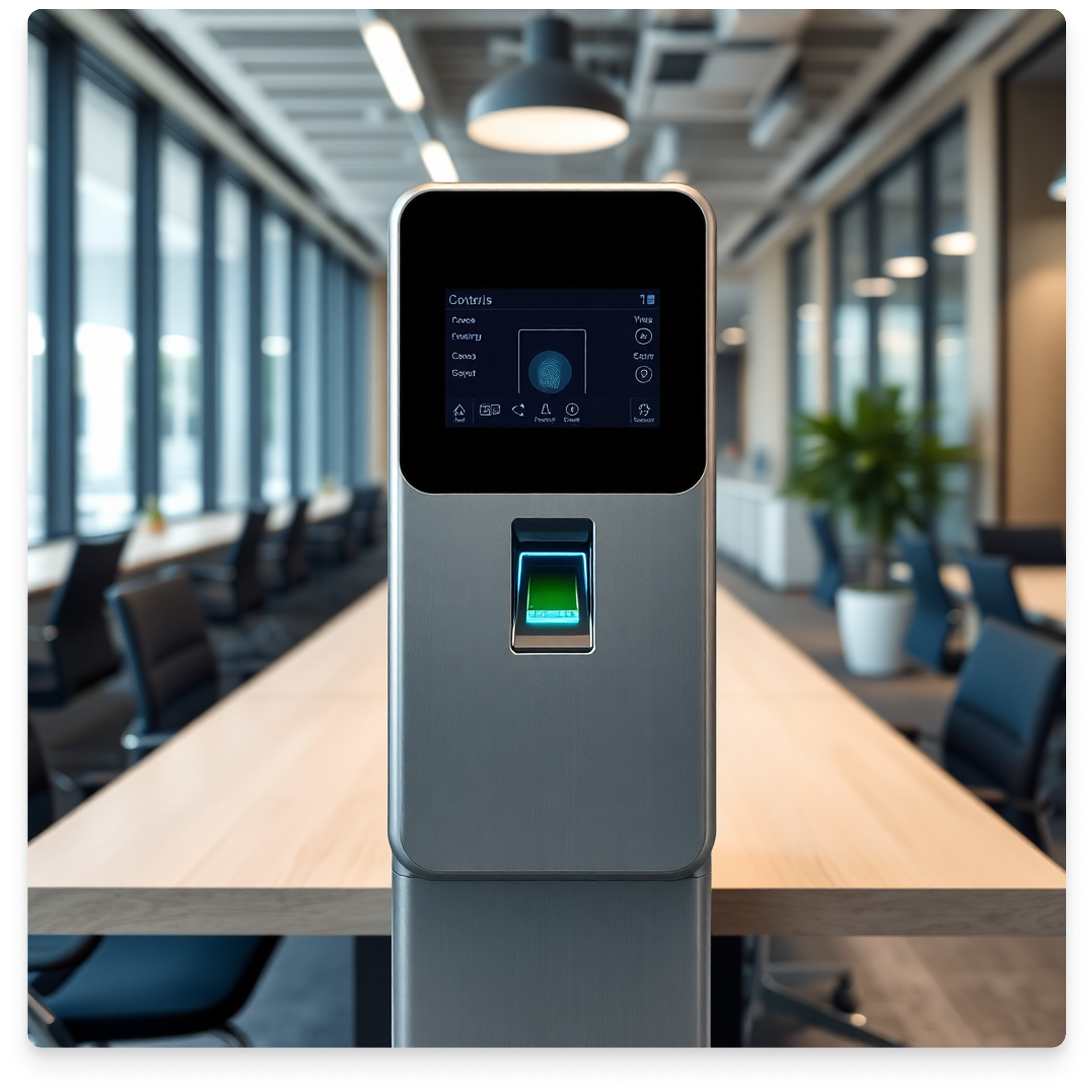
Access control is a fundamental security discipline that regulates who or what can view or use resources in a computing environment or physical space. It minimizes risk to organizations by ensuring only authorized users have access to sensitive data or secured locations through rigorous identification, authentication, and authorization processes.
In 2026, the landscape of security has moved beyond simple locks and passwords. Modern access control is a sophisticated integration of hardware, software, and policy designed to protect assets in an increasingly interconnected world. Whether managing a corporate headquarters or a cloud-based data repository, understanding the mechanisms of access control is essential for maintaining operational integrity and regulatory compliance.
The Foundational Pillars of Access Control
To understand how access control functions, one must distinguish between its three core components. These pillars work in sequence to ensure that every request for access is legitimate and limited to what is necessary.
Identification
Identification is the initial claim of an identity. In a physical sense, this might be presenting a badge; in a digital sense, it is entering a username. Identification alone is not security, as it contains no proof. It merely tells the system who the user claims to be so the system can look up the associated permissions.
Authentication
Authentication is the process of verifying the claim made during identification. As of 2026, the industry has largely moved toward Multi-Factor Authentication (MFA) as a baseline requirement. This involves proving identity through at least two of the following:
- Something you know: A password or PIN.
- Something you have: A physical token, smart card, or mobile device.
- Something you are: Biometrics such as fingerprints, facial recognition, or iris scans.
- Somewhere you are: Geofencing or IP address validation.
Authorization
Once an identity is verified, authorization determines what the user is allowed to do. This is the application of the Principle of Least Privilege (PoLP), which dictates that users should only have the minimum level of access required to perform their job functions. Authorization prevents "privilege creep," where users accumulate unnecessary permissions over time.
Physical vs. Logical Access Control
Access control is generally categorized into two distinct but overlapping domains: Physical Access Control (PAC) and Logical Access Control (LAC).
Physical Access Control
Physical access control limits access to campuses, buildings, rooms, and physical IT assets. In 2026, traditional brass keys are considered a legacy risk in most professional environments. Modern PAC systems utilize electronic controllers linked to readers. Key components include:
- Credentials: Encrypted mobile keys (using BLE or NFC) or high-frequency smart cards.
- Readers and Sensors: Devices that communicate with credentials and send data to the controller.
- Locking Hardware: Electric strikes or magnetic locks (maglocks) that release upon authorized command.
- Controllers: The "brains" of the system that store the database of allowed users and manage the inputs/outputs.
Logical Access Control
Logical access control refers to the protection of computer networks, system files, and data. With the ubiquity of remote work and cloud infrastructure, logical access has shifted toward Identity and Access Management (IAM). This involves managing digital identities throughout their lifecycle—from onboarding to offboarding—and ensuring that data access is encrypted and logged. Zero Trust Architecture (ZTA) is now the prevailing framework for logical access, operating on the assumption that no user or device should be trusted by default, even if they are inside the corporate network.
Major Access Control Models
Organizations choose an access control model based on their security needs, the complexity of their workforce, and the sensitivity of their data.
| Model | Description | Management Style | Best For |
|---|---|---|---|
| Discretionary (DAC) | Owners of data decide who gets access. | Decentralized | Small teams, low-risk environments |
| Mandatory (MAC) | Access is based on security clearances and data labels. | Centralized/Strict | Military, government, high-security |
| Role-Based (RBAC) | Access is granted based on job functions (roles). | Structured | Medium to large enterprises |
| Attribute-Based (ABAC) | Access is granted based on user, resource, and environmental attributes. | Dynamic/Policy-based | Complex, remote, or highly regulated sectors |
Discretionary Access Control (DAC)
In a DAC model, the owner of an object (such as a file or folder) has total control over who can access it. This is highly flexible but is generally considered the least secure for large organizations because it relies on individual users to maintain security protocols, often leading to inconsistent protection.
Mandatory Access Control (MAC)
MAC is the most restrictive model. The system administrator defines the security policy, and users cannot change the permissions on resources they create. Access is granted only if the user’s clearance level matches the resource’s classification label. This is standard in environments where data secrecy is paramount, such as defense contracting.
Role-Based Access Control (RBAC)
RBAC assigns permissions to specific "roles" rather than individuals. For example, every employee in the "Accounting" role might have access to the payroll database. When an employee leaves or changes departments, the administrator simply changes their role, and their permissions update automatically. This significantly reduces administrative overhead.
Attribute-Based Access Control (ABAC)
ABAC is the most advanced and flexible model, widely adopted by 2026 for its ability to handle complex scenarios. It uses policies that combine attributes such as:
- User attributes: Job title, department, or security clearance.
- Resource attributes: Document type, sensitivity level, or creation date.
- Environmental attributes: Time of day, current location, or the security status of the device being used.
ABAC allows for granular control, such as "Allow Managers to view Payroll files only if they are logged in from the main office during business hours."
Modern Hardware and Standards in 2026
The hardware used in access control has evolved to combat sophisticated cloning and hacking techniques. A significant shift has occurred in moving away from the vulnerable Wiegand protocol toward the Open Supervised Device Protocol (OSDP). OSDP supports high-end AES-128 encryption, ensuring that the communication between a card reader and the controller cannot be intercepted or spoofed.
Biometric technology has also reached a point of high reliability and speed. "Touchless" biometrics, such as facial recognition and palm vein scanning, have become the standard for high-traffic entrances. These systems are often paired with AI-driven video analytics to detect tailgating (when an unauthorized person follows an authorized person through a door).
In the logical realm, FIDO2-compliant hardware security keys have become the gold standard for authentication, providing a phishing-resistant method for securing accounts. This hardware-based approach eliminates the risks associated with SMS-based codes or traditional passwords.
Security Standards and Compliance
Implementing access control is not just a matter of safety; it is often a legal requirement. Various frameworks dictate how access must be managed to protect privacy and ensure accountability.
- GDPR (General Data Protection Regulation): Requires strict controls over who can access the personal data of EU citizens, emphasizing "privacy by design." Official GDPR Site
- HIPAA (Health Insurance Portability and Accountability Act): Mandates that healthcare providers implement technical safeguards to ensure only authorized personnel can access Protected Health Information (PHI).
- SOC2 (Service Organization Control 2): A common audit standard for service providers that evaluates security, availability, and processing integrity, with access control being a primary focal point.
- ISO/IEC 27001: An international standard for information security management systems that provides a roadmap for implementing robust access control policies. ISO 27001 Information
Planning and Implementing an Access Control System
Building a robust system requires a strategic approach that balances security with user experience. Excessive friction can lead to "shadow IT," where employees bypass security measures to complete their work.
- Conduct a Risk Assessment: Identify your most valuable assets, both physical and digital. Determine the potential impact if those assets were compromised.
- Define Access Policies: Document who needs access to what and under what conditions. Establish a clear "Joiner-Mover-Leaver" (JML) process to manage the lifecycle of identities.
- Select the Right Model: For most modern enterprises, a hybrid of RBAC and ABAC provides the best balance of structure and flexibility.
- Hardware/Software Integration: Ensure your physical security system can communicate with your HR database or IT directory (like Microsoft Entra ID or Okta). This allows for automatic deactivation of physical badges when an employee is terminated in the digital system.
- Audit and Monitor: Access control is not a "set it and forget it" solution. Regular audits are necessary to identify unused accounts, unusual access patterns, or unauthorized changes to permissions. The NIST Guide on Attribute-Based Access Control provides a deep dive into advanced policy implementation.
Frequently Asked Questions
What is the difference between Fail-Safe and Fail-Secure?
Fail-safe and fail-secure refer to how electric locks behave during a power outage. A fail-safe lock unlocks when power is removed, ensuring people can exit a building safely during an emergency (common for office suite doors). A fail-secure lock remains locked when power is removed, maintaining security for the perimeter (common for exterior doors or high-value storage).
Is biometric access control better than card-based systems?
Biometric systems provide higher security because they link access to the individual's physical person rather than an easily lost or stolen card. However, biometrics raise more significant privacy concerns and can be more expensive to implement. In 2026, many organizations use a hybrid approach: cards for general entry and biometrics for sensitive areas like data centers.
Can access control be managed in the cloud?
Yes, "Access Control as a Service" (ACaaS) has become the dominant delivery model. ACaaS allows administrators to manage permissions for multiple sites from a single web dashboard, provides automatic software updates, and scales easily as a company grows. It also shifts the burden of server maintenance to the service provider.
What is "Least Privilege," and why is it important?
The Principle of Least Privilege (PoLP) is the practice of limiting access rights for users to the bare minimum permissions they need to perform their work. This is critical because it limits the "blast radius" if an account is compromised. If a low-level employee's credentials are stolen, the attacker cannot access sensitive financial or executive data because the original user never had those permissions.
How often should access permissions be reviewed?
High-security environments should perform "user access reviews" quarterly, while most businesses should aim for at least twice a year. Additionally, any change in an employee's job title or department should trigger an immediate automated review of their current access rights to prevent privilege accumulation.
Next Steps for Improving Your Security Posture
To modernize your access control in 2026, begin by transitioning away from legacy protocols like Wiegand and unencrypted 125kHz proximity cards, which are easily cloned with inexpensive devices. Conduct a thorough audit of your current user directory and remove any "orphan accounts"—those belonging to former employees or contractors who are no longer active.
Finally, consider implementing a Single Sign-On (SSO) solution for your logical assets. SSO, when paired with strong MFA, reduces password fatigue for employees while giving administrators a centralized "kill switch" to revoke all access instantly if a security threat is detected.