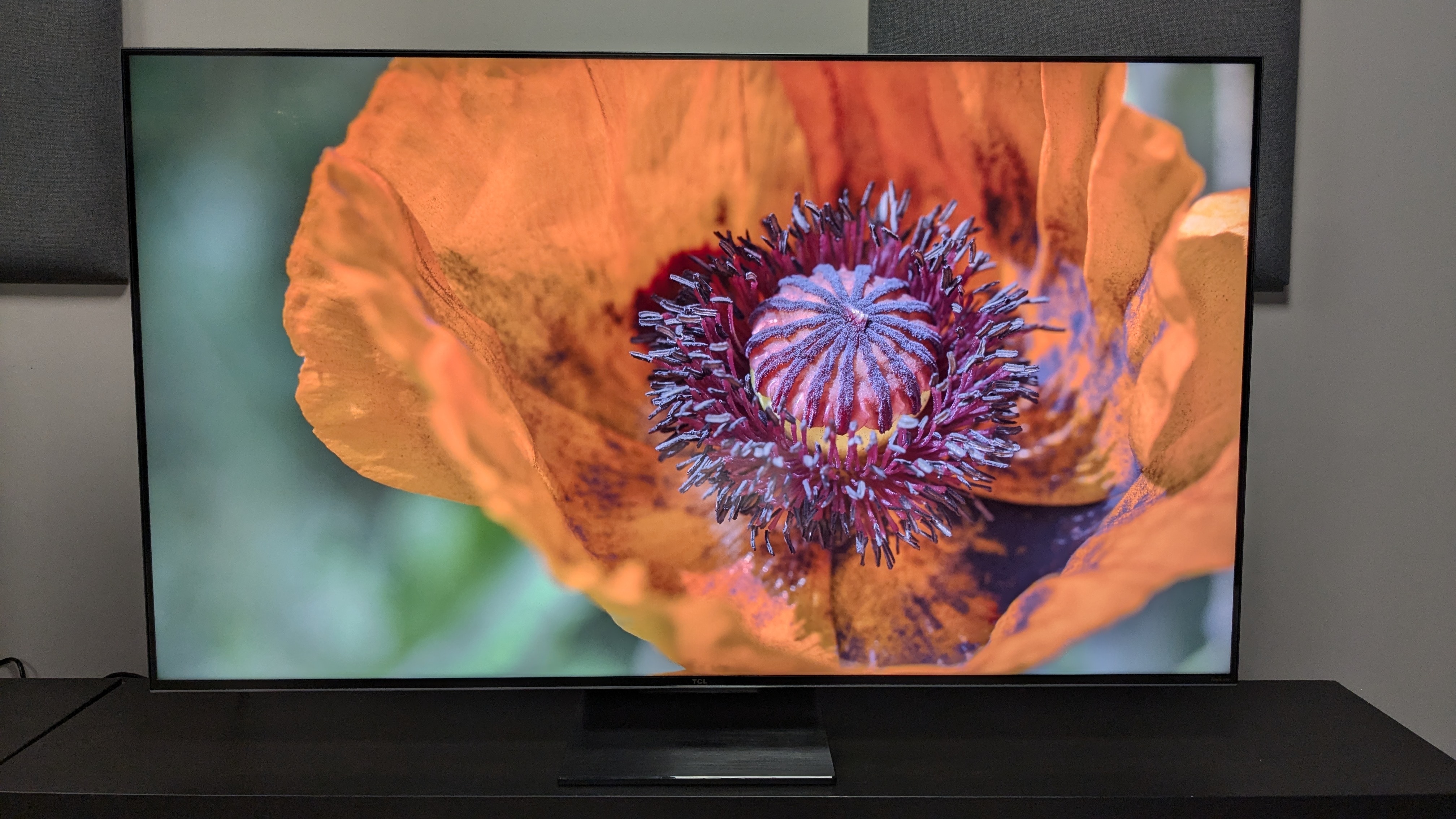
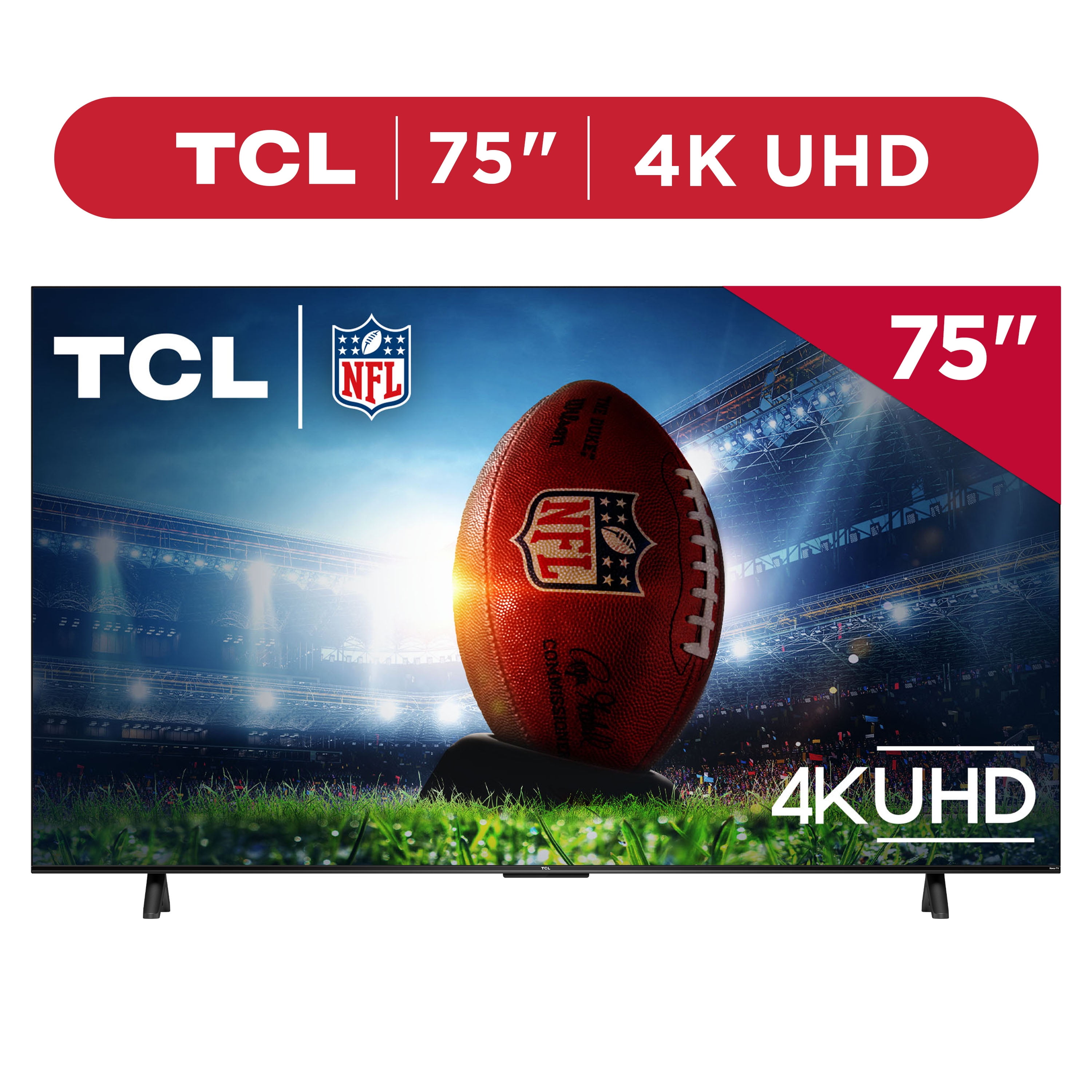
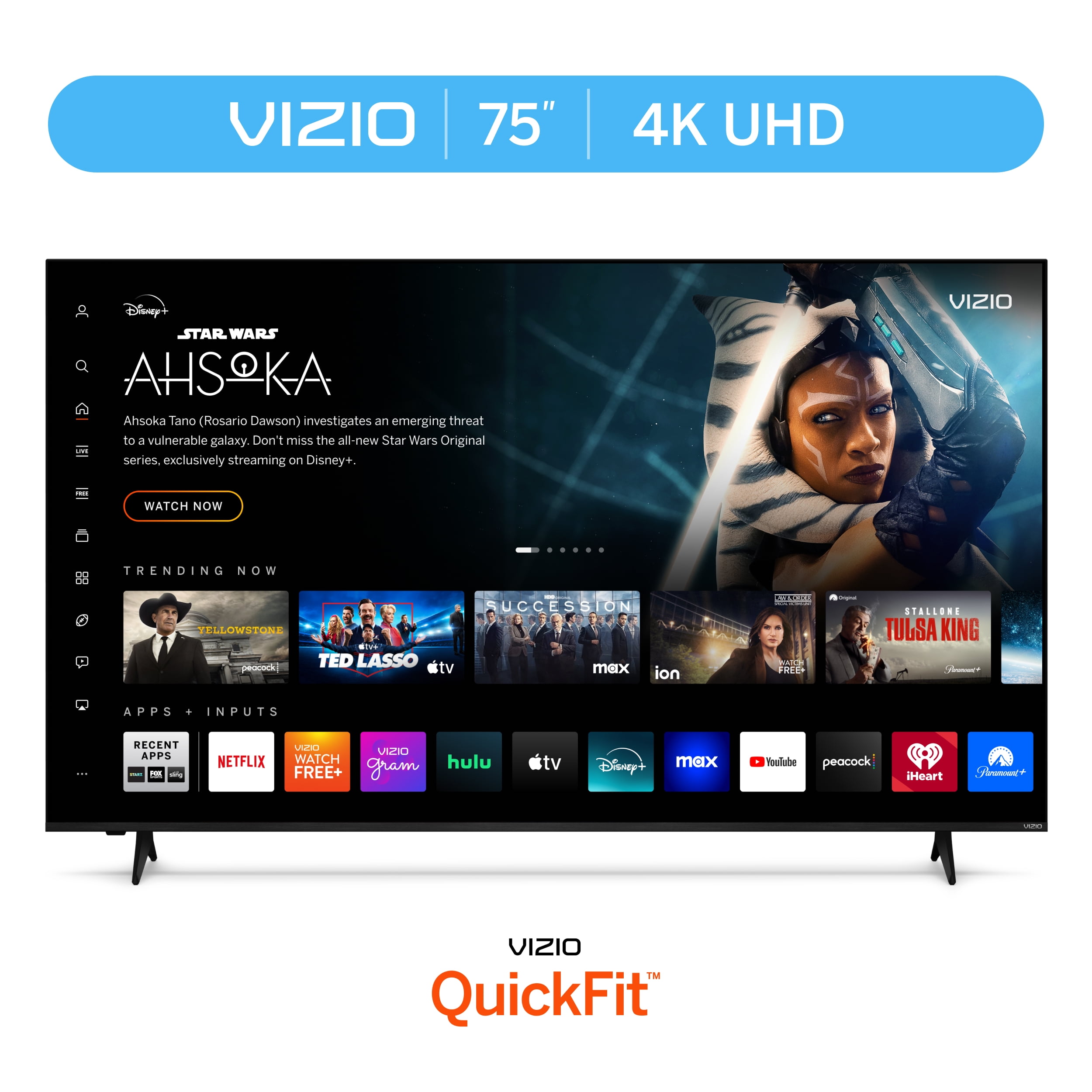
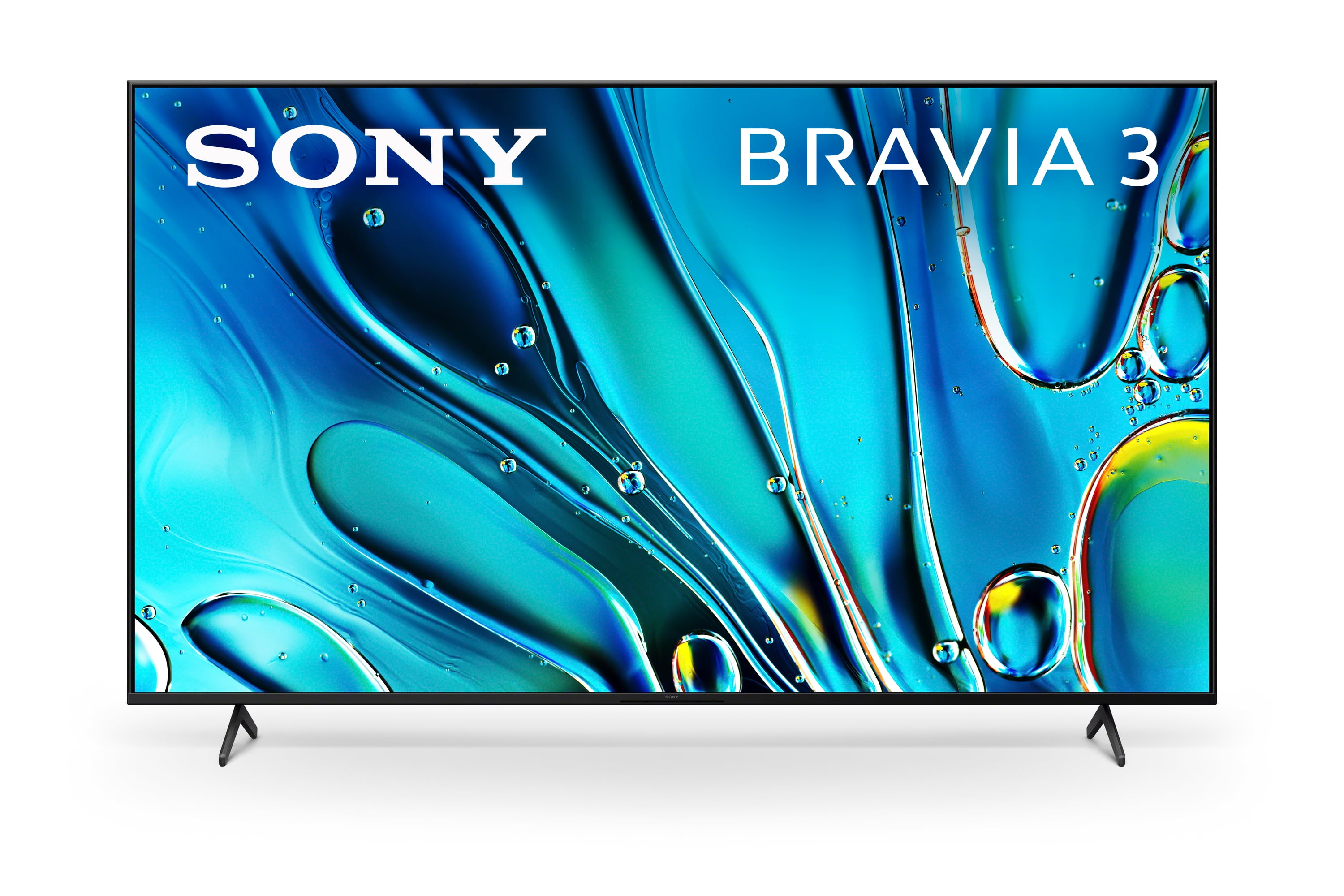
A 75-inch TV provides a cinematic, immersive experience that serves as the centerpiece of a modern home theater or living room. To select the best model, you must balance panel technology—choosing between OLED’s perfect blacks or Mini-LED’s high brightness—with your room’s lighting and a viewing distance of approximately 7.5 to 10.5 feet for optimal 4K resolution.
Understanding the Shift to Large-Format Displays
In the 2026 television market, the 75-inch class has effectively become the "new standard" for primary living spaces, displacing the 65-inch models that dominated the previous decade. This shift is driven by advancements in manufacturing efficiency and a consumer desire for a more theater-like experience at home. A 75-inch screen offers roughly 33% more surface area than a 65-inch screen, providing a significantly more immersive field of view that benefits high-definition sports, gaming, and 4K HDR cinema.
As of 2026, the distinction between "entry-level" and "premium" in this size category has widened. While budget-friendly options exist, the physical scale of a 75-inch panel makes imperfections like backlight bleed or poor viewing angles much more noticeable than on smaller sets. Consequently, understanding the underlying hardware—from the backlighting system to the processor—is essential to ensuring your investment provides a clear, uniform image across its massive surface area.
Critical Viewing Distance and Room Ergonomics
Before purchasing a 75-inch television, you must evaluate the physical constraints of your room. A common mistake is prioritizing screen size over optical comfort. According to the Society of Motion Picture and Television Engineers (SMPTE), a 30-degree field of view is ideal for general viewing, while THX recommends a 40-degree field of view for a truly "cinematic" experience.
For a 75-inch 4K display, the "sweet spot" for viewing distance generally falls between 7.5 and 10.5 feet (2.3 to 3.2 meters). If you sit closer than 7 feet, you may begin to notice the individual pixel structure, even at 4K resolution, which can lead to eye fatigue. Conversely, if you sit further than 12 feet away, the human eye struggles to distinguish the fine details that 4K provides, effectively negating the benefit of the high-resolution panel.
Furthermore, the physical dimensions of a 75-inch TV are substantial. Most models are approximately 65 inches wide and 37 inches tall without a stand. If you plan to mount the unit, ensure your wall can support between 60 and 90 pounds of weight and that the center of the screen is positioned at or slightly below eye level when seated. High mounting, often referred to as "the fireplace mantle mistake," leads to neck strain and poor color accuracy due to vertical viewing angle limitations in certain panel types.
Comparing Panel Technologies: OLED vs. Mini-LED vs. QLED
The most significant factor in the price and performance of a 75-inch TV is the panel technology. In 2026, the market is primarily divided between self-emissive displays (OLED) and transmissive displays (LED-LCD variants).
OLED and QD-OLED
Organic Light Emitting Diode (OLED) technology remains the gold standard for contrast. Because each pixel generates its own light, an OLED can turn off pixels completely to achieve "perfect" blacks. In 2026, QD-OLED (Quantum Dot OLED) has matured, offering higher peak brightness and more vibrant color saturation than traditional WOLED panels. These are ideal for dedicated media rooms where light can be controlled.
Mini-LED with Local Dimming
For bright living rooms with significant natural light, Mini-LED is often the superior choice. This technology uses thousands of tiny LEDs grouped into hundreds or thousands of "local dimming zones." This allows the TV to get exceptionally bright (often exceeding 2,000 nits) while still maintaining deep black levels. While it cannot match the pixel-perfect contrast of OLED, the best Mini-LED sets of 2026 have virtually eliminated "blooming"—the halo effect seen around bright objects on dark backgrounds.
Standard QLED and LED
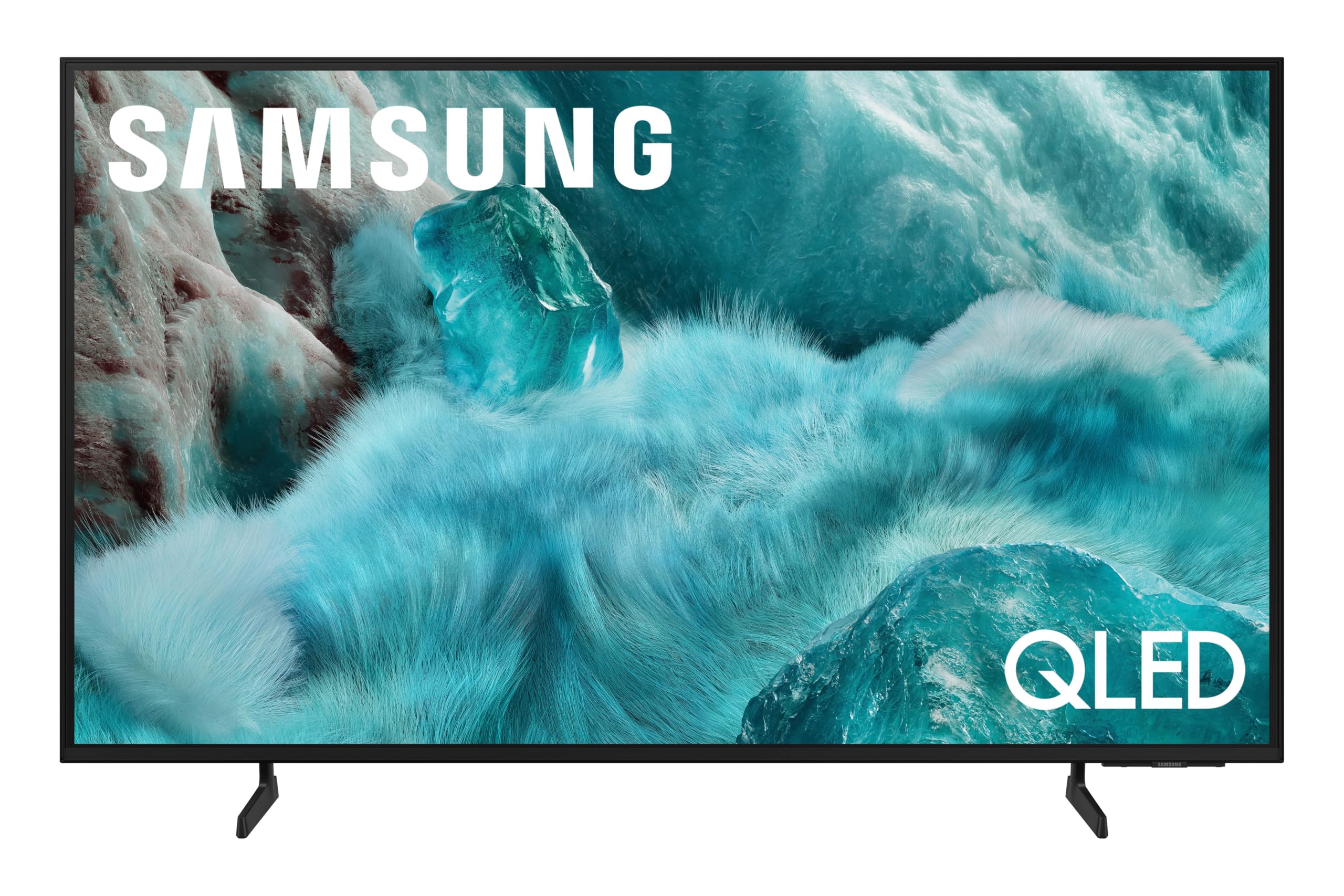
Entry-level 75-inch TVs typically use standard LED backlighting with a Quantum Dot layer (QLED) to improve color. While affordable, these sets often use "edge-lit" technology or have very few dimming zones. On a screen as large as 75 inches, this can result in visible "clouding" or uneven brightness across the panel. These are best suited for casual viewing or secondary rooms rather than a primary home cinema.
| Feature | OLED / QD-OLED | Mini-LED (High-End) | Standard QLED / LED |
|---|---|---|---|
| Contrast Ratio | Infinite (Perfect Blacks) | High (Deep Blacks) | Moderate |
| Peak Brightness | Moderate to High | Very High | Low to Moderate |
| Viewing Angles | Excellent | Good | Limited |
| Glow/Blooming | None | Minimal | Visible |
| Best Environment | Dark/Controlled Rooms | Bright Living Rooms | Any (Budget-focused) |
| Risk of Burn-in | Low (Improved in 2026) | None | None |
Resolution and Processing: Is 8K Necessary?
While 8K televisions are available in the 75-inch size class in 2026, 4K remains the industry standard for the vast majority of consumers. The primary challenge with 8K is the lack of native content. Most streaming services and physical media remain capped at 4K.
However, at 75 inches, the density of pixels becomes more relevant. An 8K screen at this size features 117 pixels per inch (PPI), compared to roughly 59 PPI for a 4K screen. While the difference is subtle at a 10-foot viewing distance, the sophisticated AI upscaling found in 2026 flagship processors can make 4K content look perceptibly sharper on an 8K panel. Unless you are an early adopter with a significant budget, a high-quality 4K panel with a superior processor (such as those from Sony, LG, or Samsung) will offer better value than a budget 8K set.
Gaming Features and Connectivity
For many users, a 75-inch TV serves as a primary gaming monitor for consoles like the PlayStation 5 Pro or the latest PC GPUs. To ensure a future-proof purchase in 2026, verify that the television supports the full HDMI 2.1 specification on at least two (ideally four) ports. Key gaming features to look for include:
- Variable Refresh Rate (VRR): Prevents screen tearing by syncing the TV's refresh rate to the console's output. Support for HDMI-VRR, AMD FreeSync Premium, and NVIDIA G-Sync is standard on mid-to-high-end models.
- Auto Low Latency Mode (ALLM): Automatically switches the TV to "Game Mode" when a console is detected, reducing input lag to under 10 milliseconds.
- High Refresh Rates: While 120Hz was the standard, many 2026 models now support 144Hz or even 240Hz for PC gaming.
- HDR Formats: Ensure support for Dolby Vision Gaming and HDR10+, as these dynamic metadata formats are critical for revealing detail in highlights and shadows during gameplay.
Sound Quality and External Audio Requirements
As televisions have become thinner to allow for flush wall mounting, the space available for high-quality speakers has diminished. Most 75-inch TVs use downward-firing speakers that lack the physical volume to produce meaningful bass or clear dialogue at high volumes.
When investing in a screen of this size, it is highly recommended to budget for an external audio solution. At a minimum, a 3.1-channel soundbar with a dedicated center channel for dialogue and a wireless subwoofer is necessary to match the scale of the visual experience. For a truly high-end setup, an A/V receiver with a dedicated 5.1 or 7.1.4 Dolby Atmos speaker configuration will provide the spatial audio required to complement the 75-inch field of view. Look for a TV with eARC (Enhanced Audio Return Channel) support to pass high-bitrate audio formats like Dolby Atmos and DTS:X from your TV's built-in apps to your sound system.
Smart TV Platforms and Privacy
In 2026, the "Smart" capabilities of a TV are just as important as the panel. The market is dominated by three major platforms: Google TV, LG WebOS, and Samsung Tizen.
- Google TV: Offers the best search functionality and the widest app ecosystem, integrating deeply with Android devices and Google Assistant.
- WebOS and Tizen: These are proprietary systems known for their speed and specialized features like "Magic Remotes" or advanced smart home dashboards (Matter/Thread support).
Regardless of the platform, users should be aware of data privacy settings. Most 2026 Smart TVs include Automatic Content Recognition (ACR), which tracks what you watch to provide "recommendations" (and targeted ads). During the initial setup, take the time to review the privacy policy and opt-out of unnecessary tracking features. Additionally, ensuring your TV supports Wi-Fi 6E or Wi-Fi 7 is critical for 2026 streaming standards, as 4K and 8K bitrates continue to climb.
FAQ
How much space do I actually need for a 75-inch TV?
A 75-inch TV is roughly 65 inches (165 cm) wide. You should have a wall or a stand that is at least 70 inches wide to avoid the TV looking cramped or hanging over the edges. Ensure there is at least 4 to 6 inches of clearance around the top and sides for ventilation, as large LED and OLED panels generate significant heat during extended use.
Is OLED burn-in still a concern in 2026?
Burn-in remains a theoretical risk for OLED panels, but it has been largely mitigated in 2026 through advanced heat dissipation (heat sinks) and software-based pixel shifting. For standard movie and TV viewing, it is a non-issue. However, if you plan to use the TV as a computer monitor or leave it on a news channel with a static ticker for 10+ hours a day, a Mini-LED display is a safer long-term choice.
Should I wall mount a 75-inch TV or use a stand?
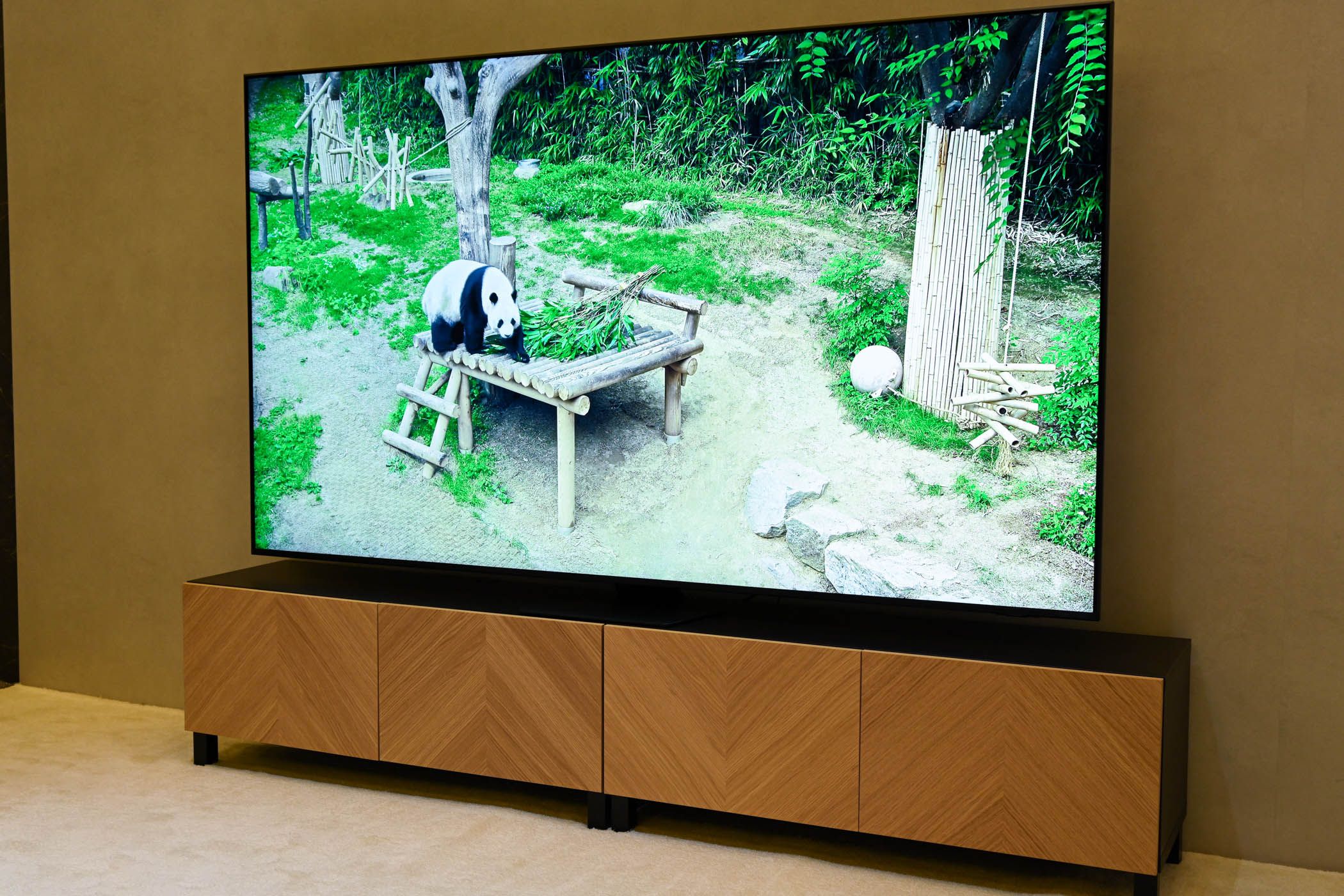
Wall mounting is generally preferred for a 75-inch TV because it allows for precise height adjustment and saves floor space. However, because these units are heavy (often 70+ lbs), you must secure the mount to wall studs. If you use a stand, ensure the furniture is rated for the weight and depth of the TV's feet, which are often spaced very wide apart on large-format displays.
Is there a noticeable difference between 75-inch and 85-inch TVs?
Yes. Moving from 75 to 85 inches increases the screen area by approximately 28%. While a 75-inch TV fits comfortably in most medium-sized living rooms, an 85-inch model often requires a dedicated theater space. The price jump is also significant, as 85-inch panels are more difficult to manufacture without defects.
What is the expected lifespan of a 75-inch LED or OLED TV?
Most modern televisions are rated for approximately 60,000 to 100,000 hours of use. For the average user watching 5 hours of content per day, a high-quality 75-inch TV should last between 10 and 20 years. However, the software and smart features may become obsolete before the panel fails, which can be solved by adding an external streaming device like an Apple TV or Shield TV.
Final Steps: Measuring and Verification
Before finalizing your purchase of a 75-inch TV, perform a physical "mock-up" in your room. Use painter's tape to outline the dimensions (65" x 37") on your wall. This allows you to visualize the scale and ensure the height is comfortable from your primary seating position. Verify that your existing HDMI cables are "Ultra High Speed" (48Gbps) rated, as older cables may cause signal dropouts or prevent 4K/120Hz and HDR from functioning correctly. Once installed, use a calibration disc or professional settings guide to disable "Motion Smoothing" (the soap opera effect) and "Energy Saving" modes that artificially dim the screen, ensuring you get the full performance your 2026 display is capable of delivering.