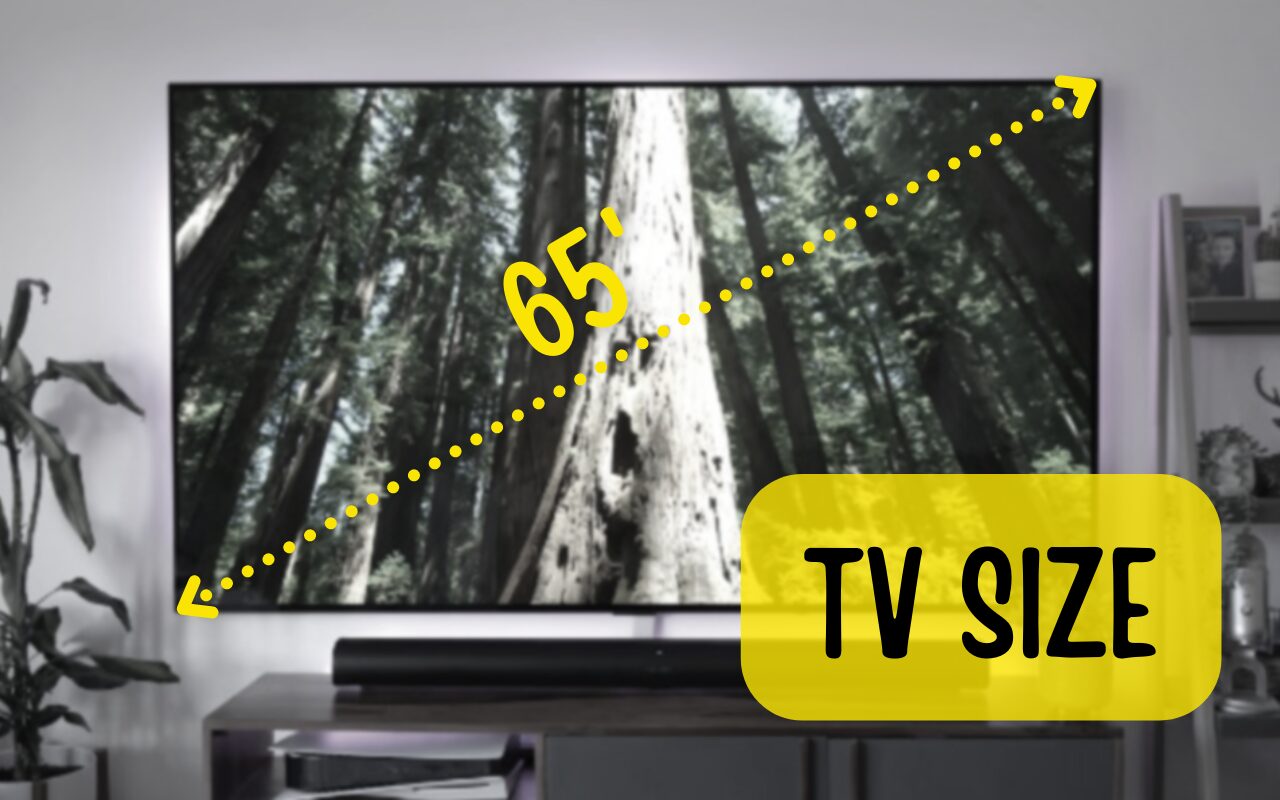
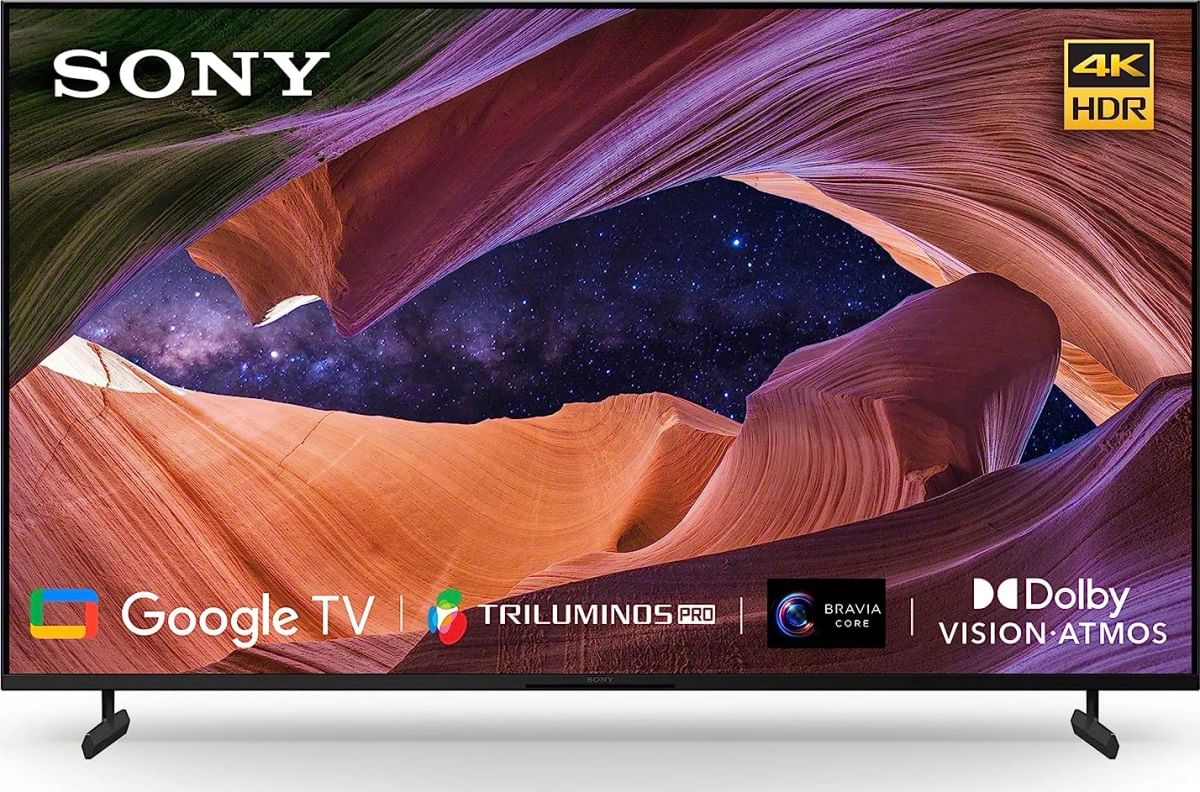
A 65-inch television is defined by its diagonal screen measurement, typically offering a viewing area of approximately 1,805 square inches. In 2026, this size represents the industry "sweet spot," balancing cinematic immersion with practical spatial requirements for most modern living rooms, providing the ideal canvas for 4K and 8K high-dynamic-range content.
Understanding 65-Inch Dimensions and Room Layout
When consumers discuss a "65-inch" television, they are referring to the distance from one corner of the glass to the opposite diagonal corner. However, the physical footprint of the device involves more than just this single number. To properly integrate a 65-inch display into a home, one must consider the actual width, height, and the necessary viewing distance to avoid eye strain or pixelation.
Most modern 65-inch displays have a width of approximately 57 inches and a height of roughly 32 inches without a stand. In 2026, bezels have become nearly non-existent on premium models, meaning the physical size of the chassis is almost identical to the screen size. However, depth can vary significantly. Ultra-thin OLEDs may be less than 0.2 inches thick at their thinnest point, while high-performance Mini-LED models with advanced cooling systems and integrated subwoofers might reach 1.5 to 2 inches in depth.
The "optimal viewing distance" is a critical factor for the 65-inch class. According to the Society of Motion Picture and Television Engineers (SMPTE), a 30-degree field of view is recommended for mixed usage, which places the viewer about 8.9 feet away. For a more "cinematic" 40-degree field of view, as recommended by THX, the ideal distance is approximately 6.5 feet. At this distance, the human eye can fully resolve 4K resolution without seeing individual pixels, providing a seamless and immersive image.
The 2026 Display Technology Landscape
Choosing a 65-inch TV in 2026 requires navigating several competing display technologies. The choice between OLED, QD-OLED, and Mini-LED often depends more on the lighting conditions of the room than on the price alone, as manufacturing efficiencies have narrowed the cost gap between these platforms.
OLED and QD-OLED (Self-Emissive)
Organic Light Emitting Diode (OLED) technology remains the gold standard for contrast and black levels. Because each pixel generates its own light, they can turn off completely, resulting in "perfect" blacks. In 2026, Micro Lens Array (MLA) technology has become standard in high-end OLEDs, pushing peak brightness levels beyond 2,500 nits, which was previously a weakness of the format. Quantum Dot OLED (QD-OLED) variants offer even wider color gamuts and better color brightness, making them the preferred choice for dedicated home theaters and enthusiast gamers who prioritize color accuracy and "inky" blacks.
Mini-LED and QLED (High-Brightness)
For well-lit living rooms with significant natural light, Mini-LED technology is often the superior choice. These TVs use thousands of tiny LEDs for a backlight, grouped into thousands of local dimming zones. This allows for extreme brightness—often exceeding 4,000 nits in 2026 flagship models—while maintaining impressive control over blooming (the halo effect around bright objects on dark backgrounds). While they cannot match the pixel-level precision of an OLED, the sheer luminance makes them better suited for daytime viewing of sports and HDR movies.
Technical Specifications for Modern Content and Gaming
By 2026, the baseline expectations for a 65-inch television have shifted. Consumers should no longer look solely at resolution but also at the "motion and metadata" capabilities of the processor.
Refresh Rates and Gaming Features
While 60Hz was the standard for decades, 120Hz is now the minimum for any mid-to-high-range 65-inch TV. High-end models frequently offer 144Hz or even 240Hz refresh rates to accommodate the latest generation of gaming PCs and consoles. HDMI 2.1a ports are a prerequisite, supporting Variable Refresh Rate (VRR), Auto Low Latency Mode (ALLM), and Quick Frame Transport (QFT). These features ensure that the TV's refresh rate syncs perfectly with the output of a gaming console, eliminating screen tearing and reducing input lag to sub-5ms levels.
HDR Formats and Processing
High Dynamic Range (HDR) is more impactful than 4K resolution itself. A quality 65-inch TV must support multiple HDR formats, including HDR10, HLG, and the dynamic metadata formats: Dolby Vision IQ and HDR10+ Adaptive. The "IQ" and "Adaptive" suffixes are crucial in 2026; they utilize built-in light sensors to adjust the HDR tone mapping based on the ambient light in your room, ensuring that dark scenes remain visible even in a sunny environment.
Comparison of 65-Inch Display Technologies (2026 Standards)
| Feature | OLED (MLA) | QD-OLED | Mini-LED (High-End) | standard LED/LCD |
|---|---|---|---|---|
| Peak Brightness | 2,500+ nits | 2,000+ nits | 4,000+ nits | 600-800 nits |
| Black Levels | Perfect (0 nits) | Perfect (0 nits) | Excellent (Near-black) | Greyish/Poor |
| Viewing Angles | Excellent | Perfect | Good (with filters) | Narrow |
| Gaming Lag | < 1ms response | < 1ms response | 2-5ms response | 10-15ms response |
| Best Use Case | Dark room cinema | High-end gaming | Bright living rooms | Budget/Guest rooms |
| Longevity | Very High | High | Very High | High |
Smart TV Ecosystems and Connectivity
The software running on a 65-inch TV is just as important as the hardware. In 2026, the market is primarily divided between three major platforms: Google TV, LG’s webOS, and Samsung’s Tizen. These systems have evolved from simple app launchers into comprehensive smart home hubs.
Most 65-inch TVs now serve as "Matter" controllers, allowing you to manage smart lights, thermostats, and security cameras directly from the television interface. Artificial Intelligence (AI) integration has also become standard; modern processors use on-device machine learning to upscale lower-resolution content (like 1080p cable broadcasts) to 4K or 8K, while simultaneously cleaning up digital noise and enhancing vocal clarity in audio tracks.
Furthermore, connectivity has moved beyond simple HDMI. Wi-Fi 7 is standard in premium 2026 models, providing the bandwidth necessary for 8K streaming and cloud gaming without the need for a physical ethernet cable. For audio enthusiasts, the inclusion of eARC (Enhanced Audio Return Channel) is vital for passing uncompressed Dolby Atmos signals to an external soundbar or AV receiver.
Mounting and Installation Considerations
The weight and mounting requirements for a 65-inch TV vary by technology. On average, these units weigh between 45 and 65 pounds without their stands. When planning an installation, the following factors are non-negotiable:
- VESA Compatibility: Most 65-inch sets use a 300x300mm or 400x400mm VESA pattern. Ensure your wall mount is rated for both the size and the weight of the specific model.
- Wall Type: For drywall installations, it is mandatory to anchor the mount into at least two wooden or metal studs. If the studs are not aligned with your desired TV position, a mounting plate or plywood backing may be required.
- Heat Dissipation: Despite their efficiency, high-brightness Mini-LEDs generate heat. Ensure there is at least a two-inch gap between the TV and the wall if you are using a recessed "picture-frame" style mount.
- Stand Footprint: If not mounting, check the width of your media console. Many 65-inch TVs use "feet" located at the far edges of the screen rather than a central pedestal, requiring a surface at least 55 inches wide.
Frequently Asked Questions
Is 65 inches too big for a small apartment?
Not necessarily. Due to the high density of pixels in 4K and 8K displays, you can sit as close as 5.5 to 6 feet without seeing individual pixels. If your viewing distance is at least 6 feet, a 65-inch TV will provide an immersive experience without feeling overwhelming. However, if you sit closer than 5 feet, you may find yourself physically moving your head to see the entire screen, which can cause neck fatigue.
Should I choose 4K or 8K for a 65-inch screen in 2026?
At 65 inches, the benefit of 8K is subtle but visible to those with 20/20 vision sitting within 6 feet of the screen. While 4K is the standard for almost all streaming and gaming content, 8K models often feature the manufacturer's most advanced brightness and processing technology. If you are a high-end enthusiast, 8K offers "future-proofing," but for the majority of users, a high-quality 4K OLED will offer better visual impact than a lower-tier 8K LED.
How long does a 65-inch OLED TV last?
By 2026, concerns about OLED "burn-in" have largely been mitigated by advanced pixel-shifting software and improved organic materials (deuterium-based stacks). Most modern OLEDs are rated for 100,000 hours to half-brightness, which equates to over 30 years of use at 8 hours per day. For standard household use, the electronic components or software relevance will likely fail long before the panel itself degrades.
Can I transport a 65-inch TV in a standard car?
Generally, no. A 65-inch TV box is typically about 64 inches wide and 38 inches tall. It rarely fits in the back seat of a sedan or the trunk of a small SUV. Furthermore, large televisions must always be transported standing upright. Laying a 65-inch TV flat during transport significantly increases the risk of the glass cracking under its own weight or from road vibrations. Professional delivery is highly recommended.
Determining Your Best Path Forward
When selecting a 65-inch television, your primary decision should be based on your room's lighting. If you primarily watch movies or play games in a controlled, dimly lit environment, an OLED or QD-OLED is the undisputed winner for its perfect contrast and color depth. These panels provide the "infinite" black levels that define modern cinematography.
Conversely, if your TV is in a room with large windows or you primarily watch daytime sports, a high-end Mini-LED with a high dimming zone count will provide the necessary "punch" to overcome glare. Regardless of the panel type, ensure the model includes at least two HDMI 2.1 ports and supports both Dolby Vision and HDR10+ to ensure compatibility with all modern streaming services and physical media formats. Before purchasing, verify your wall-mount or stand dimensions to ensure the 57-inch physical width integrates safely into your living space.