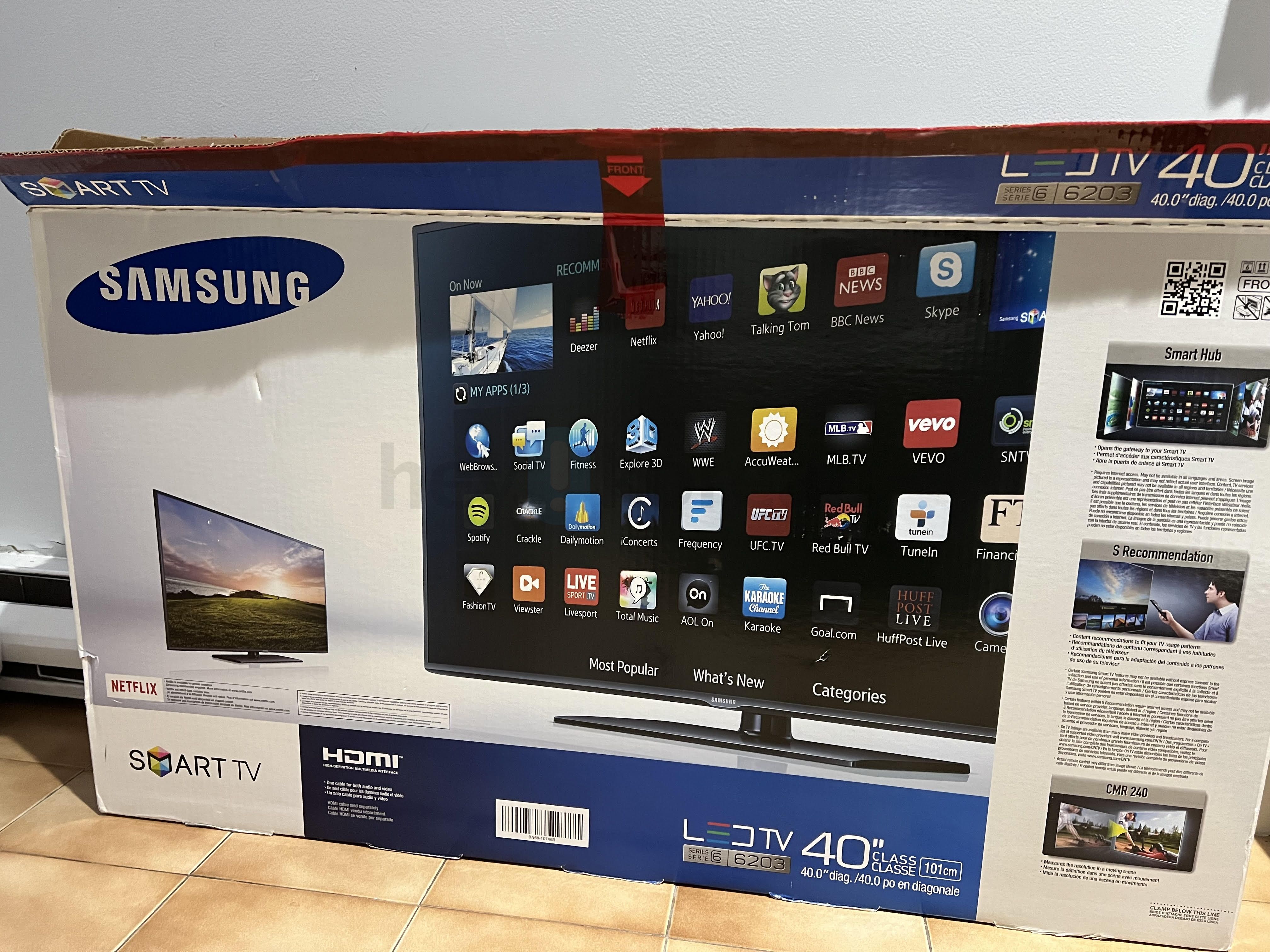
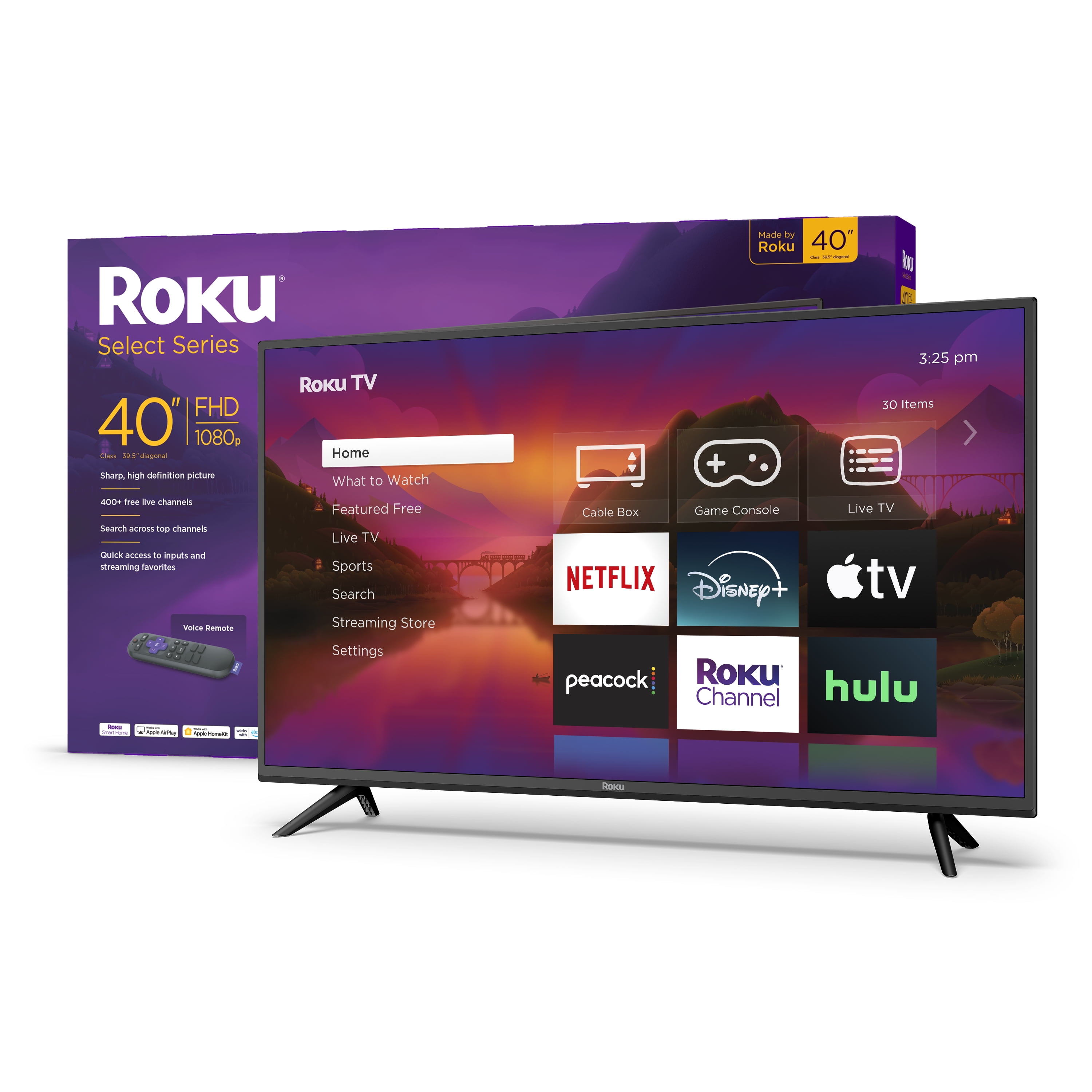
A 40-inch smart TV is the ideal middle-ground solution for viewers who require more screen real estate than a standard 32-inch monitor but lack the wall space for a massive 55-inch display. These units typically feature Full HD or 4K resolution and integrated streaming platforms, making them perfect for bedrooms, kitchens, or small apartments where versatility and compact design are prioritized.
Understanding the 40-Inch Form Factor in the Modern Home
In 2026, the television market remains dominated by ever-increasing screen sizes, yet the 40-inch smart TV persists as a critical "utility" size. While 55-inch and 65-inch models serve as the centerpiece of dedicated home theaters, the 40-inch class fills the gap for secondary viewing areas. Measuring approximately 35 inches wide and 20 inches tall, these sets are designed to fit onto standard dressers, small desks, or recessed wall nooks where larger panels would look cramped or physically overlap architectural features.
The primary appeal of this size class lies in its ergonomics. For a 40-inch screen, the optimal viewing distance is approximately 3.5 to 5.5 feet. This makes it a preferred choice for dorm rooms or studio apartments where the seating is naturally closer to the screen. Furthermore, the 40-inch category often provides a significantly better cost-to-performance ratio than the ultra-small 24-inch or 32-inch sets, which frequently compromise on panel quality and smart features to hit rock-bottom price points.
Despite being a "secondary" size, modern 40-inch smart TVs have inherited many features from their larger counterparts. Manufacturers like Samsung, TCL, and Hisense continue to refine the LED-LCD technology used in these panels, ensuring that users do not have to sacrifice smart functionality or connectivity just because they are buying a smaller screen.
Resolution and Display Technology: Full HD vs. 4K
When shopping for a 40-inch smart TV in 2026, the first major technical decision involves choosing between Full HD (1080p) and Ultra HD (4K) resolution. Because the screen is relatively small, the pixel density of a 1080p panel is often sufficient for casual viewing. However, the industry has shifted toward 4K as the standard for any screen 40 inches or larger to provide a "future-proof" experience.
The Case for 1080p (Full HD)
Full HD models are generally more affordable and are perfectly adequate for watching cable news, standard streaming, or older DVD collections. At 40 inches, individual pixels are difficult to distinguish from five feet away, meaning the perceived sharpness is quite high. These models also tend to use less power and generate less heat, which can be a minor but relevant consideration for small, enclosed spaces like a kitchen cabinet or an RV.
The Rise of 4K (Ultra HD)
If you plan to use your 40-inch smart TV for gaming or as a secondary PC monitor, 4K is highly recommended. The increased resolution allows for much clearer text rendering and finer detail in high-budget streaming content from platforms like Netflix or Disney+. Furthermore, 4K models are more likely to support High Dynamic Range (HDR). While "budget HDR" on small screens rarely matches the peak brightness of high-end OLEDs, it still offers better color depth and contrast than standard definition sets.
Panel Types: VA vs. IPS
Display technology in this size usually falls into two categories: Vertical Alignment (VA) and In-Plane Switching (IPS). VA panels are common in 40-inch sets and are prized for their high contrast ratios and deep blacks, which are ideal for watching movies in a dark bedroom. Conversely, IPS panels offer wider viewing angles, meaning the picture stays accurate even if you are looking at the TV from the side—a crucial feature for a TV mounted in a kitchen where you might be moving around while cooking.
Smart Platforms and User Experience
The "smart" in smart TV refers to the operating system (OS) pre-installed on the device. In 2026, the landscape is defined by three dominant platforms: Roku TV, Google TV (formerly Android TV), and Fire TV. Each offers a different user experience, and your choice should align with the ecosystem you already use.
- Roku TV: Widely considered the most user-friendly, Roku uses a simple, grid-based interface. It is excellent for those who want a "no-frills" experience and value a robust search engine that scans across all streaming apps to find the lowest price for a movie or show.
- Google TV: This platform is highly personalized. It uses sophisticated algorithms to suggest content based on your viewing history across various apps. It also integrates seamlessly with Google Assistant, allowing you to control your smart home devices directly from your 40-inch TV.
- Fire TV: Built by Amazon, this OS is ideal for Prime members. It features deep integration with Alexa and is heavily geared toward Amazon’s own content library, though it supports all major third-party apps like Hulu and YouTube.
Processing power is a hidden but vital spec. Lower-end 40-inch TVs may use older, slower processors, leading to "laggy" menus and slow app loading times. When evaluating a model, look for mentions of "quad-core" processors or updated hardware versions to ensure a fluid navigation experience.
Essential Connectivity and Port Standards
Connectivity is often where manufacturers cut corners on smaller TVs, but a high-quality 40-inch smart TV should not leave you stranded. In 2026, the standard requirement for a versatile setup includes at least three HDMI ports.
- HDMI 2.1 and eARC: Even in smaller sizes, look for at least one HDMI port that supports eARC (Enhanced Audio Return Channel). This allows you to send high-quality audio from the TV back to a soundbar or receiver using a single cable.
- USB Ports: These are essential for powering streaming sticks (if you don't like the built-in OS) or playing local media files from a thumb drive.
- Wireless Standards: Ensure the TV supports Wi-Fi 5 (802.11ac) or Wi-Fi 6 for stable 4K streaming. Bluetooth connectivity is also a significant "plus," allowing you to pair wireless headphones for private listening late at night without disturbing others in the house.
Audio Performance and External Solutions
Physics dictates that thin, 40-inch TVs cannot house large, deep-bass speakers. Most sets in this category feature dual 8-watt or 10-watt speakers that fire downward or backward. While these are sufficient for dialogue-heavy content like news or sitcoms, they often sound "thin" or "tinny" when playing cinematic scores or action sequences.
To improve the experience, many users pair their 40-inch smart TV with a compact soundbar. Because the TV itself is roughly 35 inches wide, a small 2.0 or 2.1 channel soundbar fits perfectly between the TV’s stand legs. If you are mounting the TV on a wall, a slim soundbar mounted underneath can provide a much fuller soundstage without taking up additional floor space.
Comparison of Popular 40-Inch Smart TV Specifications (2026 Models)
| Feature | Entry-Level Model (e.g., TCL S-Series) | Mid-Range Model (e.g., Vizio D-Series) | Premium Compact (e.g., Samsung QLED 40") |
|---|---|---|---|
| Resolution | 1080p Full HD | 1080p or 4K | 4K Ultra HD |
| Panel Type | LED-LCD (VA) | LED-LCD (VA/IPS) | QLED (Quantum Dot) |
| Smart OS | Roku or Google TV | SmartCast / Google TV | Tizen OS |
| HDMI Ports | 2 Ports (HDMI 2.0) | 3 Ports (1 eARC) | 3-4 Ports (HDMI 2.1) |
| HDR Support | Basic HDR10 | HDR10, HLG | HDR10+, Dolby Vision |
| Refresh Rate | 60Hz | 60Hz | 60Hz (with Motion Smoothing) |
| Best For | Kitchens / Guest Rooms | Dorms / General Use | Gaming / PC Monitor Use |
Common Usage Scenarios for 40-Inch Displays
The versatility of the 40-inch smart TV allows it to function in roles that larger TVs simply cannot fill.
The Ultimate Dorm or Studio Solution
For students or city dwellers in micro-apartments, the 40-inch TV serves as both an entertainment hub and a productivity tool. It is large enough to host a small group for a movie night but small enough to sit on a standard desk. Many users in 2026 utilize the "Game Mode" settings found on these TVs to reduce input lag, making them excellent displays for consoles like the PlayStation 5 or Xbox Series S.
The Home Office Companion
With the continued prevalence of remote work, many professionals use a 40-inch smart TV as a secondary monitor. By mounting it on the wall above a laptop or primary monitor, users can keep video conferences, news feeds, or reference documents visible at all times. When the workday ends, the "smart" features allow for an instant transition to entertainment without needing to boot up a computer.
The Kitchen and Workout Hub
In the kitchen, a 40-inch TV is small enough to be mounted under a high cabinet or in a corner. It provides a large enough screen to follow recipe videos from YouTube or watch the morning news from a distance. Similarly, for home gyms, this size is ideal for following high-intensity interval training (HIIT) videos or yoga sessions, providing clear visuals without requiring the floor space of a massive entertainment center.
Frequently Asked Questions
Is a 40-inch smart TV big enough for a living room?
For a very small living room or a "snug" where the seating is within five feet of the wall, a 40-inch TV is adequate. However, for a standard-sized living room where the sofa is 8 to 10 feet away, a 40-inch screen may feel too small, and a 50-inch or 55-inch model is generally recommended for a more immersive experience.
Can I use a 40-inch smart TV as a computer monitor?
Yes, but with caveats. If you choose a 4K model, the text clarity will be excellent for office work. However, ensure the TV has a "PC Mode" or "Game Mode" to reduce input lag (the delay between moving your mouse and the cursor moving on the screen). Also, be aware that TVs generally have lower refresh rates and different color processing than dedicated monitors.
Do 40-inch smart TVs support 120Hz for gaming?
As of 2026, it is very rare to find a native 120Hz panel in the 40-inch size class. Most are limited to a 60Hz refresh rate. While they are compatible with the latest gaming consoles, they will not be able to display games at 120 frames per second. For competitive gamers, a dedicated 27-inch or 32-inch gaming monitor is a better choice.
How do I mount a 40-inch smart TV?
Most 40-inch TVs use a standard VESA mounting pattern (typically 100x100mm or 200x200mm). Because these TVs are lightweight (usually between 12 and 18 pounds), you do not need a heavy-duty mount. A simple tilting or full-motion articulated wall mount will suffice, allowing you to adjust the angle for the best viewing position.
Does a 40-inch smart TV need a 4K HDMI cable?
If your TV is 4K, you should use a "High Speed" or "Premium High Speed" HDMI cable (HDMI 2.0 or 2.1) to ensure you can stream 4K content at 60 frames per second with HDR enabled. If the TV is only 1080p, any standard HDMI cable from the last decade will work perfectly.
Selecting Your Next Display
When making your final decision, prioritize the environment where the TV will live. If the room has significant natural light, look for a model with a higher "nit" brightness rating or an anti-glare coating. If you are buying for a bedroom where you will mostly watch at night, prioritize a VA panel for its superior contrast. Always verify the dimensions of your intended furniture or wall space before purchasing, leaving at least an inch of clearance on all sides for ventilation. For the best longevity in 2026, opting for a 4K model with a recognized smart platform like Google TV or Roku will ensure that your 40-inch smart TV remains a functional and enjoyable part of your home for years to come.