360 video, also known as omnidirectional or immersive video, is a format that records a view in every direction simultaneously. Unlike traditional fixed-frame video, it allows viewers to control their perspective, looking up, down, or behind them during playback, creating a spherical environment for an unparalleled sense of presence.
Understanding the Foundations of 360-Degree Video
The concept of 360 video relies on capturing a full 360-degree horizontal and 180-degree vertical field of view. To achieve this, specialized hardware utilizes multiple lenses—ranging from two "back-to-back" fisheye lenses on consumer models to arrays of six or more sensors on professional rigs. Each lens captures a specific segment of the environment, which is later "stitched" together into a single continuous file.
In 2026, the standard for high-quality 360 video has shifted significantly toward higher resolutions and frame rates. Because the total pixel count of a 360-degree file is spread across an entire sphere, a 4K 360 video often appears pixelated when viewed through a headset or on a large screen; the actual "view window" the user sees is only a fraction of that 4K canvas. Consequently, 8K has become the baseline for consumer-grade immersion, while professional productions frequently target 12K or higher to maintain clarity in headsets like the Apple Vision Pro and Meta Quest 4.
The way these videos are stored is typically through an equirectangular projection. Much like a flat map of the Earth (the Mercator projection), an equirectangular video stretches the poles of the sphere to fit a rectangular frame. When played back in a specialized player, the software "wraps" this rectangle back into a sphere, correcting the distortion and allowing for natural navigation.
Hardware Essentials: Cameras and Sensors in 2026
Choosing the right hardware depends entirely on the intended output. The 360 camera market in 2026 is divided into three distinct tiers: consumer/vlogger cameras, prosumer rigs, and high-end cinematic systems.
Consumer cameras, such as the latest iterations of the Insta360 and GoPro Max series, focus on portability and ease of use. These devices typically feature two lenses and onboard AI-driven stitching. The most significant advancement in this category recently has been the integration of 1-inch sensors into compact bodies, which has drastically improved dynamic range and low-light performance—areas where 360 cameras historically struggled.
Professional systems involve larger sensor arrays that minimize "parallax" errors. Parallax occurs when objects are too close to the camera, causing a visible break or "seam" where the images from two different lenses meet. By using more lenses with overlapping fields of view, professional rigs can create a seamless sphere even in tight indoor spaces.
| Feature | Consumer Grade | Prosumer / Professional | Cinematic / Broadcast |
|---|---|---|---|
| Typical Resolution | 5.7K to 8K | 8K to 12K | 12K+ (Stereoscopic) |
| Sensor Size | 1/2-inch to 1-inch | 1-inch or Micro Four Thirds | Full Frame / S35 |
| Stitching Type | In-camera or App | Software-based (Optical Flow) | Manual/High-precision AI |
| Typical Storage | Single/Dual MicroSD | Multi-card SSD | External Server/High-speed SSD |
| Price Range | $400 - $900 | $2,000 - $6,000 | $15,000+ |
The Production Pipeline: From Capture to Stitching
The workflow for 360 video differs fundamentally from traditional filmmaking. Since the camera sees everything, there is no "behind the camera." This presents a unique set of challenges for the director and crew.
Pre-Production and Placement
In 360 video, the camera is effectively the viewer. Placing the camera at eye level is standard for maintaining a natural feel. If the camera is too high, the viewer feels like a floating giant; too low, and they feel like a child or an insect. Lighting must be carefully hidden, often disguised as practical lights within the scene (like lamps or ceiling fixtures) because traditional softboxes would be visible in the shot.
The Stitching Process
Stitching is the most critical technical step in 360 production. In 2026, AI-powered optical flow stitching has become the industry standard. This technology analyzes pixels at the edges of overlapping frames and warps them dynamically to hide seam lines. This is particularly important when subjects move across the stitch line. While consumer cameras do this automatically, professional editors use tools like Mistika VR or specialized plugins for Adobe Premiere Pro to fine-tune the alignment.
Editing and Reframing
One of the most popular uses for 360 video is "reframing." This allows editors to shoot everything in 360 degrees and then "direct" the shot in post-production, choosing exactly where a traditional flat camera would look. This eliminates the need for a cameraman to follow the action perfectly during the shoot. However, for true immersive playback (VR), the video is exported as a full sphere.
Monoscopic vs. Stereoscopic: Choosing the Right Depth
A major point of disambiguation in the 360 world is the difference between monoscopic and stereoscopic video.
- Monoscopic 360: This is the most common format. It uses a single spherical image that is the same for both eyes. It is easier to shoot, stitch, and edit. It works perfectly on mobile phones (using the gyroscope to look around) and provides an immersive but "flat" experience in VR headsets.
- Stereoscopic 360 (3D 360): This format provides a different image for each eye, simulating depth. It mimics the way human vision works, making objects feel like they have actual volume. Stereoscopic 360 is significantly more difficult to produce because the stitch lines must be perfect for both eyes to avoid causing motion sickness. This is the preferred format for high-end VR documentaries and virtual tourism.
In 2026, the rise of spatial computing has increased demand for stereoscopic content, as headsets are now capable of rendering the high bitrates required for comfortable 3D viewing. However, monoscopic remains the standard for social media platforms like YouTube and Facebook due to its lower bandwidth requirements.
The Role of Spatial Audio in Immersive Media
A truly immersive 360 video is only half complete without Spatial Audio (specifically Ambisonics). Traditional stereo audio (left/right) does not work in a 360 environment because as the viewer turns their head, the sound should stay anchored to its source in the virtual space.
If a car honks "behind" the viewer in the video, and the viewer turns around to look at it, the sound should transition to being "in front" of them. Most professional 360 cameras now include four-capsule microphone arrays to capture sound from all directions. During the edit, this audio is encoded in an Ambisonics format (B-format), which platforms like YouTube and Meta Quest use to calculate the real-time audio orientation based on the user's head position.
Distribution and Viewing: Where to Share 360 Content
The distribution landscape for 360 video has matured significantly by 2026. While specialized apps used to be required, most modern web browsers and social media platforms support 360 playback natively.
- YouTube: Remains the dominant platform for 360 video. It supports up to 8K resolution and spatial audio. Its "VR mode" allows users to easily switch between mobile viewing and headset viewing.
- Meta Quest / Vision Pro: These platforms offer the most immersive way to consume 360 content. Apps like "YouTube VR" or native media players allow for a "giant screen" or "full environment" experience.
- Social Media: Platforms like Facebook and specialized 360 hosting sites allow for "magic window" viewing, where mobile users can tilt and move their phones to see different parts of the scene without a headset.
For creators, it is vital to follow the YouTube 360-degree video specifications regarding metadata. Without the correct "spatial media" metadata injected into the file, platforms will treat the video as a flat, distorted equirectangular clip rather than a navigable sphere.
Common Challenges and Troubleshooting
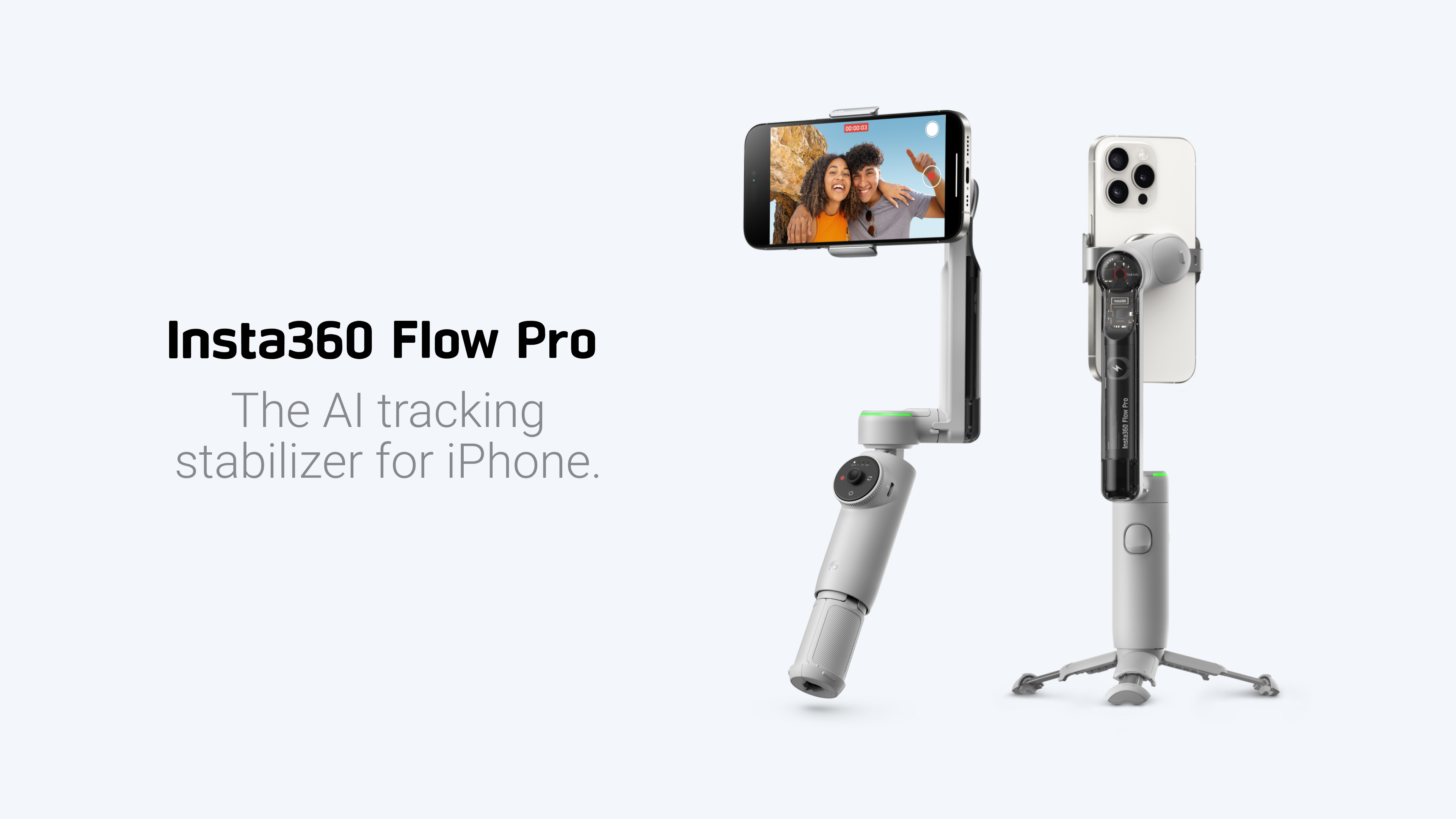
Despite the advancements in 2026, 360 video production still faces technical hurdles. One common issue is motion sickness. This occurs when the camera moves in a way that contradicts the viewer's inner ear—such as rapid zooming or shaky handheld movement. To prevent this, 360 creators almost always use motorized gimbals or specialized stabilization software like Insta360’s FlowState.
Another challenge is data management. An 8K 360 video at a high bitrate can easily exceed 1GB per minute of footage. Producers must invest in high-speed V60 or V90 SD cards and substantial cloud or NAS storage solutions. When troubleshooting "blurry" footage, the culprit is often not the camera but the bitrate or the viewing platform's compression settings.
FAQ
Can I watch 360 videos without a VR headset?
Yes, 360 videos can be viewed on smartphones, tablets, and desktop computers. On a mobile device, you can look around by physically moving the device or swiping the screen. On a desktop, you use your mouse to click and drag the view. While a headset provides the most immersion, "magic window" viewing is the most common way 360 content is consumed.
What is the best resolution for 360 video?
In 2026, 8K is considered the standard for a clear experience. Anything below 5.7K tends to look soft or blurry when viewed in a headset because the pixels are stretched over a 360-degree sphere. For professional cinematic work, 12K is often preferred to ensure that the user's current "field of view" (roughly 90-110 degrees) remains at least 4K quality.
How do I edit 360 video?
Most 360 cameras come with proprietary software (like Insta360 Studio or GoPro Player) for basic edits and stitching. For more advanced production, Adobe Premiere Pro and DaVinci Resolve have built-in VR editing modes. These allow you to apply transitions, text, and effects that wrap correctly around the sphere without looking distorted.
Does 360 video require special internet speeds?
Yes, streaming 360 video, especially in 8K, requires a much higher bandwidth than standard 1080p or 4K video. A stable connection of at least 50-100 Mbps is recommended for smooth 8K 360 playback. Many platforms use "tiled streaming," which only loads the part of the sphere you are currently looking at in high resolution to save bandwidth.
Next Steps for 360 Creators
To begin working with 360 video, start by identifying your primary goal. If you are looking to capture action sports or travel vlogs, a consumer-grade camera with robust stabilization is the best entry point. Focus on learning the "invisible tripod" technique and mastering mobile editing apps. For those moving into professional virtual tours or documentary filmmaking, prioritize high-resolution sensors and invest time in learning Ambisonic audio recording. As spatial computing becomes more integrated into daily life in 2026, mastering the sphere is no longer just a niche skill—it is the future of digital storytelling.