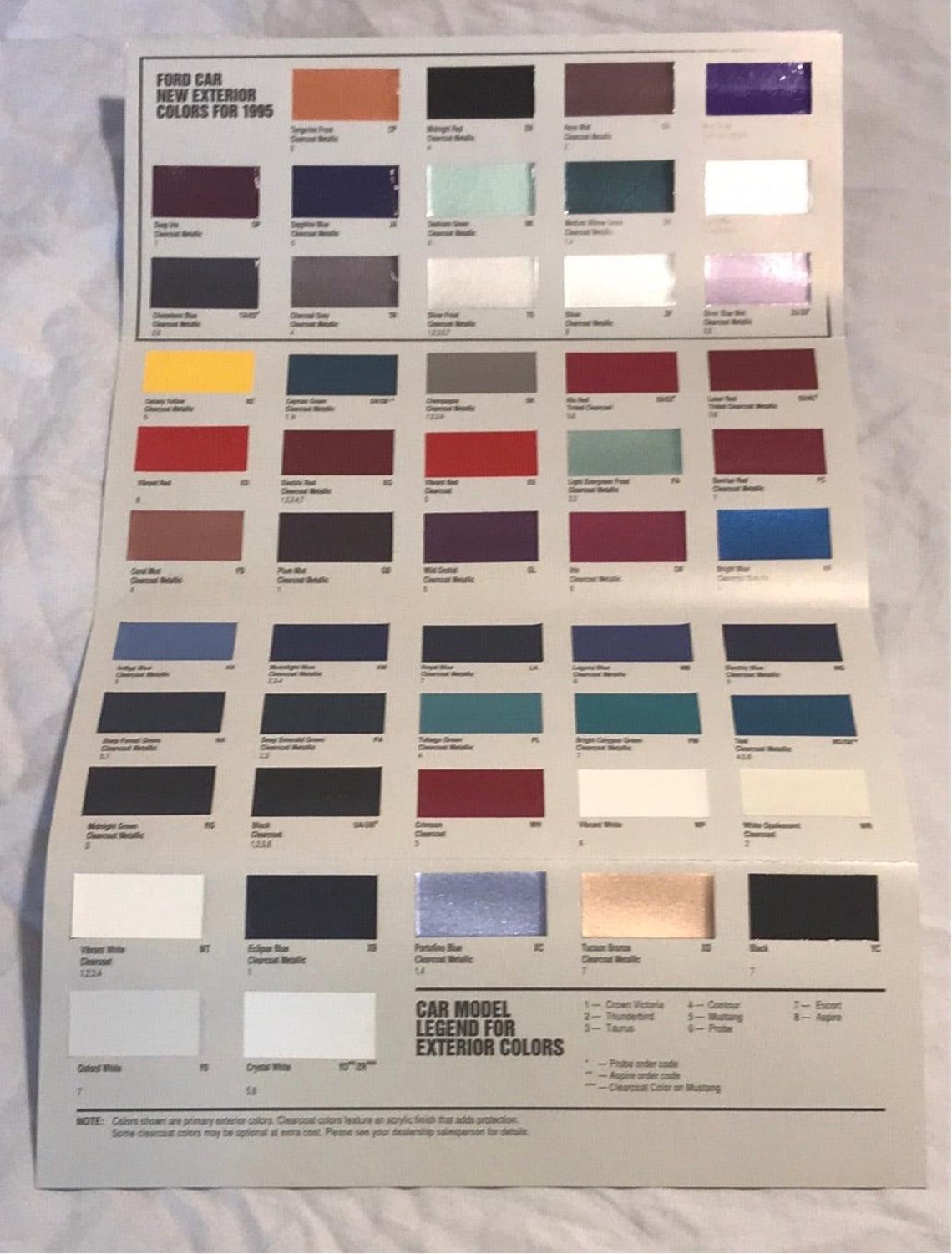
The term "1995 color" typically refers to the standardized color models, digital color spaces, and multimedia specifications established around 1995, a pivotal period when the transition from analog media to consumer digital color workflows matured. This era laid the foundational calibration methods for computer monitors, early digital photography, and desktop publishing systems that remain relevant for historical preservation and legacy media restoration.
The Technological Landscape of Color in 1995
In 1995, the personal computing and multimedia industries experienced a massive shift toward standardized color representation. Before this period, computer displays operated largely on proprietary or inconsistent color palettes, making accurate color reproduction across different monitors nearly impossible. The introduction of the sRGB (standard Red Green Blue) color space in late 1996 by Hewlett-Packard and Microsoft was built upon the hardware and software standards developed and tested through the mid-1990s.
During 1995, operating systems like Microsoft Windows 95 and Apple's System 7.5 integrated color management systems (such as Apple ColorSync and early ICM profiles) into the core operating environment. These tools allowed graphic designers and prepress professionals to maintain color fidelity from scanner to monitor to printed output. The focus shifted from raw device-dependent values to profile-based color spaces, ensuring that an RGB value displayed on a Trinitron CRT monitor closely matched the intended output on a printing press.
Color Models and Prepress Standards of the Mid-1990s
Professional workflows in 1995 relied heavily on specific color models to bridge the gap between additive monitor displays and subtractive printing processes. The two dominant frameworks were RGB for digital display and CMYK (Cyan, Magenta, Yellow, Key/Black) for offset printing.
The standardization of PostScript Level 2 and the rapid adoption of Adobe Photoshop 3.0 (released in late 1994, which introduced layers and revolutionized prepress work) meant that 1995 color practices required precise calibration hardware. Colorimeters and spectrophotometers from companies like GretagMacbeth and X-Rite became standard tools in design studios. These devices measured monitor phosphors against standardized illuminants, typically D65 (6500K daylight) for screens and D50 (5000K) for viewing booths in print shops.
Key Milestones in 1995 Color Technology
- Integration of ICC Profiles: The International Color Consortium (ICC), founded in 1993, finalized core architecture concepts by 1995, establishing the cross-platform profile format still used to define device color characteristics.
- Expansion of Display Bit Depths: The standard shifted rapidly from 8-bit (256 colors) and 16-bit high color to 24-bit true color (16.7 million colors), made affordable by breakthroughs in video RAM (VRAM) pricing.
- Web Safe Color Palette: Concurrently, the Netscape browser and system palettes popularized the "Web Safe" 216-color palette to handle the limitations of 8-bit displays common among internet users in the mid-1990s.
The Role of the Web Safe Palette in 1995 Design
With the explosive growth of the World Wide Web in 1995, web designers faced severe technical constraints. Most consumer computers could only display 256 simultaneous colors. When an image contained colors outside a computer's active palette, operating systems used dithering—placing pixels of different colors close together to simulate intermediate shades—often resulting in grainy or distorted visuals.
To combat this, the web development community adopted a standardized subset of 216 colors that remained consistent across Macintosh and Windows operating systems running on 8-bit hardware. These colors were mathematically derived by combining red, green, and blue values in increments of 51 (hexadecimal values 00, 33, 66, 99, CC, and FF). Understanding this restriction is crucial for anyone restoring mid-1990s digital art, websites, or multimedia CD-ROMs, as modern wide-gamut displays render these legacy palettes with different saturation levels than the original CRT hardware.
Comparing Mid-1990s Color Standards and Modern Workflows
Navigating legacy digital archives requires a clear understanding of how 1995 color environments differ from contemporary color-managed pipelines. The table below outlines the core technical divergences between mid-1990s standards and modern digital imaging.
| Technical Parameter | Mid-1990s Standards (c. 1995) | Modern Digital Standards (2026) |
|---|---|---|
| Primary Display Gamut | CRT Phosphors (approx. sRGB equivalent) | sRGB, Display P3, Adobe RGB, Rec. 2020 |
| Typical Display Bit Depth | 8-bit (indexed) to 24-bit True Color | 30-bit (Deep Color) to 36-bit HDR |
| Standard Color Management | Early ICC v1/v2, Apple ColorSync, Windows ICM | Advanced ICC v4, hardware LUT calibration |
| Web Color Constraint | 216-bit Web Safe Palette for 8-bit displays | Unrestricted 24-bit True Color and CSS gradients |
| Target White Point | D50 (Print) / D65 (Web/Desktop CRT) | D65, adaptable native display points, HDR peaks |
Common Challenges in Restoring 1995 Digital Assets
Restoring digital files, graphic designs, or software assets created in 1995 presents distinct technical hurdles. Modern operating systems and wide-gamut displays interpret legacy unmanaged files differently than the original hardware.
Files created without embedded ICC profiles often default to the monitor profile of the creation machine, which was typically an uncalibrated CRT. Consequently, blues may appear overly vibrant, and shadow details can become crushed when opened in modern asset management software. Archivists must manually assign legacy color spaces—such as approximating an uncalibrated sRGB or applying custom profiles derived from historical monitor specifications—to restore the creator's original intent. Furthermore, indexed color images from 1995 often suffer from banding artifacts when converted to modern color spaces without proper interpolation.
How to Verify and Convert Legacy Color Profiles
If you are working with digital assets, graphic design files, or scanned prints from the mid-1990s, follow this structured verification and conversion workflow to ensure accurate color reproduction:
- Inspect File Metadata: Check the file headers and embedded metadata to identify whether an early ICC profile or a device-specific color space was attached during creation.
- Identify the Source Medium: Determine if the asset originated from a digital web source (likely relying on the 216-color web safe palette) or a desktop publishing environment (likely CMYK or tagged RGB).
- Open in a Color-Managed Editor: Load the file into a professional imaging application (such as Adobe Photoshop or GIMP) with color management policies enabled.
- Assign the Legacy Profile: If the colors appear washed out or oversaturated, use the "Assign Profile" command to test standard sRGB or uncalibrated monitor profiles from the 1990s era rather than immediately converting them.
- Proof for Modern Displays: Soft-proof the asset against modern display standards (like Display P3) to gauge how the limited palette of 1995 interacts with contemporary high-brightness, wide-gamut screens.
Frequently Asked Questions About 1995 Color
What was the Web Safe color palette in 1995?
The Web Safe palette was a standardized set of 216 colors that appeared consistently without dithering across both Macintosh and Windows computers operating on 8-bit (256-color) graphics cards. It was established to ensure predictable web design during the mid-1990s internet expansion.
How do 1995 color standards differ from sRGB?
While sRGB was formalized shortly after 1996 based on mid-1990s hardware norms, 1995 systems frequently lacked universal color management. Many digital files from that year were tied to the specific physical characteristics of individual CRT monitor phosphors rather than a mathematical standard like sRGB.
Why do old digital images from 1995 look too dark on modern screens?
Computers in 1995 typically utilized CRT monitors with a native gamma of 2.5, whereas modern operating systems and displays often target a gamma of 2.2 or higher dynamic range standards. This gamma discrepancy causes mid-1990s graphics to appear darker and more contrasted on contemporary hardware.
How can I properly archive design files from the mid-1990s?
To archive 1995 design assets accurately, you should embed standard sRGB or Adobe RGB profiles into the files while preserving a backup copy of the original unmanaged data. Documenting the original creation software and hardware specifications also aids future restoration efforts.
Are 24-bit color displays common in 1995?
True color (24-bit) displays capable of rendering 16.7 million colors were commercially available in 1995 for professional workstations and high-end PCs, but many consumer machines were still limited to 8-bit or 16-bit color due to hardware costs.
Best Practices for Preserving Mid-1990s Visual Media
When managing digital archives, historical website restorations, or legacy corporate branding assets originating from 1995, avoid automated batch conversions that strip raw file structures. Maintain an unedited master copy of every file alongside a migration log detailing the assumed color temperature, gamma correction, and palette limitations. By respecting the hardware constraints and calibration limitations of the era, you can preserve the historical integrity of 1995 visual media for future analysis and exhibition.